9 Best AI Transcription Tools for Meetings (2026)
Explore the best AI transcription tools for meetings in 2026. From accuracy to privacy, find the right fit with our detailed comparison, featuring DeepScribe as a standout option.

DeepScribe Team
Content Team
9 Best AI Transcription Tools for Meetings (2026)
Accurate transcription is easy; capturing insights and action items is where the real challenge begins. For teams tired of lost details and discrepancies in meeting notes, AI transcription tools offer an invaluable solution. Among them, DeepScribe stands out for teams seeking fast, speaker-labeled transcripts, complete with summaries and export options—all while ensuring robust privacy measures.
In today’s ever-evolving landscape, the demand for bot-free, compliant, and integrative transcription tools is surging. By 2026, these requirements will become even more pronounced, with trends pushing toward offline solutions and tighter CRM integrations. This blog not only provides a comprehensive list of the top transcription tools but also equips you with a practical scoring rubric to make an informed decision. Dive in to find the best tool tailored to your needs, and see why DeepScribe emerges as the optimal choice for most teams.
Why DeepScribe Leads in AI Transcription
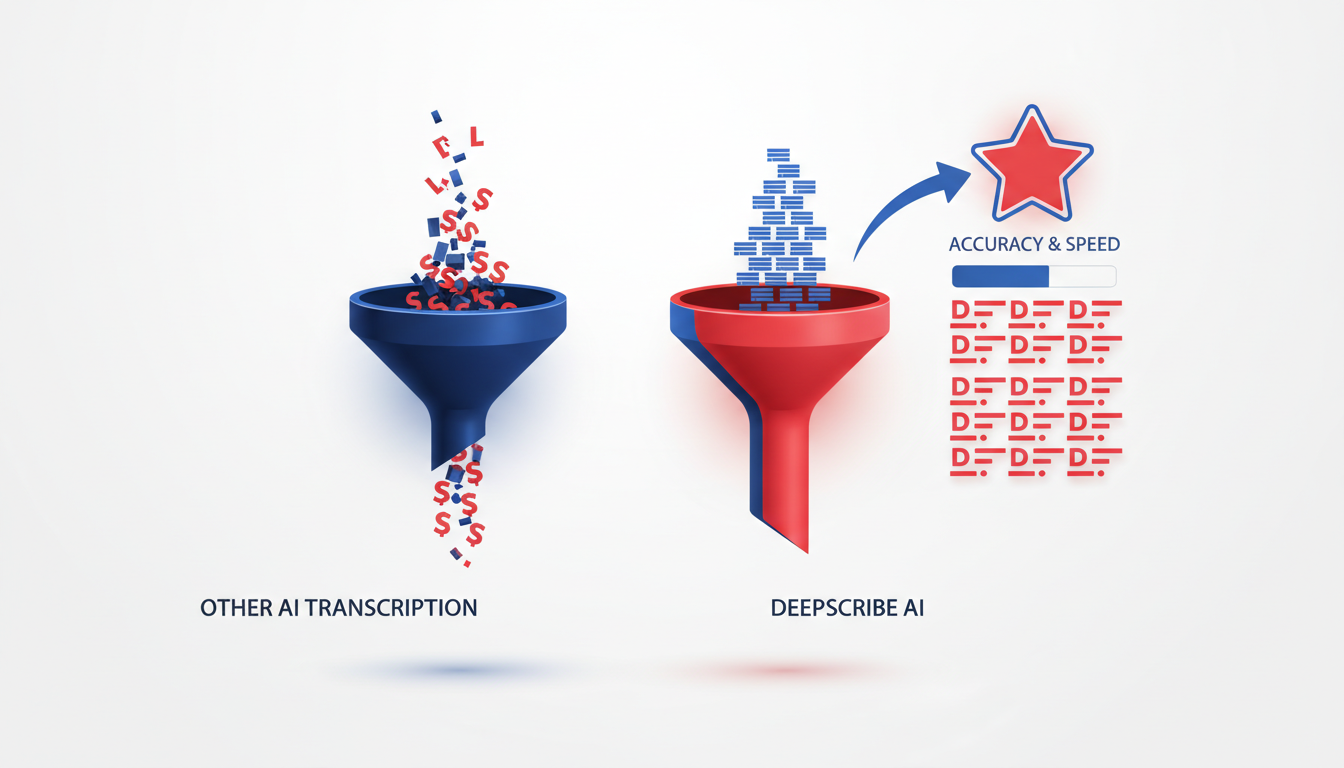
In the world of meeting transcription software, DeepScribe emerges as the champion for teams seeking precise speaker labeling and actionable insights. What sets it apart? Let’s dive into the features that make DeepScribe an unrivaled choice.
Speaker Labeling and Action Items
DeepScribe excels at identifying and tagging each speaker, ensuring that “who said what” is never a mystery. This capability is crucial for teams tired of sorting through generic transcripts trying to attribute dialogue accurately. Moreover, DeepScribe’s AI goes beyond just transcribing by extracting action items and key takeaways from conversations. This means you not only get a record of what was discussed, but you also walk away with a practical list of next steps, complete with task owners and deadlines.
Robust Security Features
In today’s privacy-conscious environment, DeepScribe’s security features are hard to beat. With end-to-end encryption, your data stays protected from upload to transcription. Automatic auto-deletion once processing is complete ensures no lingering files, addressing common privacy concerns. DeepScribe also boasts a SOC 2 Type II compliance, giving you confidence that your sensitive information is handled with the utmost care.
Comprehensive Export Options
When it comes to sharing and archiving, DeepScribe offers a range of export formats, including DOCX, PDF, SRT, and VTT. Whether you need detailed meeting minutes or captions for a video project, DeepScribe provides flexible formats to suit various needs. With these options, teams can seamlessly integrate transcriptions into their workflows or collaborate across different platforms without missing a beat.
A Balanced Choice for Teams
At its core, DeepScribe strikes a balance between speed, accuracy, and functionality — all while keeping your data secure. For teams looking to streamline meeting workflows with reliable speaker labeling and actionable outputs, DeepScribe stands out as the top choice.
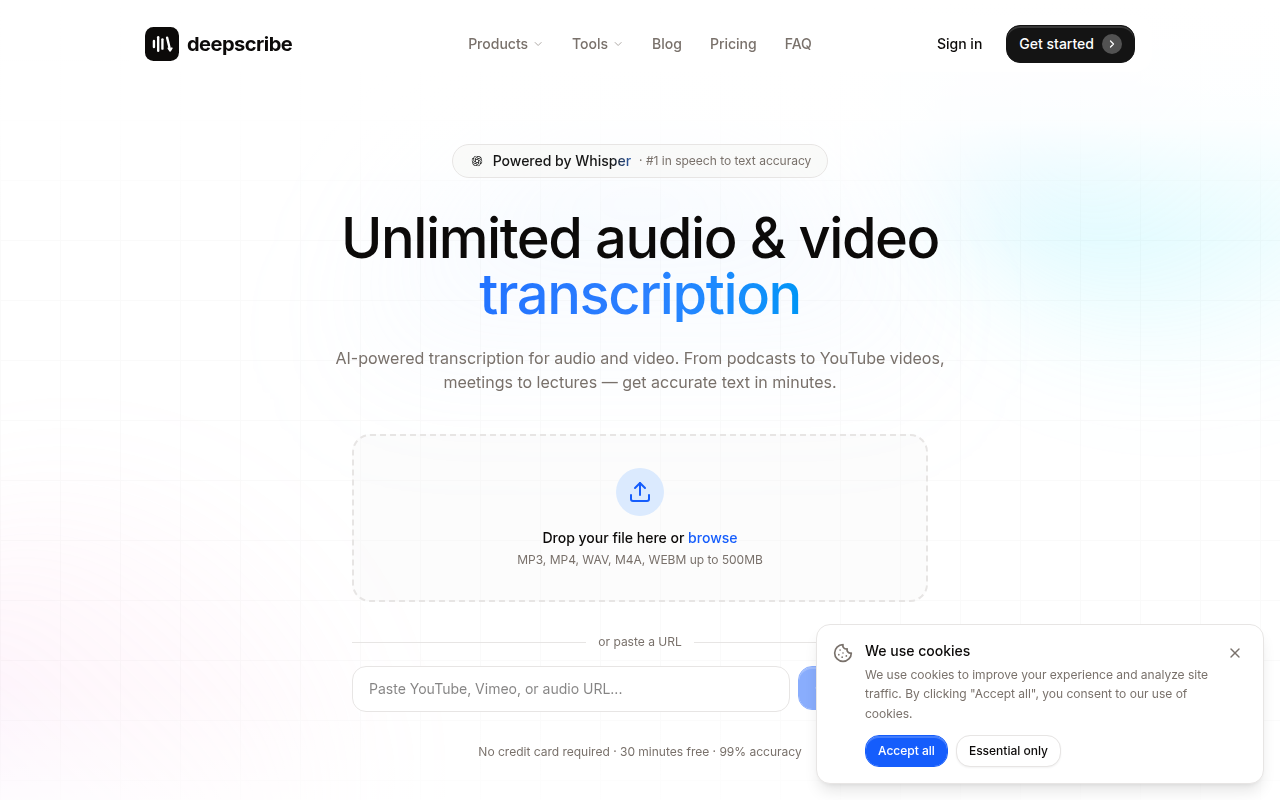
For more details on how DeepScribe can transform your transcription needs, explore the DeepScribe blog for related how-tos and deeper insights into their innovative AI solutions.
Our Evaluation Criteria for Top AI Transcription Tools
When evaluating the top AI transcription tools for meetings, we focus on several critical features that ensure these platforms meet the needs of modern organizations. Here’s a deep dive into our criteria:
Accuracy
Accuracy is paramount in transcription tools, especially for capturing complex conversations with multiple speakers. Misinterpretations can lead to misunderstandings and lost information. DeepScribe, powered by OpenAI’s Whisper, boasts a 99% accuracy rate which is crucial for handling accents, technical jargon, and background noise. The high accuracy ensures that every word is captured correctly, providing a reliable record of meetings.
Speaker Labels
Speaker labels are another essential feature, helping teams discern who said what during a meeting. This is particularly important for tracking responsibilities and ensuring accountability. DeepScribe excels in this area by providing speaker-labeled transcripts, making it easy to attribute comments and actions accurately to the right individuals. This feature supports clarity and prevents any mix-up in fast-paced discussions.
Privacy
With growing concerns around privacy and data security, features like end-to-end encryption and botless functionality are non-negotiable. Many organizations are interested in bot-free transcription options for enhanced privacy. DeepScribe incorporates strong privacy measures including SOC 2 Type II compliance and automatic deletion of data post-processing, ensuring that sensitive meeting information is safe from unauthorized access.
Comparison Table
To give a clear snapshot of how top tools compare, here's a structured look at their capabilities:
Tool Name | Accuracy | Speaker Labels | Privacy Features |
|---|---|---|---|
DeepScribe | 99% | Yes | E2E Encryption, SOC 2 Type II |
Otter.ai | High | Yes | Moderate (based on context) |
Krisp | High | Limited | Focus on noise cancellation |
Fireflies.ai | High | Yes | Standard privacy controls |
Jamie | Moderate | Limited | Strong bot-free options |
“Jamie is perfect if you hate bots… bot-free transcription with AI assistant.” – Jamie AI 2026
Our evaluation focuses on these key areas, ensuring you choose the best transcription tool that balances accuracy, speaker recognition, and privacy. For more on how these features perform in real-world scenarios, explore more on DeepScribe’s blog.
Quick Comparison: AI Meeting Transcription Tools
Navigating the landscape of AI meeting transcription tools in 2026 can feel daunting, but with our comprehensive comparison, finding the right tool is a breeze. Here's a scannable table showcasing standout features of each tool we're exploring:
Tool Name | Key Feature Highlights | Best For | Pricing |
|---|---|---|---|
DeepScribe | Speaker-labeled transcripts, action items, multilingual support, E2E encryption, SOC 2 Type II compliance | Teams needing speed and accuracy | $0 - $99/month |
Otter.ai | Over 25M users, real-time transcription, team collaboration | Large teams focused on live interactions | $8.33/month (basic) |
Krisp | Unlimited free transcription, noise cancellation | Small teams seeking affordability | Free tier available |
Fireflies.ai | Transcription in 69+ languages, sentiment analysis | Multilingual and sentiment analysis needs | Varies by usage |
Jamie | Bot-free transcription, AI assistant | Privacy-focused teams | Check website for details |
Key Insights:
DeepScribe shines with its lightning-fast processing and robust security posture, making it the go-to for teams needing speaker-labeled transcripts and actionable insights without compromise.
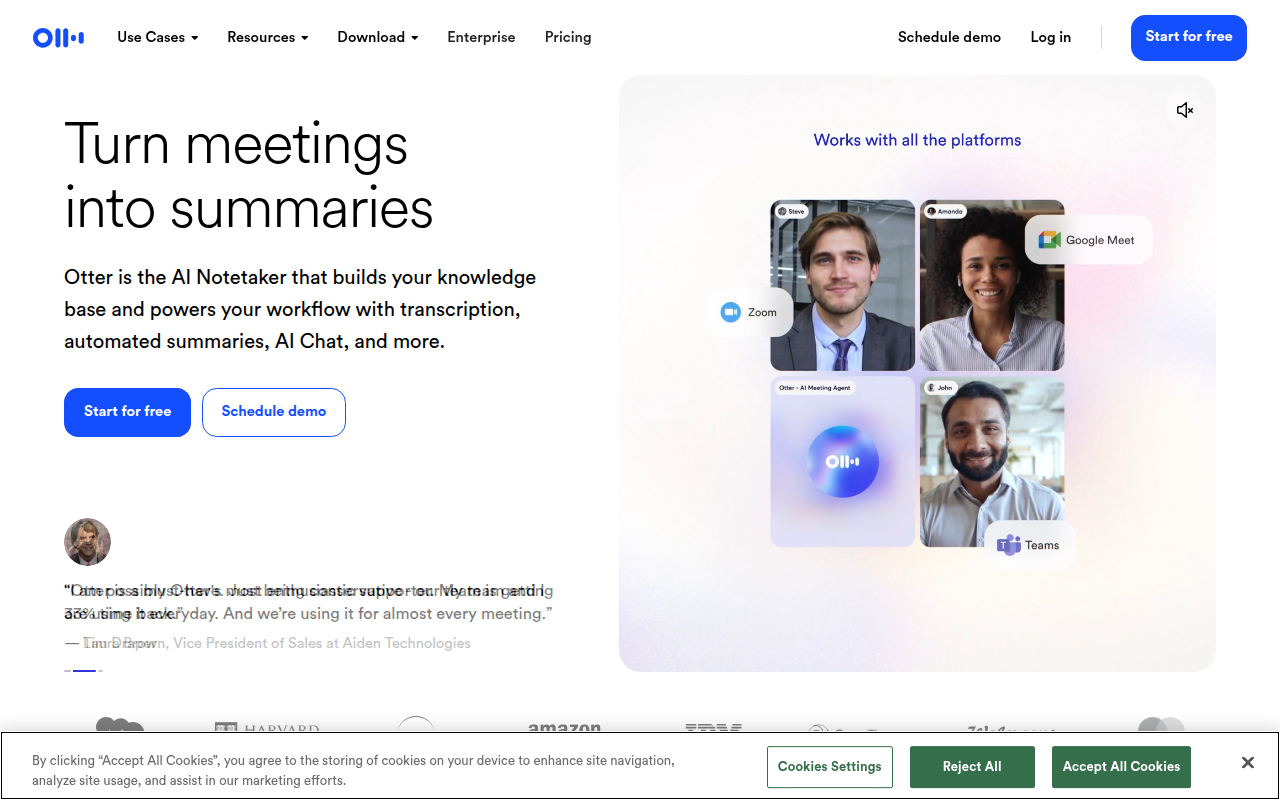
Otter.ai offers a Google Docs-like experience for real-time editing by over 25 million users, ideal for teams valuing collaboration. According to a review by Wondertools, "Otter shines during live meetings with instant transcription that your whole team can edit."
Krisp, recognized for providing a "distraction-free environment," offers unlimited free AI transcription and excels in noise cancellation, as noted in Krisp's 2025 analysis.
Fireflies.ai supports 69+ languages and includes sentiment analysis, catering to diverse language needs.
Jamie and VOMO are emerging as favorites in the bot-free transcription space due to increased privacy requirements.
Each tool aligns with specific user needs, whether it's privacy, collaboration, or multilingual support. Carefully consider these aspects to find the best fit for your team.
1. Otter.ai — Instant Transcription with Editable Notes
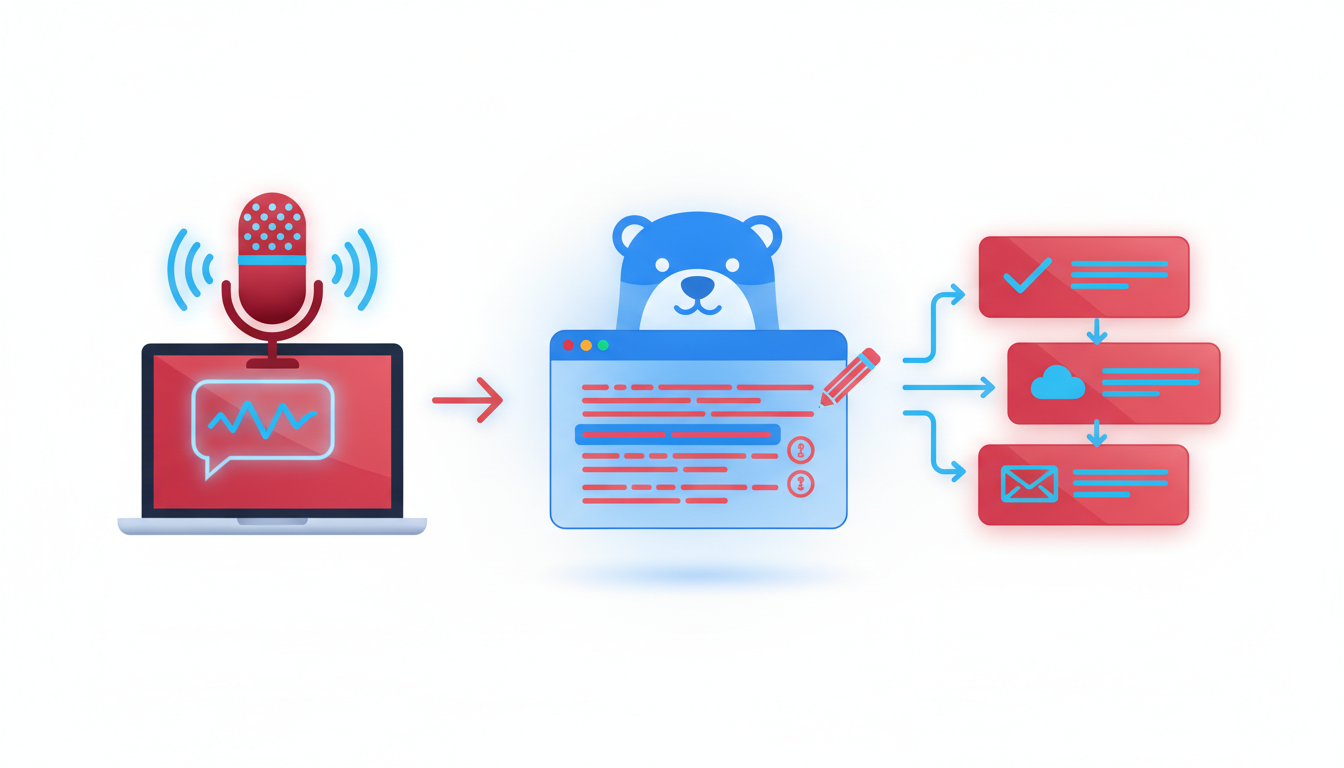
Otter.ai has carved out a significant niche in the AI transcription landscape, boasting over 25 million users and achieving more than $100 million in annual recurring revenue. This tool is a favorite for teams that thrive on collaboration, providing real-time transcription capabilities that allow users to edit transcripts on the fly—much like Google Docs for meeting notes.
Otter's standout feature is indeed its live transcription, where users can witness their spoken words transform into text instantaneously. This is especially beneficial during meetings, enabling entire teams to engage with the content live and make adjustments or annotations as necessary. This shared editing capability fosters a collaborative environment, ensuring that nothing is lost in translation from voice to text.
"Otter shines during live meetings with instant transcription that your whole team can edit... like Google Docs for meeting notes." – Wondertools review
Best For: Collaborative Teams
Otter is particularly well-suited for teams needing collaborative note-taking solutions. With its capacity for instant, editable notes, team members can focus on the discussion rather than the minutiae of manual note-taking, thereby increasing productivity and accuracy.
What it Does Well
Collaboration: Teams can edit transcripts in real-time, removing the bottleneck often created by waiting for one person to compile notes post-meeting.
User Base: With a massive, growing community, Otter has proven its reliability and scalability across various industries.
Ease of Use: The platform’s simple interface and Google Docs-like functionality make it intuitive even for first-time users.
Watch-Outs
While Otter offers an impressive suite of features for live transcription, it's important to remain aware of privacy concerns associated with cloud-based transcription services. For teams prioritizing privacy, evaluating Otter against other options—especially those with enhanced security and offline capabilities—might be necessary.
Ideal Workflow
Incorporate Otter into your meetings by enabling its transcription feature at the start of every session. Allow team members to revise and annotate the transcription to capture essential details and action items collaboratively. This process not only improves the clarity of notes but also democratizes information capture, ensuring diverse perspectives are reflected in meeting records.
Overall, Otter.ai’s comprehensive package of live, editable transcription positions it as an excellent fit for teams seeking a seamless, collaborative meeting experience.
2. Krisp — Distraction-Free Environment
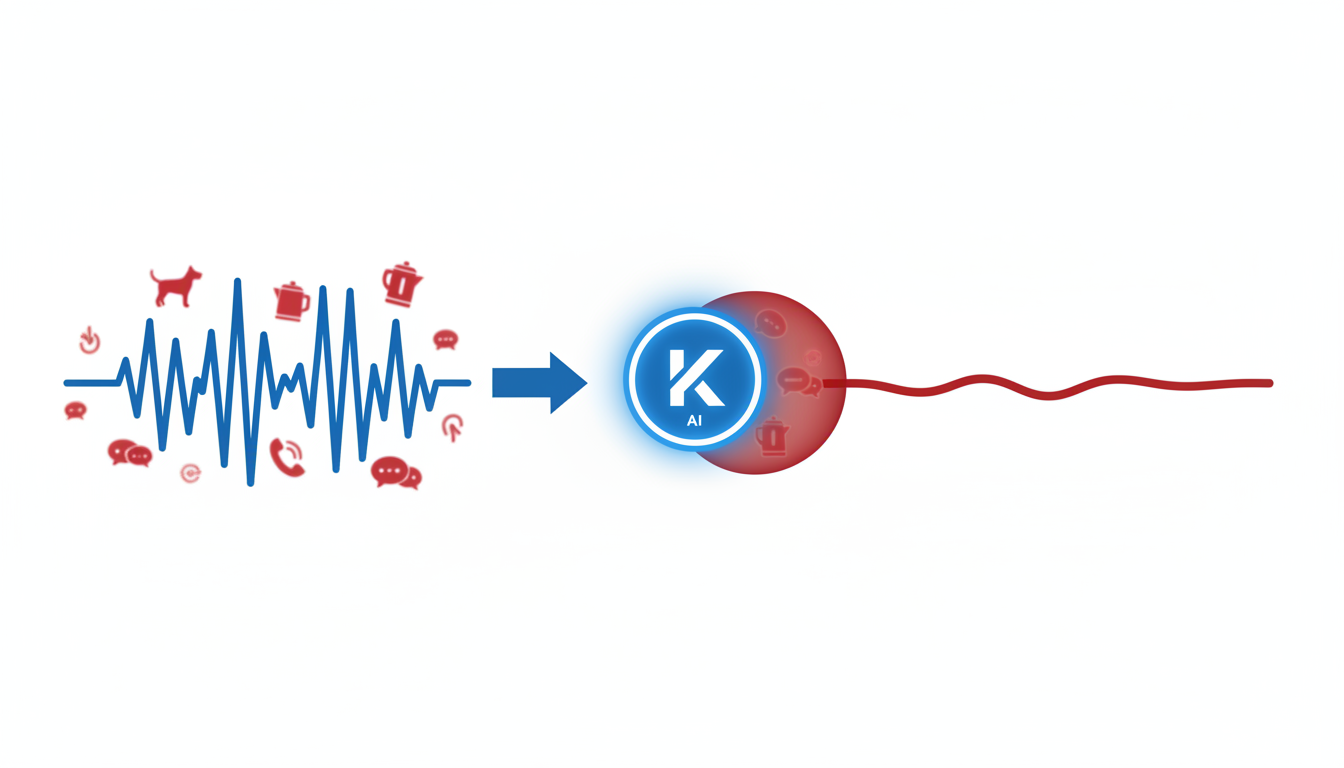
Krisp stands out with its unlimited free transcription capabilities paired with advanced noise cancellation technology. Designed for environments where background noise can disrupt clarity, Krisp ensures that audio inputs are crisp, which is crucial for accurate transcription. Imagine sitting in a bustling office or working from a noisy home environment—Krisp minimizes these distractions, enabling clearer recordings that benefit transcription accuracy.
"Krisp excels in providing a distraction-free environment... unmatched convenience and accuracy for businesses." — Krisp 2025 analysis.
Krisp's noise cancellation feature works wonders for those who often find themselves in less-than-ideal acoustic settings. Whether it’s an open-plan office with multiple conversations happening at once or a home scenario with household noises, Krisp ensures that the primary speaker's voice is captured cleanly, leading to higher transcription accuracy. This capability is invaluable in maintaining focus during meetings and ensuring that only pertinent information is transcribed.
Moreover, Krisp offers unlimited AI transcription in its free plan, making it an enticing option for businesses and individuals alike who want to experiment with automated transcription without committing to a paid service upfront. This is particularly beneficial for startups or small teams aiming to test transcription services without budget constraints.
Designed to suit professional environments, Krisp not only enhances audio clarity but also delivers accurate transcriptions quickly. Users needing to focus on content without the hassle of manual edits benefit greatly because the software significantly reduces background noise, thereby increasing transcription reliability.
In conclusion, Krisp is best suited for environments where noise reduction is paramount. Its unlimited free transcription feature provides a robust entry point for those new to AI transcription tools, while its noise cancellation technology supports businesses in achieving seamless audio clarity. This makes it an excellent choice for any team looking to maintain a distraction-free meeting environment.
3. Fireflies.ai — Multilingual Capabilities
In the diverse world of global communication, Fireflies.ai stands out with its robust multilingual transcription capabilities. Whether you're managing teams across continents or dealing with international clients, this tool can transcribe meetings in 69+ languages, making it an invaluable resource for any global team.
Multilingual Mastery
One of Fireflies.ai's stellar features is its ability to handle an extensive range of languages without losing accuracy. With support for 69+ languages, it ensures that language barriers become a thing of the past, accommodating various accents and dialects with ease. This feature is crucial for teams that operate in multinational environments, where clear communication is paramount.
“Transcribers like Fireflies.ai have become indispensable for international teams. Their capability to handle multiple languages with ease reflects the growing demand for accurate multilingual communication tools.” — Industry Expert Insight
Sentiment Analysis and Custom Vocabulary
Beyond just transcription, Fireflies.ai offers sentiment analysis, helping teams understand the tone and emotional context of conversations. This can be particularly beneficial for sales and customer service teams trying to gauge client satisfaction or identify potential issues. Moreover, the tool includes options for a custom vocabulary, allowing users to tailor the software to recognize industry-specific jargon. This customization is a significant advantage for fields that frequently use technical language, such as medical or legal sectors.
Ideal for Global Teams
Fireflies.ai excels in environments where multilingual and technical transcriptions are a daily necessity. It empowers teams by providing clear and accurate transcriptions, helping maintain alignment and productivity across language barriers. With this tool, meeting minutes transform into actionable insights, accessible to everyone, regardless of their native language.
For those seeking a transcription solution that bridges linguistic divides and enhances cross-cultural communication, Fireflies.ai offers undeniable benefits. Its combination of wide language support, sentiment detection, and customizable vocabulary makes it indispensable for truly global operations.
4. Jamie — Bot-Free Transcription
When privacy is your top concern, Jamie is the standout choice for bot-free transcription. As the demand for privacy-centric solutions grows, Jamie is at the forefront, offering a unique approach where an AI assistant transcribes meetings without deploying external bots. This innovation caters to privacy-conscious users who want to keep their data secure while still benefiting from advanced AI capabilities.
Unlike traditional bot-driven tools, Jamie operates seamlessly, ensuring that your meeting transcriptions are free from external interference. This method aligns perfectly with the increasing shift towards privacy in 2026, as more organizations become wary of potential data breaches associated with bot-operated tools. This is part of a rising trend where tools like Jamie and VOMO are leading the charge due to mounting privacy demands.
“Jamie is perfect if you hate bots... bot-free transcription with AI assistant.” – Jamie AI 2026 review
For teams focused on compliance and data security, Jamie's bot-free environment offers peace of mind. The AI assistant transcribes meetings without sending data to external servers, a feature aligning well with new privacy regulations and internal data policies many companies are adopting today. This setup is particularly advantageous for sectors where confidentiality is paramount, such as legal and healthcare.
Jamie also excels in delivering accurate transcriptions with clear speaker labels, making it easier to track who said what during meetings—a common pain point for managers. Despite being bot-free, Jamie doesn’t compromise on integration capabilities. It connects with various collaboration tools to ensure smooth workflow integrations, embracing the growing trend of enhanced CRM and collaboration app links.
In summary, if you're looking for a transcription service that respects your need for privacy without sacrificing functionality, Jamie is a compelling option. As enterprises continue to navigate the balance between technological advancement and data privacy, Jamie proves that you don't have to compromise one for the other.
5. 2026 Trends in AI Transcription Tools
In 2026, several pivotal trends are reshaping the landscape of AI transcription tools, driving innovation and altering buyer priorities. Let's delve into these transformative shifts.
Rising Demand for Bot-Free Transcription
As privacy concerns mount, the demand for bot-free meeting notes is escalating. Tools like Jamie and VOMO are gaining traction by offering transcription without intrusive bots, catering to users wary of data security risks associated with constant monitoring. These bot-free solutions ensure that clients maintain control over their data, aligning with current privacy regulations and consumer expectations. The allure of bot-free options is clear: they provide a sense of security and peace of mind, particularly for industries that handle sensitive information.
Growth in Offline/Self-Hosted Tools for Compliance
Another significant trend is the expansion of self-hosted transcription solutions. As more companies adopt remote work models, there's a growing emphasis on privacy and compliance. Self-hosted tools allow organizations to manage their transcription processes internally rather than relying on third-party servers, mitigating risks associated with data breaches. These solutions are particularly appealing to industries with stringent compliance requirements, such as healthcare and finance, where data sovereignty is critical. The ability to operate offline while maintaining control over data flow is set to make these tools indispensable.
Enhanced CRM and Collaboration Integrations
Finally, the integration of transcription tools with CRM and collaboration platforms is accelerating. AI transcription is no longer just about converting speech to text; it's about embedding this functionality into existing workflows to boost productivity. By integrating deeper into CRM systems and collaboration apps, transcription tools facilitate seamless data flow and enhance team coordination. For instance, automatically logging meeting transcripts and actions items directly into CRM software can streamline sales follow-up processes and improve customer relationship management. As collaboration becomes increasingly digital, these integrations are crucial for creating cohesive, efficient workflows.
These trends highlight a future where AI transcription tools are more secure, flexible, and integrated into our work lives, paving the way for continued innovation and enhanced functionality.
Decision Shortcuts: Picking the Right Tool
Choosing the right AI transcription tool can feel like navigating a maze, but with a few key criteria, you can make a confident decision. Let’s dive into top recommendations based on specific needs.
If accuracy is your top priority, choose Otter.ai. Boasting over 25 million users and generating more than $100 million in annual recurring revenue, Otter has established itself as a leader in the transcription space. Its real-time transcription allows entire teams to edit notes collaboratively, akin to Google Docs for meeting notes. This is ideal for teams requiring immaculate accuracy and live editing capabilities, especially during dynamic discussions.
Privacy-focused? Go for Jamie. A rising star in the bot-free space, Jamie meets increasing privacy demands by removing bots from the transcription process. Its AI assistant ensures robust privacy without sacrificing the convenience of automated transcription. Jamie is perfect if you're concerned about data privacy but still need efficient transcription services for sensitive meetings.
For multilingual capabilities, opt for Fireflies.ai. Supporting transcription in over 69 languages, alongside custom vocabulary and sentiment analysis, Fireflies.ai is your go-to for international teams. This tool excels in environments rich in linguistic diversity and ensures nuanced understanding across varied languages.
Each tool shines in different areas, so consider what your team values most—be it accuracy, privacy, or language support. With these focused insights, your choice can now align seamlessly with your team's specific needs.
Frequently Asked Questions
What is the most accurate AI transcription tool?
DeepScribe is noted for its high accuracy, particularly for speaker labeling and action items.
Which AI tool offers the best privacy features?
Jamie is acclaimed for bot-free operations, enhancing privacy.
Are there AI transcription tools for multiple languages?
Yes, Fireflies.ai supports over 69 languages with custom vocabulary options.
How do AI transcription tools handle speaker labels?
Most top tools, like DeepScribe, use advanced AI for precise speaker identification.
What trends will shape AI transcription tools in 2026?
Bot-free transcription, self-hosted deployments, and CRM integrations are key trends.
Final Thoughts
To wrap up our exploration of the best AI transcription tools for meetings in 2026, here are the key takeaways:
Essential Features: Accuracy, speaker labels, extraction of action items, and flexible export formats are critical for a seamless transcription experience.
Top Tool by Scenario: DeepScribe stands out as the most balanced choice, excelling in accuracy, speed, and privacy. It caters well to diverse needs, from small teams to large organizations.
Next Steps: Ready to optimize your meeting documentation? Try DeepScribe today. For more insights on workflows and features, explore the DeepScribe blog.
Embrace the power of AI transcription to transform how your team captures and acts on meeting insights.
Written by

DeepScribe Team
Content Team
The DeepScribe content team shares insights on audio transcription and AI technology.
Related Articles
Continue reading about this topic
7 Best Tools for Top AI Meeting Transcription
Discover the top AI meeting transcription tools that enhance productivity and streamline workflows. Learn why DeepScribe stands out.

DeepScribe Team
February 25, 2026 · 19 min read · 5,250 words