7 Best Audio Summarizers for Busy Professionals
Explore the best audio summarizers designed for extracting decisions, tasks, and key points, ideal for busy professionals handling meetings, lectures, and podcasts.

DeepScribe Team
Content Team
7 Best Audio Summarizers for Busy Professionals
In a world where audio content—from meetings to podcasts—constantly streams into our lives, professionals face the challenge of extracting actionable insights from long recordings. The audio streaming market, projected to skyrocket from USD 129.24 billion in 2025 to USD 1,082.1 billion by 2035, underscores the need for efficient audio summarization tools. But not all summaries are created equal. Professionals need tools that go beyond a mere summary, focusing on decision coverage, task capture, and key-point recall.
This blog post introduces a straightforward evaluation rubric tailored for busy professionals seeking reliable audio summarizers. By ranking seven leading tools based on their ability to cover decisions, capture tasks, and recall key points, along with transcript quality features like speaker ID and timestamps, we aim to empower readers with the ability to choose the right tool for their specific workflow. From meeting follow-ups to lecture notes and podcast summaries, discover how each tool can transform audio into actionable insights. Special attention is given to DeepScribe, the transcript-backed, execution-first option, designed to deliver precision and efficiency in fast-paced professional environments.
Introduction: Why Audio Summaries Matter More Than Ever
In today's fast-paced digital world, the audio streaming market is booming, projected to soar from USD 129.24 billion in 2025 to a staggering USD 1,082.1 billion by 2035, with a 23.2% CAGR. It's not just music that's driving this growth; audiobooks, podcasts, and meetings contribute significantly. The audiobook market alone is expected to grow to between USD 35.47 billion and USD 67.58 billion by 2030–2033. With such explosive growth, it's no wonder busy professionals find themselves inundated with audio content.
Yet, with this deluge of information comes a new challenge: extracting the critical insights that truly matter—decisions, tasks, and key points—without getting lost in the noise. Enter the world of audio summarizers, essential tools for transforming long recordings into actionable insights.
Why is a reliable audio summarizer crucial? Consider a typical professional's schedule: back-to-back meetings, lectures, and an endless stream of podcasts. Re-listening to lengthy recordings is neither practical nor efficient. Instead, professionals need summaries that highlight crucial decisions, assign tasks, and clarify key points. Anything less risks missing essential details—or worse, missing the decision that drives the next step.
Here's where the quality of audio and transcript verification comes into play. As Sonix points out, “Prioritize audio quality for better transcription accuracy.” A clear, verified transcript ensures that summaries capture the full context. Additionally, tools equipped with speaker identification and timestamps provide clarity in multi-speaker scenarios, guaranteeing that decisions are correctly attributed.
The demand for AI tools is also on the rise, with the market projected to grow from USD 1,046 million in 2024 to USD 2,260 million by 2034. More than ever, professionals are turning to AI-driven solutions not just for efficiency, but for accuracy in capturing actionable insights.
DeepScribe, for instance, harnesses AI-powered transcription to deliver detailed audio summaries. By providing speaker-labeled transcripts, it offers an edge in understanding who said what, allowing users to quickly zero in on critical aspects. Moreover, tools like DeepScribe take it further, offering action items and exportable outputs to facilitate easy sharing and follow-up.
In essence, the landscape of audio content is vast and ever-growing. But with the right audio summarizer, navigating through this sea of information becomes not only possible but efficient. By prioritizing decision-making capabilities and ensuring solid transcript verification, busy professionals can confidently rely on these tools to distill their audio content into meaningful insights—a necessity in today’s information-rich world.
Creating a Practical Evaluation Framework
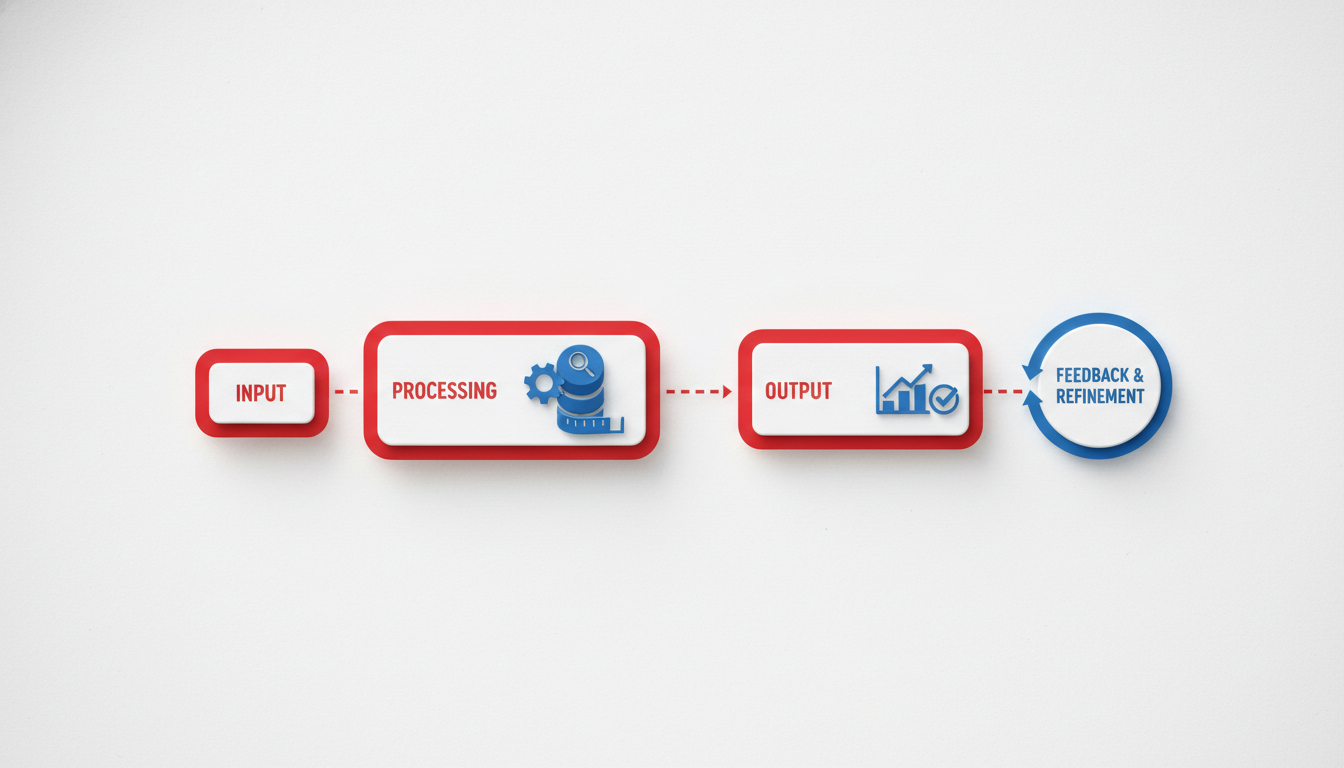
In today’s fast-paced professional world, drowning in audio files can feel overwhelming. Whether you're a manager struggling to keep up with endless meeting recordings or a student aiming to capture every detail of a lecture, the need for a reliable audio summarizer is universal. But how do you choose the right tool? Enter our practical evaluation framework, designed to help you focus on what truly matters: extracting meaningful decisions, capturing tasks, and recalling key points—all backed by high-quality transcripts.
Decisions, Tasks, Key Points Scoring Rubric
The crux of any useful audio summarizer lies in its ability to identify and extract actionable insights. Our framework centers on a scoring rubric that emphasizes three core elements:
- Decisions: Can the tool effectively capture who decided what? In a meeting context, knowing which decisions were made and who is responsible is crucial for follow-ups.
- Tasks: Does the summarizer extract clear tasks with assigned owners? Identifying actionable items is essential for keeping projects on track.
- Key Points: How well does the tool condense the conversation into digestible highlights? Capturing key points helps refresh your memory without replaying the entire audio.
This rubric allows users to evaluate how well a tool transforms recordings into actionable insights, making it invaluable for busy professionals.
Transcript Navigability Signals
Equally important is how easily you can navigate through transcripts. Key navigability signals include:
- Speaker Identification (ID): Knowing who said what brings clarity, especially in multi-speaker environments. This feature is critical for meetings and interviews.
- Timestamps: These allow you to jump directly to specific moments, saving you from sifting through hours of content to find essential details.
- Entities: Recognizing names, dates, and places can significantly enhance the relevance of a summary, making it easier to search and cross-reference information later.
Takeaway: "Incorporate timestamps and entities for better navigation and fact-checking." This insight emphasizes how crucial these features are for effective decision-making.
Applying the Framework in 10 Minutes
Time is of the essence, so we've designed a protocol that enables you to evaluate an audio summarizer in just 10 minutes:
Select a Known Recording: Choose an audio file you’re familiar with—a recent meeting or lecture.
Apply the Tool: Use the summarizer to transcribe and summarize this recording.
Assess the Outputs:
- Check for Decisions and Tasks: Review if the tool accurately captures decisions and tasks.
- Review Key Points: Ensure the summary includes the most critical highlights.
- Evaluate Navigation Features: Test speaker identification, timestamp accuracy, and whether entities are well-recognized.
Compare with Your Notes: Match the summary against your notes for completeness and accuracy.
By following this protocol, you can quickly determine if a tool meets your needs without falling into the ‘demo bias’ trap, where a tool seems impressive only in a controlled demonstration but lacks in real-world application.
Understanding how audio quality and verification processes affect transcription accuracy is vital. As professionals increasingly rely on AI-powered tools like DeepScribe, ensuring these tools deliver reliable results is paramount. "Prioritize audio quality for better transcription accuracy," a crucial insight that can’t be ignored, emphasizes starting with quality inputs for refined outputs.
Finally, consider the right tool for your task, whether you need it for meeting follow-ups, lecture study notes, or podcast show notes. By focusing on decisions, tasks, and key points while ensuring robust navigability, you'll transform audio summarizing from a chore to a strategic advantage.
Comparison Table of the Top Audio Summarizers
In today's fast-paced world, finding the right audio summarizer can be a game-changer for busy professionals. With multiple options available, it’s essential to select a tool that reliably extracts decisions, tasks, and key points. Let's dive into a quick comparison of the top 7 tools on the market, focusing on output structure, accuracy, and best use cases.
| Tool | Best For | Output Structure | Accuracy | Use Case |
|---|---|---|---|---|
| DeepScribe | Multi-purpose use | Speaker-labeled transcripts, action items, summaries | Whisper-powered 99% accuracy | Meetings, lectures, podcasts |
| Otter.ai | Meeting notes | Conversation insights and collaborative notes | High for English | Team meetings |
| Sonix | Media transcription | Time-stamped transcripts, SRT/VTT exports | Accented speech handling | Podcasts, video content |
| Temi | Quick transcriptions | Simple transcripts | Moderate | Interviews, quick recordings |
| Rev | Human-level accuracy | Text, captions, translations | Very high | Content creation, media production |
| AssemblyAI | Developer integrations | Highly customizable audio processing | High | Custom software applications |
DeepScribe stands out by offering a robust solution with Whisper-powered accuracy, ensuring transcripts are reliably accurate. It excels at identifying speakers, managing various audio qualities, and supporting diverse use cases—from meetings and lectures to podcasts. Perfect for professionals who need nuanced content captured with precision.
On the other hand, tools like Otter.ai are particularly suited for creating transcript-based meeting notes with a focus on collaboration. Sonix impresses with its ability to handle accented speech and produce exportable subtitle formats, making it ideal for media professionals.
For straightforward, quick transcription needs, Temi provides simple outputs fast, although its accuracy might lag for complex audio. Rev offers perhaps the highest accuracy with human transcriptionists, supporting intricate content projects in media production.
Lastly, AssemblyAI provides a unique angle by offering developer-centric solutions for integrating audio processing capabilities into custom applications—ideal for tech-savvy organizations needing bespoke solutions.
Each tool has its strengths; however, for those seeking a comprehensive transcript-backed solution that highlights decisions and action items, DeepScribe emerges as a top option. Its versatility across different types of audio content ensures that busy professionals can trust the insights extracted, making task capture and key-point recall seamless and efficient.
DeepScribe: Best for Transcript-Backed Summaries
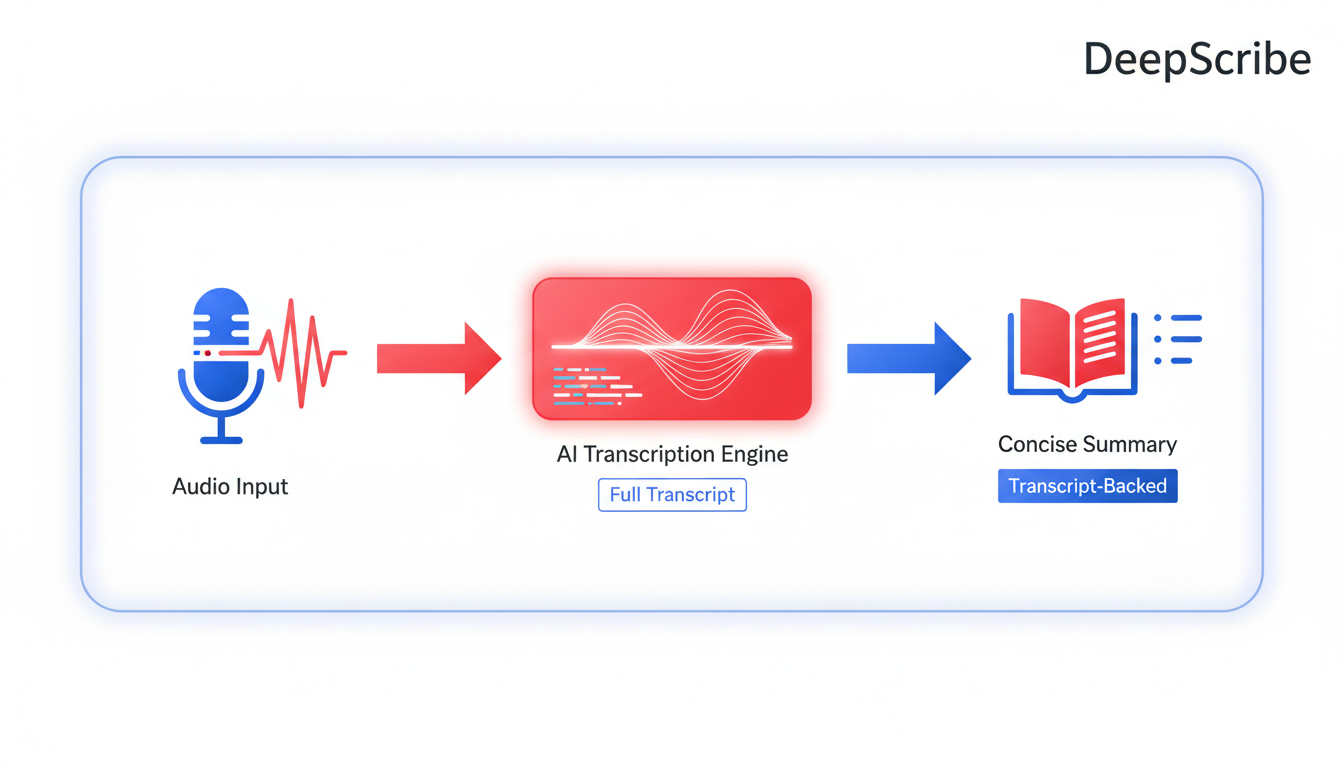
When it comes to transcript accuracy, DeepScribe truly stands out. Utilizing the Whisper model, it boasts an impressive 99% accuracy rate. This ensures that even in noisy environments or with speakers who have varying accents, your transcription remains precise. This high level of accuracy is crucial for busy professionals who rely on detailed records of meetings to make informed decisions.
DeepScribe not only provides accuracy but also excels in speaker labeling. In meetings or multi-speaker environments, knowing who said what can be a game-changer. This feature is especially useful for professionals who need to track specific decisions and attributions—making it easy to follow up on action items and assigning responsibilities accurately.
For those who need export flexibility, DeepScribe offers a range of options. You can export your transcripts in TXT, PDF, SRT, and more. This versatility means you can easily integrate your notes with other software or share them in different formats as needed. Whether you’re preparing a formal document or creating subtitles for a video, DeepScribe covers all bases.
A standout feature is its ability to generate decision-focused summaries. If you’ve ever left a meeting unsure of the next steps, this capability will be a relief. DeepScribe automates the extraction of decisions, tasks, and key points from your audio files, ensuring you never miss critical information. This makes it ideal for meeting summaries that facilitate quick follow-ups and effective project management.
Busy professionals often juggle multiple meetings and need a tool they can trust to capture important details without fuss. DeepScribe’s integration with platforms like Zoom, Microsoft Teams, and Google Meet is seamless. The live transcription feature joins meetings directly, capturing every word as it happens. This allows you to focus on the discussion rather than note-taking, knowing that DeepScribe is handling the documentation.
For those concerned with security, DeepScribe ensures privacy with end-to-end encryption and features such as automatic deletion of files post-processing. This compliance with security standards is particularly appealing for industries handling sensitive information, like legal and medical sectors.
For an easy and fast proof of its capabilities, try DeepScribe with a short recording. Observe how it identifies speakers, highlights key decisions, and extracts next steps. See how the transcript can be easily reviewed, verified, and shared in formats that suit your workflow.
“Prioritize audio quality for better transcription accuracy,” an insight from industry experts, perfectly encapsulates why DeepScribe, leveraging Whisper’s power, should be a go-to tool for professionals seeking reliable and actionable transcripts.
DeepScribe’s commitment to accuracy, flexibility, and security makes it a top choice for busy professionals who need reliable transcription services. Its robust features not only assist in managing meeting outputs effectively but also infuse actionable insights into your daily workflows.
Otter.ai: Great for Real-Time Meeting Notes
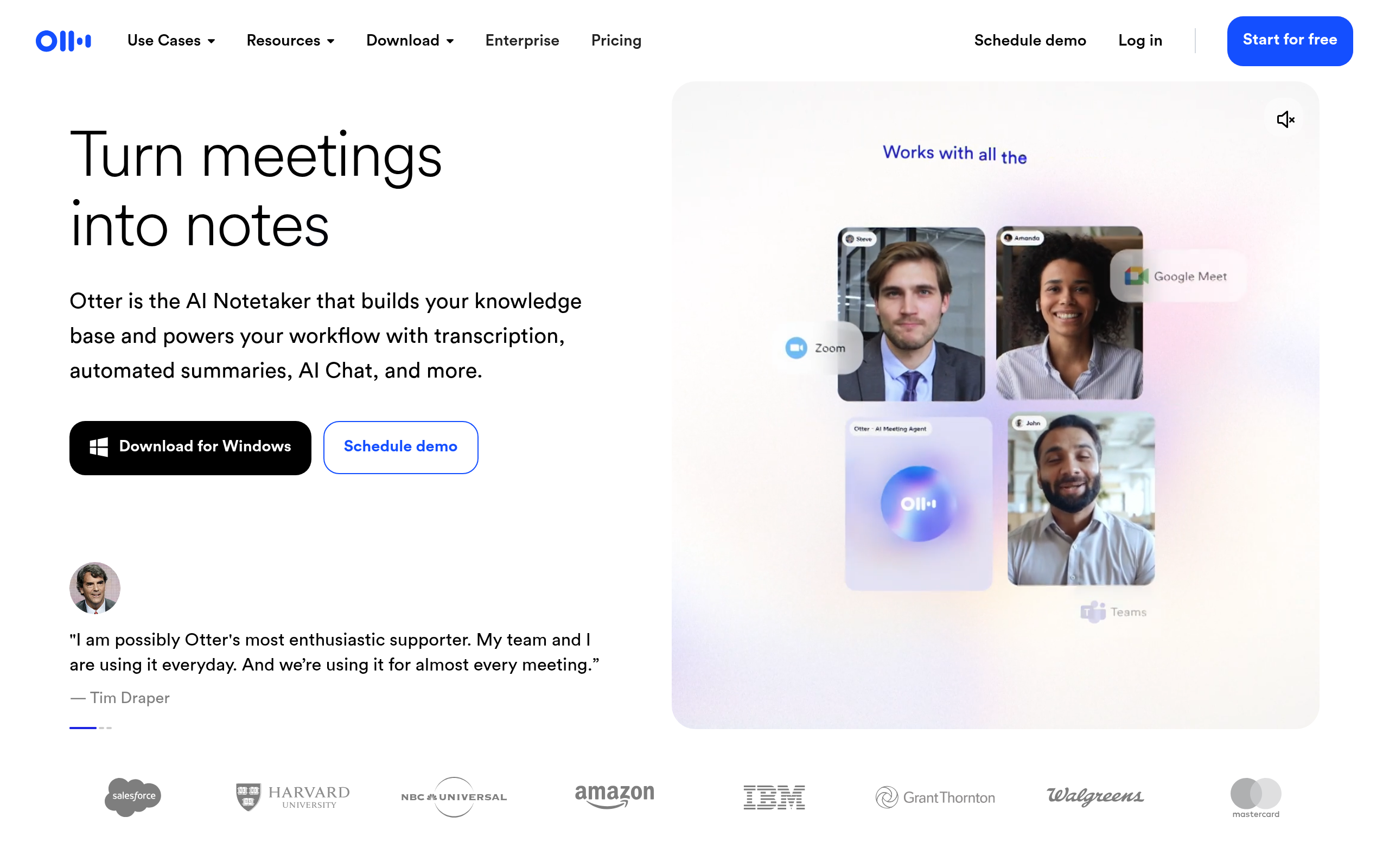
Otter.ai excels as a real-time transcription tool, making it a go-to option for busy professionals looking to streamline their meeting workflows. With its ability to transcribe conversations as they happen, Otter.ai ensures that no important detail is missed during live meetings. This feature is particularly beneficial for managers and teams who require immediate access to meeting summaries and action items.
One of the standout aspects of Otter.ai is its collaborative capabilities. Meeting participants can highlight, comment, and edit transcripts together in real-time, fostering a more interactive and efficient note-taking process. This makes it ideal for environments where multiple people need to contribute to the minutes or where quick sharing of meeting outcomes is crucial.
However, while Otter.ai shines in real-time transcription, it does encounter challenges in noisy environments. The tool's accuracy can decline amid background noise, making it less reliable in settings like bustling offices or crowded conference venues. In such scenarios, it’s essential to ensure clear audio input to maintain the transcript quality.
For professionals who frequently engage in live meetings, Otter.ai serves as an effective meeting notes generator. Its intuitive interface allows users to organize, search, and reference past meetings with ease, saving valuable time otherwise spent on manual note-tallying.
To test Otter.ai quickly, professionals can start by uploading a recent meeting recording. Pay attention to how the tool handles speaker identification, timestamping, and overall transcription accuracy. This hands-on trial will reveal whether Otter.ai meets the specific demands of your workflow.
For more details on AI transcription tools and comparisons, explore DeepScribe’s insights on meeting intelligence software.
Sonix: Efficient for Multilingual Transcriptions
Navigating the complexities of multilingual transcriptions can be a daunting task, especially for professionals managing diverse teams. Sonix excels in this arena by offering robust automatic language detection and support for a wide range of languages, making it an ideal choice for multilingual team meetings. This feature is a game-changer, ensuring seamless transcription even if speakers switch languages mid-conversation.
Sonix’s strength lies in its ability to handle various languages without requiring manual input—it just knows. This automatic detection reduces friction for users who need transcripts from meetings attended by global teams. Considering a meeting where participants switch between English, French, and Spanish? Sonix has you covered, swiftly identifying and transcribing each language accurately.
However, while Sonix’s broad language support is impressive, its accuracy can waver when dealing with technical jargon or domain-specific vocabulary. This is crucial for meetings where precise terminology matters, such as in legal or medical fields. DeepScribe, on the other hand, is powered by OpenAI’s Whisper technology, boasting 99% accuracy, which might offer a more reliable solution for jargon-heavy content.
For busy professionals, Sonix's user-friendly interface and quick processing times mean less time waiting and more time acting on insights. If your workflow involves constant language switching, Sonix’s capabilities are worth exploring, though always validating important transcripts for accuracy on technical terms is recommended.
To test Sonix, upload a multilingual audio file and evaluate how well it detects and transcribes the different languages. Check for accuracy in handling specific terminology to ensure it meets your needs. This quick evaluation should give you insights into whether Sonix suits your multilingual transcription requirements.
Temi: Ideal for Budget-Friendly Transcription Needs
If you’re searching for a cost-effective way to convert audio to text, Temi might be just what you need. Known for its affordability and user-friendliness, Temi is an appealing option for individuals or small teams looking to get started with budget transcription.
Best for Simplicity and Affordability
Temi offers an attractive price point with its $0.25 per audio minute pricing, making it accessible for users who don't require advanced features. It’s perfect for those who need straightforward transcription without the bells and whistles, and it's often praised for its simplicity. The platform is easy to navigate, requiring minimal investment in time to learn.
Outputs and Key Features
While the focus is on affordability, Temi doesn’t skimp on providing usable transcripts. Users receive well-organized text with options for basic formatting. However, Temi’s emphasis remains on budget efficiency, and thus it doesn't offer premium features like speaker labeling or simultaneous multi-language detection. This positions it primarily for single-speaker or standard audio.
Where It Falters
Temi can struggle with complex audio, particularly where there’s significant background noise or multiple speakers. The accuracy may not always meet the demands of high-stakes professional contexts, which is a key consideration. Given this, Temi could require additional manual corrections, making it less suitable for precision-dependent tasks.
Who Should Choose Temi?
Consider Temi if your transcription needs are straightforward and cost-driven. It’s a great starting point for freelance journalists, students, or anyone transcribing clear and single-speaker content. However, for more feature-rich solutions, especially where accuracy and multiple speaker identification are crucial, exploring other options like DeepScribe could be beneficial.
Test It Quickly
To see if Temi fits your requirements, try their service with a short recording. Look for how well it handles your audio quality and evaluate the ease of use. Remember, it’s all about balancing cost with what you truly need in an audio summarizer.
Rev: Accurate Human-Verified Transcriptions
For professionals who require utmost precision in their audio transcriptions, Rev offers an option that stands out: human-verified transcriptions. This service promises a remarkable 99% accuracy, ideal for scenarios where precision is paramount, such as legal proceedings or high-stakes business negotiations. The human touch ensures that even the most nuanced dialogues are captured with fidelity, surpassing many AI-only solutions.
Rev’s transcription services cater to content with multiple speakers or heavy technical jargon, which can easily trip up automated systems. The human verification process involves skilled transcribers meticulously reviewing audio and providing clean, error-free text. This level of certainty is crucial for professionals who rely on precise, actionable outputs.
However, this level of accuracy comes at a cost. Human-verified transcriptions tend to be more expensive than machine-only alternatives. Yet, for those where detail cannot be compromised, the investment is often justified. It’s best suited for industries such as law, healthcare, or any sector where transcripts demand rigorous scrutiny.
To leverage Rev effectively, busy professionals should consider using the service for recordings that are complex or critical. The human element essentially acts as a quality assurance step, ensuring nothing is lost in translation.
For a quick test:
- Upload a high-stakes recording.
- Compare the human-verified transcript against any automated tool’s output.
- Evaluate discrepancies, especially in complex sections or multi-speaker scenarios.
This approach highlights Rev’s edge in delivering clarity and precision where it matters most.
In summary, while the cost is higher due to human verification, Rev provides unrivaled accuracy, making it the go-to choice for critical transcription needs.
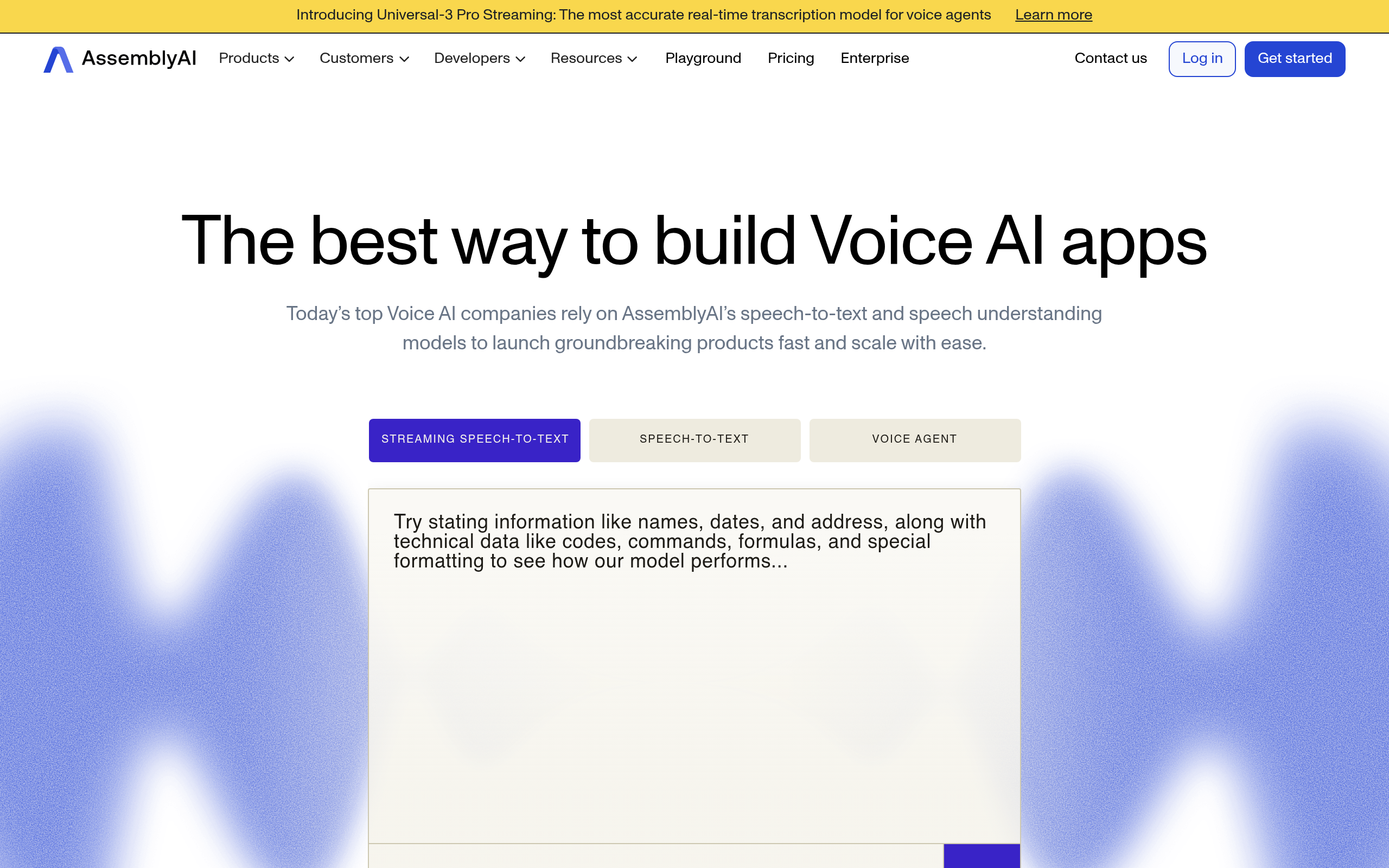
AssemblyAI: Best for Developers and Custom Integration
Busy professionals who are also technically inclined often need more than just a quick summary—they need tailored solutions that fit seamlessly into custom workflows. AssemblyAI stands out for developers looking to integrate transcription services into their applications via robust API access. This capability allows for significant flexibility and customization, adapting the transcription process to specific business needs or personal preferences.
One of the core strengths of AssemblyAI is its API integration, which provides developers with the tools to build out custom transcription workflows. You can automate processes such as transcription, sentiment analysis, and advanced audio intelligence by embedding these services directly into your applications. This setup is particularly beneficial for tech-savvy users who wish to integrate transcription capabilities into existing products or services.
To fully leverage AssemblyAI, a degree of technical setup is required. Users should be comfortable with code and able to handle API documentation. This may present a barrier for some professionals, but for those with the required skills, the payoff is a highly customizable and efficient transcription system tailored to specific requirements.
For those looking to test AssemblyAI swiftly, a simple checklist can be useful:
- Review API documentation for essential endpoints and parameters.
- Set up a basic transcription process via API.
- Experiment with integrating secondary features like sentiment analysis.
- Evaluate the accuracy and turnaround time on a set of test audio files.
AssemblyAI can be a powerful ally for developers and companies seeking a customizable transcription solution, but it demands a level of technical competence to unlock its full potential.
Choosing the Right Tool for Your Workflow: Meetings, Lectures, or Podcasts
In today's fast-paced environment, selecting the right audio summarizer can significantly enhance productivity by accurately capturing decisions, tasks, and key points. Depending on whether you're dealing with meetings, lectures, or podcasts, the best tool for you can vary widely. Let's break down how to choose the most effective option for your specific needs.
Meetings: Extract Decisions and Action Items
For meetings, the focus is on capturing decisions, tasks, and identifying the owner of each task. You need a tool that not only transcribes accurately but also picks up on who said what, thanks to features like speaker labeling. DeepScribe excels in this area, offering live meeting transcription and AI-generated summaries that emphasize action items and follow-ups. Its ability to export formats like TXT, DOCX, PDF, and SRT ensures your notes are as versatile as they are accurate. The integration with platforms such as Zoom and Microsoft Teams makes it seamless for meeting recaps.
Lectures: Capture Key Concepts and Insights
When dealing with lectures, the aim is to grab comprehensive key-point recall. For students or professionals analyzing detailed talks, tools that support multilingual transcription and automatic language detection can be invaluable, especially for international conferences or diverse subject matters. DeepScribe's ability to handle over 100+ languages with 99% accuracy makes it a standout choice. By providing structured notes that highlight central themes and takeaways, DeepScribe ensures nothing gets lost in translation.
Podcasts: Create Engaging Show Notes
For podcasts, generating engaging show notes that preserve the narrative flow and main topics is crucial. The best tools should provide concise summaries that are sharable and retain listener interest. DeepScribe is particularly effective for podcasters, offering features like subtitle and caption generation in formats such as SRT/VTT. This not only aids in accessibility but also enhances content discoverability on platforms like YouTube.
Decision-Making Criteria
Choose based on these essentials:
- Transcript Accuracy: Prioritize tools powered by reliable transcription engines, such as Whisper AI in DeepScribe, to ensure high accuracy in transcript creation.
- Speaker Identification: Essential for meetings and interviews, where knowing who said what can affect follow-ups and accountability.
- Export Options: Depending on your workflow, the ability to export in various formats can make a big difference in how easily transcripts integrate with your existing systems.
- Multi-Language Support: For global teams or multi-language content, choose tools that offer extensive language coverage and automatic detection.
By aligning features with your predominant use case, whether that's detailed meeting follow-ups, comprehensive lecture study guides, or engaging podcast notes, you can transform audio summarization from a mere utility into a cornerstone of your workflow strategy.
Best Practices for Enhanced Summary Accuracy
Boosting the accuracy of your audio summaries starts with a foundation of quality transcription. Here are some best practices to ensure your summaries deliver the insights you need.
Improving Audio Quality and Transcript Verification
Key Insight: High-quality audio is the cornerstone of accurate transcription. Background noise, poor microphone quality, or multiple simultaneous speakers can muddy the waters. It's crucial to use clean audio sources.
- Ensure recordings are free from background disturbances.
- Use high-quality microphones for clearer speech capture.
- Regularly verify transcripts against the audio to catch subtle errors, especially in nuanced discussions.
“Prioritize audio quality for better transcription accuracy.” This expert advice holds true as clearer input leads to more reliable transcripts.
The Importance of Speaker Identification and Timestamps
Key Insight: Understanding who said what and when is vital, especially in multi-speaker conversations like meetings or interviews.
Speaker identification ensures that decisions and actions are correctly attributed to the right individuals, facilitating clear communication and accountability. Timestamps give your transcripts a navigable timeline, allowing you to jump to specific moments of interest without wading through the entire recording.
- Use tools like DeepScribe for speaker detection & labeling, ensuring clarity in conversations.
- Timestamps help in correlating the summary to the exact moment in the audio, which is invaluable for verification and follow-up actions.
“Enable speaker identification for clearer context in multi-speaker recordings,” emphasizes the importance of context in accurate summaries.
Why Detailed Entities Improve Navigation
Key Insight: Detailed entities within transcripts, such as names, dates, and specific terms, enhance navigability and precision in your summaries.
- Marking key entities helps in structuring summaries around vital information, providing clearer insight.
- Entities like project names, deadlines, or technical terms allow professionals to extract specific pieces of information without re-listening to extensive sections.
Incorporating entities into the summarization process facilitates targeted search abilities, enabling users to locate precise information rapidly and efficiently.
By leveraging these practices, professionals will find audio summarizers not only more accurate but significantly more actionable, transforming recordings into an organized repository of decisions, tasks, and key points. This is where tools like DeepScribe, with its Whisper-powered accuracy and comprehensive feature set, shine by converting chaos into clarity.
“Incorporate timestamps and entities for better navigation and fact-checking.” Navigational ease leads to seamless information retrieval, critical for efficient workflow management.
Frequently Asked Questions
What is an audio summarizer?
An audio summarizer converts spoken content into concise summaries focusing on key points, decisions, and tasks.
How accurate are AI audio summaries?
Accuracy depends on audio quality, speaker identification, and the summarizer's algorithms.
Can audio summarizers identify speakers?
Yes, many tools include speaker identification to attribute dialogue correctly.
What are the best audio formats for transcription?
Common formats include MP3, WAV, and M4A, which most transcription tools accept.
How does DeepScribe ensure transcription accuracy?
It uses Whisper technology for precise transcription even in noisy environments.
Final Thoughts
Navigating the world of audio summarizers can seem daunting, but by focusing on the essentials like audio quality, clear transcripts, and speaker identification, you ensure efficient and accurate content digestion. Here’s a quick recap:
- Audio Quality: High-quality input leads to better summaries.
- Transcript Precision: Speaker labels and timestamps matter.
- Tailored Use Cases: Choose tools based on your needs—meetings, lectures, or podcasts.
Ready to find the best fit? Test a 10-minute recording using your preferred tool's features. For a reliable choice, consider DeepScribe, which excels in delivering speaker-labeled transcripts and comprehensive summaries. Dive into the world of streamlined audio analysis today!
Written by

DeepScribe Team
Content Team
The DeepScribe content team shares insights on audio transcription and AI technology.
Related Articles
Continue reading about this topic
7 Best Tools for Audio Summaries (AI That Gets to the Point)
Explore the best AI audio summarizers for professionals, emphasizing decisions, action items, and key points. DeepScribe leads with Whisper-powered accuracy and comprehensive export options.

DeepScribe Team
March 22, 2026 · 22 min read · 4,297 words