8 Best Free AI Transcription Tools for Students (2026)
Explore the best free AI transcription tools for students, focusing on accuracy, free plan limits, and usability. Find the right tool for your study sessions.

DeepScribe Team
Content Team
8 Best Free AI Transcription Tools for Students (2026)
If you've ever re-listened to a 75-minute lecture at 1.5x speed just to find one definition, you're not alone. The search for efficient, cost-free transcription tools tailored to academic needs is a real challenge for students. But here’s the good news: we've done the heavy lifting for you. In this guide, we’ll explore the best free AI transcription tools available in 2026, each with a unique offer for students facing the constraints of limited free minutes, accurate speaker labeling, and varied export formats.
Our #1 pick is DeepScribe, which stands out for its ability to provide quick transcript and summary outputs, housed within a free plan that respects student budgets. With key features such as 30 minutes per month, end-to-end encryption, and robust export options, it’s a practical starting point for transforming your recordings into actionable notes. We’ll also discuss Otter for its generous 300 free minutes per month and Notta for multilingual support, alongside others, giving you a comprehensive choice based on your specific needs. Stay tuned as we unveil a clear decision path tailored to your lecture-heavy schedules.
Introduction: Why AI Transcription Matters for Students
Manual transcription can be a real nightmare for students. Imagine listening to a 75-minute lecture on double-speed just to jot down one crucial definition. Sound familiar? Many students face this tedious task, especially when dealing with complex subjects, fast-speaking professors, or lectures filled with technical jargon. It’s time-consuming and can lead to gaps in your notes, making it challenging to prepare for exams or complete assignments efficiently.
Now, here’s where AI transcription for students comes to the rescue. These tools can convert voice to text rapidly, allowing students to focus on understanding the lecture instead of furiously scribbling notes. AI transcription software captures everything spoken in real-time or from recordings, creating an accurate text file that’s ready for review. This not only saves time but also improves the accuracy of your notes compared to manual transcription.
Several audio to text free options make AI transcription incredibly accessible—even to students on a tight budget. These tools, like DeepScribe, Otter.ai, and Notta, offer free plans with varying minute caps and export options tailored to students' needs. For instance, DeepScribe stands out with its ability to not only transcribe but also summarize lectures—perfect for turning information overload into actionable study notes quickly.
Moreover, these tools often support multilingual transcription and speaker labeling, which are crucial for understanding diverse classroom interactions and accurately attributing information. Additionally, many of them, including DeepScribe, prioritize security with features like end-to-end encryption and automatic deletion to protect sensitive class data.
In a nutshell, AI transcription tools transform the way students interact with academic content. They offer a streamlined, efficient way to handle lecture recordings, making them indispensable in a student's academic arsenal. If you're tired of missing out on key points during lectures, exploring AI transcription options might just be your next best move.
Selection Criteria for the Best Free AI Transcription Tools for Students
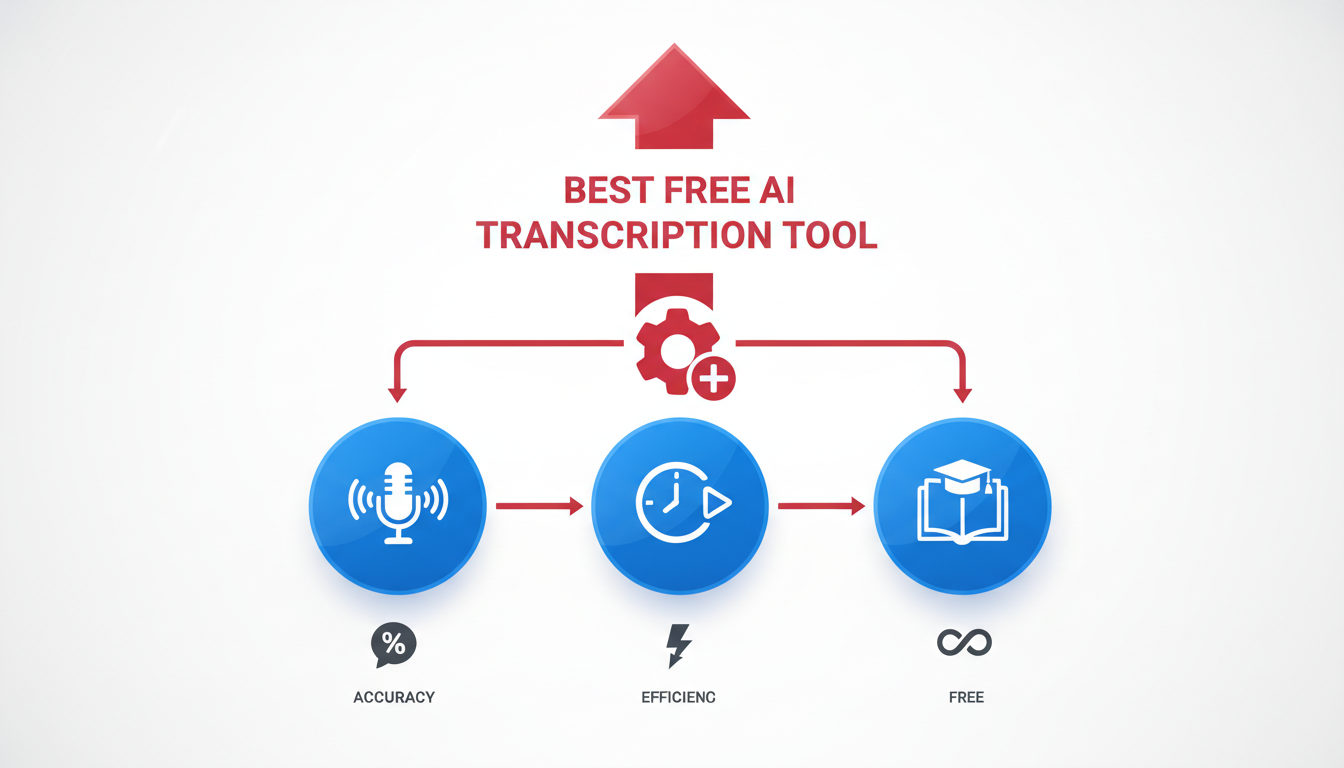
Navigating the world of AI transcription tools can be daunting, especially when dealing with constraints like limited free plans and varying audio quality. Here, we’ll break down the essential criteria for choosing the best free AI transcription tools for students, focusing on accuracy, plan limitations, privacy, and crucial features such as speaker labeling.
Accuracy on Academic Recordings
Accuracy is paramount when transcribing academic content. Lectures often involve fast-talking professors, specialized jargon, and multiple speakers. Tools like DeepScribe, powered by Whisper, claim to offer 99% accuracy on clear recordings, making it a strong contender for handling complex academic environments. This becomes crucial when clarity and precision are necessary to capture every detail of a lecture or group discussion.
Other tools like Otter.ai and Notta achieve an accuracy rate of approximately 85-90% on clear academic audio, which is respectable but depends heavily on the quality of the input. For a student juggling lecture audio full of accents and background noise, this difference can be significant.
Limitations of Free Plans
Let's face it: most students are working within tight budgets, and the "free" in these tools' offerings can come with hidden catches. Free plans often restrict minutes per month and session durations. For instance, Otter.ai provides a generous 300 minutes per month but limits each session to 30 minutes, potentially requiring multiple uploads for longer lectures.
In contrast, Notta offers 120 minutes monthly with support for over 120 languages, making it ideal for multilingual students, despite the shorter duration. Rev.com, another popular choice, provides only 45 minutes per month, making it best for quick conversions but not suitable for comprehensive lecture capture.
Export Formats and Usability
After transcribing, the ease of converting transcripts into usable notes is crucial. DeepScribe offers flexible export formats like TXT, DOCX, PDF, SRT, and VTT, although free users will primarily access basic TXT. This flexibility is vital for converting transcripts to shareable study materials or caption-ready files.
While tools like Descript offer similar export capabilities, many restrict advanced features to their paid plans. Knowing what formats you’ll need for your study workflows ensures you choose a tool that fits your needs long-term.
Importance of Privacy and Speaker Labeling
For academic settings where discussions might involve sensitive topics, security is non-negotiable. DeepScribe ensures privacy with end-to-end encryption and SOC 2 Type II compliance, alongside automatic file deletion post-processing, providing peace of mind that your data is secure.
Another essential feature is speaker labeling, which allows for effective multi-speaker transcription. Tools like Fireflies.ai shine here, capturing over 90% of details with speaker labels, which aids in differentiating between voices in multi-speaker environments.
Student-Centric Decisions
Ultimately, the ideal tool often depends on specific needs:
Pick DeepScribe for a balance of accuracy, security, and export versatility.
Choose Otter.ai if you need the most free minutes per month for extensive lecture capture.
Opt for Notta if you handle multilingual content regularly.
Consider Rev.com when accuracy in short bursts is more crucial than minutes-long transcription.
By considering these factors tailored to academic requirements, you can make an informed choice about which lecture transcription app best fits your study habits. Check out DeepScribe for more detailed insights into leveraging AI transcription for academia.
Choosing the right tool involves weighing free plan limitations against needs for accuracy, usability, and data privacy. Many students find these hidden intricacies more compelling than generic feature lists.
This criteria ensures you get the most out of free AI transcription for students, making your study sessions more efficient and productive.
Comparison Table of Free AI Transcription Tools
Navigating the plethora of free AI transcription tools can be a bit of a maze, especially when every minute counts, literally! Let’s dive into a detailed comparison to uncover which tool might just be your lecture companion. We’ll explore monthly minute limits, session caps, accuracy, standout features, and export formats that these tools offer.
Tool | Minutes/Month | Session Limit | Accuracy (Academic Audio) | Standout Features | Export Formats |
|---|---|---|---|---|---|
DeepScribe | 900 | 45 min | 95-100% | Transcript + summary, end-to-end encryption, auto-deletion | TXT, SRT (basic); DOCX, PDF, VTT (Pro/Business) |
Otter.ai | 300 | 30 min | 85-90% | Speaker labeling, collaborative notes | TXT, DOCX |
Rev.com | 45 | - | Known for high accuracy | Security-focused | TXT |
Descript | 60 | 10 min | High in clear audio, lower with noise | Audio/video editing | TXT, SRT |
Notta | 120 | - | 85-90% | Supports 120+ languages, real-time transcription | TXT, DOCX, PDF |
Minutes per Month and Session Limits
When considering free AI transcription tools, paying attention to both the monthly minutes and session limits is crucial. Otter.ai offers a generous 300 minutes per month, with a 30-minute cap per session, making it ideal for students needing to capture entire lectures. DeepScribe, with a limit of 30 minutes per month, provides a practical option for students needing quick, secure transcripts plus summaries. Meanwhile, Rev.com and Descript have tighter limits, suitable for short, critical excerpts.
Accuracy and Standout Features
DeepScribe shines in its combination of transcript and summary capabilities, backed by robustness in handling technical jargon—a lifesaver in academic settings. Otter.ai supports speaker labeling and collaborative note-taking, which is perfect for group study sessions. If security is your top concern, Rev.com is noted for its strong focus on data protection, while Descript is appreciated for its editing capabilities, ideal for multimedia students.
Export Formats Availability
For export formats, versatility is key. DeepScribe offers a range including TXT, SRT, and more advanced formats like DOCX, PDF, VTT on higher plans, facilitating smooth transitions from transcript to study notes or presentations. Notta also provides a spread of export options, making it a great tool for multilingual students.
Expert Insight: "AI transcription is quickly becoming the norm in academia, bridging gaps in accessibility and collaboration," notes an NYU guide, underscoring the importance of these tools in modern education.
Choosing the right tool depends not only on the available minutes but also on feature needs such as privacy, summarization abilities, and export flexibility. Depending on your specific demands, whether it's a single 60-minute lecture or numerous shorter sessions, these details will guide you toward making the best choice.
1. DeepScribe — Best for Transcript + Summaries
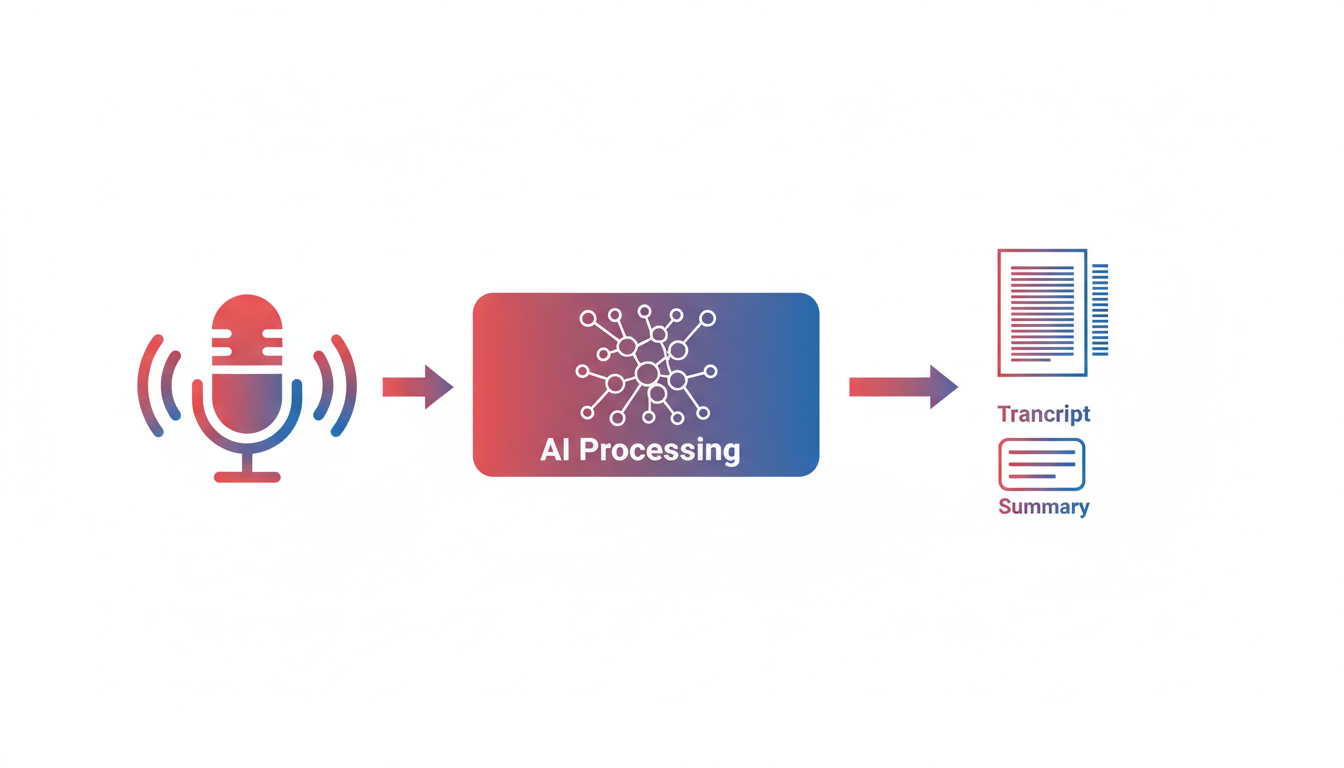
If you're a student looking for a quick way to turn lectures into readable summaries, DeepScribe could be your go-to tool. Offering a free plan with up to 30 minutes per month, it swiftly converts audio into transcripts and concise summaries, perfect for those overwhelming lecture recordings. With an emphasis on speed and simplicity, it's designed to help you keep up with fast-paced academic environments.
DeepScribe stands out with its robust security measures. It ensures your data is protected through end-to-end encryption, adherence to SOC 2 Type II compliance, and automatic deletion after transcript processing. This means you can focus on learning rather than worrying about data safety.
One of the significant benefits for students is DeepScribe's ability to generate both transcripts and summaries swiftly. This feature is incredibly helpful when you need a quick overview of lecture content for study sessions or revision.
For those struggling with complex academic jargon or multiple speakers, DeepScribe efficiently handles these challenges. Some other tools may offer more free minutes, like Otter.ai with 300 minutes per month. However, DeepScribe shines in creating structured outputs, helping you turn chaos into clarity with its AI-generated summaries and action items.
Key takeaway: DeepScribe is tailored for students needing quick, reliable transcription paired with insightful summaries.
Choose DeepScribe if you value speed, privacy, and the added benefit of neatly organized summaries. For further tips on maximizing your transcription tools, check out our How to Transcribe Audio to Text for Free: A Step-by-Step Guide.
2. Otter.ai — Best for Maximum Free Minutes
If you’re searching for a transcription tool that provides a generous free plan, Otter.ai may be your ideal choice. Offering an impressive 300 minutes per month, it allows students to tackle a variety of academic needs, from lecture recordings to study group discussions, without the worry of running out of transcription time.
What makes Otter.ai standout is its ability to handle 30-minute session limits, offering flexibility for students eager to break their recordings into manageable chunks. This feature can be particularly useful in university settings where multi-hour lectures are the norm. Even with complex subjects, Otter's AI efficiently captures essential details, allowing students to focus on comprehension rather than frantically scribbling notes.
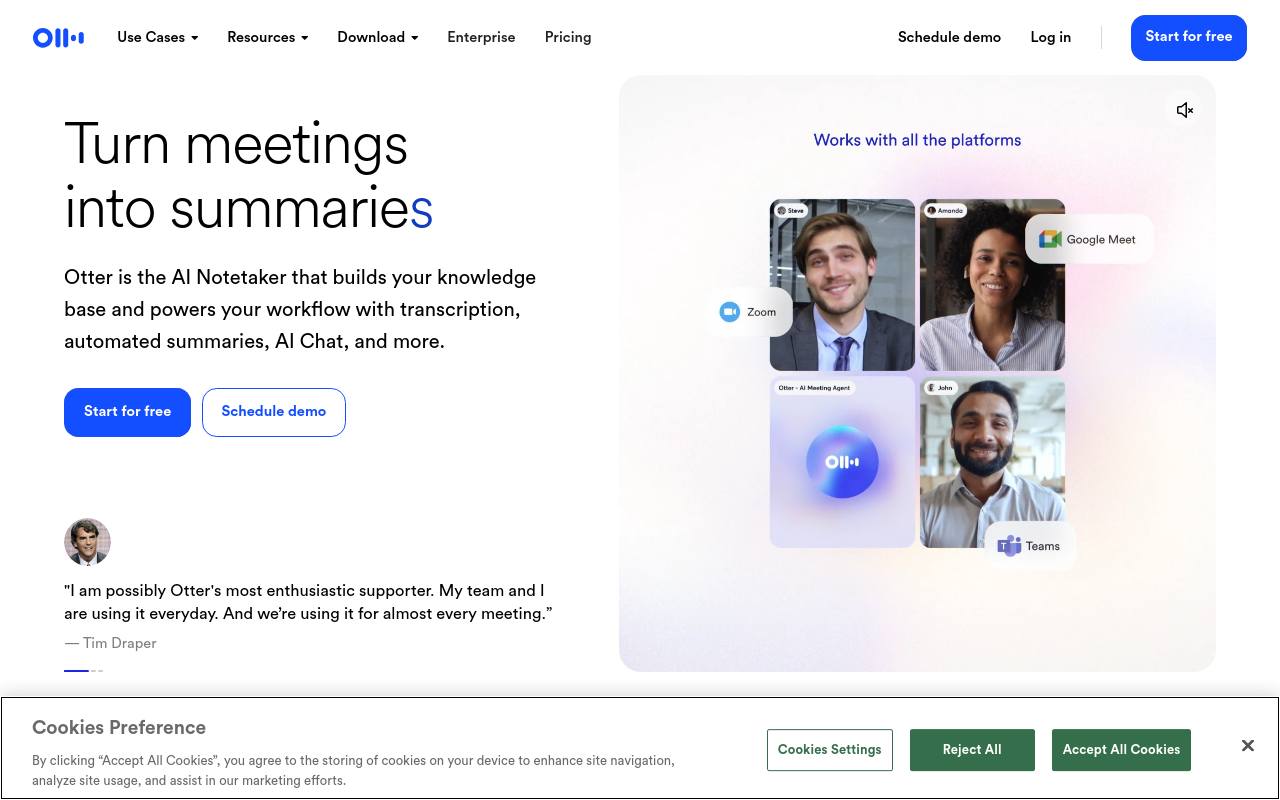
Why do students flock to Otter? The combination of its substantial free minutes and reliable accuracy on clear academic audio provides an optimal balance for budget-conscious learners. Otter typically achieves an 85-90% accuracy rate in suitable acoustic environments, which, while slightly less than some premium options, still offers dependable transcription quality for most lecture settings.
Trade-offs to consider with Otter include the session limit, which might require strategic planning for longer classes. However, the platform’s strong suit lies in its multispeaker tagging, which adds clarity to group conversations—a frequent occurrence in academic life.
Pick Otter.ai if your priority is maximum transcription time without breaking the bank. It is particularly beneficial for students who frequently deal with multiple shorter recordings throughout a month and can work within the 30-minute session cap. For those needing tips on optimizing workflow with Otter, check out our step-by-step guide to transcribing audio to text for free.
Pro tip: Break longer lectures into parts to fit Otter's session limits and ensure every essential detail gets captured!
In summary, Otter.ai’s free plan offers a robust amount of minutes that can help students manage and organize their academic loads, keeping lectures clear and organized without incurring extra costs.
3. Rev.com — Known for High Accuracy
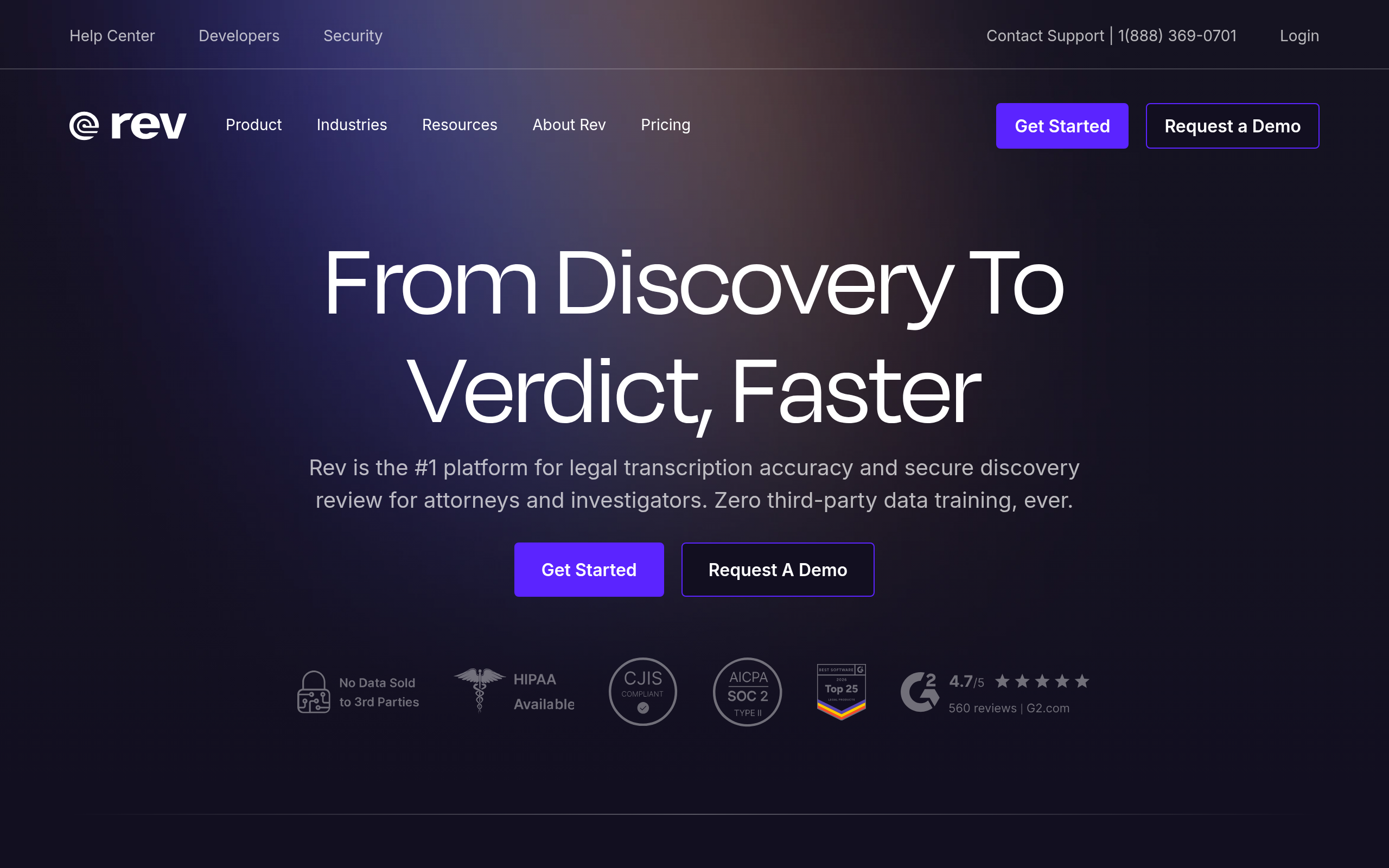
Rev.com stands out for its exceptional accuracy, particularly when it comes to transcribing lectures. While its free plan offers 45 minutes per month, students seeking top-tier accuracy and privacy can consider this limited option beneficial for important sessions. This constraint might not suit those needing extensive transcription time, but it ensures precision where it counts.
Rev.com is heralded for its ability to handle complex academic audio, capturing nuances and terminologies that many transcription tools struggle with. Its accuracy makes it a reliable choice for transcribing lectures with fast-talking professors, clear-cut theoretical explanations, or intricate academic discussions.
One of Rev.com's standout features is its emphasis on privacy and security. It's a go-to tool for handling sensitive content, thanks to its strong privacy measures. This focus on data protection aligns well with students handling confidential academic material or needing assurance that their recordings are secure.
Despite the limited availability of free minutes, Rev remains a top choice for those prioritizing quality over quantity. Its accuracy is often highlighted in user feedback, making it ideal for situations where the content of the lecture is dense and critical for study purposes.
In essence, choose Rev.com if you need utmost accuracy for key lectures and one-off important recordings where detail matters. However, for regular class recordings, you might explore other tools with more generous free plans.
For more tips and comparisons on transcription tools, explore our comprehensive guide.
4. Descript — Versatile with Video Support
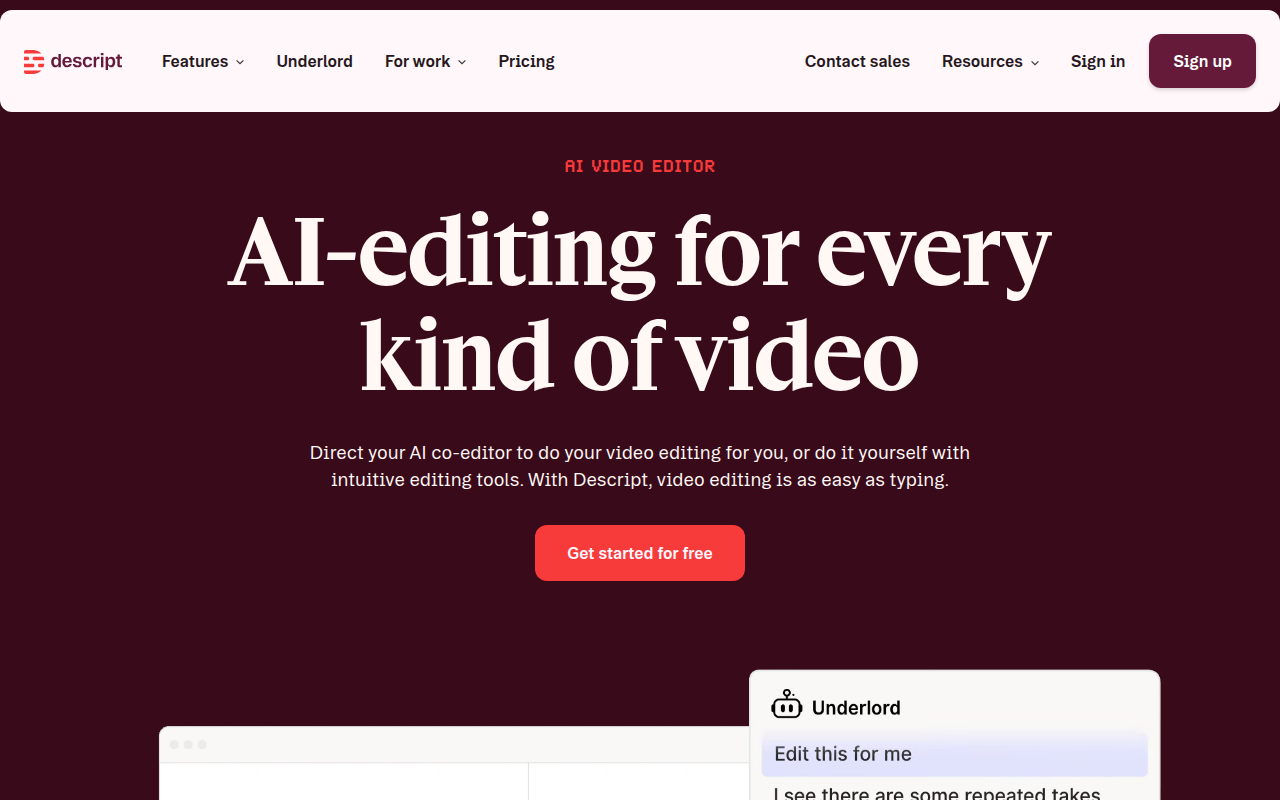
If you're juggling both audio and video projects, Descript might be your go-to tool. It's a transcription service that uniquely integrates audio and video editing, making it particularly appealing for multimedia students. With its 60 minutes per month free plan, Descript offers a taste of its comprehensive capabilities, though limitations on some features exist until you upgrade.
Descript isn't just about transcription; it's essentially a multimedia editing suite. Imagine being able to edit your lecture recording as if you were editing a text document—cutting, pasting, and deleting segments seamlessly. This feature alone positions Descript as an essential tool for those who work with video presentations or need to compile video essays. Students who often need to edit video alongside their transcriptions to create polished final projects will find this incredibly beneficial.
Speaking of its transcription capabilities, Descript efficiently handles both audio and video, offering speaker labeling and pretty good accuracy with clear inputs, aligning with Whisper's competence on clean tracks. However, like many AI solutions, its performance can dip in noisy environments, which is something to keep in mind if you're recording in bustling lecture halls.
Descript also supports a variety of export formats, suitable for different project needs—whether you need a transcript for sharing in TXT or subtitled content in SRT. However, do note that some advanced features like exporting to select formats may require a paid plan.
In terms of privacy, Descript maintains a solid stance, though specifics on security certifications like SOC 2 may require checking their latest compliance updates.
Pick Descript if you're a multimedia student needing to handle video and audio seamlessly. It's the perfect companion for creating polished, professional multimedia outputs beyond mere transcription.
5. Notta — Multilingual Capabilities
When it comes to multilingual transcription, Notta takes the spotlight with its impressive ability to transcribe in over 120 languages. This wide array of language support makes it particularly attractive for international students. Whether you're attending a diverse university or participating in global study groups, Notta has you covered.
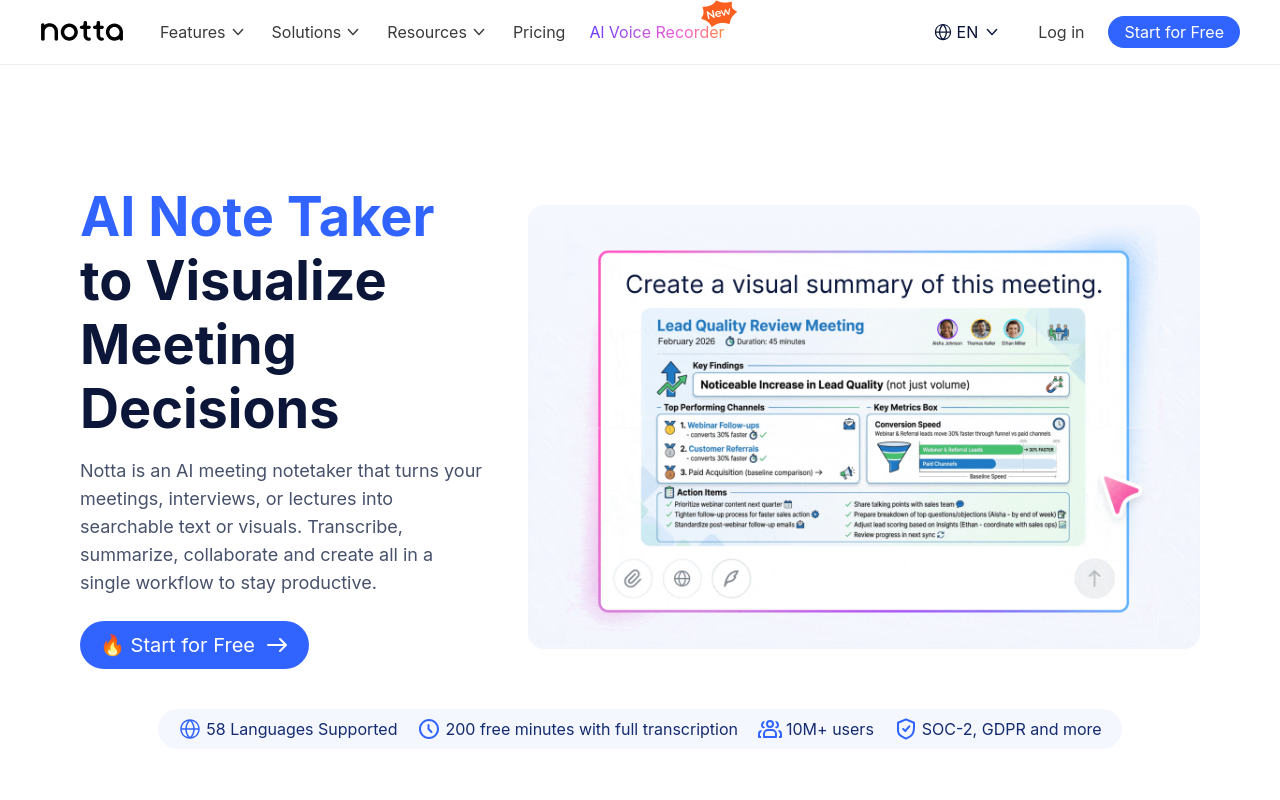
Free Plan: Notta offers 120 minutes per month, which can be a lifesaver for those tight on budget. These minutes allow you to test its capabilities without financial commitment. But keep in mind, serious transcription needs might quickly eat through this allowance, so plan accordingly.
Accuracy in Noisy Environments: You’ll find Notta's performance holds up well even amid the chaos of a bustling classroom. Its ability to distinguish speech amidst noise makes it ideal for capturing clear transcripts in less-than-ideal conditions—something not all transcription tools manage successfully.
Use Cases: Notta shines for students who navigate classes where multiple languages are spoken, or for those involved in language studies requiring transcription in varied dialects and languages. The multilingual transcription app offers a seamless experience when switching between courses or lectures conducted in different tongues.
Export Options: While Notta excels in language support, ensure to check which export formats are available on its free plan if submitting or sharing notes in a specific format is crucial for you.
In essence, if your academic life demands navigating multiple languages, Notta is a solid choice to consider on your transcription journey. For students focused primarily on English transcription with enhanced features like speaker labeling and automatic summaries, consider DeepScribe, which offers Whisper-powered accuracy and additional AI-driven insights.
6. Fireflies.ai — Great for Speaker Recognition
When it comes to capturing nuanced group discussions, Fireflies.ai shines with its exceptional speaker recognition capabilities. If you're juggling multiple voices in a lively study group or seminar, this transcription tool is tailored for you. According to 2025 reviews, Fireflies.ai captures over 90% of details with impressive speaker labeling accuracy, ensuring clarity even in the most dynamic settings.
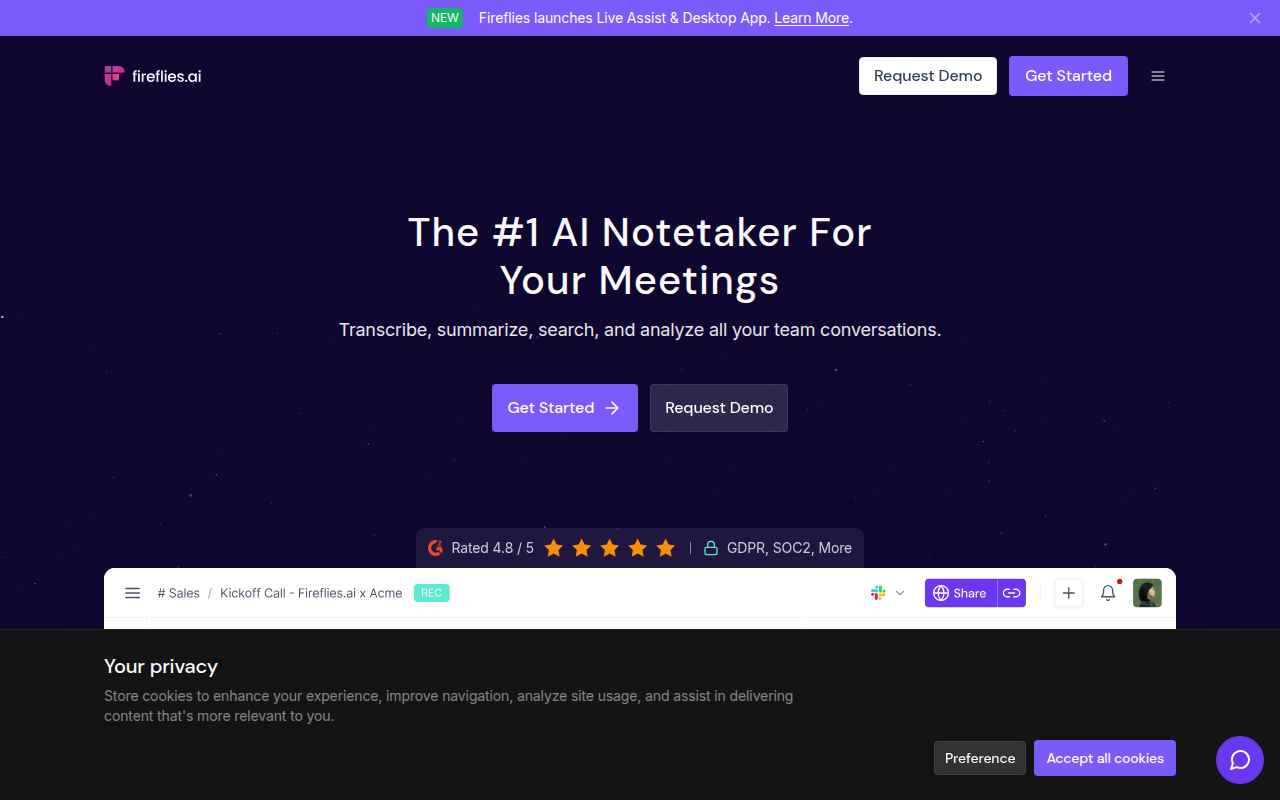
Imagine you're in a heated debate about quantum physics in your study group, and everyone has something to say. Fireflies.ai can neatly attribute each point to the correct speaker, allowing you to focus on the discussion rather than on note-taking. This is especially beneficial for any student who needs a reliable record of who said what during complex conversations.
Another compelling feature that students rave about is the summary capability. This tool can distill hours of chatter into concise summaries, perfect for those late-night study review sessions when you can't afford to scroll through endless pages of transcription.
Despite its strengths, it's crucial to understand the limitations of free plans. While Fireflies.ai offers commendable transcription quality, you'll encounter usage caps common to many other free transcription tools — so plan accordingly if you’re recording longer sessions. The free plan might not cover all your needs every month, but it’s an excellent start for managing detailed group discussions effectively.
Best for: Fireflies.ai is your go-to for any multi-speaker setting where distinguishing between participants is key. From study groups to brainstorming sessions, it offers a detailed breakdown of discourse, making it invaluable for students aiming for clarity in complex recordings.
7. Merlin.computer — Recommended for Mobile Capture
If you’re a student constantly on the move, Merlin.computer might just be your new best friend. Designed with mobile-first capabilities in mind, Merlin supports tools like Otter.ai and Google Live Transcribe, making it perfect for on-the-go transcription. The app excels at capturing live audio, making it a fantastic fit for those times when you need to transcribe lectures or group discussions right from your phone.
Imagine sitting in a bustling café or navigating a busy campus hallway — Merlin allows you to capture audio seamlessly, translating it into text with ease. Its ability to handle multi-speaker environments means it’s adept at distinguishing between voices, an invaluable feature when professors or classmates tend to overlap during spirited discussions.
The beauty of Merlin lies in its versatility. The app supports a range of situations: whether you need to transcribe a lecture in real-time or convert a recorded group study session into notes, Merlin’s integration with Google Live Transcribe offers a reliable, free option for turning audio into text. Its accuracy in multi-speaker environments ensures you can keep up with fast-paced academic discourse without missing a beat.
While Merlin shines for mobile use, its integration with Otter.ai offers an intriguing advantage. Otter’s generous 300-minute monthly cap means you can extend your transcription efforts beyond Merlin’s own capabilities. By leveraging these tools together, you’re equipped with a robust transcription solution that adapts to both your immediate and ongoing needs.
In essence, if mobility and multi-speaker tagging are your top criteria, Merlin.computer could be the tool that complements your academic journey perfectly. For more details on optimizing mobile transcription, check out our guide on how to transcribe audio to text for free.
8. Whisper AI — Suitable for Clean Recordings
When it comes to transcribing clean, clear audio, Whisper AI stands out with its high accuracy rates. This tool is particularly effective for environments where background noise is minimal, ensuring that every word is captured with precision. Imagine sitting in a quiet lecture hall or a well-equipped conference room—these are the scenarios where Whisper AI truly shines.
However, it's important to note that performance can drop in noisier settings. If you're planning to record in bustling cafes or during bustling group discussions, the accuracy might waver. In those cases, tools like DeepScribe, which also utilizes Whisper technology but offers enhanced capabilities for managing noise and speaker differentiation, could provide a more reliable alternative. Especially for students who attend diverse lecture halls or lively discussions, having a tool that adjusts to ambient challenges is crucial.
Choosing Whisper AI is ideal for students who often deal with high-quality audio recordings. For example, if you’re consistently working in lab settings with good audio equipment or recording virtual lectures with built-in noise suppression, Whisper AI will efficiently convert that audio into text.
Moreover, Whisper AI's multilingual support is robust on clear recordings, making it a viable choice for transcribing presentations or lectures delivered in various languages. Despite its proficiency, students should weigh the tool's limitations in noisier environments against their typical usage scenarios.
Ultimately, if your recordings are generally captured in pristine conditions, embracing Whisper AI for transcription could streamline your study processes. For those seeking more versatile options or needing to handle less predictable audio quality, exploring comprehensive solutions like DeepScribe might offer additional features to suit a wider array of academic needs.
Decision Path: Choosing the Right Tool for You
Finding the perfect transcription tool as a student means balancing real-world constraints like free plan limits, accuracy with lecture audio, and export capabilities. Here’s a streamlined decision path to help you choose the best tool based on your needs.
Step 1: Identify Your Primary Use Case
Recorded Lectures or Meetings: If you’re dealing with pre-recorded content, accuracy and speed in processing are key.
Live, Real-Time Transcription: Need to capture notes during live sessions? Look for tools with real-time capabilities.
Step 2: Mono vs. Multi-Speaker Scenarios
Single Speaker: Most transcription tools can handle this well, but if the audio is noisy, consider tools with strong noise-cancellation features, like DeepScribe's Whisper-powered accuracy.
Multiple Speakers: Tools with speaker labeling, like Fireflies.ai, are imperative for clarity.
Step 3: Minutes Per Month vs. Session Limits
High Usage (300+ minutes/month): Otter.ai offers 300 minutes/month with a 30-minute session cap, ideal for frequent users.
Moderate Usage (around 120 minutes/month): Notta provides this, supporting 120+ languages—great for multilingual needs.
Low Usage (below 60 minutes/month): Rev is suitable for occasional use with 45 minutes/month.
Step 4: Export Needs
Are you exporting to detailed summaries or simple text files?
Text Exports (TXT, DOCX, PDF): If detailed notes or documents are required, DeepScribe offers exports in DOCX and PDF on higher tiers.
Subtitles/Captions (SRT, VTT): For video projects, subtitle exports are essential. DeepScribe’s Pro plan covers these needs.
Step 5: Privacy and Security Concerns
High Privacy Need: If security is a priority, DeepScribe provides end-to-end encryption and auto-delete features, adhering to SOC 2 Type II compliance.
Conclusion
Pick DeepScribe for overall efficiency with transcript and summary outputs, especially if security and summary creation are essential for you. Choose Otter.ai if maximum free minutes are needed. Notta is a great choice for multilingual transcription, while Rev is ideal for low-volume, high-accuracy needs.
Practical Workflow: From Recording to Study Notes with DeepScribe
Navigating the journey from a raw lecture recording to polished study notes can seem daunting, but with DeepScribe, the process is streamlined and efficient. Whether you're tackling a fast-paced lecture or a collaborative group discussion, DeepScribe’s powerful features ensure you stay on top of your academic game. Here's how you can transform your academic recordings into actionable study notes using DeepScribe.
Record Your Lecture
The first step in this workflow is capturing the audio. Use a reliable recording device—typically, your smartphone or laptop are handy options. Ensure the microphone is as close to the lecturer as possible to minimize background noise and maximize clarity. Once the lecture is recorded, you're ready to upload it to DeepScribe.
Generating Transcripts and Summaries
Once your lecture audio is uploaded, DeepScribe takes the reins. It employs AI-powered transcription, fueled by OpenAI's Whisper model, to transform your audio into text with impressive accuracy. This means even lectures with technical jargon or diverse accents are transcribed effectively. DeepScribe labels speakers automatically, an invaluable feature in multi-speaker settings such as class discussions or group studies.
Expert Insight: “DeepScribe's transcription accuracy makes it a top choice for environments with background noise or multiple speakers.”
After transcription, the tool generates AI-driven summaries. These summaries distill the core information from your lecture, spotlighting key points and essential details—saving you the time and effort of sifting through lengthy transcripts.
Exporting for Study Notes
DeepScribe supports a wide range of export formats, crucial for creating versatile study materials. You can export transcripts as TXT files for quick notes, easily searchable and perfect for on-the-go review. If you need to share or submit your notes, exporting in DOCX or PDF formats ensures a professional appearance. These formats enhance the readability and distribution of your study materials.
TXT: Quick notes, easily accessible and editable.
DOCX/PDF: Ideal for formal notes submission or sharing with fellow students.
From Transcript to Actionable Notes
The journey doesn’t end with exporting your notes. DeepScribe’s summaries and action items provide clear steps forward, emphasizing tasks, deadlines, and critical debating points, which can be especially helpful if you're preparing for exams or group projects. This elevates your study notes from static text to dynamic resources that reflect real classroom interactions and discussions.
Pro Tip: Enhance your lecture recordings by positioning your device strategically and reducing background noise. This small step can significantly increase transcription accuracy.
Conclusion
Leveraging DeepScribe, students can effectively transcribe lecture recordings into detailed notes and summaries, supporting better study practices. Whether you’re preparing for an exam or collaborating on a project, DeepScribe's robust transcription capabilities and seamless export options make it the ideal companion for today's academic demands. For more detailed guidance, check out How to Transcribe Audio to Text for Free: A Step-by-Step Guide.
With this workflow, you can focus more on learning and less on labor-intensive note-taking, ensuring every lecture's insights are captured and organized for your academic success.
Frequently Asked Questions
What is the most accurate free AI transcription tool?
Rev.com is known for its high accuracy, especially for academic audio.
Which tool provides the most free minutes per month?
Otter.ai offers the highest with 300 minutes per month.
What is the best tool for multiple speakers?
Fireflies.ai excels in multi-speaker recognition with detailed labeling.
Can I export transcripts in different formats for free?
Depends on the tool; DeepScribe offers TXT and limited SRT exports on the free plan.
Are there tools that offer transcription in multiple languages?
Notta supports 120+ languages, making it ideal for multilingual needs.
Conclusion
Choosing the right AI transcription tool can significantly enhance your study process. Here’s a quick recap to guide your choice:
Pick DeepScribe if you need seamless speaker labeling, summaries, and action items.
Choose Otter.ai if you require more free minutes per month.
Opt for Notta if multilingual transcription is crucial for your coursework.
Use Sonix if you need integration with video platforms.
Consider Temi if simplicity and speed are your main priorities.
Remember, each tool offers unique benefits. The best fit depends on your specific needs, such as free minutes, session limits, and export formats.
For a practical step forward, record your next lecture and run it through DeepScribe to transform it into a comprehensive transcript and summary. This approach will streamline your study process effectively. You can then export the content to your preferred format.
Check out our step-by-step guide for more details on how to transcribe audio to text effortlessly and for free. Happy transcribing!
Written by

DeepScribe Team
Content Team
The DeepScribe content team shares insights on audio transcription and AI technology.