How to Transcribe Meetings: A Complete Guide for Managers
Learn a complete SOP for meeting transcription, from capture to summaries, using AI tools like DeepScribe. Optimize documentation and improve team productivity.

DeepScribe Team
Content Team
How to Transcribe Meetings: A Complete Guide for Managers
If your team keeps having the same conversations, you don’t have a meeting problem—you have a documentation problem. Imagine transforming every meeting into a searchable transcript with actionable summaries and clear action items. It's not just possible—it's today’s new standard. With AI transcription reaching 99% accuracy and processing 3–5× faster than real time, it's an essential part of any team's operational toolkit, especially in the era of remote work where many organizations are adopting flexible policies.
This post isn’t your typical "turn on captions" guide. Instead, we present a step-by-step Standard Operating Procedure (SOP) for managers. You’ll learn how to capture meetings accurately, label speakers, perform hybrid AI-manual reviews, and efficiently distribute the results. With tools like DeepScribe's Meeting Notetaker, you'll turn every meeting into a driver of execution—seamlessly integrated into your team's workflow. Here's how.
BLUF: Transform Your Meetings into Actionable Records
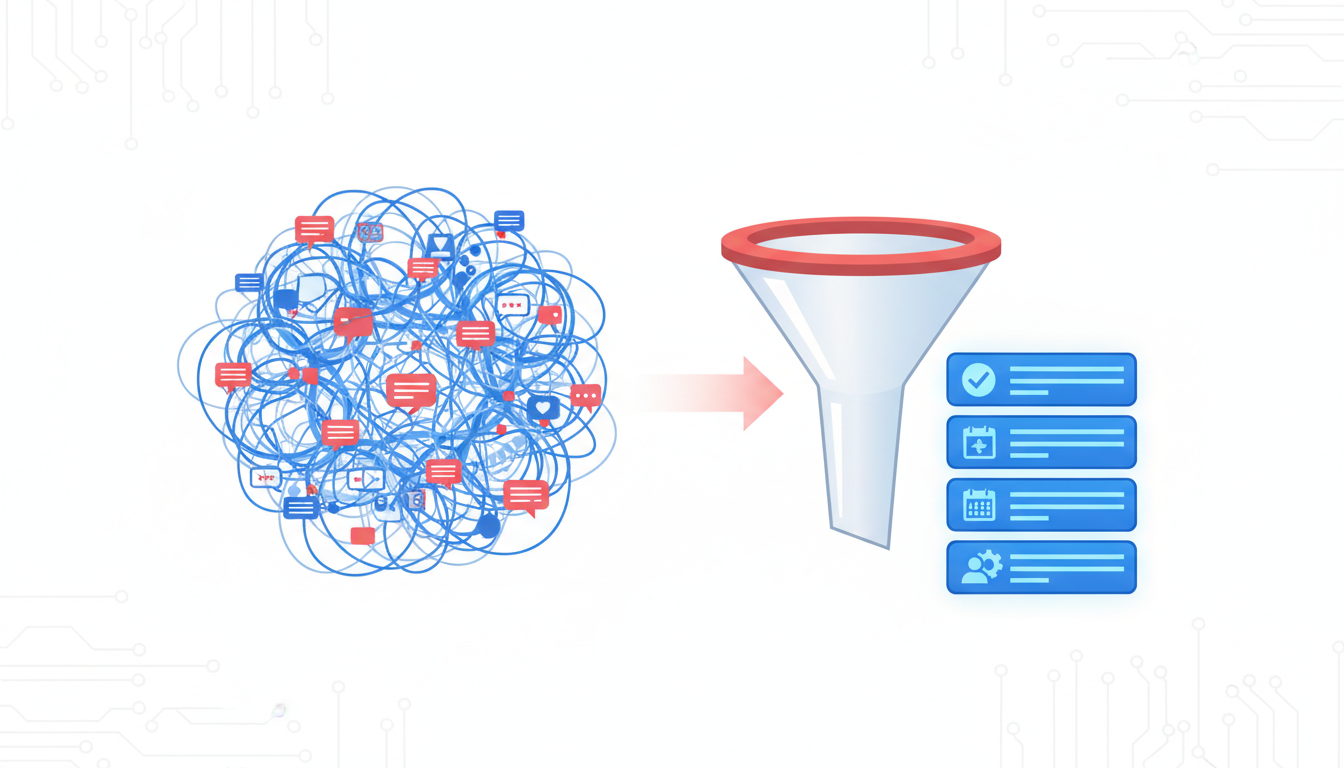
If your team keeps having the same discussions over and over, it’s not just a meeting problem—it’s a documentation problem. Transforming meetings into searchable, actionable records is more vital than ever, particularly with the normalization of remote work. Many organizations have adopted remote work policies, amplifying the need for effective documentation tools. Enter the power of AI meeting transcription, which has become the new standard due to its remarkable 99% accuracy and the ability to process transcriptions 3–5× faster than real-time.
Imagine walking away from every meeting with a clean transcript, a concise summary, and a list of actionable items. This is not just a dream, but a tangible reality achievable with the right tools and procedures. Using an AI-first approach, transcription has moved beyond mere captions. It’s about creating a standardized workflow that seamlessly integrates into your team's operations—ensuring nothing slips through the cracks.
DeepScribe, for instance, leads the way with its Meeting Notetaker that automatically joins calls on platforms like Zoom, Microsoft Teams, and Google Meet. It’s not just about capturing dialogue but also providing structured outputs such as speaker-labeled transcripts, summaries, and actionable tasks. This transformation of passive participation into engaging documentation is what sets AI meeting transcription apart.
Adopting such a system shifts transcription from a mundane administrative task to a strategic operational function, scalable for a distributed and hybrid working environment. This ensures continuity and coherence across teams and time zones, driving productivity and clarity. So, ready to redefine your meetings? Let's dive deeply into how you can harness this transformative power.
The Rise of Transcription as a Standard Practice
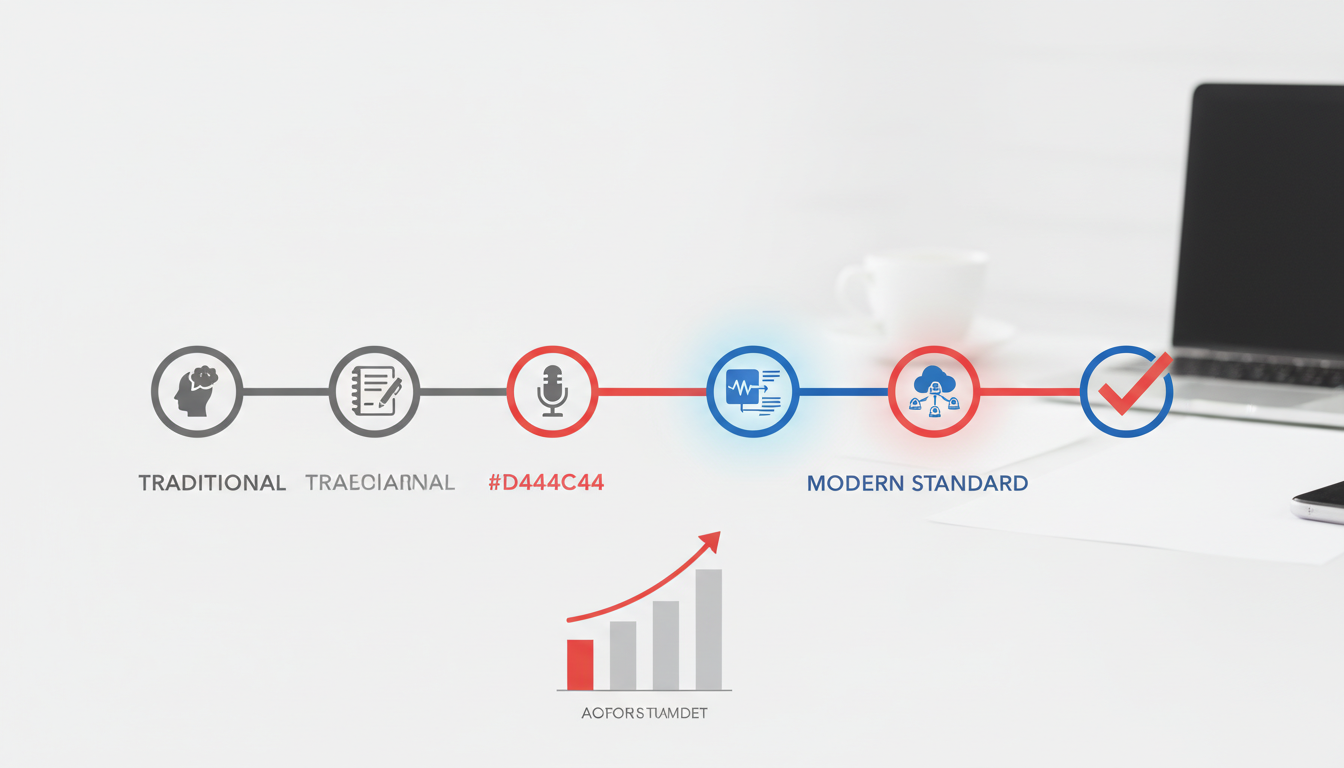
In today's rapidly evolving work environment, transcription has become an indispensable tool for businesses, driven by significant market growth and the widespread adoption of remote work. It's clear that transcription is more than just a passing trend. It has emerged as a standard practice essential for organizations striving to maintain effective and efficient communication.
The shift towards AI-native transcription is largely fueled by the widespread implementation of remote work policies, with many organizations now operating remotely to some degree. This shift has only amplified the demand for reliable transcription services, as teams are more dispersed and rely heavily on digital communication platforms. In this new landscape, ensuring that every voice is heard and every idea is captured becomes crucial. AI transcription tools like DeepScribe are designed to provide just that, transforming conversations into accurate, actionable documentation.
But why is AI transcription becoming the default choice for so many businesses? The answer lies in its incredible efficiency and accuracy. AI platforms now boast 99% accuracy, matching human transcription quality, while processing speeds have reached 3–5 times that of real-time transcription. These astonishing capabilities mean that transcripts are not just more accurate, but also available almost instantaneously, allowing teams to access meeting notes, summaries, and action items without the traditional delays associated with manual transcription.
Moreover, this technological advancement supports a scalable workflow—transforming what was once seen as an admin task into a strategic operational function. By standardizing transcription processes, organizations can facilitate better governance, consistent documentation, and improved accountability.
As businesses continue to adapt to remote-first environments, the role of transcription will only become more vital. Embracing AI-driven tools like DeepScribe not only streamlines operations but also ensures that valuable insights are never lost in translation.
Step 0: Pre-meeting Setup Checklist
Before diving into the transcription process, setting up a smooth pre-meeting checklist is crucial to ensure high-quality outcomes. Let's explore the essentials:
1. Ensure Audio Quality
The foundation of a precise transcription is clear audio. To achieve this, prioritize using quality microphones. An external mic significantly outperforms the built-in ones typically found in laptops or webcams. By minimizing background noise and ensuring each participant in the meeting is clearly audible, you'll enable AI transcription tools, like DeepScribe, to achieve their remarkable 99% accuracy rate. This approach not only benefits current transcription but also builds a reliable archive for future reference. For more on optimizing audio, see our Tips for Effective Audio Transcription.
2. Discuss Consent and Legal Considerations
Engaging in ethical recording practices is integral. Before any meeting begins, obtain explicit consent from all participants. This is both a legal requirement in many jurisdictions and a cornerstone of professional transparency. Inform attendees about the recording and transcription process to ensure compliance and foster trust. This due diligence is especially vital in light of increased remote meetings, with many organizations now adopting flexible work policies.
3. Prepare an Agenda for Structured Discussions
A well-prepared agenda is your roadmap to a focused and effective meeting. It streamlines the conversation, ensuring that the discussion sticks to relevant topics and participants know their roles. When transcribing later, an agenda helps highlight key points and action items, turning raw transcription into actionable insights. This structured approach transforms passive meeting talk into documented decisions, driving efficiency across distributed teams.
By starting each meeting with these foundational steps, you're not just preparing for effective transcription—you're setting the stage for seamless, repeatable operational efficiency, ensuring your meetings drive tangible outcomes.
Step-by-Step Process for Accurate Transcription
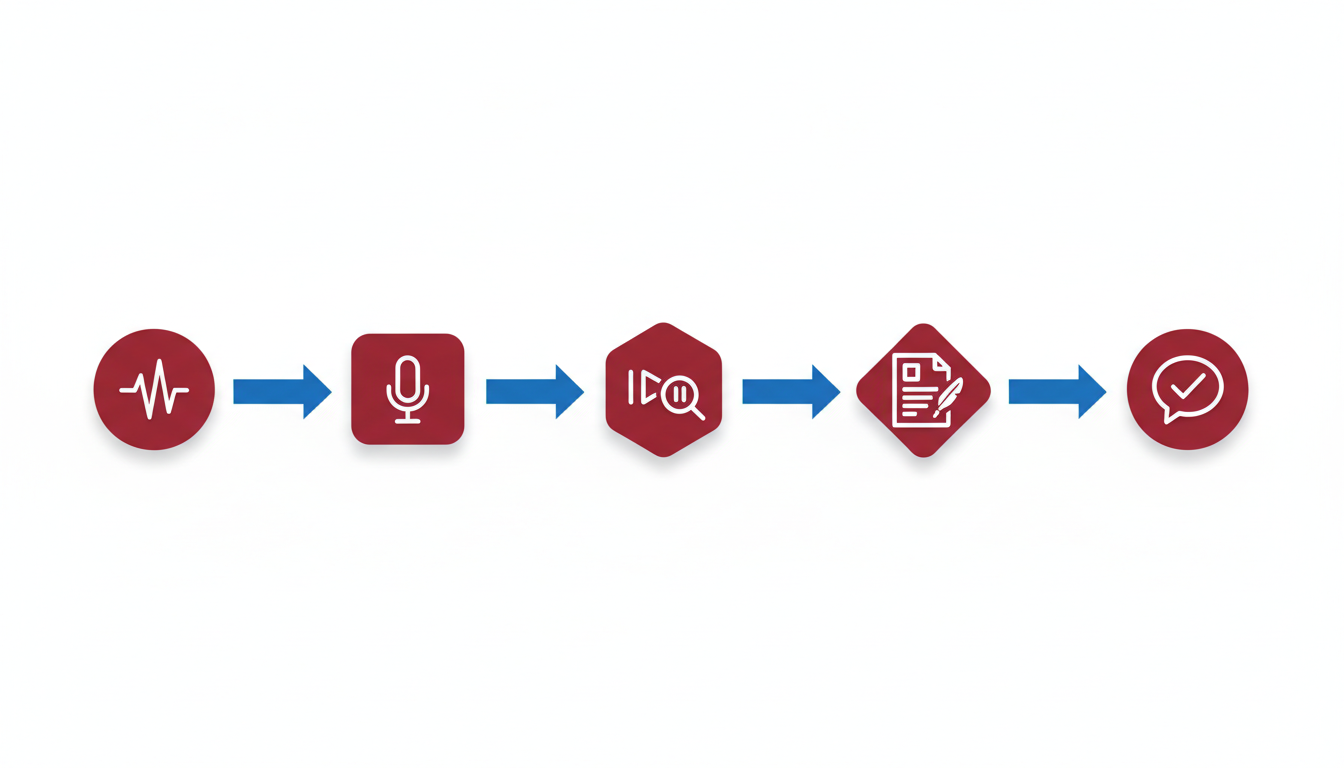
Navigating the world of meeting transcription can feel overwhelming, but understanding the two main paths — live transcription and recording upload — can streamline your workflow. Each method has its strengths, and choosing the right one often depends on your specific meeting dynamics and operational needs.
Live Transcription Path
Key Insight: Live transcription captures the essence of a meeting as it unfolds, offering real-time access and immediacy.
Live transcription is ideal for meetings requiring instant documentation, like brainstorming sessions or high-stakes strategy calls. DeepScribe’s Meeting Notetaker can join platforms such as Zoom, Microsoft Teams, and Google Meet to provide real-time transcription with speaker attribution. This method ensures that nothing slips through the cracks and enables prompt post-meeting action items.
Checklist for Live Transcription:
- Ensure strong internet connectivity for uninterrupted transcription.
- Use quality microphones for clear audio capture — a crucial factor for high accuracy. (Refer to Tips for Effective Audio Transcription for equipment insights.)
- Verify permissions and consent for recording and transcription with all participants.
- Schedule the Meeting Notetaker to auto-join from calendar invites.
Recording Upload Path
Key Insight: Recording uploads are perfect for teams that want to refine their transcripts post-meeting, with the flexibility to handle edits and reviews.
When using the recording upload method, meetings are recorded first and transcriptions are generated after the fact. This allows for engaging more deeply in the discussion without the distraction of taking notes. DeepScribe supports uploading various formats — MP3, MP4, WAV, and more — making it versatile for diverse media needs.
Checklist for Recording Upload:
- Record the meeting in a format supported by DeepScribe to ensure smooth transcription.
- Store recordings in a secure location and confirm the meeting file size does not exceed plan limits.
- Allow for a QA pass after transcription to ensure speaker labeling accuracy.
Decision Criteria
Choosing between live transcription and recording upload often hinges on immediacy versus flexibility. If real-time access to meeting minutes is crucial, opt for live transcription. For more controlled, post-meeting processing, recording uploads are preferable.
Here's a quick comparison to help you decide:
| Factor | Live Transcription | Recording Upload |
|---|---|---|
| Best for | Immediate action items, high-stakes meetings | Detailed review, complex discussions |
| Audio Quality Primacy | Essential | Important but manageable post-recording |
| Flexibility | Limited to live capture | High, with opportunities for editing |
| Integration with Platforms | Can join Zoom/Teams/Meet live with auto-transcription | Supports uploaded recordings from various formats |
| Processing Speed | Real-time transcription | Fast post-upload completion |
Takeaway: Integrating DeepScribe’s flexible AI capabilities into your transcription process ensures that passive meeting participation transforms into actionable documentation. With AI achieving 99% accuracy and processing up to 5× real-time speed, a standardized approach to transcription is now more accessible and efficient than ever.
Speaker Labeling and Quality Assurance
Accurate speaker labeling is vital for clarity in meeting transcriptions. It ensures that dialogue attribution is precise, which is crucial when deriving actionable insights or decisions from conversations. Imagine sifting through a transcript where speaker identities are muddled—frustrating, right? This clarity is even more important in settings like interviews or team meetings where multiple voices need clear identification. By labeling speakers accurately, DeepScribe's AI transcription helps avoid miscommunications and enhances the value extracted from each transcript.
To achieve this, a hybrid AI-manual QA approach is ideal. While AI now provides impressive accuracy—reaching up to 99%—a layer of human quality assurance still plays a key role in refining the final output. Automatic speaker labeling is a core feature of platforms like DeepScribe, which uses advanced algorithms to detect and correctly label different voices during transcription. Yet, a brief review by a human can catch the rare discrepancies, verifying speaker names and ensuring contextual accuracy. This hybrid model combines the speed and efficiency of AI with the nuanced judgment of human reviewers, delivering the best results.
Here's a practical checklist for a QA pass that you can copy:
Verify Speaker Labels: Cross-check that each speaker is consistently and correctly labeled throughout the transcript.
Review Ambiguous Sections: Look for any parts where the AI might have struggled, such as overlapping dialogue, and make necessary adjustments.
Correct Contextual Errors: Ensure that any specific jargon or names are transcribed accurately, especially if they were initially missed by the AI.
Confirm Punctuation: Proper punctuation can change the meaning of a sentence; ensure it's correctly applied to maintain the intended message.
By integrating this hybrid approach into your transcription workflow, you ensure each meeting transcript is not just accurate, but also reliable. With DeepScribe's Meeting Notetaker, you can rest easy knowing that even in hybrid or remote team settings, your documentation will be precise and ready for action. This method not only boosts efficiency but also supports the scalability of transcription as an operational function, easily adapting to different meeting environments.
Turning Transcripts into Summaries and Action Items
Translating meeting transcripts into actionable summaries is a vital skill for any manager. With tools like DeepScribe, this task becomes efficient and standardized, transforming passive meeting notes into valuable, actionable documents. Here’s how to make the most of your transcripts.
Crafting Consistent Summaries
Key insight: Uniformity in summaries ensures clarity and ease of understanding across the team. Establishing your format early can streamline this process.
- Start with a Template: Create a repeatable structure. Consider including sections like “Key Points,” “Decisions Made,” and “Next Steps.” This consistency not only saves time but also helps team members quickly grasp the essentials.
- Focus on Conciseness: DeepScribe’s AI-powered solutions naturally distill meetings into concise overviews. Encourage your team to hone in on just the critical insights and avoid lengthy prose.
- Highlight Key Moments: Use italic or bold text to signify crucial details or action points, ensuring they stand out during reviews.
“Employing structured summaries turns your transcript from a passive record into a tool for active execution,” as industry trends suggest.
Extracting Action Items
Key insight: Action items transform meeting discussions into work outcomes. Clear tasks with designated ownership and deadlines drive accountability and progress.
- Detail Ownership: Outline who is responsible for each task. Use speaker identification features to link tasks to individuals automatically.
- Set Deadlines: Assign realistic deadlines to keep momentum, leveraging AI-driven insights that suggest optimal timelines based on prior engagements.
- Use Consistent Language: This enhances comprehensibility and uniformity—terms like “Complete by” or “Review with” can aid in fostering clarity.
Example Template
To enforce a cohesive workflow, use this actionable meeting summary template:
- Meeting Date: [Date]
- Attendees: [Names]
- Summary:
- Key Points:
- [Key Insight 1]
- [Key Insight 2]
- Decisions Made:
- [Decision 1]
- [Decision 2]
- Key Points:
- Action Items:
- [Owner: Action Item 1 – Deadline]
- [Owner: Action Item 2 – Deadline]
With DeepScribe’s ability to quickly extract and organize data, transforming transcripts into purposeful documents is a breeze. This structured approach not only enhances team alignment but also boosts overall productivity.
By consistently converting transcripts into structured summaries and actionable lists, meetings evolve into growth opportunities rather than time sinks. Explore how DeepScribe facilitates this transition with its AI capabilities in meeting documentation.
Exporting, Distributing, and Storing Transcripts
Effectively exporting, distributing, and storing meeting transcripts is critical for maintaining an organized and efficient workflow. This section will explore the optimal strategies for these tasks, ensuring that your documentation processes are streamlined and consistent across your team.
Export Formats
Key Insight: Offering multiple export formats enhances flexibility and accessibility for all team members.
With DeepScribe, you can export transcripts in several formats, including TXT, DOCX, PDF, SRT, and VTT. Each format serves different purposes:
- TXT is ideal for simple text documentation and easy sharing.
- DOCX is perfect for editable, formatted documents.
- PDF ensures a consistent layout across devices and platforms.
- SRT and VTT are essential for subtitles and captions, making your content accessible.
Exporting in these formats allows your team to choose the format that best suits their needs, facilitating better information flow and utilization.
Distribution Systems
Key Insight: Consistency in distribution methods ensures that every team member receives the necessary information promptly.
Create a standard operating procedure (SOP) for distributing transcripts. Consider using platforms like Slack, Microsoft Teams, or email lists to share links or files. Automating these processes reduces manual workload and ensures everyone stays informed. For example, schedule automatic email sends at the conclusion of each meeting to ensure instant availability. Utilizing these systems minimizes discrepancies and maximizes efficiency.
Naming Conventions and Storage Practices
Key Insight: Consistent naming conventions and storage practices prevent confusion and enhance retrievability.
Implement a standardized naming convention, such as [Date][MeetingTopic][Participants], to clarify the content at a glance. Store documents in a centralized cloud-based system, like Google Drive or OneDrive, ensuring they are easily accessible by authorized personnel. Regular audits of the storage system can help maintain organization and ensure adherence to company policies.
By following these strategies, you can maintain a seamless and efficient system for exporting, distributing, and storing meeting transcripts. This approach not only facilitates immediate access to crucial information but also supports long-term documentation practices that are vital for any distributed or hybrid team setup.
Governance: Privacy, Security, and Sharing
Navigating the world of meeting transcription involves more than just capturing accurate notes; it requires a thoughtful approach to governance, ensuring privacy, security, and effective sharing of information.
Consent and Privacy Concerns
Begin with obtaining informed consent. When recording meetings, it’s crucial to inform participants and secure their agreement. This not only respects privacy but also complies with legal standards. Many organizations are adopting policies that require verbal consent at the start of each recorded meeting, ensuring all participants are aware. Remember, transparency is key in building trust.
Security Protocols: Encryption and Deletion Practices
Security is a top priority in managing digital meeting records. DeepScribe, for instance, ensures robust security by employing end-to-end encryption. This means that data is protected while in transit and at rest, securing it from unauthorized access. Moreover, DeepScribe’s policy of automatic deletion after processing further safeguards sensitive information, minimizing risks associated with data retention.
Implementing such practices organization-wide ensures that your team’s data remains secure and private. For a detailed dive into effective audio transcription techniques, consider exploring insights on Tips for Effective Audio Transcription.
Guidelines for Sharing and Retention Policies
Establish clear guidelines on how and when meeting transcripts can be shared. Consider who needs access to these documents and under what circumstances. Establishing a retention policy is equally vital—decide how long transcripts should be stored and when they should be purged. For example, many organizations opt for a 30-day retention period unless specific legal or project requirements dictate otherwise.
To support compliance and uniformity, tools like DeepScribe offer structured frameworks that facilitate secure sharing and retention. This ensures that operations are consistent across teams and time zones, addressing common pain points of inconsistency in documentation.
Takeaway: Effective transcription governance turns meetings into a documented legacy without compromising privacy or security, transforming how organizations capture and act on valuable insights.
Troubleshooting and Accuracy Boosters
When it comes to achieving precise meeting transcriptions, even the most advanced tools can encounter hurdles. Understanding common challenges and having strategies ready will ensure your transcription process runs smoothly.
Common Challenges and Solutions
Transcription can be thwarted by various issues, from poor audio quality to misidentifications of speakers. Audio quality is a primary concern—background noise, low volume, or echoes can severely impact transcript accuracy. To counter this, ensure a high-quality microphone is used, and choose a quiet room for recordings.
Speaker misidentification is another common problem. If multiple people speak simultaneously or there’s talking over each other, the AI might struggle. Encourage speakers to maintain clear speech gaps, and utilize platforms like DeepScribe, which excels in speaker labeling.
Technical glitches such as software crashes or corrupt files can occur. Always keep a backup audio recording, and regularly update your transcription software to the latest version to minimize compatibility issues.
Tips for Enhancing Transcript Accuracy
To boost your transcription accuracy, consider these best practices:
Pre-Meeting Setup: Prepare a checklist for optimal recording conditions. Ensure microphones are placed centrally and that there's minimal background noise. Tips for Effective Audio Transcription shares further advice on this.
Use AI-backup: Leverage AI meeting notetakers for live transcriptions, but incorporate a brief manual review post-meeting for sections needing clarification. This hybrid approach aligns with the industry shift towards scalable AI-native processing.
Training and Customization: Utilize AI platforms that offer training or custom prompts to adapt to your specific meeting contexts, improving word recognition for jargon or unique industry terms.
Decision Tree for Troubleshooting Issues
A structured decision-making process can help efficiently address issues:
| Issue | Possible Cause | Troubleshooting Steps |
|---|---|---|
| Poor Audio Quality | Background noise | Improve setup: use high-quality mic, reduce noise sources |
| Misidentified Speakers | Overlapping conversations | Encourage clear speaker turns, consider manual correction |
| Incomplete Transcripts | Software crash | Regularly update software, maintain backups |
| Incorrect Terminology | Jargon-heavy dialogue | Train AI with frequent terms, use custom vocabularies |
| File Compatibility Problems | Unsupported formats | Convert files beforehand, check software compatibility |
“Employing quality microphones and ensuring clear audio are essential for accurate transcription.”
By being proactive and integrating these strategies, you'll ensure your meeting transcriptions are not only accurate but also a reliable resource for action items and decision documentation. For deeper insights into AI's impact on transcription quality, AI and Its Role in Transcribing Meetings provides additional perspectives.
Best Practice Setup with DeepScribe
To achieve seamless and efficient transcription of meetings, leveraging the capabilities of DeepScribe is a game-changer. Equipped with the latest in AI transcription technology, DeepScribe's Meeting Notetaker transforms how managers can document and act on meeting insights.
Step 1: Setting Up Meeting Notetaker and Transcription Tools
Before diving into transcription, ensure a smooth initial setup with DeepScribe. Begin by integrating the Meeting Notetaker with your preferred video conferencing platform, whether it's Zoom, Microsoft Teams, or Google Meet. This allows the bot to auto-join your meetings through calendar invitations, ensuring continuous, high-quality transcription.
- Capture Quality Audio: Prioritize high-quality microphones to boost transcription accuracy. As emphasized, “Employing quality microphones and ensuring clear audio are essential for accurate transcription.” Source
- Configure Speaker Labels: Activate speaker labeling to differentiate between speakers automatically. This is crucial for clarity in follow-ups and accountability.
Step 2: Leveraging Integrations for Seamless Workflows
DeepScribe brilliantly integrates with popular platforms, providing a unified transcription experience:
Zoom: Effortlessly add DeepScribe to your Zoom meetings, capturing every spoken word with precision.
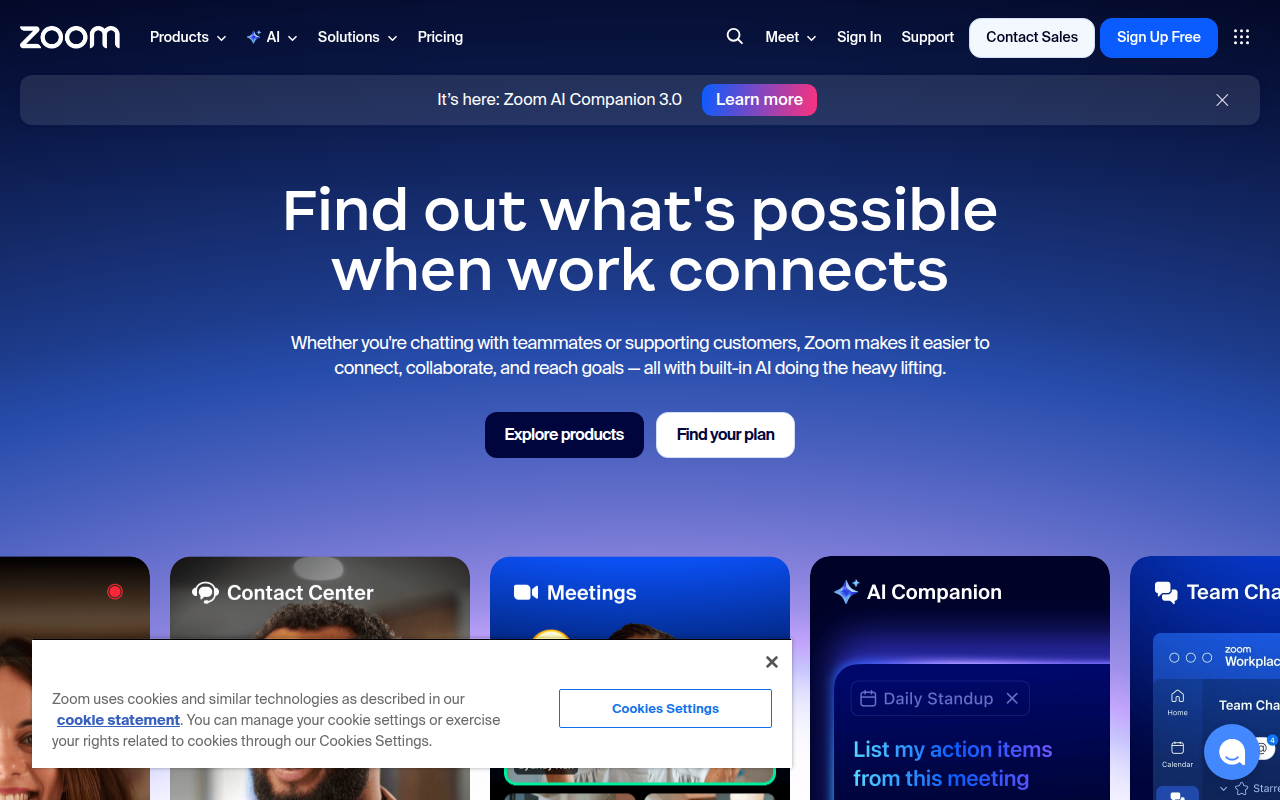
Microsoft Teams: Utilize the integration to ensure all team discussions are captured and archived.

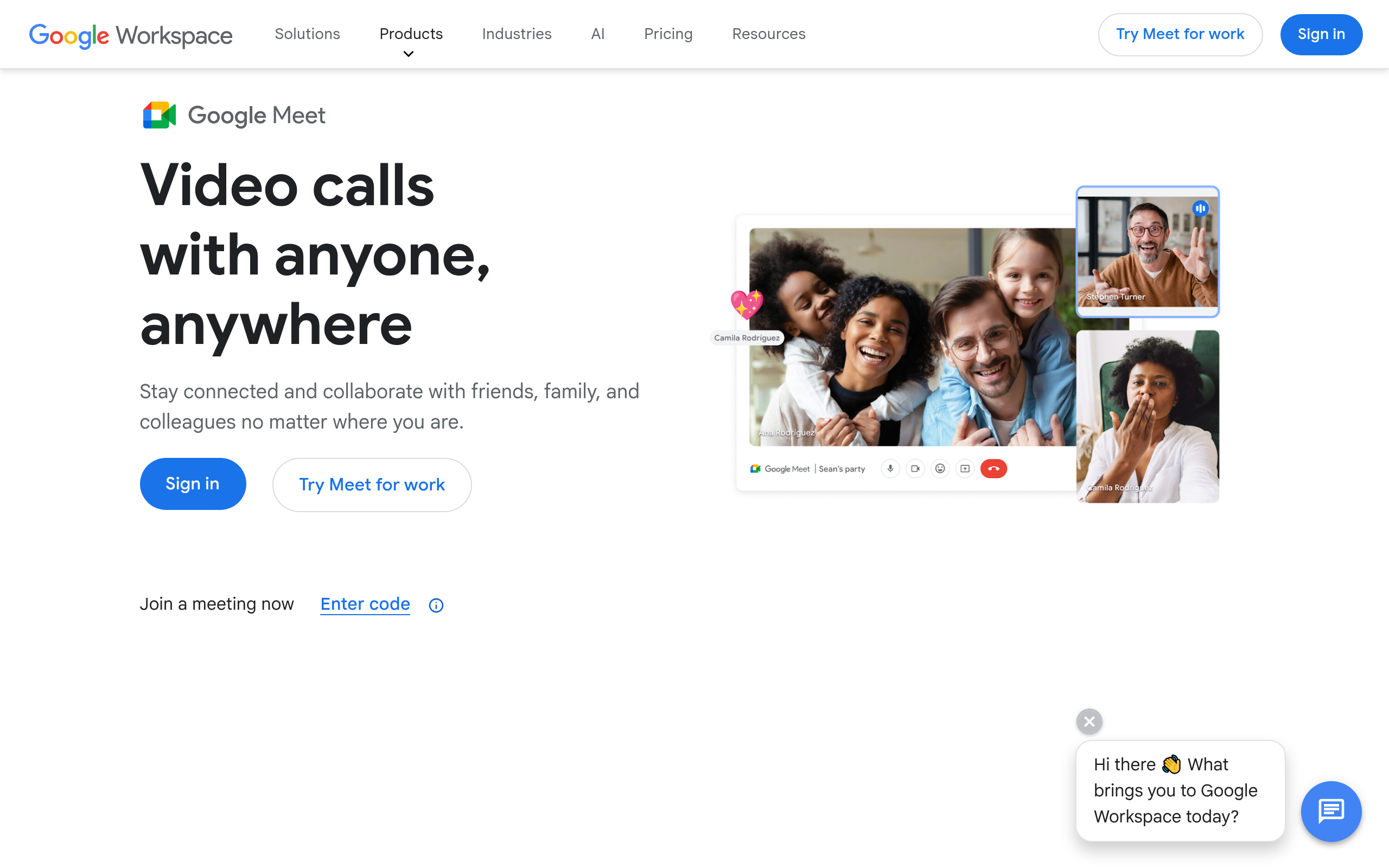
Google Meet: Sync with Google Calendar for seamless transcription start times.
Step 3: Optimizing Outputs and Distribution
DeepScribe doesn't just stop at transcription; it enhances the output with summaries and actionable items. This transforms passive notes into actionable intelligence, ensuring your team is always aligned and informed.
- Export Formats: From basic TXT files to richer DOCX or PDF exports, choose the format that best suits your distribution needs.
- Automated Summaries: The AI generates concise summaries, pinpointing critical decisions and action items for streamlined follow-ups.
Employing DeepScribe’s Meeting Notetaker turbocharges your meeting documentation, turning routine discussions into fully actionable, organized, and searchable records with minimal manual intervention.
Standardized Rollout Plan for Organizations
Standardizing a transcription workflow across your organization doesn't have to be complicated. Here's a straightforward plan to get started:
Pilot Rollout: Testing Transcripts and Feedback
Begin with a pilot rollout to evaluate the transcription process and gather feedback. Select a small team to use DeepScribe's Meeting Notetaker during their meetings. This approach allows you to test the accuracy of transcripts, the usability of summaries, and the effectiveness of action items. Encourage team members to provide feedback on ease of use and improvements needed. Use this feedback to refine the workflow before wider deployment.
“AI meeting transcription transforms passive participation into actionable documentation.” Utilize this guiding principle to emphasize the benefit of converting meeting content into actionable items from the start.
Template Development for Organization-wide Use
Once the pilot phase provides sufficient insights, develop standardized transcription templates. These templates should include sections for transcripts, summaries, and action items, ensuring consistency across all departments. Leverage DeepScribe’s capability to export in multiple formats (TXT, DOCX, PDF, SRT, VTT) to meet your organization's documentation needs. Make the templates accessible and easily modifiable for team needs.
Enforcement Strategies for Consistent Application
For successful organization-wide implementation, establish enforcement strategies to ensure consistent use of the workflow. Here’s how:
Define Clear Guidelines: Outline when and how transcription should occur. For example, decide whether live transcription or post-meeting uploads are preferred. This structure helps integrate transcription naturally into meeting processes.
Training and Support: Provide training sessions for employees on using DeepScribe’s tools effectively. Regular sessions will ensure that everyone understands how to utilize the technology to its fullest potential.
Monitor and Adjust: Continuously monitor the deployment and make necessary adjustments. Solicit feedback regularly to address any issues and refine the process.
By following this standardized rollout plan, you can ensure that your organization benefits from streamlined documentation that enhances productivity and decision-making. Learn more about how DeepScribe can fit into your transcription needs by exploring our detailed capabilities here.
Frequently Asked Questions
What is the best way to transcribe a meeting?
The best way involves using tools like DeepScribe for accurate, real-time transcripts, speaker attribution, and summarization.
How do you transcribe a Zoom meeting?
Use AI tools to join Zoom meetings and generate live transcripts. DeepScribe offers integration for this process.
What is the difference between meeting minutes and transcripts?
Minutes summarize key points and decisions; transcripts are verbatim records of the meeting.
How accurate is AI transcription?
Current AI models can achieve up to 99% accuracy, comparable to human transcriptionists.
Can transcripts be used for legal purposes?
Yes, but ensure they meet all necessary consent, accuracy, and legal standards.
Final Thoughts
Transcribing meetings effectively can transform them into actionable documentation. Here's a quick recap of the essential steps:
- Choose a Suitable Transcription Tool: Ensure it matches your organization's needs.
- Set Clear Objectives for Each Meeting: This helps the transcription focus on key points.
- Record Meetings Clearly: Good audio quality enhances transcription accuracy.
- Assign Roles for Reviewing Transcripts: Ensure quick and effective review and action.
- Leverage AI for Summaries and Action Items: This converts raw transcripts into actionable insights.
Transcription turns passive participation into actionable documentation, providing clarity and direction for your team. To streamline your transcription process, consider trying DeepScribe. With no credit card required on the Free plan, it's an easy way to get started. For organizations with specific needs, explore DeepScribe’s Business-tier for custom workflows and integrations. Visit DeepScribe to learn more.
Written by

DeepScribe Team
Content Team
The DeepScribe content team shares insights on audio transcription and AI technology.