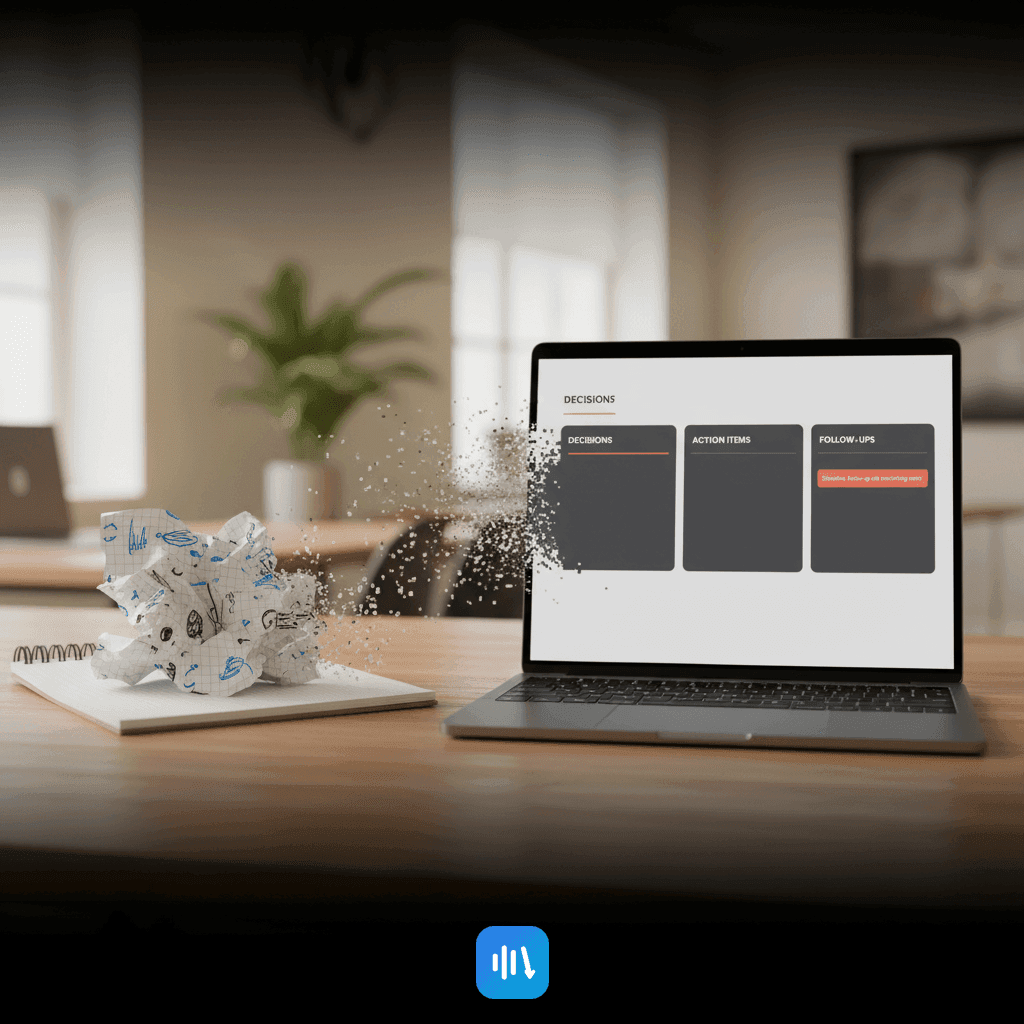
How to Use AI for Meeting Summaries (Step-by-Step Guide)
Learn how to turn meeting transcripts into actionable summaries using AI. This guide covers capturing, summarizing, and executing effectively with DeepScribe.

DeepScribe Team
Content Team
How to Use AI for Meeting Summaries (Step-by-Step Guide)
If your “summary” is just a paragraph nobody reads, you don’t have a summary—you have meeting noise. In today's fast-paced work environment, managers struggle to transform long, messy transcripts into coherent, actionable meeting notes. This post introduces a 3-part system—Capture, Summarize, Execute—to turn those chaotic transcripts into standardized, decision-ready documentation. Beyond just pasting text into an AI tool, you’ll learn how to produce reliable outputs: concise summaries, action items with owners and deadlines, and tailored follow-ups.
We leverage DeepScribe's capabilities to deliver a repeatable, trusted workflow that aligns with different needs and security standards. Whether you're looking to improve summary accuracy, extract clear action items, or standardize notes across a team, this guide offers implementation-level methods supported by templates and QA checklists. Ready to cut through the noise and make your meetings truly productive? Let's dive in.
Introduction to AI Meeting Summaries
If your "summary" is just a paragraph nobody reads, you don’t have a summary—you have meeting noise. For managers and team leads overwhelmed by post-meeting confusion, automating summaries could be a game-changer. Welcome to your ultimate guide on how to use AI for meeting summaries, turning chaos into clarity.
Modern meetings often result in a tangled web of notes and forgotten action items, leaving everyone asking, "What did we decide?" or "Who’s responsible for follow-ups?" This is where AI shines, offering a structured approach with a three-part system: Capture → Summarize → Execute. Here’s how it unfolds:
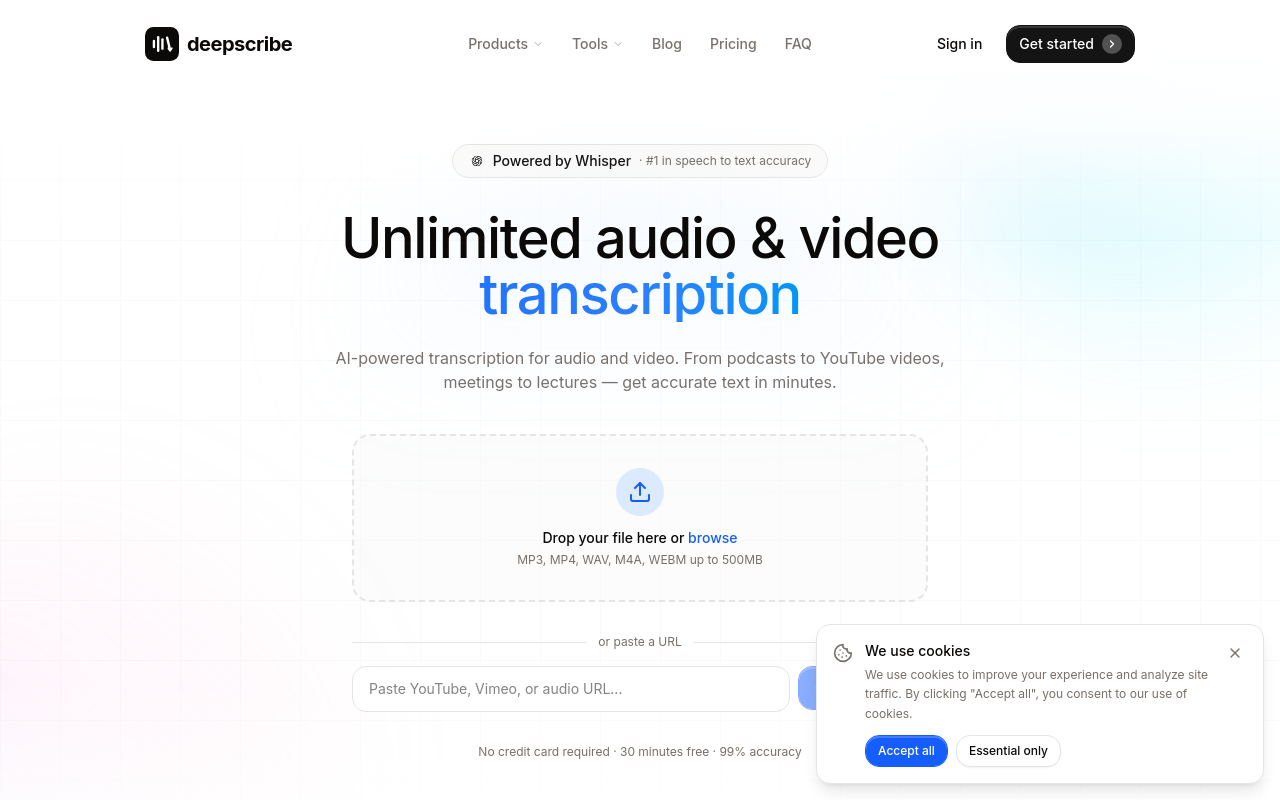
Capture: Start with a reliable transcript. DeepScribe’s Whisper-powered technology claims up to 99% accuracy, expertly handling accents and background noise. For a detailed walkthrough on generating accurate transcripts, you might find our step-by-step guide on AI-powered transcription helpful. This foundation sets the stage for a high-quality summary.
Summarize: Gone are the days of generic text blobs. DeepScribe’s AI transforms transcripts into decision-ready documents. It intelligently extracts context-aware summaries, pulling out key decisions, potential risks, and open questions tailored to different stakeholders—be it executives, teams, or clients.
Execute: It’s not just about noting down what was said; it’s about moving projects forward. AI not only identifies action items but assigns them with owners and deadlines. You get structured outputs every time, ensuring nothing falls through the cracks.
AI-powered meeting summaries aren’t just a fancy term—they’re a practical solution to improve meeting documentation standards. By implementing this system, you're not just summarizing; you're upgrading your meetings to be more efficient and actionable.
Ready for organized, impactful meetings every time? Let's dive deeper into this innovative approach with the assurance of accuracy and security that DeepScribe provides.
Defining a Useful Summary: The Spec
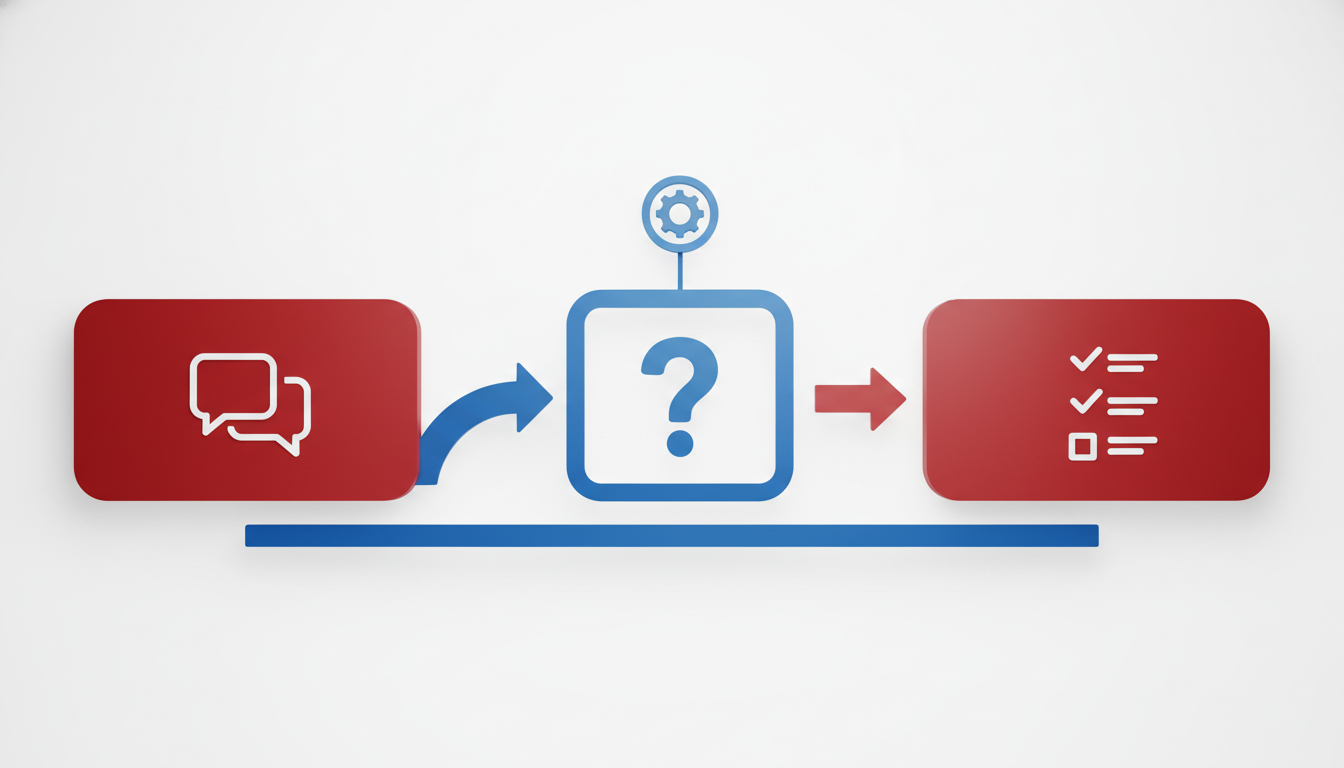
If your meeting "summary" leaves participants questioning decisions and action items, you're missing a clear opportunity. A truly useful summary translates meeting chaos into clarity, offering a standardized snapshot of what happened and what's next.
Key Components of a Useful Summary
Decisions Made: Capture every decision during the meeting. This includes approvals, rejections, and agreements on key issues. A clear decision log helps team members understand what paths have been chosen and why.
Example:
Decision: Approve budget for Q2 marketing campaign.
Risks Identified: Document any potential risks that could arise from decisions made or discussed during the meeting. This keeps teams proactive rather than reactive.
Example:
Risk: Potential delays in supplier delivery could affect the campaign timeline.
Action Items: Specify tasks with clear ownership and deadlines. This is crucial for accountability and ensuring follow-through.
Example:
Action: Emily to finalize vendor contracts by March 15th.
Open Questions: Note questions that need further exploration, which helps prioritize what to address before the next meeting.
Example:
Question: What are the alternative options if the supplier cannot meet deadlines?
Example of a Complete Summary Template
Decisions:
- Launch new product line in Q3.
- Transition marketing platform by July end.
Risks:
- Risk of resource constraint impacting Q3 launch.
Action Items:
- Task: John to prepare project timeline by next Monday.
Open Questions:
- How will we manage existing resources to meet Q3 demands?
Embedding this structure in your workflow ensures consistency and efficiency across the board. By implementing DeepScribe's capabilities, such as AI-generated summaries and action items, your team can easily standardize notes, making it easier to follow up and align strategical goals with operational actions. For more insight into how AI can refine your meeting transcripts,check DeepScribe's blog for advanced techniques and tools.
Step 1: Capturing Accurate Transcripts
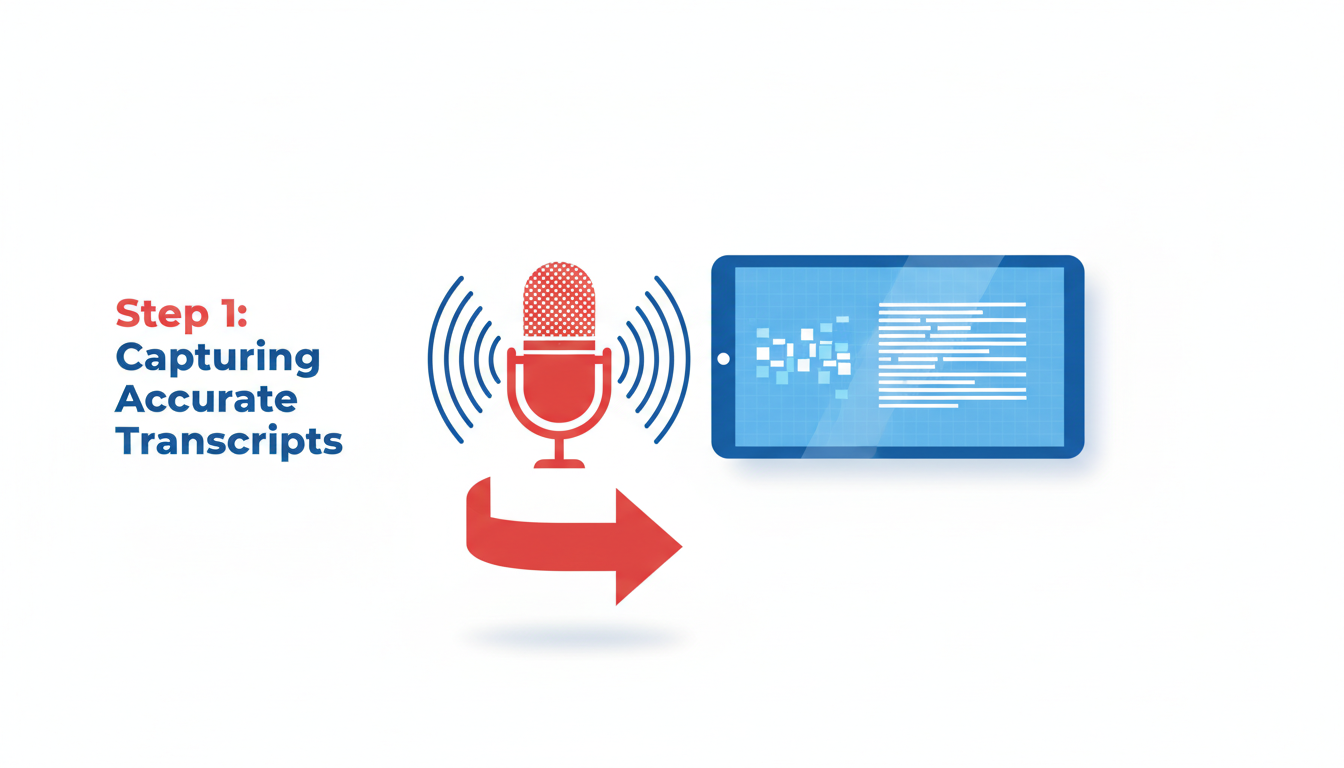
If your meeting summary starts off with inaccurate transcripts, you're setting yourself up for a game of telephone gone terribly wrong. Capturing precise, speaker-labeled transcripts is the cornerstone of reliable AI-driven summaries. This requires an exceptional transcription tool, and that’s where DeepScribe shines with its Whisper-powered technology.
Key Insight: Accurate inputs lead to trustworthy outputs. Prioritize capturing clear and precise transcripts to ensure accurate AI meeting summaries.
DeepScribe utilizes Whisper’s advanced speech-to-text capabilities to achieve a remarkable 99% accuracy rate, adeptly handling accents, background noise, and technical jargon. This high level of precision ensures that every word spoken is faithfully captured, setting the groundwork for generating valuable meeting documentation.
But it's not just about getting the words right; it's also about knowing who said them. DeepScribe’s speaker labeling feature automatically attributes the dialogue to the correct participants, which is crucial in multi-speaker scenarios like interviews, panels, or team meetings. Correct attribution informs precise action items and decision logs, enhancing accountability and clarity.
Security doesn’t take a back seat, either. When dealing with sensitive information, such as client consultations or strategic discussions, privacy is paramount. DeepScribe employs end-to-end encryption, ensuring that your data remains secure from start to finish. Once processed, files are automatically deleted, further safeguarding your data. Beyond this, DeepScribe proudly holds a SOC 2 Type II compliance claim, reinforcing its commitment to top-tier security standards.
For managers and team leads venturing into AI-enabled meeting documentation, leveraging a tool like DeepScribe transforms the mundane task of transcription into a streamlined, reliable process. Not only does this setup pave the way for context-aware summaries, but it also bolsters trust across teams by eliminating the guesswork often associated with post-meeting recall.
Before diving into AI-generated summaries, ensure you start with a robust, speaker-labeled transcript. When done right, this foundational step becomes a powerful asset for creating structured, decision-ready documentation that your team can rely on consistently.
Step 2: Summarizing with Contextual Awareness
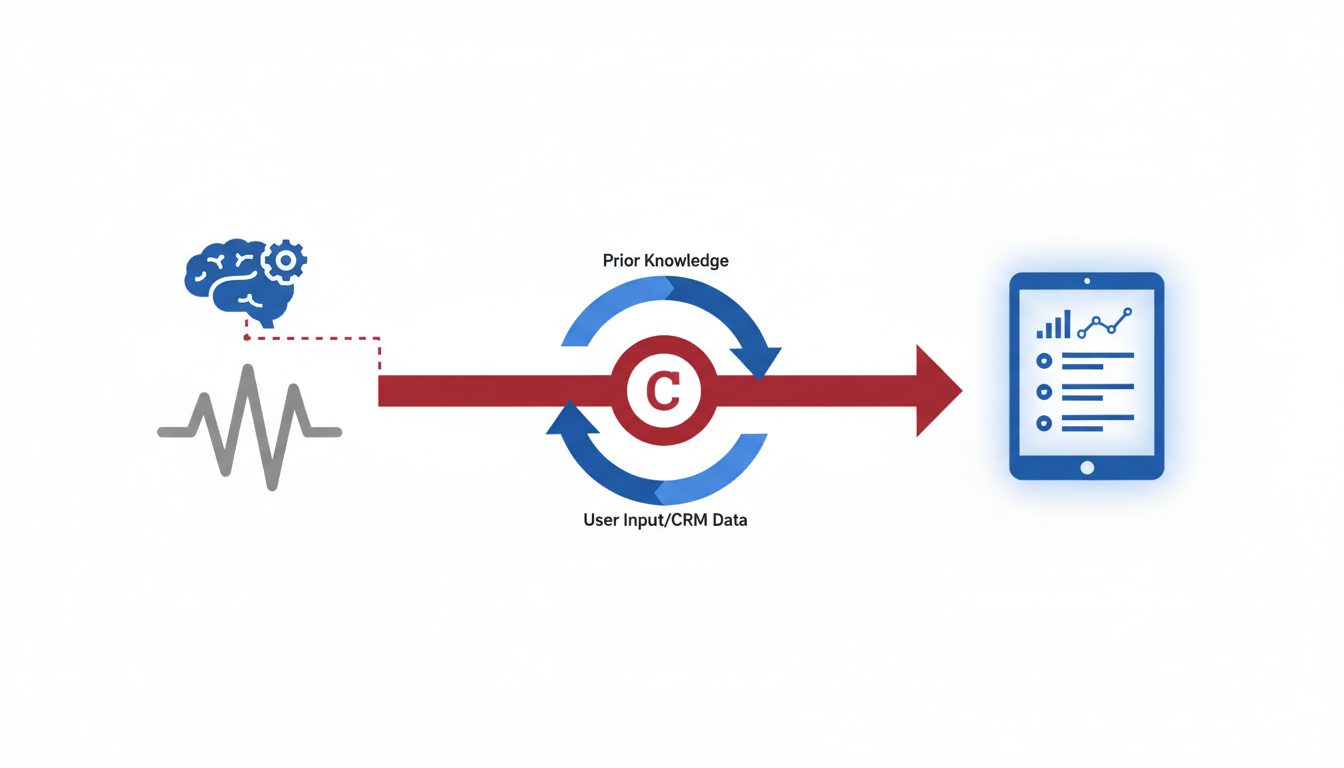
Imagine wrapping up a meeting and realizing you have a jumble of notes that leave you more confused than when you started. If that's your usual experience, you’re missing out on the power of context-aware AI meeting summaries. DeepScribe steps in to weave the rich tapestry of every conversation, turning chaos into clarity.
Understanding Context-Aware Summaries
A good summary isn't just about compressing information—it's about capturing the essence of the discussion, complete with decisions, action items, and next steps. Context-aware meeting summaries achieve this by factoring in the agenda and participant roles, ensuring the resulting documentation is robust and insightful.
How DeepScribe Provides Context
DeepScribe leverages its Whisper-powered accuracy to produce 99% accurate transcripts, which form the backbone of reliable summaries. By integrating with your calendar, it auto-joins meetings, understands the context through pre-meeting data, and adapts its outputs accordingly. This isn't just smart; it's intuitive. Meeting participants and agendas become more than just words—they guide the AI in sculpting summaries that speak directly to each stakeholder's needs.
Custom Prompts for Targeted Outputs
For businesses on the Pro and Business plans, the real magic happens with custom prompts. These prompts allow you to tailor outputs to fit specific needs, such as emphasizing project deadlines for project managers or focusing on risks for compliance teams. This adaptability means your summary isn't just a recap—it's a strategic document ready to propel action.
For example, if you're focused on tracking project milestones, a prompt like “What deadlines were confirmed?” ensures the summary highlights time-sensitive tasks with precision.
Real-World Application
Picture this: You've just completed a complex client meeting. Without DeepScribe, parsing through notes to extract crucial client asks would take ages. With question-based AI meeting summary tools, however, you simply ask, “What questions did the client raise?” and the summary immediately highlights these, saving time and preserving details.
Key takeaway: Context-aware summaries transform mere notes into a personalized narrative aligned to each stakeholder’s needs.
By utilizing DeepScribe's AI tools, not only do you standardize documentation, but you also enhance trust in the summaries produced. Each output is not just a reflection of what was said but a strategic asset guiding your team’s next steps.
Dive deeper into the possibilities with DeepScribe to see how you can revolutionize your meeting documentation today.
Step 3: Extracting and Verifying Action Items
Extracting action items from your meeting transcripts is crucial for turning discussions into actionable outcomes. Here’s how to ensure these tasks are clearly defined and accurately attributed, reinforcing team accountability and progress.
Extracting Clean Action Items
Start with a high-quality transcript—DeepScribe’s speaker-labeled transcripts excel here. By identifying who said what, you can accurately extract tasks with their rightful owners. Once your transcript is ready, focus on identifying action items by framing typical prompts like:
- What decisions were made and what are the next steps?
- Who is responsible for each action item, and what is the deadline?
DeepScribe’s AI can help automate this extraction by highlighting key phrases that often signal actions, dates, or commitments. On the Pro and Business tiers, this feature is particularly robust, offering full-suite capabilities including follow-up emails that quickly align team members post-meeting.
Implementing a QA Checklist
To maintain consistency and accuracy, implement a QA checklist. This is vital in preventing hallucinated tasks—misidentifications that AI might inadvertently create. Here’s a simple checklist to follow:
- Cross-check against transcripts: Verify each action item with the speaker-labeled text to ensure it truly reflects what was discussed.
- Require verbatim evidence: Look for exact phrases in the transcript that can corroborate each action item.
- Assign clear owners and deadlines: Ensure every task has a responsible person and a specific completion date.
Preventing Missteps
To avoid errors, establish a repeatable QA loop. Regularly train your team to use this system and provide feedback as needed. Additionally, DeepScribe’s custom AI prompts (available with Business plans) can help develop standardized action item templates, further reducing room for error.
Expert insight: "Accurate action items transform meetings from talk into tangible results. Ensuring precision in this extraction step builds trust across your team."
By meticulously extracting and verifying action items, you enhance decision-readiness and team efficacy. With DeepScribe, you are equipped to seamlessly convert conversations into structured and reliable documentation.
Step 4: Standardizing Notes with Prompts and Templates
Achieving consistency in meeting notes is crucial for clarity and efficiency—especially in a team environment where varied styles can lead to confusion. Enter templates and prompts, which serve as guides to ensure every note-taker is on the same page.
Consistency Through Templates
Imagine the ease of having a ready-made meeting recap template that captures all essential elements every time. With templates, team members can quickly fill out the structure without worrying about missing key details. This approach not only saves time but also maintains a standard that everyone follows, making cross-referencing between meetings seamless.
Templates should include:
- Decisions made during the meeting
- Action items with clearly assigned owners and deadlines
- Any open questions or risks identified
- A concise summary of discussions
By implementing such templates, managers can ensure that every meeting’s outcome is thoroughly documented and clear for all stakeholders, regardless of their involvement level in the meeting.
Leveraging DeepScribe’s Custom Prompts
DeepScribe’s Business plan extends this concept further by offering custom prompts. These prompts can be tailored to extract exactly what your team needs from any transcript. For instance, a prompt like “What are the key decisions?” ensures that the AI pulls the most pertinent information for each stakeholder.
Examples of Prompt Templates:
- Executive Summary: Focus on high-level decisions, strategic risks, and overarching goals.
- Team Notes: Capture detailed action items, individual responsibilities, and deadlines.
- Client Updates: Highlight project progress, deliverables, and any adjustments to timelines.
By using these custom prompts, managers can create context-aware meeting summaries that cater to different audience needs, all while maintaining a consistent note structure.
Establishing Trust with a QA Loop
An effective QA loop is essential to prevent errors and build trust in the AI-generated summaries. Cross-checking against the speaker-labeled transcript ensures that action items aren't hallucinated. This involves verifying each item’s source within the transcript to maintain accuracy and accountability.
“Good notes aren’t just about what was said—they’re about what gets done afterward.”
In conclusion, standardizing meeting notes through templates and leveraging DeepScribe’s custom prompts fosters reliability and ease across your team’s documentation efforts. This method not only enhances productivity but also strengthens confidence in the meeting records produced.
Implementing a QA and Governance Layer
Ensuring the quality and governance of your AI-generated meeting summaries is crucial for maintaining trust and consistency across your team. Here’s how to implement an effective QA loop and governance structure using DeepScribe:
Develop a Repeatable QA Loop
The foundation of a reliable QA system is a repeatable QA loop. This process ensures that every meeting summary is consistent, accurate, and actionable:
Initial Transcript Accuracy: Start with DeepScribe's Whisper-powered transcription, boasting a 99% accuracy rate. Ensure that the transcript captures all dialogue and properly labels speakers. This is foundational, as the quality of your summary depends on it.
Cross-Check Summaries: Compare the AI-generated summaries against the full transcript. Verify key decisions and action items. Utilize DeepScribe’s advanced speaker identification to attribute tasks correctly, minimizing errors in who is assigned what.
Verbatim Evidence: Each action item should correlate with a direct quote from the transcript, enhancing accountability. Implement a checklist for this cross-verification, reducing the occurrence of hallucinated action items.
Key Takeaway: "A successful QA loop isn’t just about checking off boxes; it’s about creating a culture of accuracy and accountability."
Standardized Rollout of Meeting Notes
A standardized rollout ensures that every team member receives documents in a consistent format:
Template Usage: Leverage DeepScribe’s custom prompts (available on the Business plan) to standardize meeting notes. These prompts ensure that every summary includes essential fields like Decisions, Risks, Action Items, and Open Questions.
Exports and Formats: Choose appropriate export formats fitting your team’s needs—DOCX, PDF, SRT, or VTT on Pro/Business plans.
Training and Adoption: Train your team to understand and follow the standardized templates. Regular workshops can ensure uniform adoption and usage across the board.
Governance for Sensitive Information
Ensuring the governance of sensitive information in meeting summaries is imperative:
Security Measures: With DeepScribe’s end-to-end encryption and SOC 2 Type II compliance, your data remains secure. Automatic deletion post-processing helps safeguard sensitive discussions.
Access Control: Define who can access meeting summaries. Restrict access to sensitive content where necessary.
Audit Trails: Maintain audit trails for any changes to summaries, ensuring there is a record of what notes were altered, when, and by whom.
Implementing these QA and governance strategies creates a robust system for meeting documentation, enhancing both the consistency and security of your team's outputs.
Operational Rollout Plan for Managers
Implementing AI for meeting summaries can transform how teams capture, share, and act on insights. Here’s an effective rollout strategy to ensure success.
Pilot and Measure Adoption
Kick off with a pilot program. Select a recurring meeting where standardized summaries could add value, such as weekly team check-ins. Use DeepScribe to process transcripts and generate AI-driven outputs, like summaries and action items. Measure adoption by collecting feedback on clarity, accuracy, and utility of the AI-generated notes. Adjust the workflow based on insights, ensuring that all output aligns with your team's specific needs.
Define Ownership and Cadence
Assign a dedicated owner to oversee the system. This could be an operations lead or project manager responsible for integrating AI workflows into the meeting cadence. Establish a routine timeline for reviewing and distributing summaries. For example, send follow-ups within 24 hours post-meeting to keep actions top of mind. Clear ownership and regularity help build trust and reliability in AI outputs.
Align Export and Storage Conventions
Ensure that all meeting materials are accessible by defining export and storage conventions. DeepScribe offers diverse format exports tailored to different needs: TXT, DOCX, PDF, SRT, VTT. Choose formats that best suit your team's documentation standards to maintain consistency. Pair this with a centralized storage solution, such as a shared drive or project management tool, to ensure consistent access across team members.
Expert Tip: Many organizations find that aligning storage solutions with project management platforms enhances retrieval and review efficiency.
DeepScribe Plan Overview
Align the capabilities of DeepScribe with team needs, choosing between Basic, Pro, or Business plans.
| Plan | Minutes/Month | Key Features | Export Formats |
|---|---|---|---|
| Basic | 300 | AI Meeting Summaries, 5 Meeting Bots | TXT, SRT |
| Pro | 900 | Full AI Suite (Summaries, Action Items, Follow-ups) | DOCX, PDF, SRT, VTT |
| Business | Unlimited | Custom Prompts, Fastest Processing, Dedicated Account Manager | DOCX, PDF, SRT, VTT |
This structured approach ensures your team leverages AI meeting summaries effectively, aligning operations with cutting-edge transcription technology. For more insights into AI transcription tools, explore our blog on meeting intelligence software.
Mapping DeepScribe Capabilities to Workflow Steps
When it comes to creating a reliable system for meeting documentation, DeepScribe offers a tiered approach that aligns well with varying needs for meeting summaries. Let’s break down how each plan can be leveraged to transform your meeting transcripts into actionable insights.
Start Free with Confidence
DeepScribe's Free plan is an excellent starting point for those testing the waters of AI-powered transcription. With 30 minutes of transcription per month and the ability to export basic TXT files, it's perfect for small teams or individuals aiming to get a feel for the process. At this level, you'll get access to the platform's impressive Whisper-powered transcription accuracy—positioned at 99% accuracy—providing trustworthy basics to build from.
Automate Basic Meeting Summaries
Stepping up to the Basic plan for just $15/month expands your capabilities significantly. This plan provides 300 minutes of transcription and allows for both TXT and SRT exports. Importantly, you'll gain access to AI meeting summaries, which start to turn raw transcripts into structured insights. This feature targets your key pain points: transforming meeting noise into clarity with context-aware summaries.
Pro Plan: Full AI Suite
For teams that require an all-encompassing AI suite, the Pro plan at $29/month is a step up. Offering 900 transcription minutes, support for 100+ languages, and advanced exports like DOCX and PDF, this plan unleashes full AI capabilities. It includes follow-up emails, detailed action items, and decisions clearly assigned to owners with deadlines, ensuring nothing falls through the cracks.
Business Plan: Tailored Powerhouse
Finally, the Business plan redefines the AI transcription experience for only $99/month. Here, you're looking at unlimited transcription minutes and the best export options available, including VTT for video workflows. The standout feature is the addition of custom AI prompts and a dedicated account manager, which helps standardize documentation across the organization. These custom prompts allow teams to generate meeting notes that align exactly with organizational needs, ensuring consistency and reliability.
Key Takeaway: DeepScribe’s range of plans offers a scalable solution to fit your exact needs, from basic transcription to contextual meeting summaries and beyond. Whether you're starting small or need comprehensive AI-driven documentation, there's a plan tailored to elevate your workflow.
By integrating these capabilities, you can effortlessly move from capturing unstructured meeting chatter to executing on clear, decision-ready documents. This adaptability ensures that DeepScribe grows with you, supporting complex and expanding documentation needs as your organization scales. For more detailed insights, you can explore DeepScribe’s blog.
Common Challenges and Fixes
Navigating the world of AI for meeting summaries can be daunting, especially when common hiccups make it harder to trust the process. Let's tackle these head-on with practical solutions that streamline your workflow.
Missing Action Items
Key Insight: Action items often get lost in translation from transcript to summary.
This issue usually stems from unclear task allocation during meetings. To remedy this, ensure your team uses a meeting notetaker who explicitly assigns tasks, noting down both the action and the responsible party. Using DeepScribe's AI action item capabilities on Pro and Business plans can help standardize this process. The AI identifies tasks and assigns them based on speaker inputs, reducing manual errors.
Context Loss
Key Insight: A summary without context is just text.
Contextual awareness ensures your summaries resonate with stakeholders. Use DeepScribe's question-based summaries to maintain relevance. Prompts like "What changed?" and "What needs a decision?" are invaluable. On the Business plan, utilize custom prompts to tailor summaries, aligning them with the specific needs of your organization, ensuring everyone is on the same page.
Inconsistent Note Quality
Key Insight: Consistency builds trust.
If your team struggles with varied note quality, adopt a standardized meeting recap template. This should include sections for Decisions, Risks, Action Items (with owner/date), and Open Questions. DeepScribe offers these templates, allowing teams to generate consistent documents that stakeholders can rely on.
Integration Issues
Key Insight: Seamless integration enhances productivity.
Tools that don't mesh well with your current systems can stall progress. With DeepScribe’s custom integration capabilities on the Business tier, you can seamlessly incorporate their meeting bot and outputs into existing workflows on platforms like Zoom or Google Meet, ensuring minimal disruption.
Pro Tip: Regularly review the QA checklist from DeepScribe to verify action items against the speaker-labeled transcript, avoiding inaccuracies and maintaining data integrity.
By addressing these challenges, teams can enhance their meeting documentation process, making it both efficient and reliable.
Frequently Asked Questions
How does DeepScribe's AI meeting summary work?
DeepScribe uses AI to summarize transcripts by identifying key points, actions, and decisions, tailored to the user's context.
Can I use DeepScribe to summarize multilingual meetings?
Yes, DeepScribe supports multilingual transcription and summarization with automatic language detection.
Are AI-extracted action items reliable?
Yes, by implementing a QA verification process, extracted action items can be validated against transcripts.
What export formats does DeepScribe support?
Exports vary by plan: TXT on Free, TXT & SRT on Basic, DOCX, PDF, SRT, and VTT on Pro/Business.
How secure is DeepScribe for sensitive meetings?
DeepScribe uses end-to-end encryption and is SOC 2 Type II compliant, ensuring strong security for sensitive information.
Final Thoughts
Incorporating AI for meeting summaries significantly streamlines the workflow and enhances note-taking accuracy. Here's a quick recap of the steps:
- Select the recordings or live meetings you wish to summarize.
- Use tools like DeepScribe to convert audio/video into structured text.
- Leverage AI to extract key summaries and action items from transcripts.
- Review and edit summaries for accuracy and completeness.
- Adopt defined templates or custom prompts for consistent summaries.
- Set up regular processes for recurring meetings to ensure standard outputs.
To get started, try incorporating AI into one recurring meeting. Adopt summary specifications and standardize your outputs using templates for business needs or maintain a consistent structure for personal plans. DeepScribe’s features support these processes, making it an excellent choice for your meeting summary needs. Visit DeepScribe to explore how you can enhance your meetings today!
Written by

DeepScribe Team
Content Team
The DeepScribe content team shares insights on audio transcription and AI technology.