9 Best Otter AI Alternatives You Can Use for Free
Discover 9 free Otter AI alternatives with detailed insights into plans, privacy, and offline capabilities. Perfect for teams and individuals seeking enhanced transcription solutions.

DeepScribe Team
Content Team
9 Best Otter AI Alternatives You Can Use for Free
Meeting transcription is essential, but Otter’s free plan caps your needs at 300 minutes a month—leaving many users searching for better solutions. If you're tired of restrictions, crave privacy, or need offline capabilities, there’s hope. This guide dives into the best free Otter AI alternatives, mapping out what each offers without breaking the bank.
We'll cover tools with unlimited free transcription, uncover privacy trade-offs of visible meeting bots, and explore how you can leverage Whisper offline. Whether you’re managing team meetings or handling interviews, this guide will help you find the ideal match to keep your notes precise and secure. Let’s explore which option suits your needs best, whether you’re after limitless transcription, bot-free solutions, or robust offline processes.
1. Alternatives Overview: Quick Picks for Different Needs
Looking for a solid alternative to Otter AI for free? You're in the right place. Whether you're in search of unlimited transcription, privacy without bots, or offline capabilities, there’s something here for everyone. Let’s break down what’s available based on specific needs.
Unlimited Free Usage
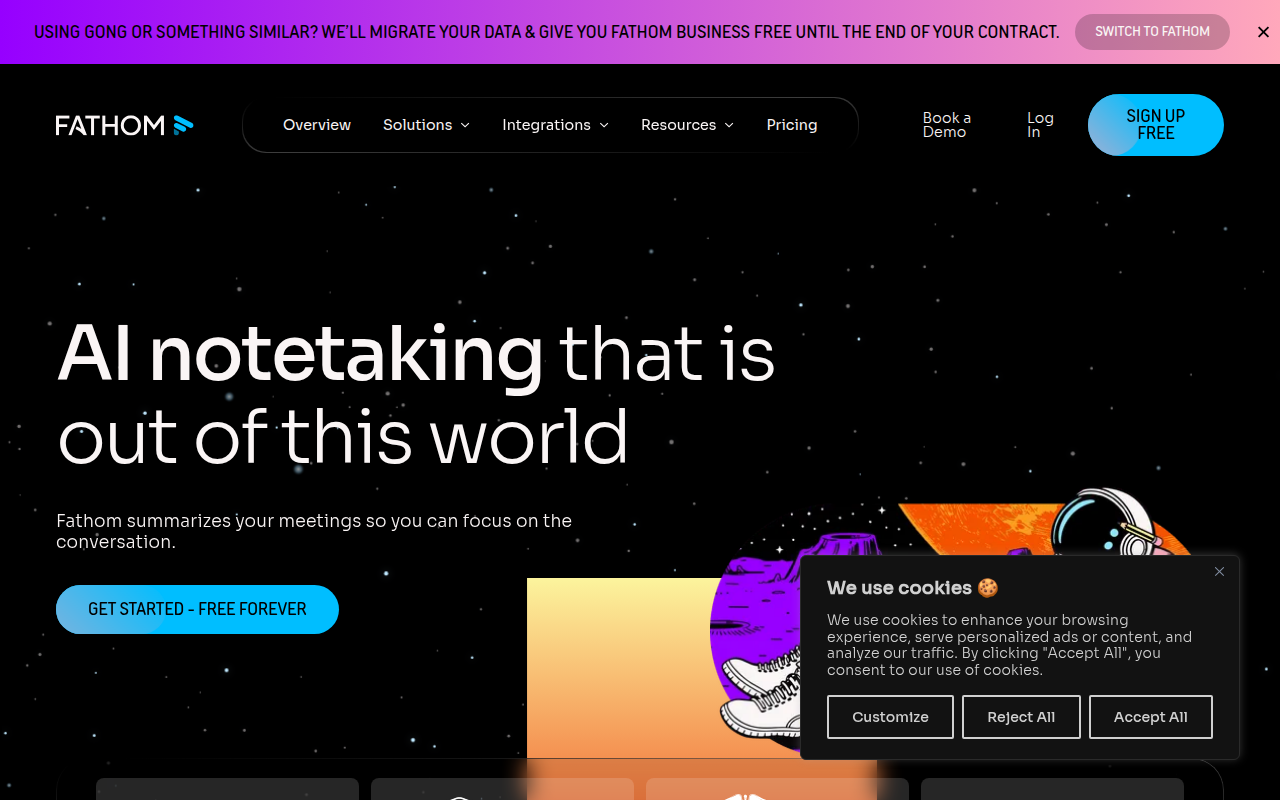
If you’re tired of Otter's 300 minutes/month cap, Fathom might be your go-to option. With unlimited free recording, transcription, and summaries, Fathom ensures you never hit a limit. This makes it especially appealing for high-demand environments like sales teams or anyone juggling multiple meetings daily.
Privacy and Bot-Free Solutions
For those who find visible meeting bots intrusive, Jamie is a stand-out. Unlike tools that use bots which might affect meeting dynamics, Jamie allows for a more natural environment. This is excellent if your focus is sensitive interviews or high-stakes business meetings where privacy is paramount.
Whisper Offline Capabilities
Sometimes you need to keep your data local. This is where Whisper comes in handy. By allowing free local use through self-hosting or MacWhisper, you gain the flexibility to operate offline. Ideal for tech-savvy individuals or teams with strict data privacy requirements, Whisper even offers optional upgrades around $79 for enhanced features.
In evaluating these alternatives, focus on three critical aspects: the limits of the free plan, the privacy dynamics (bot vs bot-free), and the capability for offline use. Each choice caters to different user types, whether you're a solo creator seeking cost-efficiency or a team needing comprehensive privacy and seamless export options. For more about turning your transcripts into actionable insights, check out how DeepScribe can seamlessly integrate with your workflow here.
2. Why People Move Away from Otter AI
When considering alternatives to Otter AI, a key reason many users explore other options is Otter's 300 minutes/month cap on its free plan. For individuals who rely heavily on transcription, such as content creators or researchers handling multiple interviews and meetings, this limitation can quickly become a barrier. Once the cap is reached, users must decide whether to upgrade to a paid plan or seek other free solutions that offer more generous limits.
Additionally, privacy concerns play a significant role in the decision to move away from Otter. Otter uses visible meeting bots during transcription, which can alter the dynamics of a meeting and may raise privacy issues, especially in sensitive discussions. Some users find this obtrusive, preferring alternatives that allow transcription without notifying other attendees. This issue of confidentiality is important for professionals who deal with proprietary information or sensitive client data.
Export limitations are another factor prompting users to seek alternatives. On Otter's free tier, the options for exporting transcripts are limited, which can be frustrating for those needing diverse format compatibility for workflows involving document sharing, publication, or subtitle creation. While Otter supports basic text output, many seek tools that offer more comprehensive export capabilities, such as DOCX, PDF, or SRT, without incurring additional costs.
These challenges make alternatives attractive, particularly those emphasizing unlimited transcription, privacy-focused designs, and flexible export options, such as DeepScribe. By providing robust features without restrictive limits or privacy concerns, these alternatives offer a practical and appealing solution for users seeking more than what Otter's free plan provides.
3. Evaluation Criteria: What Matters Most
When you're on the hunt for free Otter AI alternatives, understanding key evaluation criteria can be your roadmap to the perfect selection. Here's what you should focus on:
Free Plan Limits
First and foremost, scrutinizing the limits of each free plan is crucial. For instance, Otter’s free tier is capped at 300 minutes per month, which many users find restrictive. In contrast, Fathom offers unlimited free recording and transcription, making it ideal for users needing extensive, no-limits features. Understanding these boundaries helps align your needs with the right tool.
Meeting Bot Privacy
Now, onto privacy concerns. Tools like MeetGeek use visible meeting bots that notify participants, which may compromise the confidentiality of your meetings. This can alter meeting dynamics, making attendees less candid. For those prioritizing privacy, options like Jamie provide a bot-free experience, which many users applaud for maintaining a more natural meeting flow.
Language Support
Language capabilities can make or break your choice. Notta, for example, supports 58 languages, far surpassing Otter's support for only four. If multilingual transcription is critical, this wide range might be indispensable for you.
Outputs and Exports
Consider what outputs and export features are provided. DeepScribe, for instance, offers a variety of export formats, including TXT, DOCX, PDF, SRT, and VTT, depending on your plan. This flexibility is valuable for users needing different file types for sharing and documentation.
Whisper: Offline and Self-Hosting
Lastly, if offline capabilities are a priority, Whisper provides a unique path with self-hosting options. You can use MacWhisper for free locally, with an optional ~$79 upgrade, offering a rare mix of control and functionality without ongoing subscription costs.
Choosing the right tool depends on your specific needs, whether it's unlimited access, privacy assurance, multilingual support, or flexible output options. Understanding these criteria will empower you to make an informed choice that best fits your transcription requirements.
4. Comparison Table: Top Free Alternatives
Navigating the world of free Otter AI alternatives can be tricky, especially when balancing features, privacy, and ease of use. We’ve crafted a detailed comparison to help you find the best fit, whether you’re a team or an individual.
| Tool | Free Plan Limits | Languages Supported | Privacy Note | Export Formats |
|---|---|---|---|---|
| DeepScribe | 30 minutes/month | 50+ languages | Bot-free option, full encryption | TXT (Free), DOCX, PDF, SRT, VTT (Pro/Business) |
| Jamie | 10 meeting credits/month | 4 languages | Bot-free | Not specified |
| Fathom | Unlimited transcription and summaries | Not specified | Bot-free, but integration-dependent | Not specified |
| MeetGeek | Free transcription + summaries | Limited languages | Meeting bot notifies attendees, possible privacy trade-off | Not specified |
| Sembly AI | Free transcription | 40+ languages | Uses AI for data insights | Not specified |
| Grain | Core transcription features | Not specified | Bot-free | Not specified |
| Descript | 3 hours/month | Not specified | Bot-free | TXT, DOCX, PDF, more |
| Whisper | Unlimited (self-hosted) | Dozens via Whisper | Offline capability for enhanced privacy | TXT, structured outputs |
| Notta | Basic transcription, limited minutes | 58 languages | Bot-free | Not specified |
Takeaway: Privacy-focused users may prefer DeepScribe, Jamie, or Whisper, especially for sensitive meetings.
DeepScribe stands out for its robust export capabilities and multilingual support, making it a versatile choice for varied transcription needs. This table offers a snapshot, but exploring each tool based on your specific use case can reveal even more nuanced differences.
5. Fathom: Unlimited Free Recording and Transcription
Fathom stands out with its impressive offering of unlimited free recording, transcription, and summaries. This makes it a solid choice for anyone needing transcription without the worry of hitting monthly caps. Unlike many competitors, Fathom provides this level of access at no cost, positioning itself as a go-to for users seeking robust, basic features without a price tag.
However, a key consideration with Fathom is the use of meeting bots that notify attendees. Transparency is great, but it may affect meeting dynamics, especially in sensitive discussions. If privacy and a natural meeting flow are vital, you might want to weigh this against the tool’s benefits.
Fathom is ideal for individuals or teams prioritizing unlimited usage over advanced features. The absence of caps makes it especially useful for lengthy meetings or heavy recording sessions. It’s perfect for freelancers, small teams, and educators who need consistent access to transcription without worrying about monthly limits.
For output and export options, Fathom provides meeting summaries, which help keep track of key points. While it excels in providing core transcription services freely, those requiring more complex export formats or integrations might find it limiting.
Overall, if your main focus is on having no cap on usage and you can accommodate the bot notification aspect, Fathom could be a seamless addition to your workflow. Its ease of access and lack of restrictions provide a straightforward and efficient transcription solution.
6. MeetGeek: Bot Notifications and Privacy Trade-offs
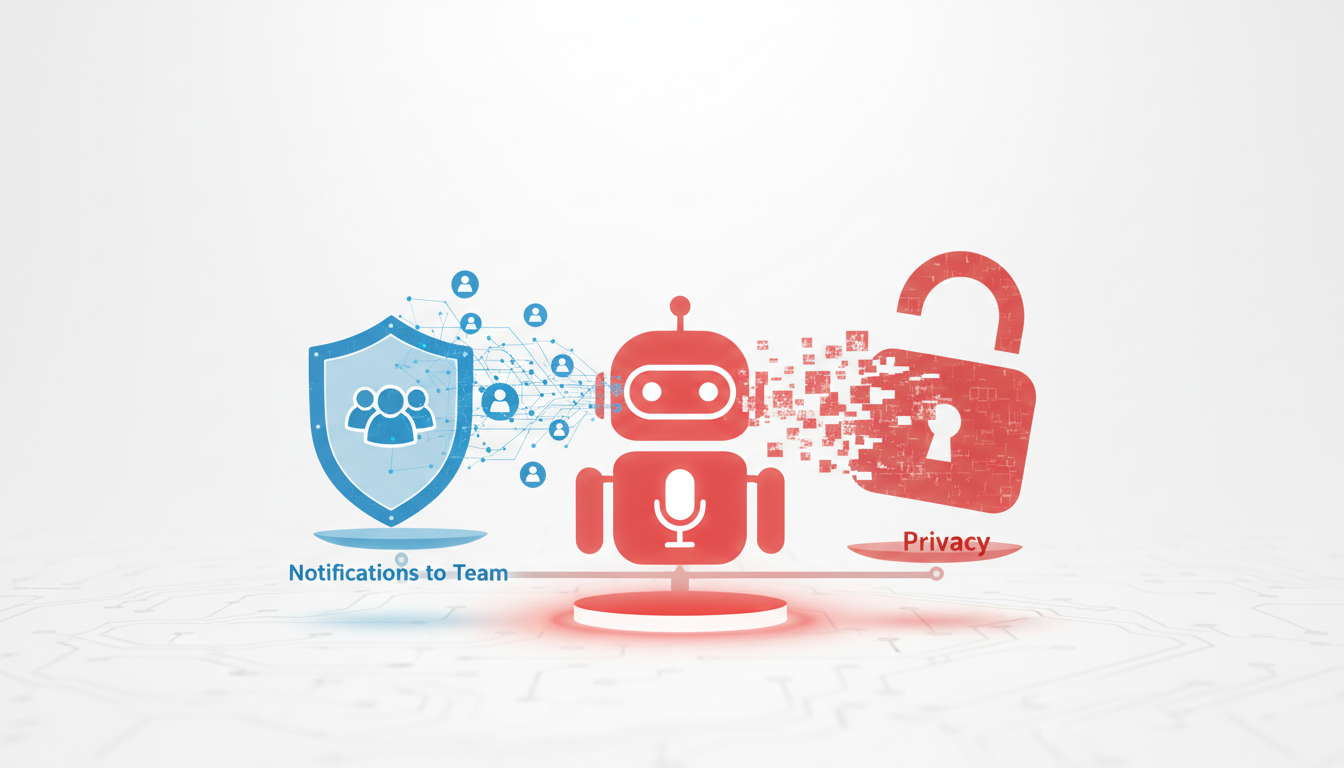
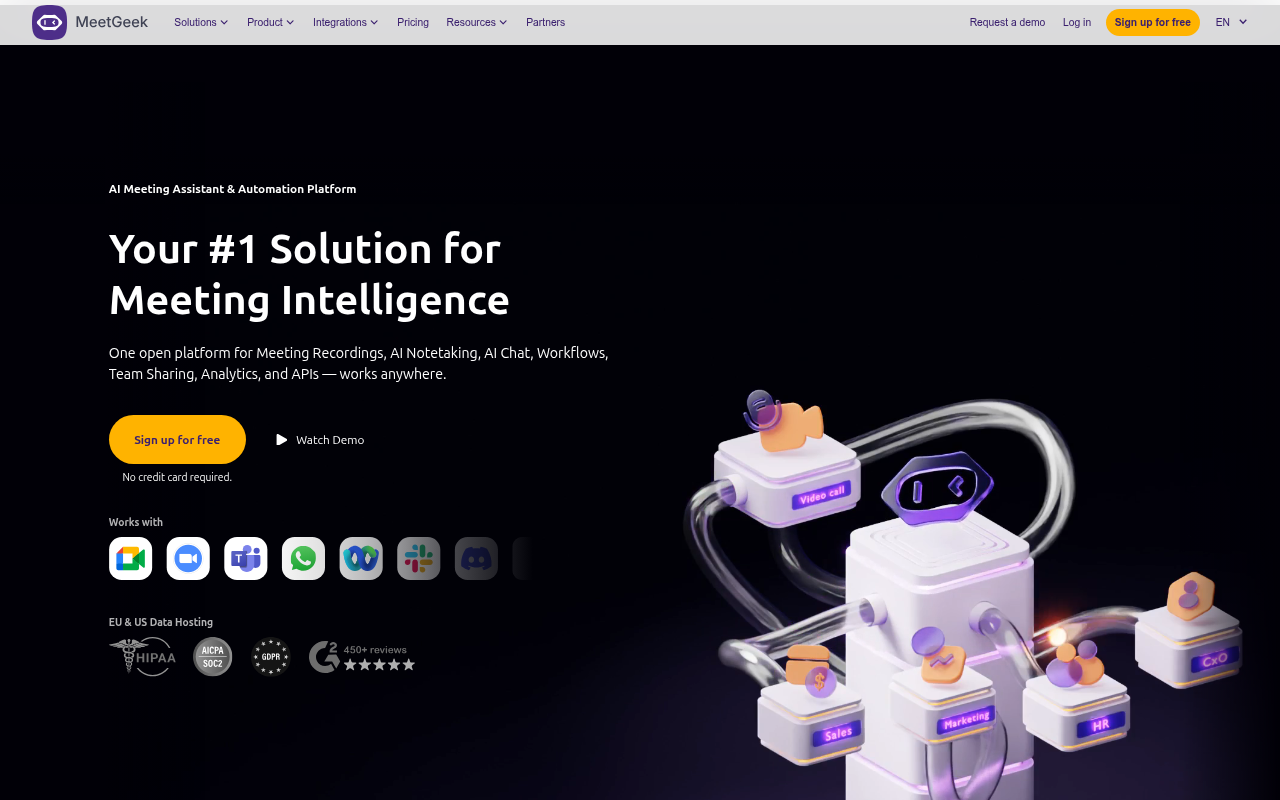
Navigating MeetGeek's offerings requires balancing its free transcription and summary features with privacy concerns due to its visible meeting bots. Let’s dive into what’s on the table with MeetGeek’s Basic plan and how it stacks up for different user needs.
MeetGeek offers free transcription services and summaries, making it attractive for users wanting structured outputs without the immediate commitment of paid subscriptions. As part of the Basic plan, you can access its transcription and summary tools without initial costs, ideal for non-intensive users or those testing the waters of AI notetaking.
However, the trade-off comes with bot notifications. MeetGeek deploys visible meeting bots that notify attendees of their presence. While this transparency can maintain ethical standards in recording meetings, it might also interfere with natural meeting dynamics. In environments requiring discretion, visible bots might deter open conversations, potentially impacting the flow of meetings.
For those prioritizing privacy, the visible bots can be a significant consideration. Some teams or projects, especially in sensitive industries like legal or healthcare, may find the intrusion a hurdle. For such instances, bot-free solutions are often preferred to safeguard participant confidentiality and maintain the spontaneity of discussions.
In conclusion, MeetGeek is an excellent choice if you lean towards having structured outputs and can manage the dynamics bot notifications introduce. It suits users comfortable with automated summaries and doesn’t require offline capabilities or deep privacy measures. However, those requiring a bot-free environment may want to explore alternatives or consider layered privacy solutions alongside MeetGeek’s functionalities.
7. Sembly AI: Multilingual with Speaker ID
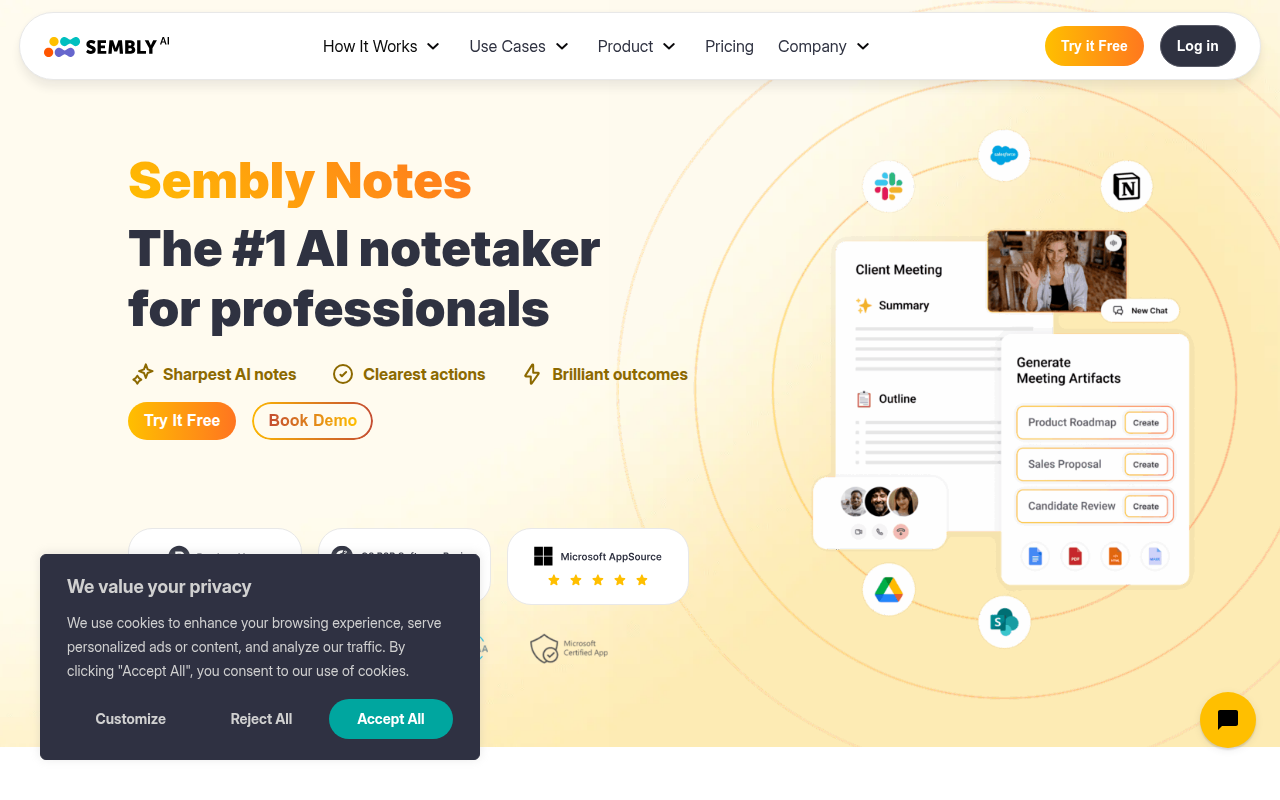
Sembly AI is a robust choice for those seeking a free transcription tool that focuses on multilingual transcription and speaker identification. If you work with international teams or require transcription for multilingual content, Sembly AI offers an impressive range of features on its free plan.
Free Transcription with Speaker ID and Sentiment Analysis
On Sembly AI's free plan, users can access transcription services that include speaker identification and even sentiment analysis. This feature can be particularly useful for teams that need to understand not only what was said but how it was conveyed, enhancing meeting insights and decisions. The ability to pinpoint different speakers makes Sembly ideal for meetings, interviews, or any collaborative sessions where knowing who said what is crucial.
Supports 40+ Languages
One of the standout features of Sembly AI is its support for over 40 languages. This capability makes it a preferred choice for multilingual teams needing seamless communication across language barriers. Whether you're in operations, project management, or sales, having the ability to transcribe in multiple languages without additional costs can significantly streamline your documentation process.
Good for Multilingual Teams
Sembly AI is designed with multicultural teams in mind. It can create transcripts that are accurate and rich with context, offering insights that bridge language gaps within diverse workplaces. For managers and team members, this means easier sharing and understanding of information, which can lead to more effective team collaboration and outcomes.
Key takeaway: When privacy and multilingual capabilities are a priority, Sembly AI brings a comprehensive package to your free transcription toolkit.
While Sembly AI shines in its multilingual and speaker ID features, for those seeking similar capabilities with enhanced AI summaries and action items, DeepScribe is an excellent option, offering a broader range of features for multilingual meetings and more.
8. Grain: Core Features Without Subscription
Grain offers a straightforward approach to transcription by providing core features without the need for a subscription. If you’re looking for free meeting transcription that meets basic needs while keeping privacy concerns at bay, Grain might just be your go-to choice.
Free plan benefits: Grain's free plan is truly no-strings-attached, offering essential transcription features without requiring payment details. This makes it ideal for solo users who prioritize security and simplicity. With Grain, you can easily convert your meetings into searchable notes and obtain transcripts without hassle.
Privacy considerations: One standout aspect of Grain is its bot-free nature. Unlike some services that deploy visible meeting bots, Grain allows you to navigate meetings without altering their dynamics or compromising confidentiality. This makes Grain particularly appealing if privacy is your top priority.
Who it’s best for: Grain is best suited for freelancers, students, and individuals who often need basic transcription services without engaging in monthly subscriptions. It’s a reliable option for anyone conducting interviews, attending lectures, or needing concise meeting notes.
Strengths and trade-offs: While Grain excels in simplicity and privacy, it may not offer advanced features like AI-generated action items or multilingual support available in more robust platforms. However, for those who need straightforward transcription capabilities, it gets the job done efficiently.
Grain emphasizes ease of use, making it an excellent choice for those seeking straightforward transcription without the added complexities of advanced features or a subscription. This simplicity can be a breath of fresh air for users who value practicality and privacy over additional bells and whistles.

9. Descript: Text-Based Audio/Video Editing
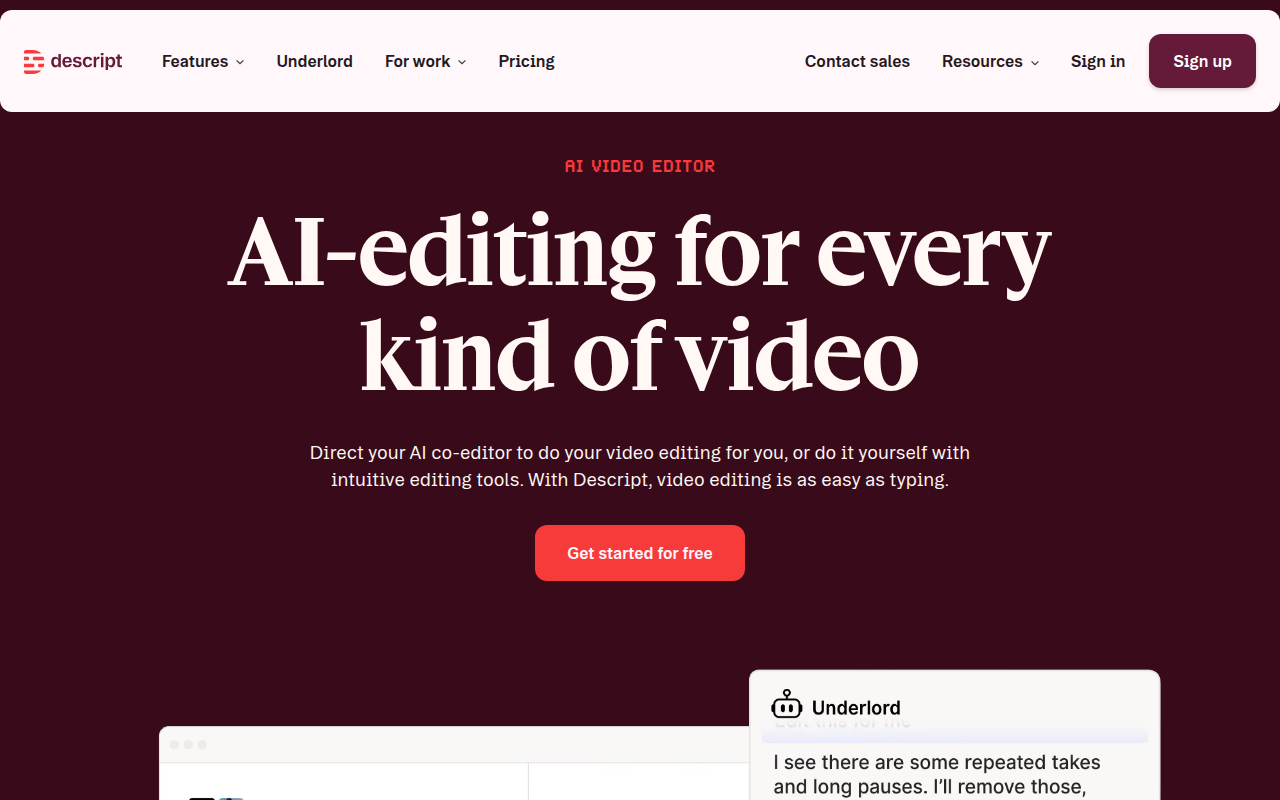
Descript offers a unique twist on transcription with its text-based audio and video editing capabilities. If you're a content creator looking for an intuitive way to handle both transcription and editing, Descript’s free tier provides a solid starting point with 3 hours of transcription per month. This makes it ideal for projects where you need to blend transcription with seamless audio and video editing tasks.
Descript’s distinct feature is its text-based editing, which allows you to edit your media simply by editing the text—as if you were working on a document. This approach enables you to cut words, phrases, or even entire sections from your audio or video by deleting them from the transcript. Imagine the ease of creating clean, professional-grade podcasts or videos without needing deep expertise in traditional editing software. This feature is particularly useful for podcasters, YouTubers, or anyone involved in media production.
For privacy-conscious users, Descript’s bot-free environment ensures that your media is handled without altering meeting dynamics. Your content remains yours to control, edit, and refine without the need for AI meeting bots that might notify other attendees.
While the free plan’s 3-hour limit might be a constraint for larger projects, it provides a generous introduction to Descript’s capabilities. For extended needs, their paid tiers offer more flexibility, but for many, the free plan’s robust features are enough to get started.
Overall, Descript shines as a versatile tool for solo creators who need efficient editing capabilities combined with reliable transcription—without the pressure of committing to a subscription immediately.
10. Whisper: Offline Self-Hosting Option
If you're looking for a privacy-first transcription tool, Whisper offers a unique solution: the ability to run its model offline via self-hosting or through MacWhisper. This makes it an attractive choice for users who need transcription capabilities without relying on cloud services, which is especially appealing for those handling sensitive or confidential audio content.
Whisper, powered by OpenAI, allows you to use its transcription service entirely locally on your machine. This eliminates concerns over data being uploaded to external servers, ensuring greater control over privacy. By self-hosting, you have the autonomy to manage your own data, and MacWhisper makes this process more accessible by offering a user-friendly interface for Mac users.
Operating Whisper offline does require some initial setup and technical understanding, but the benefits can be substantial. Not only do you get the peace of mind that comes with keeping data completely in-house, but you also sidestep the typical limitations imposed by free cloud services, such as caps on monthly transcription minutes.
For those needing more advanced features, Whisper offers optional upgrades with a one-time cost of around $79. This could enhance your transcription experience by adding premium functionalities without committing to ongoing subscription fees, making it a cost-effective choice for budget-conscious users.
Overall, Whisper is ideal for operations managers, founders, and researchers who frequently handle confidential meetings or interviews and prefer a bot-free environment. With offline capabilities and flexible upgrade options, it provides a robust transcription solution that respects user privacy.
11. Choose-by-Scenario: Best Match by Use Case
Navigating the world of transcription tools can be daunting, but understanding specific use cases makes it easier to find the perfect fit. Let’s explore the best options based on your needs.
1. Teams: If you're managing a team and need seamless coordination, DeepScribe is an excellent choice. It's designed to support collaboration with features like speaker detection and real-time meeting transcription. Plus, with comprehensive export options like DOCX and PDF, it's easy to share meeting documents with your whole team.
2. Sales: Sales teams benefit from tools that capture action items and follow-up emails. DeepScribe excels here by extracting key points from meetings, ensuring your team never misses a follow-up. Its AI summaries turn lengthy meetings into digestible highlights.
3. Interviews: For journalists or researchers conducting interviews, precise speaker labeling is crucial. DeepScribe offers this along with high transcription accuracy. If privacy is a major concern, consider using Whisper locally for offline capabilities, ensuring your data stays on your device.
4. Students: If you’re a student attending lectures, Fathom is a compelling choice for its unlimited free features. Capture every word of your lecture without caps, and easily review recordings later.
5. Sensitive Meetings: Privacy can alter meeting dynamics. Opt for DeepScribe or local hosting with Whisper to maintain confidentiality, avoiding visible bots that could distract participants.
6. Multilingual Needs: If you’re dealing with multilingual transcripts, DeepScribe supports over 100 languages with automatic detection, making it ideal for diverse teams.
Key takeaway: Align your tool choice with your primary needs—team collaboration, sales follow-ups, high-stakes interviews, or multilingual interactions—and let features like export formats and privacy dictate your final decision.
Frequently Asked Questions
What are the limitations of Otter AI's free plan?
Otter AI's free plan limits users to 300 minutes of transcription per month.
Can Whisper be used offline for transcription?
Yes, Whisper can be used locally for free via MacWhisper or by self-hosting.
Why should I avoid meeting bots?
Visible meeting bots can alter dynamics and compromise privacy, causing discomfort among participants.
Which alternative offers the most languages for free?
Sembly AI provides speaker ID and transcription in over 40 languages.
Is there an alternative with unlimited free transcription?
Fathom offers unlimited free recording, transcription, and summaries.
Final Thoughts
In conclusion, selecting the right alternative to Otter AI hinges on understanding your needs regarding free plan limits, privacy features, and export options. The top three decision factors to keep in mind are:
- Limits: Ensure the tool offers adequate transcription minutes and file size support for your projects.
- Privacy: Check for end-to-end encryption and compliance standards to safeguard your data.
- Exports/Workflow: Look for flexible export formats and features that integrate smoothly into your existing workflow.
DeepScribe stands out as a powerful option with its Whisper-powered transcription, comprehensive meeting outputs, and versatile export formats. To explore these features firsthand, try DeepScribe for free and experience enhanced productivity in your audio and video transcription tasks.
For more information on leveraging DeepScribe’s capabilities, visit DeepScribe guides.
Written by

DeepScribe Team
Content Team
The DeepScribe content team shares insights on audio transcription and AI technology.