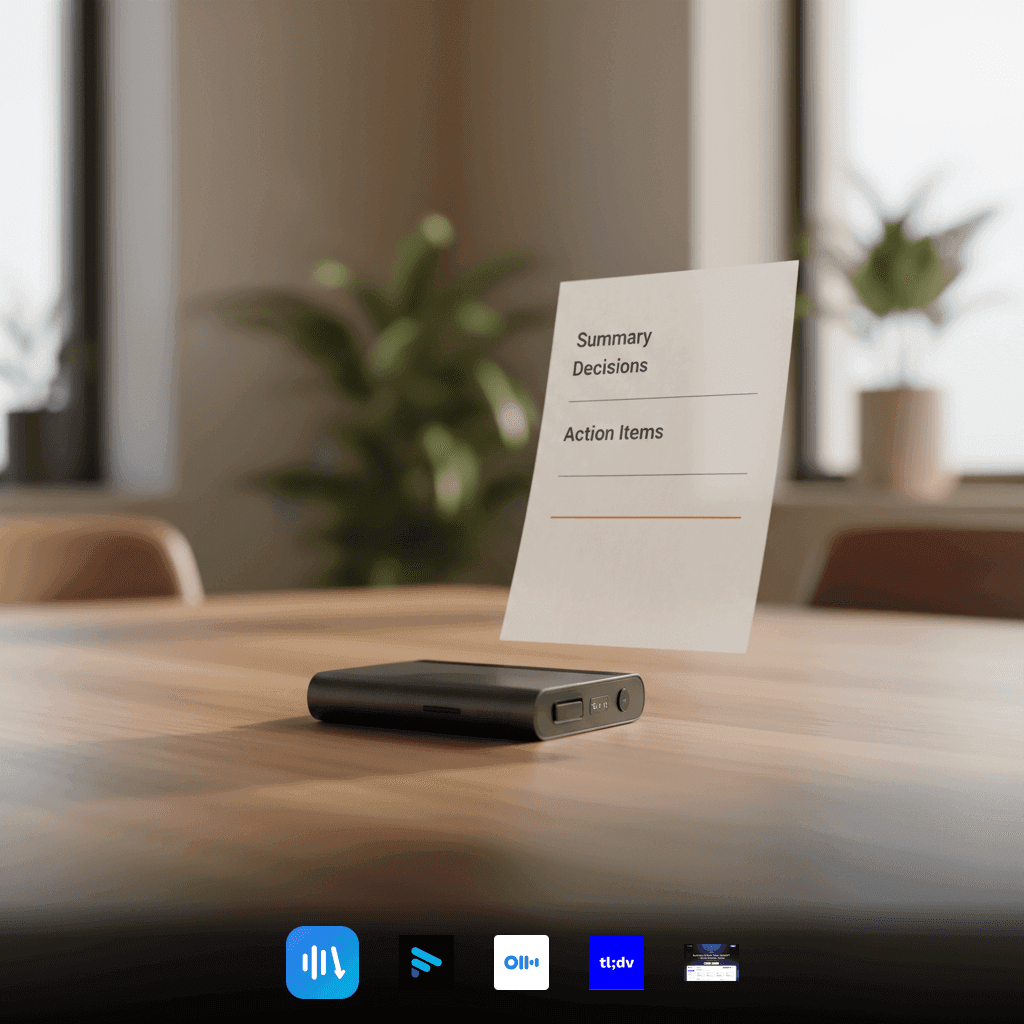
7 Best Free AI Meeting Notes Generators (2026)
Explore the top free AI meeting notes generators for 2026. Learn how these tools transform meetings into actionable insights with transcripts, summaries, and exports.

DeepScribe Team
Content Team
7 Best Free AI Meeting Notes Generators (2026)
If your meetings often end with a confusing "so… who’s doing what?" you don’t need more notes—you need action items. In 2026, turning endless video calls into actionable insights no longer has to be a chore. This guide dives into the best free AI meeting notes generators that offer more than just transcription—they provide structured summaries and actionable next steps.
We’ve ranked seven leading tools that streamline your post-meeting workflow, focusing on outputs team leads and managers need most: transcripts, summaries, and action items with seamless exports. We’ll also explore the realities of "free" tiers, breaking down constraints like setup friction and integration limits, ensuring you find the right fit with minimal hassle. Whether it’s Fathom, Otter.ai, tl;dv, or our top pick, DeepScribe, here’s how you can optimize your meetings for better follow-through.
Introduction: Navigating the Need for Streamlined Meeting Notes
Ah, meetings. Necessary but often a drain, especially when you're left wondering, “Who’s doing what now?” If you’ve been in that boat, you’re not alone. Teams everywhere face the same hurdles: incomplete notes, missing action items, and the constant battle with follow-up chaos. That’s where an AI meeting notes generator steps in, doing wonders by automating meeting transcription, summarizing the chaos, and extracting actionable steps, all without needing a designated note-taker.
Imagine leaving a meeting room (or a virtual call) with a perfect transcript, a structured summary, and a clear list of action items, all neatly packaged and ready to distribute. This is not a dream but the reality that AI tools promise—and achieve. These tools turn rambling discussions into digestible meeting minutes with impressive features like speaker recognition and multilingual transcription, facilitating smoother workflows for remote team meeting notes.
As we venture into 2026, choosing the right AI tool isn’t just about cost—it's about frictionless integration into your existing workflow. We’re talking tools like Fathom, which offers unlimited recording and seamless integration with Google Meet, or Otter.ai, providing real-time multilingual transcriptions. Not to forget, DeepScribe, which stands out by handling everything—from transcription to exporting—in one place, minimizing setup hassle and maximizing follow-through.
In this list, I will guide you through seven of the top contenders, where ‘free’ doesn’t just mean zero cost, but streamlined operations without constraints. Let’s simplify how you “talk into tracked work,” ensuring every meeting ends with clarity and action, not confusion.
Setting Expectations: What Does 'Free' Really Mean?
When exploring a free AI meeting notes generator, it’s crucial to understand what ‘free’ truly entails. While many tools advertise no-cost tiers, limitations often arise that can impact their functionality.
Automation in Free Tiers
Most free tools cover basic automation like transcription, summaries, and action items. For instance, tools like Fathom and Otter.ai offer transcription services, with Fathom supporting unlimited recording on Google Meet and Otter.ai providing real-time services in multiple languages. However, they often limit advanced features such as detailed exports or extensive integrations—key elements needed to streamline your workflows.
Common Limitations
Free tiers frequently have constraints like limited exports or integration capabilities. Imagine using a tool that efficiently records and summarizes your meetings, only to find that exporting your notes into a useful format requires an upgrade. Many users, seeking to push these free tiers to their limits, often hit a wall with messy exports and minimal integration with their existing productivity tools or platforms such as Google Docs or Notion.
Setup Friction and Permissions
Another frustration can be found in setup friction and bot permissions. Initial setup for a new tool might require extensive permissions or manual configurations, creating a barrier to entry. Users often report reluctance to grant permissions that feel too intrusive or unnecessary, which can hinder productivity from the start.
In summary, while free AI tools provide a taste of automatic meeting notes, they are often not comprehensive solutions. Tools like DeepScribe aim to reduce this friction by offering seamless integration from transcription to action items and exports, providing a more unified workflow. It’s essential to balance the free offerings with your team’s specific needs in mind.
Selection Rubric: Criteria for Effective Meeting Note Tools
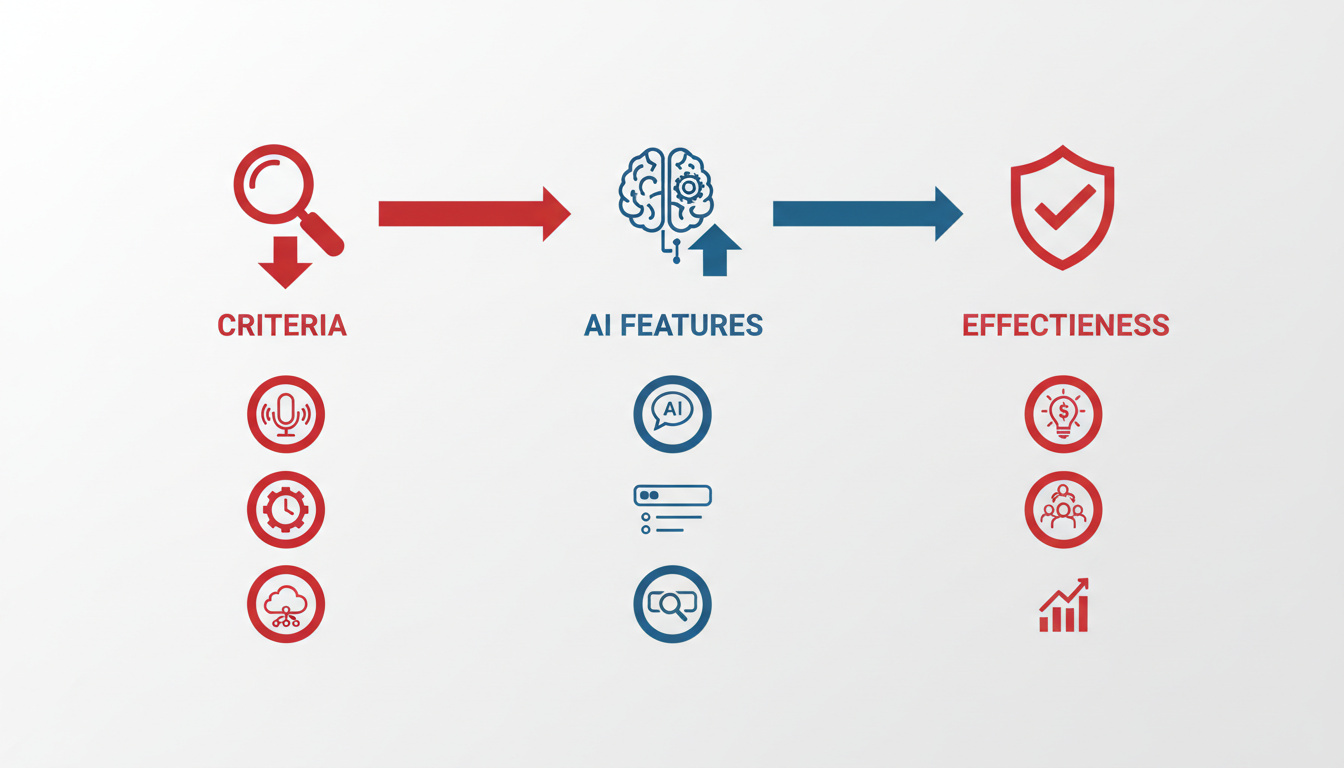
Navigating the landscape of free AI meeting notes generators requires a clear set of criteria to identify the tools best suited for your team's needs. Here's a deep dive into the essential factors for evaluating these tools:
Accuracy and Speaker Labels
The heart of any meeting notes tool is its ability to transcribe accurately. Speaker recognition is crucial, especially in meetings with multiple participants. Accurate speaker-labeled transcripts make it easier to attribute comments and track action items. For instance, DeepScribe not only offers 99% accuracy powered by OpenAI’s Whisper model, but it also excels in speaker detection, making it ideal for complex meetings where clear attribution is necessary.
Multilingual Support
In today’s globalized workplaces, meetings often span multiple languages. Tools like tl;dv stand out with transcriptions in over 40 languages and support for speaker recognition. Meanwhile, NoteGPT supports up to 60+ languages without requiring sign-up. DeepScribe complements this by offering multilingual transcription with automatic language detection, accommodating diverse teams.
Integration with Meeting Platforms
Seamless integration with platforms like Zoom, Google Meet, and Teams minimizes workflow friction. Fathom, for instance, provides a robust integration with Google Meet, allowing for unlimited recording and transcription. Similarly, DeepScribe’s Meeting Notetaker integrates across major platforms, auto-joining meetings directly from your calendar to ensure every discussion is captured without manual effort.
Export Capabilities and Dashboard Availability
Exporting meeting notes into formats that your team already uses enhances follow-through efficiency. For example, Tactiq allows users to download structured notes as PDFs, which suits teams working heavily with document sharing. DeepScribe offers extensive export options, including TXT, DOCX, PDF, SRT, and VTT, facilitating seamless integration into document management systems.
Dashboard and Action Item Extraction
Having a dashboard to visualize action items and meeting data fosters accountability and next-step identification. MeetGeek's dashboards and clip sharing features are particularly useful for teams needing clear visual summaries. DeepScribe enhances this with its ability to extract tasks, owners, and deadlines, making it easier to transition from conversation to execution.
Key Takeaway: The best meeting note tools are those that not only transcribe but also integrate into your existing workflows, support diverse teams, and drive actionable outcomes. DeepScribe stands out with its all-in-one solution for transcription, actionable insights, and seamless exports.
Below is a comparison table to guide your decision-making process:
| Criteria | DeepScribe | Fathom | tl;dv | NoteGPT |
|---|---|---|---|---|
| Accuracy & Speaker Labels | High, Whisper Model | Good, Basic Labels | Good, Multi-language | Moderate, Large Files |
| Multilingual Support | 100+ Languages | Limited | 40+ Languages | 60+ Languages |
| Integration | Zoom/Teams/Meet | Google Meet | Various Platforms | No Sign-up Needed |
| Export Formats | DOCX, PDF, SRT, VTT | Basic Text | Text and Video | Text and Summaries |
| Dashboard & Actions | Yes, Full AI Suite | Basic Summaries | Basic Highlights | Large File Processing |
Each tool has unique strengths, but for a comprehensive, integrated solution, DeepScribe remains a top choice for converting conversations into actionable results.
Comparison Table: Evaluating 2026's Top Free AI Meeting Notes Generators
Navigating the sea of free AI meeting notes generators in 2026 can be overwhelming, but a clear comparison can help. Below, we've laid out these tools based on the key functionalities they offer: transcripts, structured summaries, and action item exports. This comparison focuses on how effectively each tool can transform meeting conversations into actionable outputs.
| Tool | Transcript Capability | Structured Summary | Action Items & Exports | Best For |
|---|---|---|---|---|
| DeepScribe | Whisper-powered accuracy, 100+ languages, speaker labels | AI-driven smart summaries | Action items, follow-up emails, multiple export formats | Comprehensive workflow—transcript to export in one place 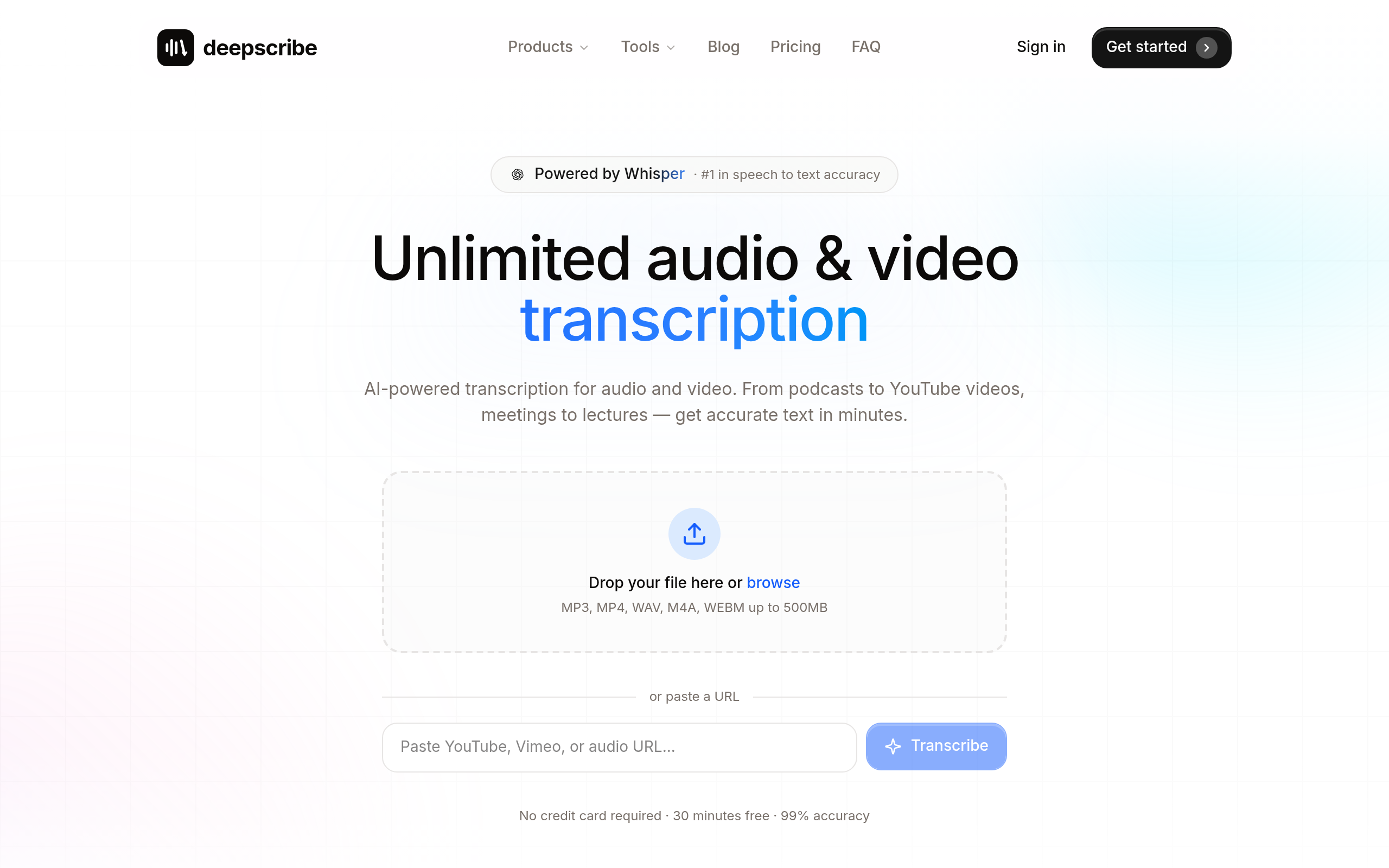
|
| Fathom | Unlimited recording with Google Meet | AI summaries with timestamps | Limited export options | Generous free tier for Google Meet users 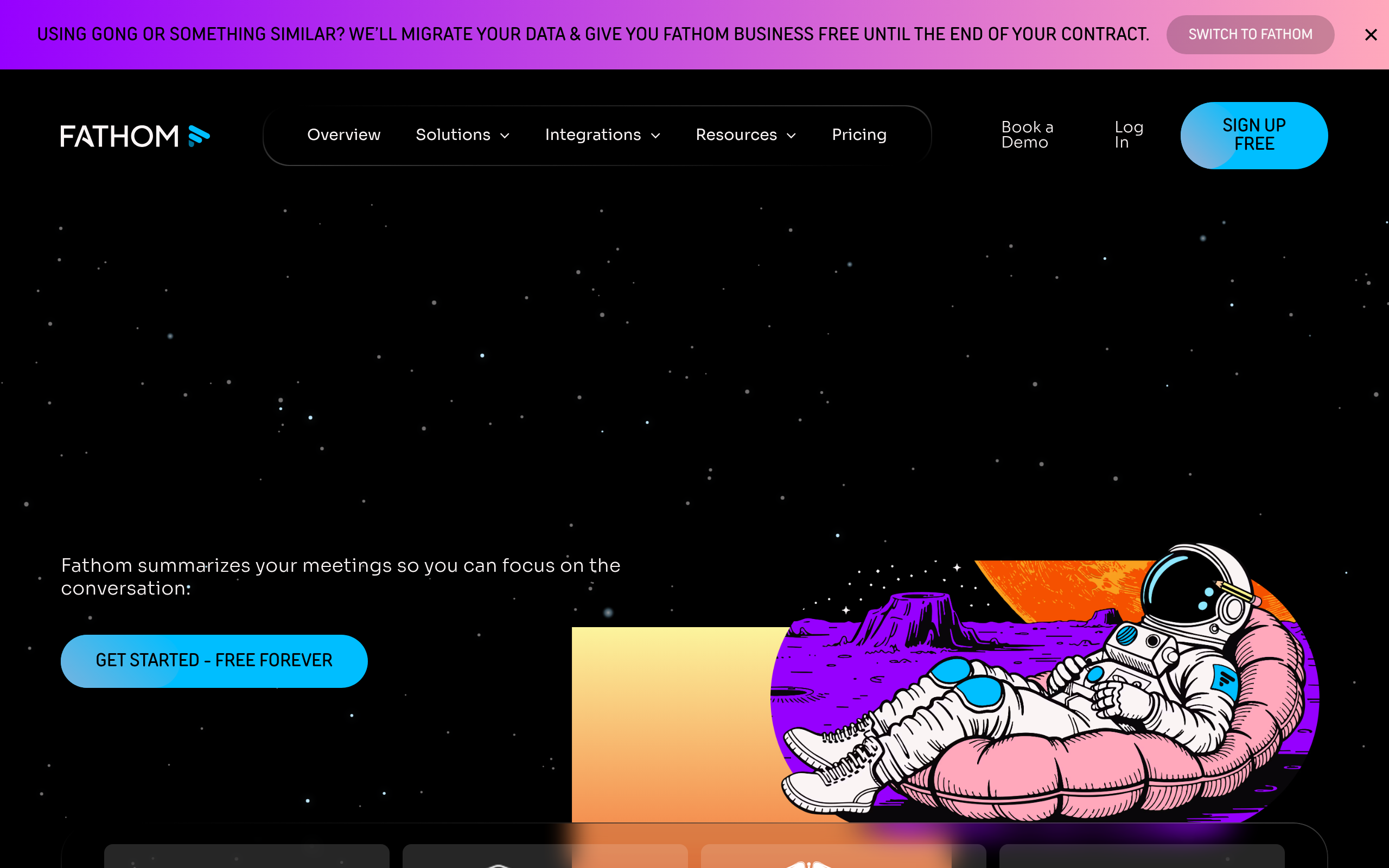
|
| Otter.ai | Real-time, multilingual (English, French, Spanish) | Auto-generated summaries | Auto-joins and exports to common formats | Real-time transcription for Zoom 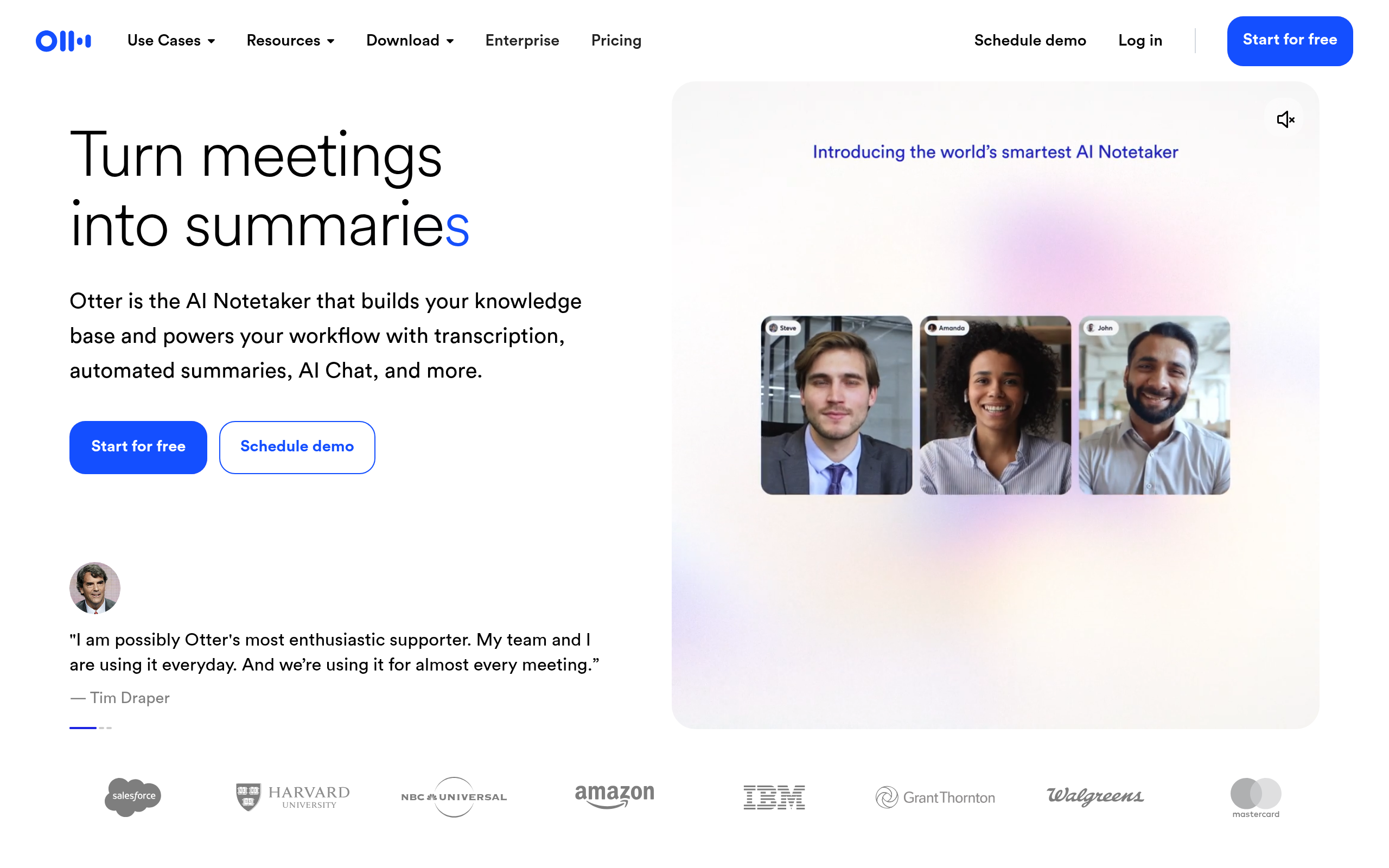
|
| tl;dv | Unlimited recordings, 40+ languages, speaker recognition | Comprehensive AI reports | Exports are metered based on usage | Multilingual needs and speaker differentiation 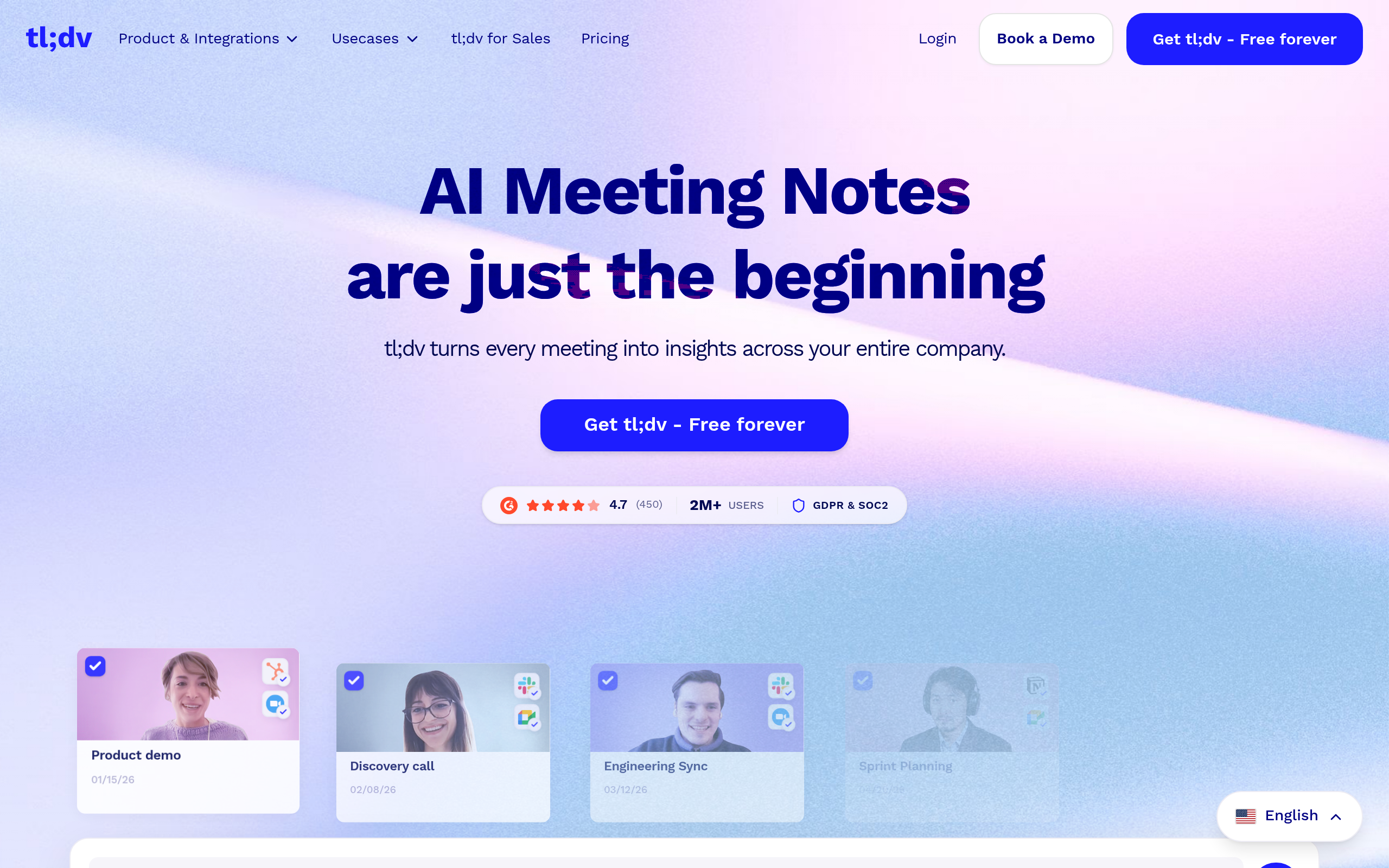
|
| NoteGPT | Handles up to 1GB uploads, no sign-up needed | Summarizes large files quickly | Limited export; primarily for summary purposes | Large file uploads without sign-up 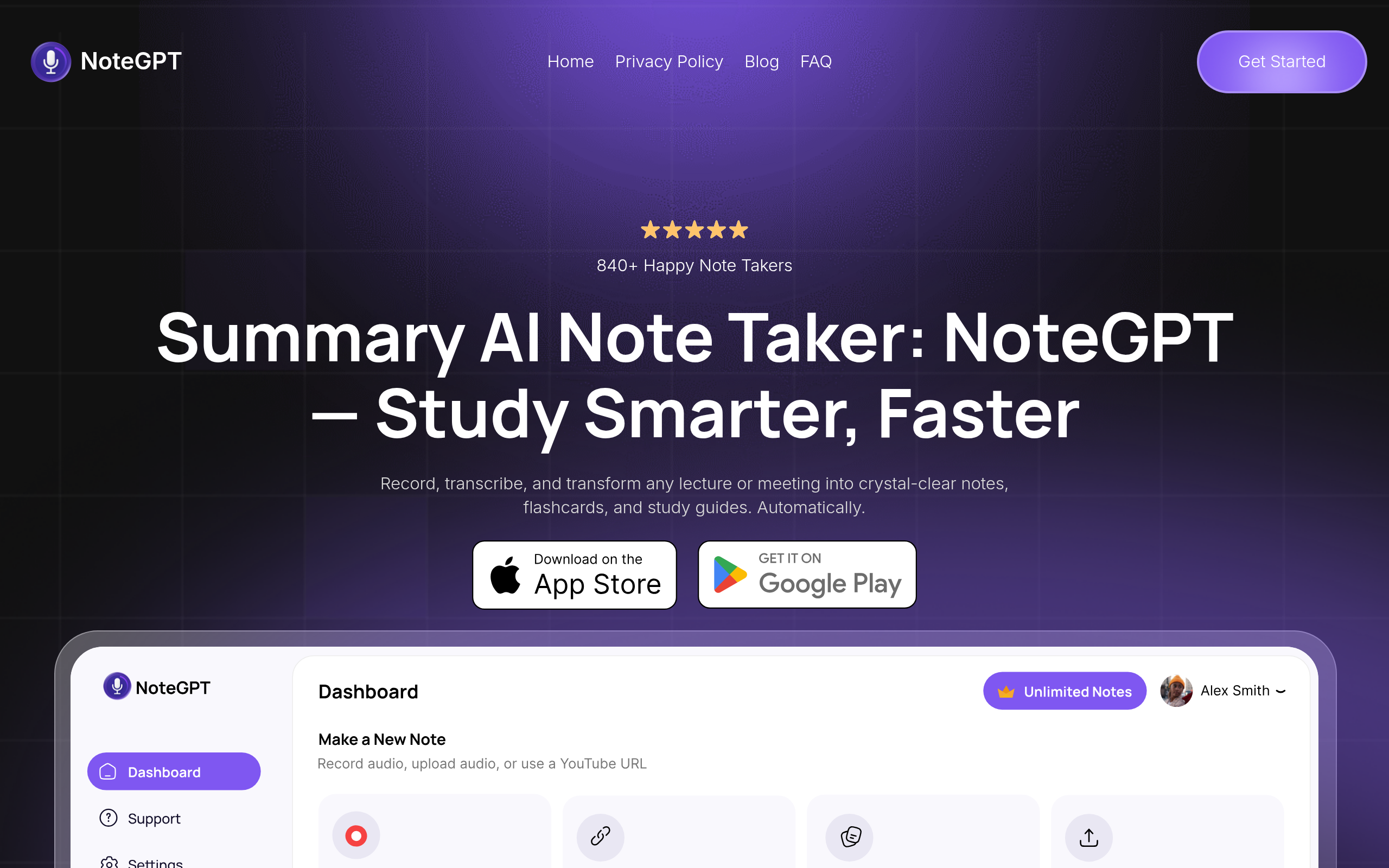
|
| KaraX.ai | Transcribes with Notion & Google Docs integration | Auto-generated minutes | Easy integration with existing tools | Academic and collaborative environments 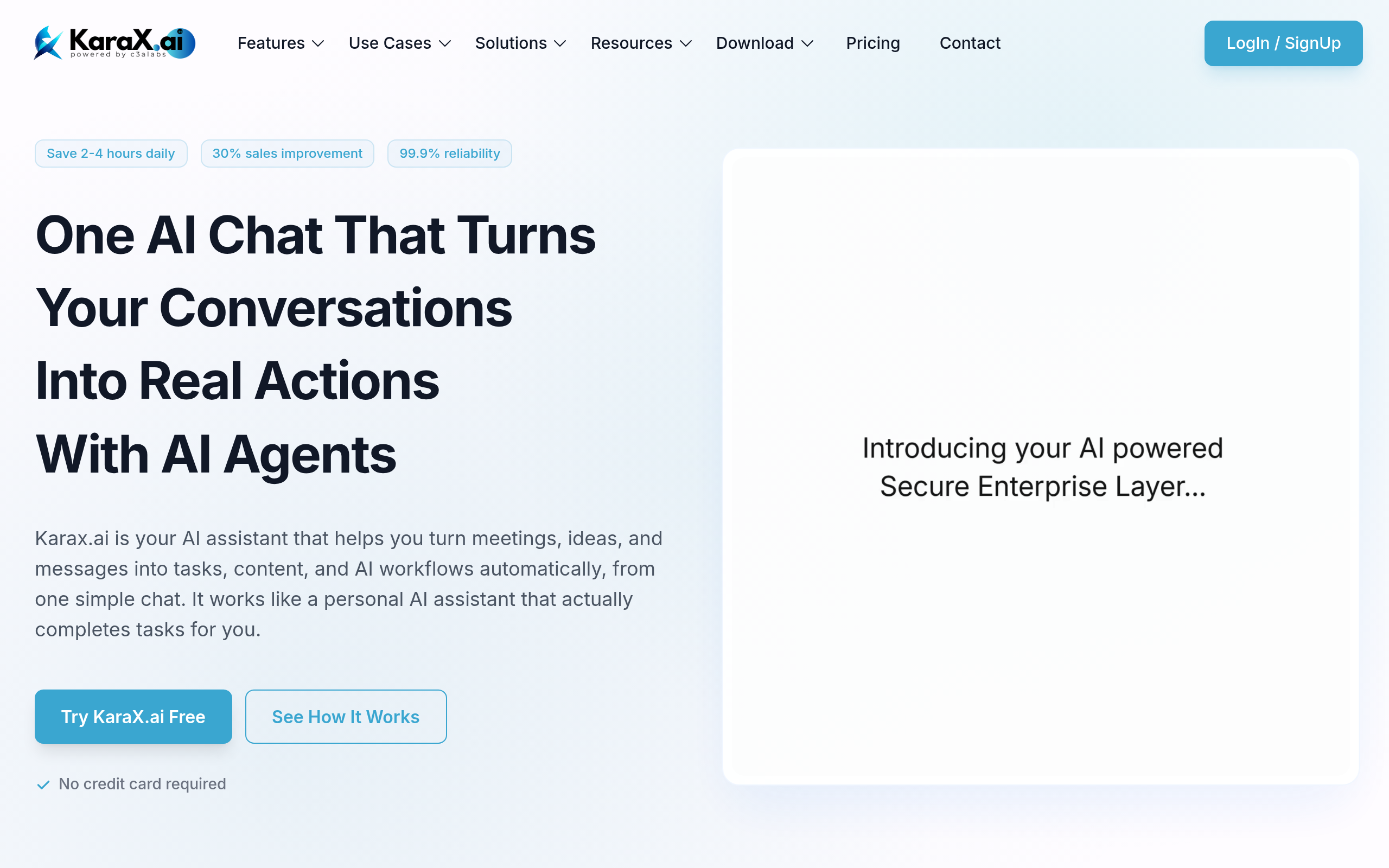
|
| Tactiq | Pasted notes to structured outputs | Direct conversion to PDF | Limited to note-taking; exports to PDF | Simplicity in structured note outputs 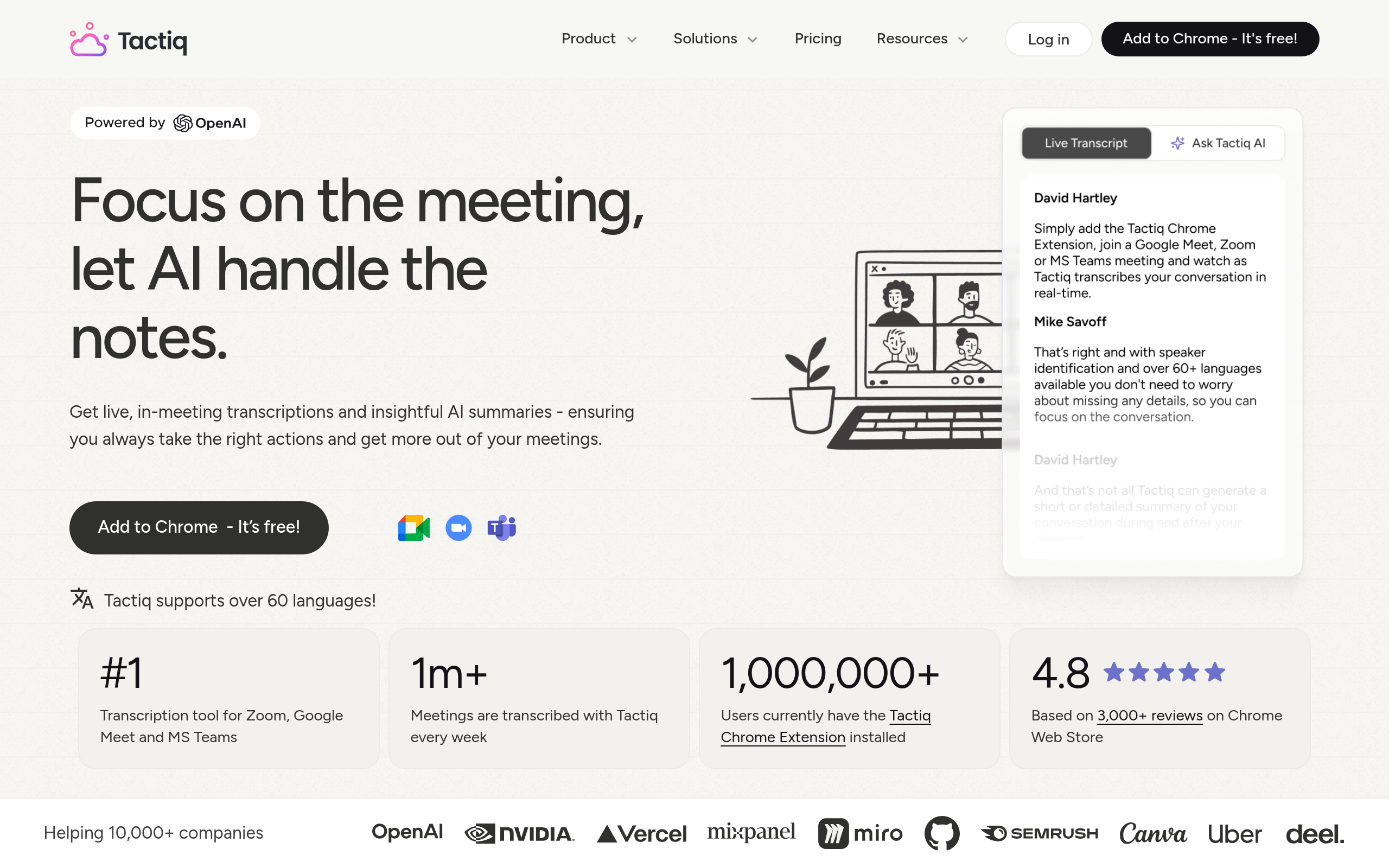
|
Key Takeaway: If a seamless, end-to-end solution from transcription to export is essential, DeepScribe emerges as a top choice. Its integration of transcription accuracy, structured summaries, and actionable exports within a single workflow makes it a standout for comprehensive post-meeting execution.
For those focused on platform-specific strengths such as Google Meet or the need for multilingual capabilities, tools like Fathom, Otter.ai, and tl;dv provide compelling options with notable free tiers. Each tool offers unique benefits based on specific needs—from real-time transcription to notetaking integrations—but none quite match DeepScribe’s all-encompassing solution.
1. DeepScribe — Best All-in-One Solution
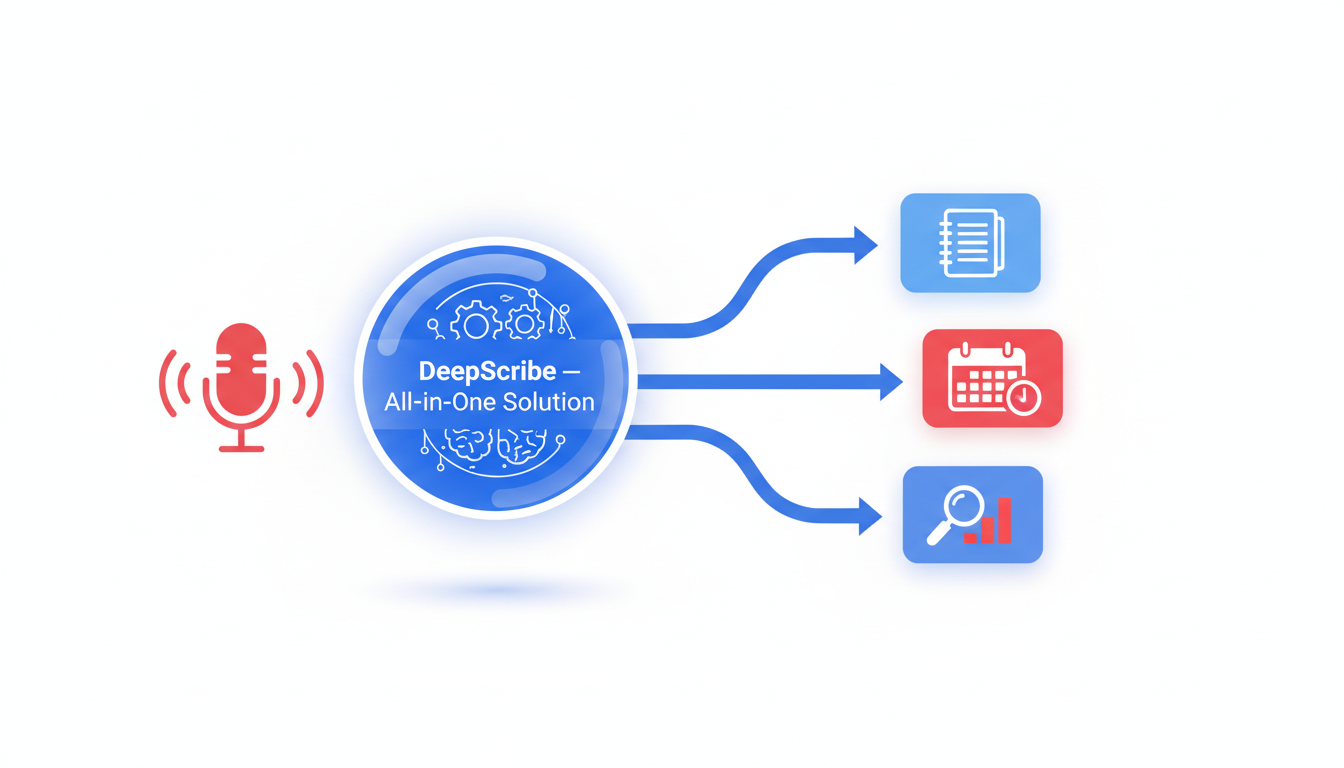
In a world where meeting overload is the norm, DeepScribe emerges as the ultimate tool for turning dialogue into action. Powered by Whisper, DeepScribe offers a seamless pipeline from transcription to export, making it an indispensable ally in managing meeting follow-through effectively.
DeepScribe is renowned for its speaker-labeled transcripts, delivering text that accurately attributes dialogue to individual speakers. This feature is a significant advantage for teams seeking clarity and accountability in fast-paced discussions or multi-speaker environments. The precision of Whisper ensures a 99% accuracy rate, adeptly handling diverse accents, background noise, and industry-specific jargon.
A distinguishing facet of DeepScribe is its comprehensive workflow coverage. Beyond just transcribing dialogue, the tool offers AI-generated summaries and action items. Meetings can often result in a flurry of tasks and ideas, and DeepScribe captures these automatically, transforming them into structured action steps. This capability ensures that critical decisions don't vanish into a digital void but are instead tracked and acted upon.
When it comes to exporting, DeepScribe supports a range of formats, including TXT, DOCX, PDF, SRT, and VTT. This flexibility allows users to integrate meeting outputs seamlessly into their existing documentation workflows, whether for creating detailed files or generating subtitles for accessibility.
Key Takeaway: “DeepScribe’s end-to-end solution turns conversation into execution-ready tasks, ensuring no detail goes unnoticed.”
Beyond these core capabilities, DeepScribe operates fluidly within commonly used platforms like Zoom, Microsoft Teams, and Google Meet. Its Meeting Notetaker feature allows for real-time transcription and speaker attribution, effectively removing the burden of manual note-taking. For managers and project leads, this simplifies post-meeting follow-ups and ensures that every team member is aligned with the next steps.
Moreover, security and privacy are baked into DeepScribe’s offerings. With end-to-end encryption and compliance with SOC 2 Type II standards, sensitive information remains protected, and files are automatically deleted after processing—providing peace of mind in an era concerned with data privacy.
For multilingual teams, DeepScribe’s support of over 100 languages and automatic language detection is a boon, effectively bridging communication gaps across global teams.
To explore how DeepScribe can streamline your meeting workflows, check out more details at DeepScribe.
Jump to the future of meeting management with DeepScribe, where transcription becomes actionable insight.
2. Fathom — Best for Google Meet Users
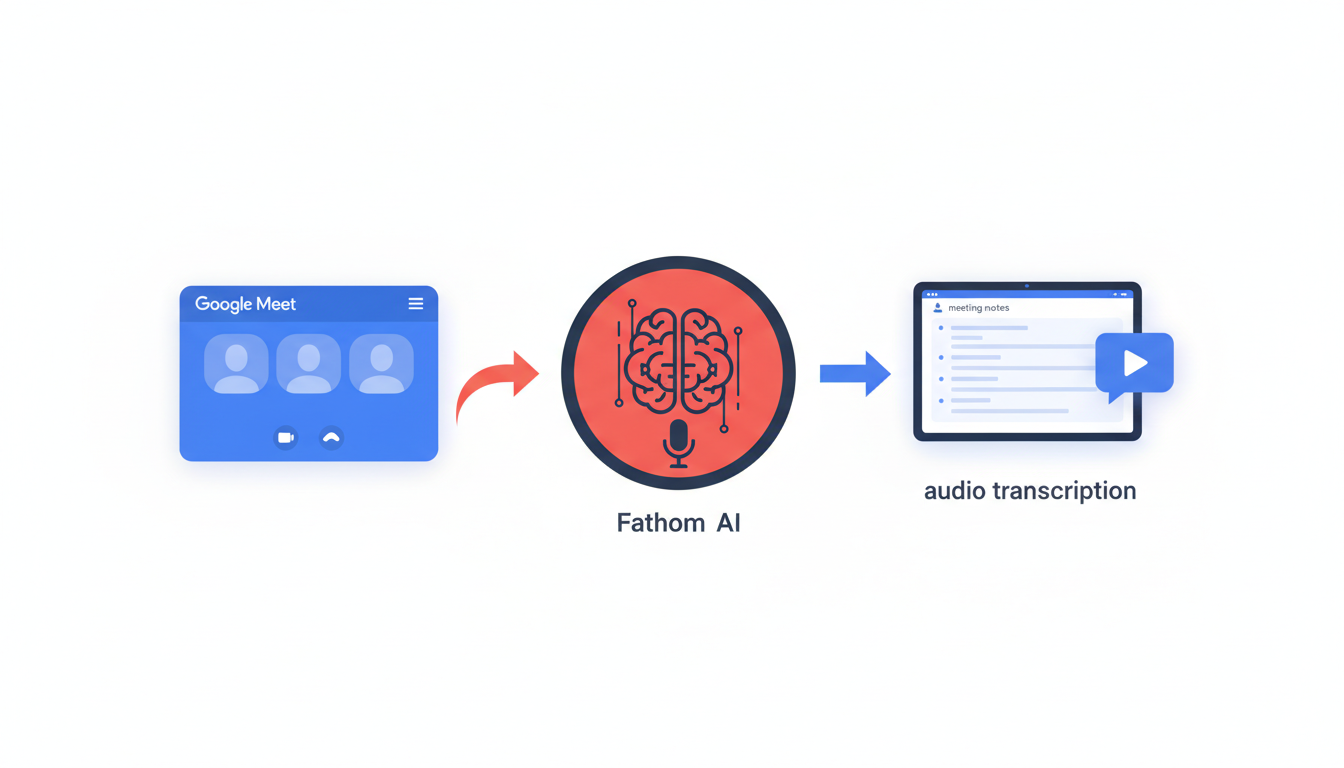
If you're a Google Meet regular, Fathom surfaces as a standout choice for transforming meetings into actionable follow-through effortlessly. Its core strength lies in offering unlimited recording and transcription, coupled with AI-generated summaries. This means you get a comprehensive transcript without the stress of time constraints, ensuring all critical details from your meetings are captured and stored.
Fathom’s integration with Google Meet is seamless, making it a top pick for users of this platform. The integration ensures that the tool is not just a passive recording device but an active participant in your meeting workflow. The AI utilizes real-time data to provide summaries tagged with timestamps, allowing you to revisit and reflect on the exact moments each critical decision or discussion point occurred.
Pro Tip: Many organizations find that using tools like Fathom significantly reduces the time spent manually editing notes, freeing hours each week for strategic work.
The free tier of Fathom offers significant value, emphasizing a frictionless experience. Users relish in its ability to generate instant, readable notes without any cumbersome setup—a "generous forever-free plan," as some testers like to describe it. However, it’s important to acknowledge the limitations. While it covers the essentials of recording and transcription, more nuanced requirements like deeper integrations or customized exports might require an upgrade.
Fathom’s summaries, another feather in its cap, are notable for their clarity and conciseness, cutting through hours of dialogue to surface the important bits. This not only aids in post-meeting insights but also enhances team alignment, ensuring no action item slips through the cracks.
For those pondering a holistic approach, consider using Fathom in tandem with DeepScribe when striving for complete meeting intelligence. While Fathom excels with unlimited features on Google Meet, DeepScribe offers a comprehensive all-in-one package, covering transcripts, summaries, and action items with seamless exports.
To visualize Fathom's user interface, here’s a quick look:
In essence, Fathom’s ease of use and integration make it an ideal choice for Google Meet aficionados craving a tool that can keep pace with their rapid meeting cycles. For more on enhancing your meeting productivity, explore how DeepScribe can complement Fathom’s offerings with its broader suite of features.
3. Otter.ai — Excellent for Multilingual Transcription
Otter.ai stands out as a versatile tool for real-time transcription, offering robust multilingual capabilities to cater to teams working across language barriers. With its ability to provide transcription in English, French, and Spanish, Otter.ai ensures seamless communication in global settings. This feature is particularly beneficial for international teams that rely on accurate documentation of meetings and discussions.
What sets Otter.ai apart is its ability to auto-join major platforms like Zoom, providing a frictionless experience for users who frequently shift between different virtual meeting spaces. By auto-joining, Otter.ai eliminates the need to manually start or stop recordings, allowing users to focus more on the meeting itself rather than the logistics of note-taking. This automation is invaluable for busy professionals juggling back-to-back meetings.
Evaluating Otter.ai's free tier reveals a generous offering. Users can access key features without upfront costs, making it an appealing choice for startups and small teams. The free plan enables essential functionalities such as real-time transcription and basic exports, aligning well with teams just dipping their toes into AI-powered note-taking. However, to unlock the full potential—including advanced exports and additional integrations—users may need to consider upgrading to a paid plan.
Despite these advantages, it's essential to acknowledge the limitations of the free tier. Users are restricted in terms of transcription hours per month, which might limit its applicability for teams with extensive transcription needs. Additionally, while Otter.ai provides action item extraction, its effectiveness in this area may not match more specialized tools that focus heavily on task management and follow-through.
For those requiring a comprehensive workflow transformation—from transcription to structured summaries and action items—consider integrating with other tools or even exploring DeepScribe as it provides a full suite of features in one place, particularly for those emphasizing end-to-end solutions. With DeepScribe, you gain access to a seamless experience combining transcription, summaries, and exports, which can significantly enhance meeting productivity and accountability.
In summary, Otter.ai is an excellent option for multilingual teams looking for straightforward transcription solutions with easy integration into popular meeting platforms. It's a great starting point for those assessing AI transcription capabilities in a multilingual context, keeping the process efficient and integrated.
4. tl;dv — Best for Speaker Recognition and Language Support
When it comes to handling diverse languages and accurately identifying who’s speaking, tl;dv stands out as a top choice. This tool offers a robust solution for teams dealing with multilingual meetings and complex discussions where clarity is key.
One of the major highlights of tl;dv is its support for unlimited video recordings and transcriptions in over 40 languages. This broad language capability makes it a go-to option for global teams needing accurate and timely transcription services. Imagine having a meeting with participants from different language backgrounds; with tl;dv, the transcription process becomes seamless, ensuring everyone is understood and all details are captured accurately.
But what sets tl;dv apart is its AI-driven speaker recognition feature. This functionality is particularly beneficial in meetings with multiple speakers, as it automatically attributes dialogue to the correct individuals. Correct speaker labeling can transform meeting transcripts from being just lines of text to becoming actionable intelligence, helping teams track decisions and assign tasks with precision. For project managers and team leads, this means less time spent deciphering who said what and more time focusing on execution.
In terms of its free plan limits, tl;dv provides a generous offering, allowing users to explore its capabilities without immediate cost concerns. Its integration capabilities are also a strong point, with the ability to seamlessly work alongside popular meeting platforms, enhancing your existing workflows.
Many teams find tl;dv indispensable for its speaker recognition and language support, which can make all the difference in maintaining the clarity and accountability of discussions. For those looking for an all-in-one experience, it’s worth considering how DeepScribe’s comprehensive workflow can complement tools like tl;dv, especially when your needs extend to action item extraction and high-level integrations. With DeepScribe, you get not only accurate transcriptions but also structured summaries and action items that can be directly exported into your project management tools, making meeting follow-up a breeze.
5. NoteGPT — Ideal for Quick Start Without Sign-Up
Navigating the sea of AI meeting note generators, NoteGPT stands out for its swift setup and diverse language support. Designed for those who need efficiency without the hassle of sign-ups, NoteGPT lets you get started immediately, allowing uploads of up to 1GB and supporting over 60 languages. This makes it a perfect choice for teams working globally or anyone who values quick scalability.
User Insight: D.R., a Business Consultant, praised NoteGPT as “a must-have” for back-to-back meetings, noting its ability to process large files swiftly and produce clear summaries — akin to having a personal assistant at your beck and call.
Beyond its hassle-free initiation, NoteGPT's free tier impressively handles real-world demands. Without any sign-up constraints, you can dive into your recordings and quickly transform discussions into structured summaries. This aspect is particularly beneficial for remote teams juggling with multilingual recordings, ensuring that language is never a barrier to productivity.
Key Features of NoteGPT:
- Language Diversity: With over 60 languages supported, it's an ideal tool for international teams needing clear and consistent communication across borders.
- Ease of Use: The no-sign-up feature allows immediate access. Just upload your file and watch NoteGPT turn your meeting chaos into clarity.
- Export Formats: Seamlessly download meeting minutes as PDFs, ensuring that your summaries are accessible and shareable, ready for any post-meeting dissemination.
However, for teams whose needs go beyond the basics, especially those looking for integrated action items and detailed follow-ups, tools like DeepScribe offer comprehensive solutions. While NoteGPT excels in initiation and multilingual support, DeepScribe’s full suite — encompassing summaries, action items, and integrations — might be a better fit for those looking to manage execution post-meetings.
Ultimately, NoteGPT’s strength lies in its simplicity and wide-ranging language ability, making it a go-to for teams eager to get started without delay or commitment.
6. KaraX.ai — Streamlined Export Integrations
KaraX.ai is a versatile tool that auto-generates meeting minutes and seamlessly integrates with platforms like Notion and Google Docs, making it an effective ally for teams drowning in documentation chaos. If you've ever felt that transferring meeting minutes to your preferred project management tools is a tedious task, KaraX.ai might be the solution. By allowing direct exports into Notion and Google Docs, it minimizes friction and keeps everyone aligned on essential tasks and discussions.
"Transforms workflows by turning lectures/meetings into notes; boosts accuracy and collaboration." — KaraX.ai user review
With an easy setup, KaraX.ai ensures that your meeting highlights are not only captured but also organized into actionable insights. This integration enables your team to focus more on productivity and less on administrative burdens. For those using Notion for task management or Google Docs for collaboration, this feature simplifies the transition from notes to execution without missing crucial details.
Key Features of KaraX.ai’s Free Plan
- Automatic Meeting Minutes: It quickly generates structured notes, saving you from sifting through endless audio recordings.
- Seamless Integration: Exporting directly to Notion or Google Docs ensures that no step is missed in your workflow, making it ideal for teams familiar with these platforms.
- User-Friendly Interface: Designed with simplicity in mind, allowing new users to get started without a steep learning curve.
Trade-Offs: While KaraX.ai shines in integration capabilities, its free plan may have limitations on meeting length or number of meetings it can manage. Teams requiring unlimited recordings might need to consider an upgrade.
When considering the tool's compatibility with your existing tech stack, remember that KaraX.ai’s ability to export notes directly into widely-used platforms can be a game-changer for enhancing collaboration and driving accountability. If you're on the hunt for a tool that turns meaningless talk into meaningful action, this integration prowess makes KaraX.ai a standout choice for efficient meeting management.
7. Tactiq — Optimal for Structured Output Conversion
Let’s dive into Tactiq, a standout choice when it comes to converting raw meeting data into structured outputs. If your meetings often end in a haze of unorganized notes, Tactiq might just be what you’re looking for.
Tactiq excels at producing structured meeting notes that you can download as PDFs. This makes it incredibly easy for teams to review, share, and store meeting insights without losing the thread of decisions and follow-ups. The tool’s ability to transform jumbled conversations into organized documents helps keep everyone on the same page.
Compared to other free plans, Tactiq holds its ground with unique features tailored for productivity. While many free AI meeting note generators offer basic transcription and summaries, Tactiq goes further by enabling users to generate clean, structured outputs from their notes, which are downloadable as PDFs — a critical feature for teams needing polished documentation without additional formatting work.
Feature highlights include real-time transcription capabilities that can seamlessly integrate with platforms like Google Meet and Microsoft Teams. This means you can get immediate transcriptions, making in-meeting note-taking a breeze. Tactiq captures not just what is said but invites real-time editing, ensuring that essential details aren't missed and can be highlighted even as conversations unfold.
User feedback consistently praises Tactiq for its intuitive UI and ease of use. As many users note, the option to export directly into a PDF is a game-changer for generating instant, professional-looking meeting notes ready for distribution. Users also appreciate its capacity to produce outputs that aren’t just transcripts but structured with the clarity needed for actionable follow-through.
"Tactiq’s PDF exportation simplifies sharing insights and decisions, enhancing our team’s post-meeting productivity," says a satisfied project manager.
If structured output is your focus, Tactiq is a solid contender. It establishes itself as a reliable choice for teams prioritizing comprehensive meeting documentation without the hassle of formatting.
For a truly holistic transcription solution, ensure you also consider tools like DeepScribe, which offers an enriched suite of AI-powered summaries and action items for a seamless end-to-end workflow. Explore more about how DeepScribe can complement your meeting productivity needs by checking out their features that streamline everything from transcription to task tracking.
Decision Path: How to Choose the Right Tool for Your Needs
Choosing the right meeting intelligence software can feel daunting, but breaking it down into a decision matrix based on your team’s needs makes it simpler. Here’s how you can strategically evaluate and select the best tool for your workflow.
Platform Compatibility
Start by considering which platform your team primarily uses for meetings. If you're consistently on Google Meet, DeepScribe offers seamless integration with its Meeting Notetaker feature. For those relying on Zoom or Microsoft Teams, DeepScribe still stands out with its ability to auto-join and transcribe meetings in real-time. This eliminates the hassle of manual setup every meeting.
Language Requirements
For global and multilingual teams, language support is crucial. DeepScribe shines with its coverage of 100+ languages and automatic language detection, making it suitable for diverse teams. If your meetings frequently switch languages, DeepScribe’s broad multilingual transcription capability ensures nothing gets lost in translation.
Integration Needs
Consider how the tool fits with your existing tech stack. Does it need to export to task management tools or integrate with document management systems like Notion? DeepScribe allows exports in multiple formats, such as DOCX and PDF, facilitating smooth integration into your existing processes. If integration with team dashboards or more complex systems is a priority, DeepScribe's Business tier offers custom integrations through an API.
Comprehensive Workflow Support
If your team needs a complete end-to-end solution, DeepScribe covers everything from transcribing meetings to generating smart summaries, extracting action items, and exporting structured outputs. It's particularly beneficial for leaders seeking a centralized solution to decrease post-meeting chaos and enhance follow-through.
“For anyone juggling back-to-back meetings, having a tool like DeepScribe that quickly processes and organizes large files is indispensable,” one user raves, noting its efficiency akin to “having a personal assistant.”
Ultimately, the best tool is the one that seamlessly integrates into your workflow, transforming meeting dialogues into actionable insights. For those seeking a robust, all-in-one platform, DeepScribe stands as a compelling choice.
Implementation Playbook: Building an Effective Meeting Notes Workflow
Building an effective meeting notes workflow is crucial for ensuring that every meeting leads to actionable outcomes. Here’s how you can streamline the entire process, from preparation to post-meeting actions, leveraging automatic meeting notes and action item extraction.
Start with Solid Preparation
Key Insight: Preparation sets the tone for a productive meeting.
- Agenda Creation: Share a detailed agenda with participants ahead of time. This includes key topics, objectives, and a schedule. This preparation helps focus discussions and anticipates potential action items.
- Tool Setup: Ensure your meeting platform integrates seamlessly with your notes-taking tool. Platforms like DeepScribe offer Zoom and Teams meeting transcription, making it easier to capture every detail.
- Permissions: Confirm all attendees are comfortable with automatic transcription and note-taking. This builds trust and compliance, especially regarding speaker-labeled transcripts.
Execute with Automation
Key Insight: Real-time transcription ensures nothing is overlooked.
Real-Time Transcription: Use tools like DeepScribe for live meeting transcription. This ensures all dialogues are captured accurately and allows participants to focus on the conversation rather than note-taking.
Multilingual Support: If your meeting involves participants from different regions, leverage multilingual transcription. This builds inclusivity and understanding, ensuring that everyone is on the same page.
Post-Meeting Actions
Key Insight: Transform transcripts into actionable insights.
- Structured Summaries: After the meeting, generate summaries using AI tools. DeepScribe provides AI summaries and action items, making it easy to extract key decisions and follow-ups.
- Distribution: Share the summarized notes and action items with all participants promptly. This can be done through email or integrated into platforms like Slack or Asana for task management.
- Accountability: Assign clear ownership of each action item. By incorporating names and deadlines, it ensures tasks are tracked and completed.
Optimize for Efficiency
Key Insight: Continuous improvement enhances meeting efficiency.
- Feedback Loops: Regularly gather feedback on the note-taking and dissemination process. This helps refine your workflow and adapt to team needs.
- Review and Improve: Periodically review the outcomes of meetings and the effectiveness of the notes in driving action. Use insights to optimize future meetings.
By embedding these practices, your team can efficiently transition from discussion to action, making every meeting more productive and impactful. Remember, the right tools, like DeepScribe, streamline the workflow and support every step, from transcription to export.
Frequently Asked Questions
Is it legal to record meetings with AI tools?
Recording laws vary by region. Always inform participants and get consent before using AI tools for meeting recording.
How accurate are AI-generated meeting notes?
Accuracy varies by tool and context. DeepScribe claims 99% accuracy, leveraging Whisper technology for high precision.
Can these tools integrate with existing platforms?
Most tools, including DeepScribe, integrate with platforms like Zoom, Microsoft Teams, and Google Meet.
What features should I prioritize in a meeting notes tool?
Focus on accuracy, speaker identification, multilingual support, and seamless integration with your workflow.
Are these tools secure for confidential meetings?
Check each tool’s security measures. DeepScribe offers end-to-end encryption and other robust security features.
Final Thoughts
As we navigate the evolving landscape of AI meeting note generators, choosing the right tool means balancing your unique needs with comprehensive capabilities. Here's a quick recap of our top picks:
- Google Meet Simplicity: Perfect for straightforward meeting setups.
- Multilingual Scale: Ideal for international teams needing broad language support.
- No-Sign-Up Uploads: Great for quick, hassle-free notetaking.
- Feature-Rich Dashboards: For those who love a detailed overview of their meeting outputs.
Remember, the best tool is the one that efficiently transforms conversation into actionable work. For a seamless experience from transcription to summary and exports, consider trying DeepScribe. It stands out as a robust, end-to-end solution. Ready to dive deeper into AI-powered meeting notes? Check out our post on How to Create Meeting Notes With AI.
Written by

DeepScribe Team
Content Team
The DeepScribe content team shares insights on audio transcription and AI technology.
Related Articles
Continue reading about this topic
7 Best Free AI Meeting Notes Generators (2026)
Explore top AI meeting notes tools for structured outputs and learn when upgrading to DeepScribe makes sense.

DeepScribe Team
March 6, 2026 · 24 min read · 4,784 words
How to Auto Summarize Meetings With AI: A Complete Guide
Discover an end-to-end system for creating reliable AI meeting summaries. Validate and export summaries using DeepScribe to drive actionable insights.
DeepScribe Team
March 6, 2026 · 17 min read · 3,358 words