7 Best AI Captioning Tools for Videos (SRT/VTT Ready)
Discover the best AI captioning tools emphasizing accuracy and export readiness. DeepScribe is perfect for fast, reliable SRT/VTT outputs, ideal for creators.

DeepScribe Team
Content Team
7 Best AI Captioning Tools for Videos (SRT/VTT Ready)
You don't need just any "AI captions." What you really need are SRT/VTT files that are ready to publish—fast, accurate, and without spending your whole afternoon fixing timestamps. As content creators and video teams, you're often tasked with producing seamless captions that meet diverse platform requirements. This post introduces a fresh comparison of the best AI captioning tools based on what matters most: accurate captions, top-tier export readiness (think SRT and VTT), and accessibility workflow ease.
We'll walk through a detailed rubric focusing on accuracy, editing friction, and the critical differences between export formats. You’ll also find a deliverables checklist and a workflow map for using DeepScribe's powerful Whisper-powered engine for your captioning needs. Prepare to discover tools that fit perfectly within your workflow, providing multilingual support, speaker labels, and seamless integration with editors and platforms. Let's dive into the tools that truly deliver captions you can ship with confidence.
Introduction
In today’s rapidly evolving digital landscape, creating videos that reach and engage a diverse audience is more crucial than ever. A key element of achieving this is using accurate captioning tools. Whether you’re a video producer, social media manager, or content creator seeking to enhance video accessibility, finding a tool that seamlessly converts speech to text with pinpoint accuracy is vital. Enter the world of AI-powered captioning tools that promise precision, efficiency, and, notably, the ease of exporting caption files in formats critical to accessibility and platform compatibility—SRT/VTT readiness.
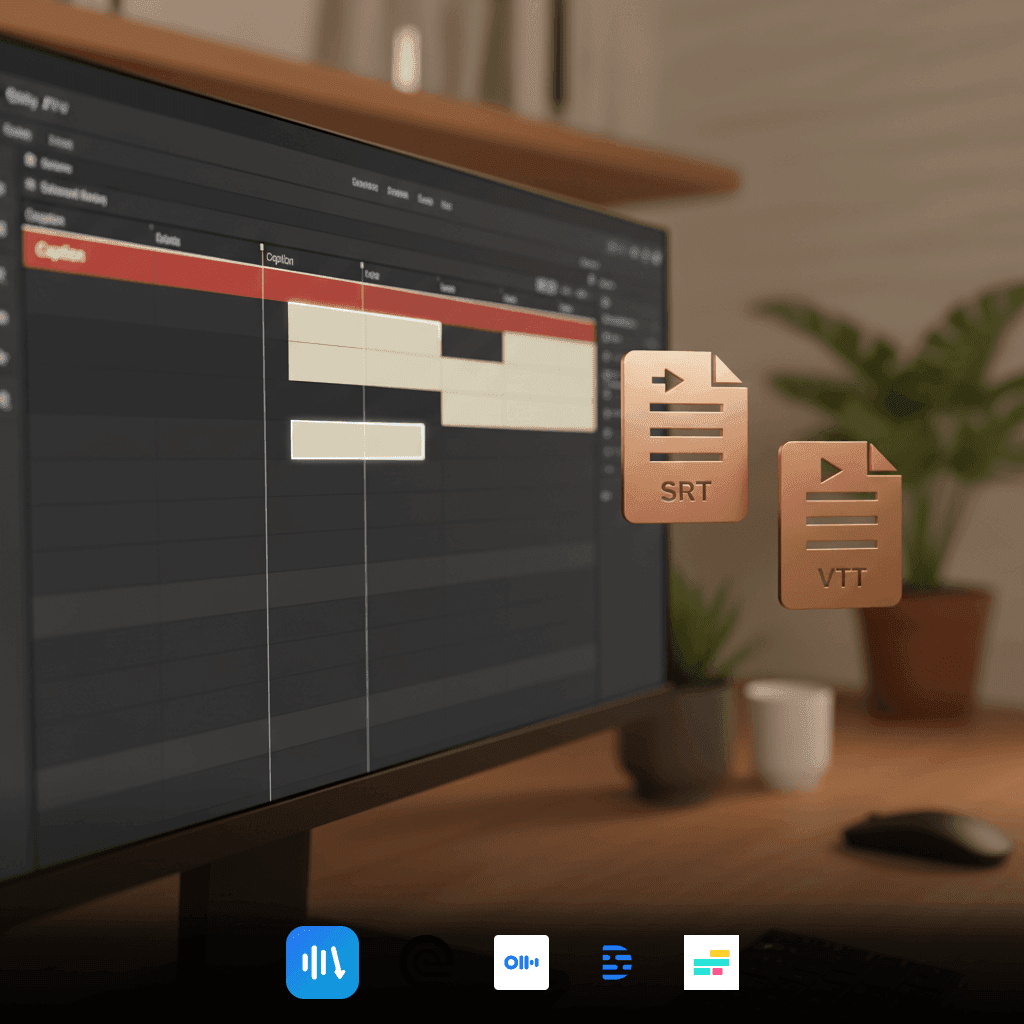
So, what exactly does SRT/VTT readiness mean? Simply put, it refers to the capability of exporting your captions in formats like SubRip Subtitle (SRT) and Web Video Text Tracks (VTT). These formats are essential for adding structured subtitles to video content, ensuring that your audience—regardless of hearing ability or language—can follow along. With the added benefit of accessibility, these formats are a must for compliance-focused enterprises and creators who wish to broaden their reach.
Among the multitude of tools available, DeepScribe shines as our top recommendation. Why? Built on the Whisper model and noted for its impressive 99% accuracy, DeepScribe offers not only the basic ability to export in SRT format but also includes VTT exports in its Pro and Business plans. This makes it an ideal solution for teams looking to produce video captions efficiently without sacrificing quality. DeepScribe's robust security measures, including end-to-end encryption and SOC 2 Type II compliance, further solidify its position as a reliable choice for those handling sensitive content.
Moreover, with DeepScribe, you’re not just getting a captioning tool. You’re gaining access to a comprehensive workflow solution that supports everything from meeting transcription to action item generation, designed to streamline your video editing process and facilitate seamless collaboration. For creators eager to dive deeper into AI-powered captioning, DeepScribe offers a flexible, secure, and knowledgeable path forward.
How We Evaluated the Best AI Captioning Tools
When selecting the best AI captioning tools, we focused on what truly matters to creators and teams: accuracy, editing friction, and export readiness. Here’s how we broke it down:
Accuracy: The Core of Captions
Caption accuracy is non-negotiable. We prioritized tools that offer high precision, particularly in handling names, jargon, and difficult audio environments. DeepScribe, powered by Whisper, promises 99% accuracy, addressing common pitfalls like accents and background noise. For projects requiring precision, this level of accuracy minimizes the need for post-editing.
Editing Friction: Streamline Your Workflow
The less friction in editing, the better. Tools offering intuitive interfaces that allow easy corrections without cumbersome processes scored higher. DeepScribe excels here with features like speaker labeling, which clarifies conversations driven by multiple voices. This reduction in editing friction ensures that creators can move quickly from transcription to publication.
Export Readiness: SRT/VTT Formats
Exporting in the right formats is crucial for efficient workflows. Most platforms need captions in SRT or VTT formats, so we evaluated tools on their ability to export in these. DeepScribe shines by offering both SRT and VTT exports at different subscription levels, making it adaptable for any project's needs. Such flexibility ensures seamless integration with various video editing platforms and content management systems.
Accessibility Workflow: Beyond Just Captions
Accessibility involves more than just adding captions. Tools that support multilingual subtitles and offer features like speaker labels and timing adjustments rank higher. DeepScribe's support for over 100 languages and automatic language detection makes it a top choice for multilingual teams, ensuring accessibility requirements are met.
Here’s a detailed comparison of how top tools stack up:
| Tool | Accuracy | Editing Friction | Export Formats | Multilingual Support |
|---|---|---|---|---|
| DeepScribe | 99% | Low | SRT/VTT | 100+ languages |
| Rev | High | Moderate | SRT | Limited |
| Otter.ai | Moderate | Low | Moderate | |
| Descript | High | Low | SRT | Basic |
| Kapwing | Moderate | High | SRT | Limited |
Expert Insight: "The real value in AI caption tools comes from their ability to integrate seamlessly into diverse workflows, from transcription to export."
Through this rubric, DeepScribe emerges as a reliable choice, especially for those needing quick, accurate captions with robust export options.
1. DeepScribe — Best for Accuracy and Workflow Integration
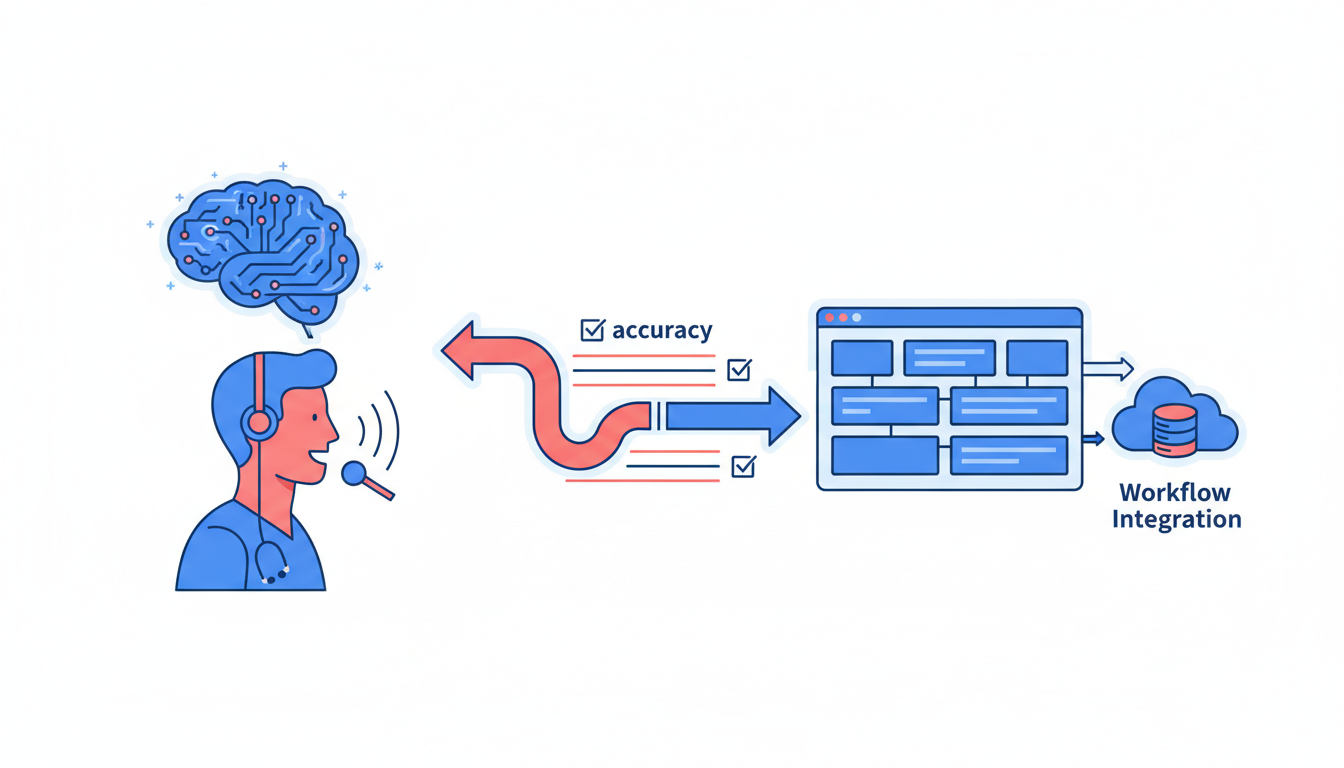
When it comes to AI captioning tools, DeepScribe stands out for its remarkable accuracy and seamless workflow integration. Powered by Whisper, DeepScribe offers an impressive 99% accuracy rate, making it a top choice for creators who need reliable and precise transcripts. This ensures minimal editing, even when dealing with accents or technical jargon, which can often trip up other tools.
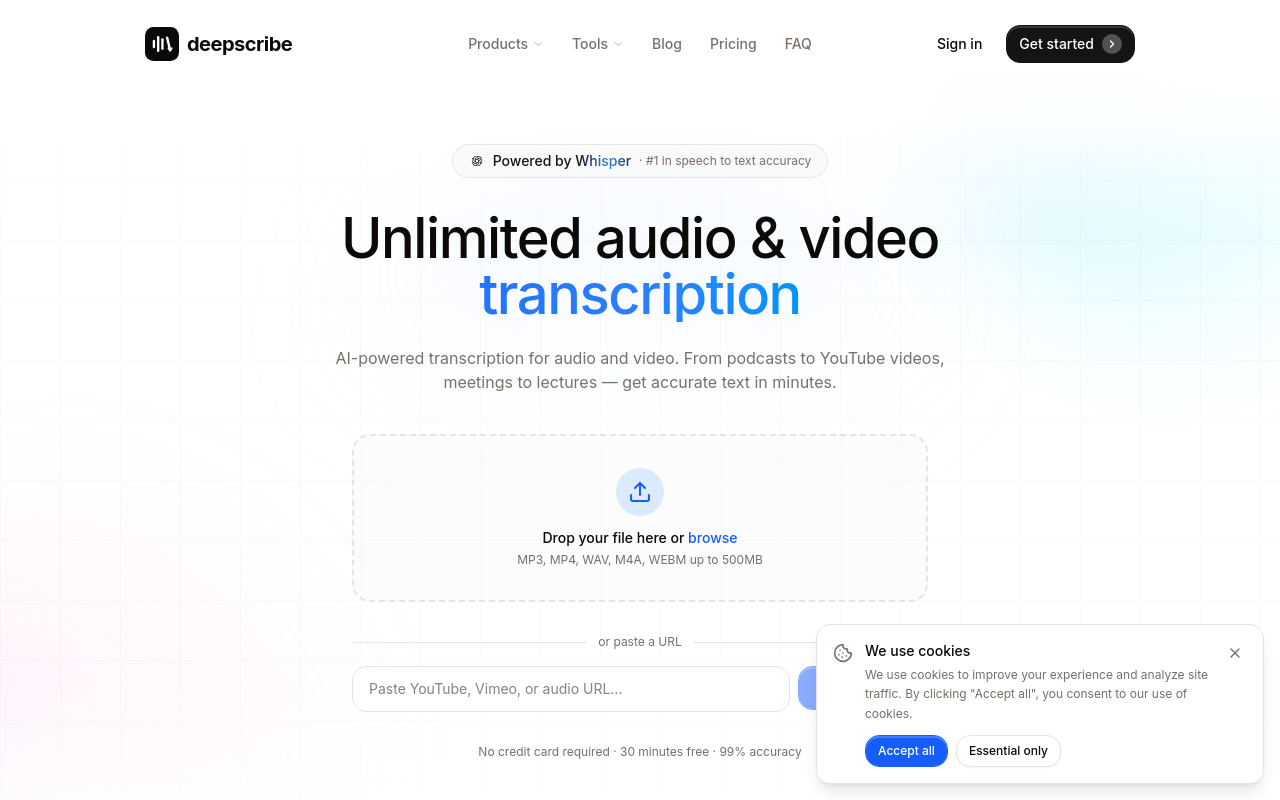
Export Formats: DeepScribe caters to various needs with its export options. On the Basic plan, users can export SRT files, which are essential for uploading captions to platforms like YouTube. For more advanced needs, the Pro and Business plans include both SRT and VTT exports, supporting a full range of distribution and accessibility requirements. This flexibility is a game-changer for content teams needing different file formats without hassle.
Multilingual Support: Language should never be a barrier, and DeepScribe excels here with automatic language detection. This feature supports transcription in over 50 languages on Basic and a staggering 100+ on Pro/Business. This capability makes DeepScribe ideal for teams working on global content or multilingual projects.
Security and Compliance: For teams handling sensitive information, DeepScribe is equipped with SOC 2 Type II compliance. It ensures end-to-end encryption and automatic deletion after processing, underpinning the platform's commitment to security — a critical factor for compliance-conscious industries.
Takeaway: "DeepScribe combines top-tier accuracy with a broad range of export options and robust security protocols, making it a comprehensive tool for content creators and media teams."
Workflow Integration and Efficiency
DeepScribe isn't just about accuracy; it’s built for efficiency in the real world. The tool allows users to upload content, transcribe it with ease, and then edit and export it quickly. This streamlined process supports fast handoffs to editors or platforms, ensuring that teams can focus on distribution rather than tedious editing tasks. The platform can handle up to 10 hours of audio in parallel, further speeding up the workflow.
For teams focused on accessibility, DeepScribe’s capabilities extend to ensuring captions are not just technically adequate but actually usable and compliant. The platform's support for both SRT and VTT formats suits different publishing needs — from straightforward web videos to complex LMS portals.
In summary, if you’re seeking a captioning tool that scores high on accuracy and integrates smoothly into your workflow, DeepScribe should be your default pick. Its ability to deliver accurate, ready-to-publish captions quickly and securely makes it invaluable for small to mid-sized teams.
Check out DeepScribe for more insights into their AI-powered transcription services.
2. Rev — Best for Professional Subtitles
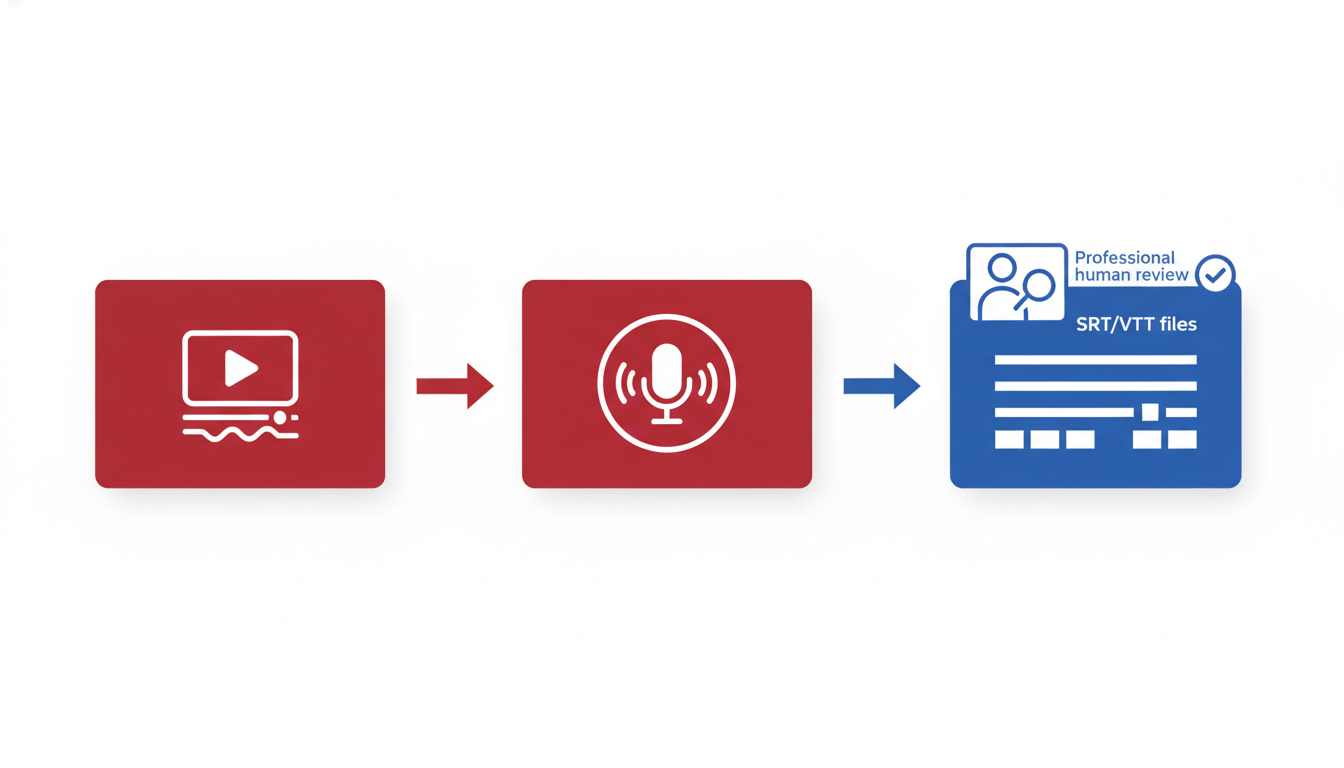
For creators looking for top-tier professional subtitles, Rev stands out as a compelling option. What sets Rev apart is its robust combination of human and AI transcription services, catering to varied needs depending on accuracy and budget. The human transcription ensures near-perfect accuracy, while the AI-powered option provides a quick and efficient solution when time is of the essence.
Rev seamlessly delivers SRT/VTT exports, which are essential for any team required to maintain compliance and accessibility standards. These export formats allow users to effortlessly upload and integrate subtitles across multiple platforms, enhancing both accessibility and engagement with content.
One of the key highlights of Rev is its powerful editing and collaboration tools. Teams can easily review, edit, and approve transcriptions within the platform, streamlining the workflow and reducing back-and-forth communications. This feature is invaluable for teams working on tight deadlines, as it minimizes the friction typically associated with editing captions.
Pro Tip: For content that needs a quick turnaround without compromising on accessibility, Rev's AI-generated subtitles are a reliable choice. However, for client-facing deliverables where precision is critical, their human transcription service is unmatched.
Rev's dual approach to transcription — combining the speed of AI with the reliability of human experts — makes it a versatile tool. It's particularly advantageous for projects that involve complex speaker segments, jargon, or background noise that could trip up less sophisticated AI systems.
Incorporating Rev into your workflow creates a smooth handoff of deliverables to editors and distributors. The platform’s export readiness in SRT/VTT formats means that the subtitles are platform-agnostic and ready to go, whether you're publishing on social media, websites, or e-learning modules.
For teams dedicated to producing high-quality video content, Rev remains a standout subtitle generator that meets both accuracy and accessibility demands, all while fitting seamlessly into professional editing environments.
3. Otter.ai — Best for Meeting Notes Conversion
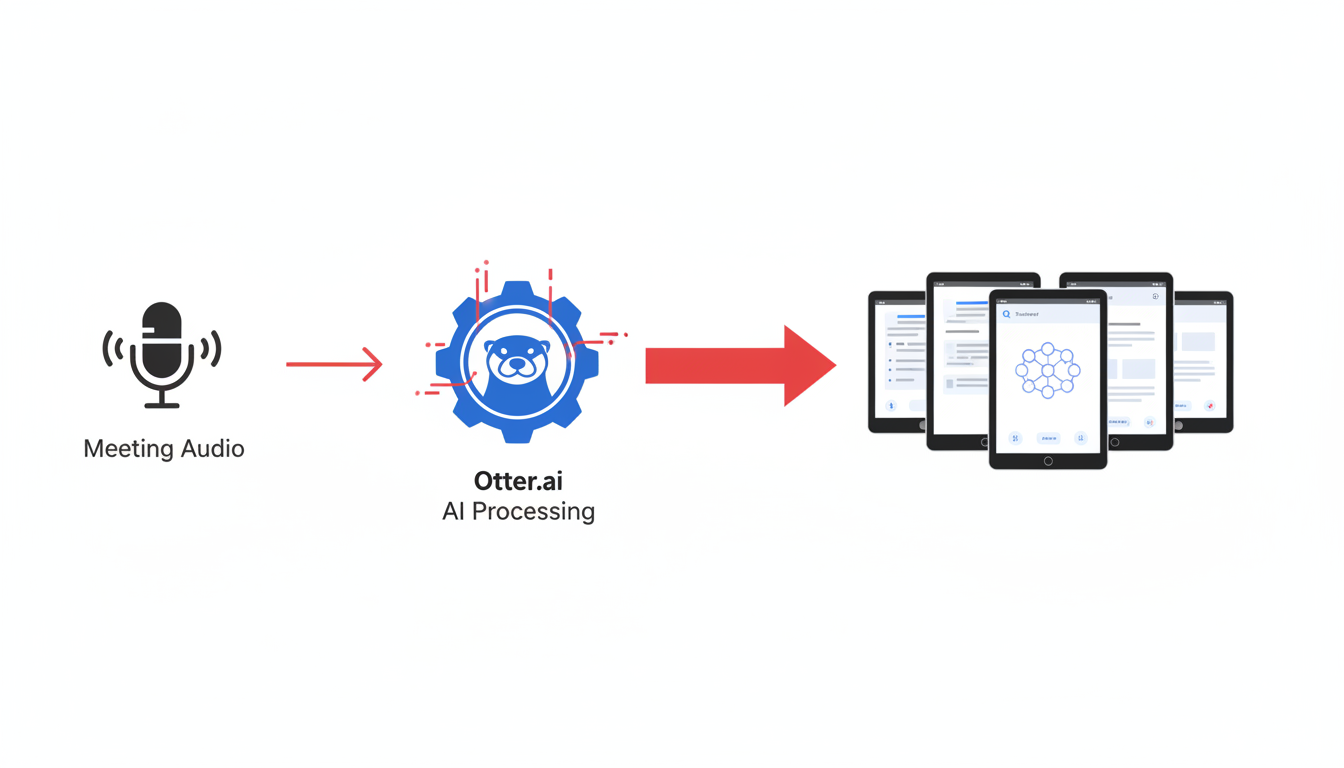
When it comes to converting meeting notes into useful, actionable text, Otter.ai stands out as a top contender. Known for its strong transcription and collaboration features, Otter.ai is perfect for teams that need reliable meeting transcriptions and collaborative editing capabilities.
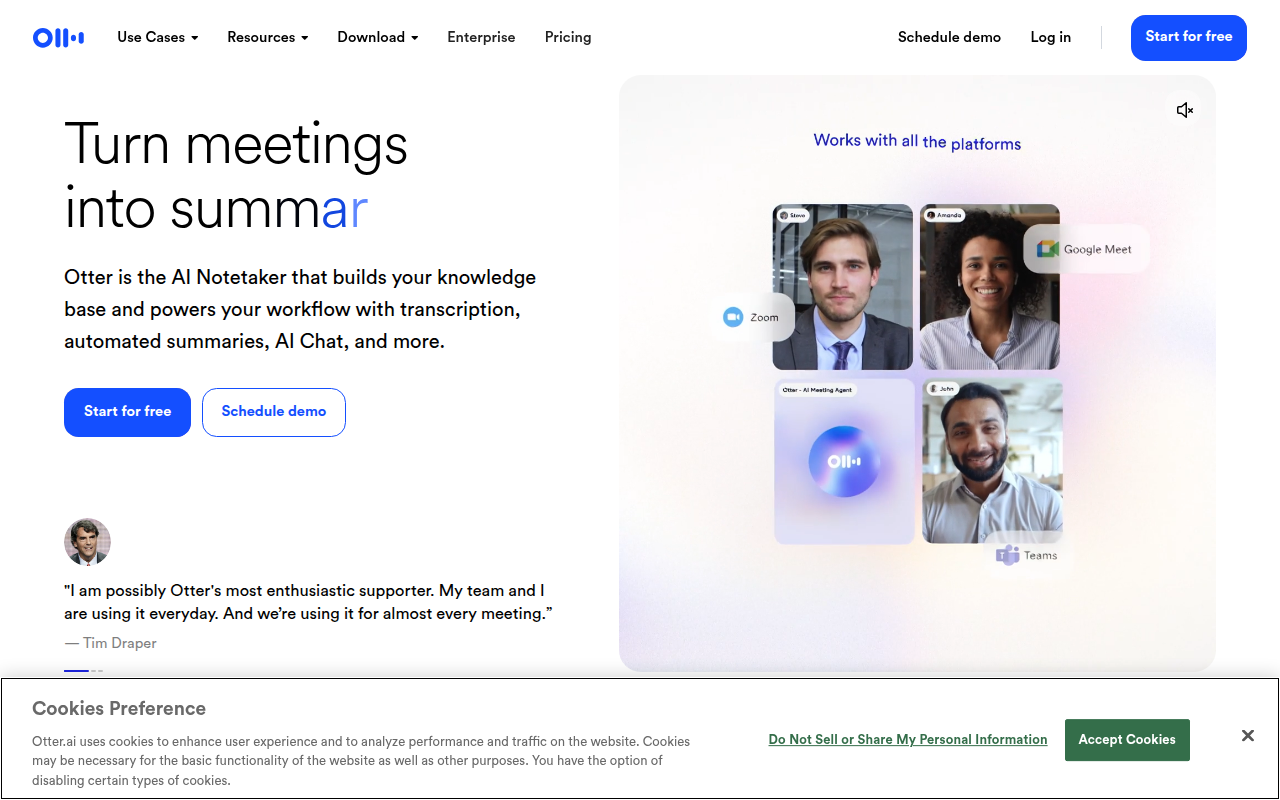
Otter.ai is more than just a transcription tool—it's a collaboration platform. With real-time transcription, you can watch your meeting being transcribed as it happens, which is particularly useful for webinars and live events where capturing every detail counts. The platform also synchronizes automatically with tools like Zoom and Google Meet, making it seamless to start transcriptions with minimal setup.
In terms of transcription quality, Otter.ai leverages advanced AI to produce transcripts that are not only accurate but also formatted for readability. This includes speaker identification and timestamping, crucial for clarity in multi-speaker webinars and meetings. However, it’s important to note that while Otter.ai offers substantial transcription features, its export options are somewhat limited primarily to TXT and SRT formats. This can be a constraint for users who require more diverse export capabilities like VTT, a flexibility that DeepScribe provides for Pro/Business plans.
For social media managers and content creators focusing on captioning for social media, the ability to transcribe video to text in real time is invaluable. Otter.ai supports the creation of transcripts that can be easily quoted or repurposed across different platforms, enhancing workflow efficiency.
However, keep in mind that the strength of Otter.ai lies in its focus on meetings and webinars. For those in need of comprehensive caption formats or higher-level export options, you might find platforms like DeepScribe—which offers additional export formats like DOCX and VTT—align better with your broader transcription-to-summary workflow needs.
Ultimately, Otter.ai offers a reliable, real-time solution for meeting notes conversion, but for those thinking ahead to export variety or in-depth multimedia use cases, weighing alternatives like DeepScribe may be beneficial. If you're curious about how transcription tools can enhance your social strategy, check out DeepScribe's blog for more insights.
4. Descript — Best for Video Editing Integration
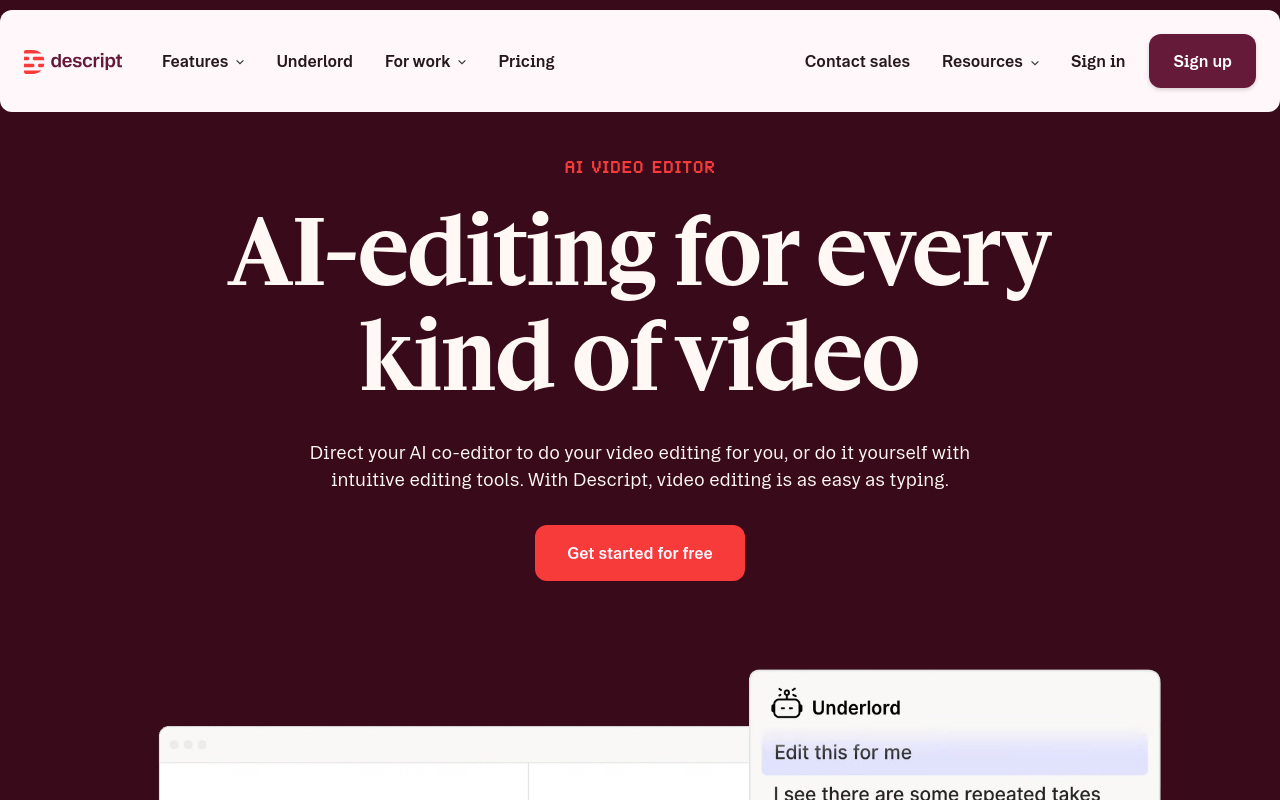
When it comes to video editing and AI-powered captioning, Descript stands out for its exceptional integration with video editing tools. Unlike standalone caption generators, Descript offers advanced editing features seamlessly tied into its transcription workflow. Best for creators who need a tool to handle both video editing and transcription simultaneously, it becomes an invaluable asset for teams aiming for efficiency and precision.
Descript supports a wide range of export formats like SRT, VTT, and more, making it highly versatile for various delivery needs. Its strength is not just in generating captions, but in offering a full suite of audio and video editing tools. This means that you can edit content right where you transcribe, providing a streamlined process from start to finish.
Here’s what you’ll love about Descript:
- Integrated Editing Tools: It functions as both a transcription tool and an editor. You can cut, paste, and rearrange video and audio clips as easily as text.
- Multi-export Capability: Quickly export your captions in different formats, ensuring they are ready for editing in various video platforms.
- AI-Powered Workflows: Thanks to sophisticated AI services, Descript helps identify speakers and manage timing with excellent precision.
“Descript allows teams to ship polished, accessibility-ready captions directly from their edits, reducing the typical friction between transcription and video editing workflows.”
However, it’s essential to consider a few trade-offs. While Descript is a robust tool with powerful capabilities, some users find the learning curve steep if they are looking for straightforward transcription without the editing frills.
In terms of accessibility workflow, Descript excels by supporting speaker identification and enabling detailed timing adjustments within the script, ensuring the captions aren't just accurate but also contextually relevant.
Overall, Descript is perfect for video teams who need an all-in-one solution that handles not just captioning but also sophisticated editing tasks. If your workflow involves extensive video post-production, Descript’s integration might just be the game-changer your team needs to “ship” faster and cleaner.
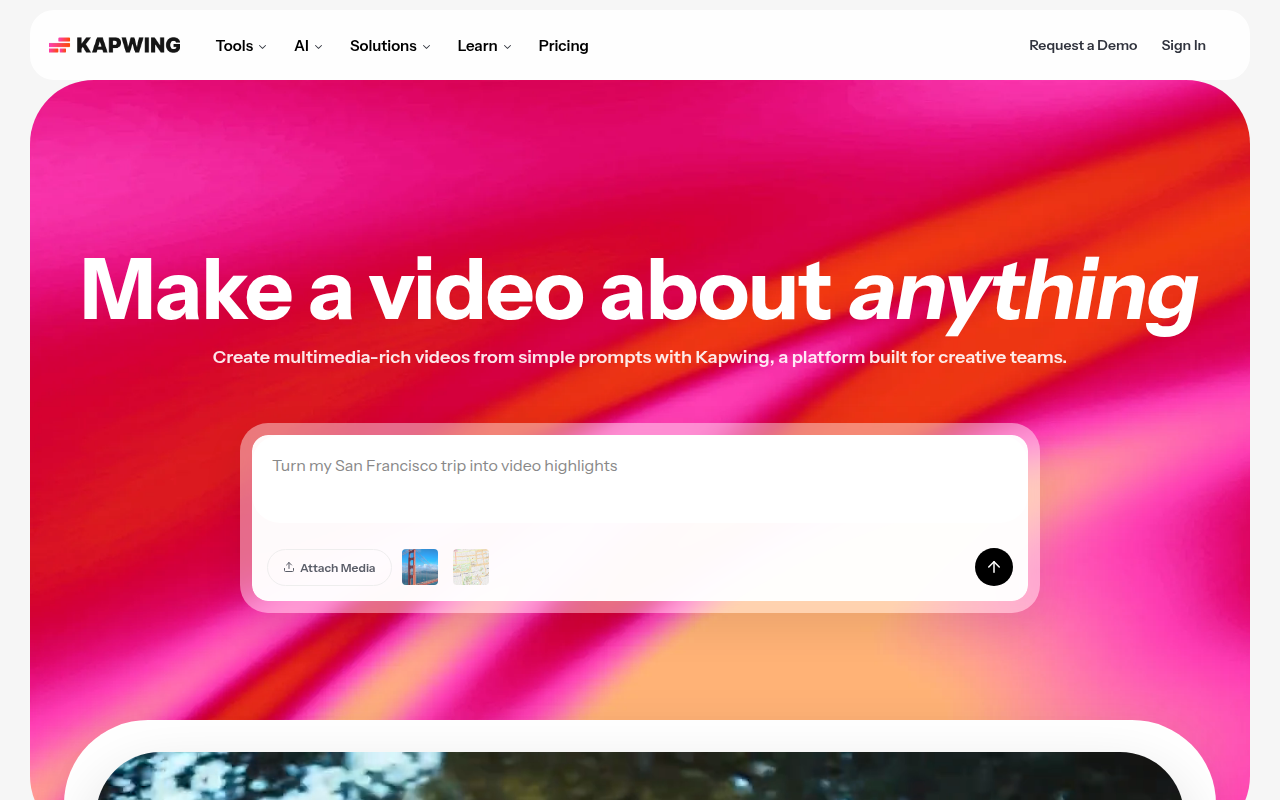
5. Kapwing — Best for Collaborators and Teams
When it comes to creating video content, collaboration is often key. Kapwing stands out as an exceptional AI captioning tool designed with teamwork in mind. Its easy-to-use interface enables video teams to work seamlessly together, regardless of skill level. Whether you’re refining a social media clip or preparing a polished presentation, Kapwing’s intuitive platform supports collaborative editing without the typical friction.
What You’ll Like
Kapwing’s strength is its collaborative features. The real-time editing capability allows multiple team members to participate in captioning tasks simultaneously. This ensures that any changes or improvements can be swiftly made, enhancing workflow efficiency. With its cloud-based setup, access to projects from anywhere is a breeze, as long as there’s an internet connection.
Kapwing provides a variety of export options, including SRT and VTT formats, which are crucial for accessibility compliance and platform compatibility. This flexibility allows creators to tailor their captions to fit different platforms, such as YouTube or Vimeo, ensuring broader audience engagement and compliance with international standards.
Watch-Outs
While Kapwing offers an impressive suite of features for team collaboration, users should be mindful of the occasional lag during high-demand periods, which can affect editing speed. Additionally, its advanced features might require a learning curve for those unfamiliar with more sophisticated editing tools. Despite these minor drawbacks, the platform remains a robust choice for collaborative video projects.
Export Formats
Kapwing supports various export formats like SRT and VTT, making it versatile for diverse needs. The ability to produce captions in these formats means creators can provide accessibility-ready content without hassle. This aligns with the increasing demand for accessible video content in global markets.
Accessibility Workflow Notes
In terms of accessibility, Kapwing handles caption timing and segmentation adeptly. It offers automated suggestions for line breaks and merges based on speech patterns, although a manual review is always recommended to ensure optimal accessibility. This feature helps maintain clarity and readability, meeting the standards for accessibility captions across different platforms.
Kapwing’s integration of caption editing workflows eliminates the need for repetitive tasks like reformatting, saving creators significant time. Its built-in speaker labels further enhance the process by ensuring that dialogues are accurately attributed, a must for compliance-minded teams working with complex videos.
Kapwing is an ideal choice for video teams who prioritize collaboration and seek robust export capabilities. Its combination of ease-of-use and rich features makes it a strong contender for any team looking to streamline their video editing and captioning process.
6. Sonix — Best for Multilingual Transcription
When venturing into the realm of multilingual transcription, Sonix emerges as a prime contender. Its strength lies in its ability to handle diverse languages, making it particularly appealing for teams dealing with global content. Supporting a wide array of languages, Sonix enables seamless transitions between different linguistic needs, catering to international audiences with ease. If you're involved in creating content that spans multiple countries or linguistically diverse regions, this feature is crucial.
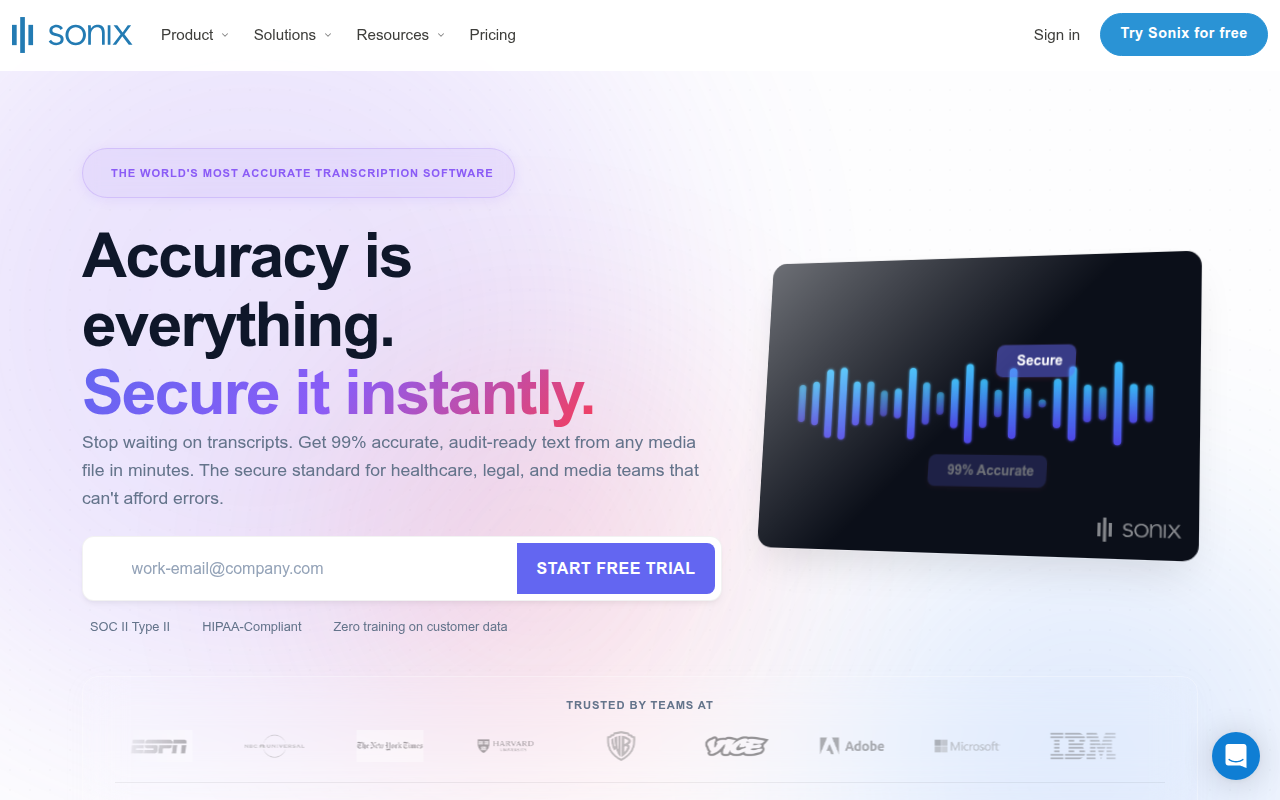
But Sonix isn't just about multilingual capabilities. It also provides automated editing tools that significantly reduce the manual effort required in post-transcription processes. The software efficiently transcribes and synchronizes spoken words with the corresponding visuals, allowing creators to focus more on refining content rather than laboriously aligning text. This is particularly handy for video editors who juggle multiple projects simultaneously.
One of Sonix's standout attributes is its comprehensive export options. Exporting is streamlined, supporting formats like WebVTT, which is indispensable for web-based video content. This ensures that your subtitles remain consistent and adaptive across various platforms, maintaining the accessibility and usability of your content.
For video teams, this means less time spent converting and reformatting files, and more time enhancing the quality of their projects. Whether you're dealing in SRT, VTT, or beyond, Sonix caters to diverse subtitle format needs, ensuring your work is always export-ready and compliant with industry standards.
"Creating multilingual subtitles can be a game-changer for audience reach. Sonix ensures your captions are accessible and accurate, no matter the language," as many video professionals would agree.
Moreover, when considering accessibility in production workflows, Sonix offers tools to integrate speaker labels and timing, helping videos meet comprehensive accessibility standards effortlessly. As accessibility becomes a priority for content teams, ensuring every piece meets these benchmarks isn't just about compliance but also about expanding audience reach.
Ultimately, for teams looking to streamline their multilingual workflow while ensuring rigorous accuracy and efficiency, Sonix's offering is robust. However, if caption accuracy, particularly in noisy or technical environments, is pivotal, a deeper dive into solutions like DeepScribe might also be beneficial. Powered by Whisper, DeepScribe ensures high precision and robust export options, particularly catering to creators needing reliable results in complex scenarios.
7. Trint — Best for Media Teams
If you're part of a media team looking for a powerful AI captioning tool, Trint might just be your go-to solution. What sets Trint apart is its strong focus on media production and editing, offering a seamless integration that caters specifically to the fast-paced needs of content creators and journalists.
Trint provides media teams with excellent integration capabilities across various platforms, making it incredibly easy to manage and distribute content. Whether it's syncing with content management systems or direct exports to social media channels, Trint ensures that your workflow remains uninterrupted and efficient.
One of the key strengths of Trint is its variety of export options. This flexibility is essential for media teams who handle diverse projects requiring different file formats. Whether you need open captions to comply with specific regulations or custom subtitle files to enhance viewer accessibility, Trint covers these needs with ease.
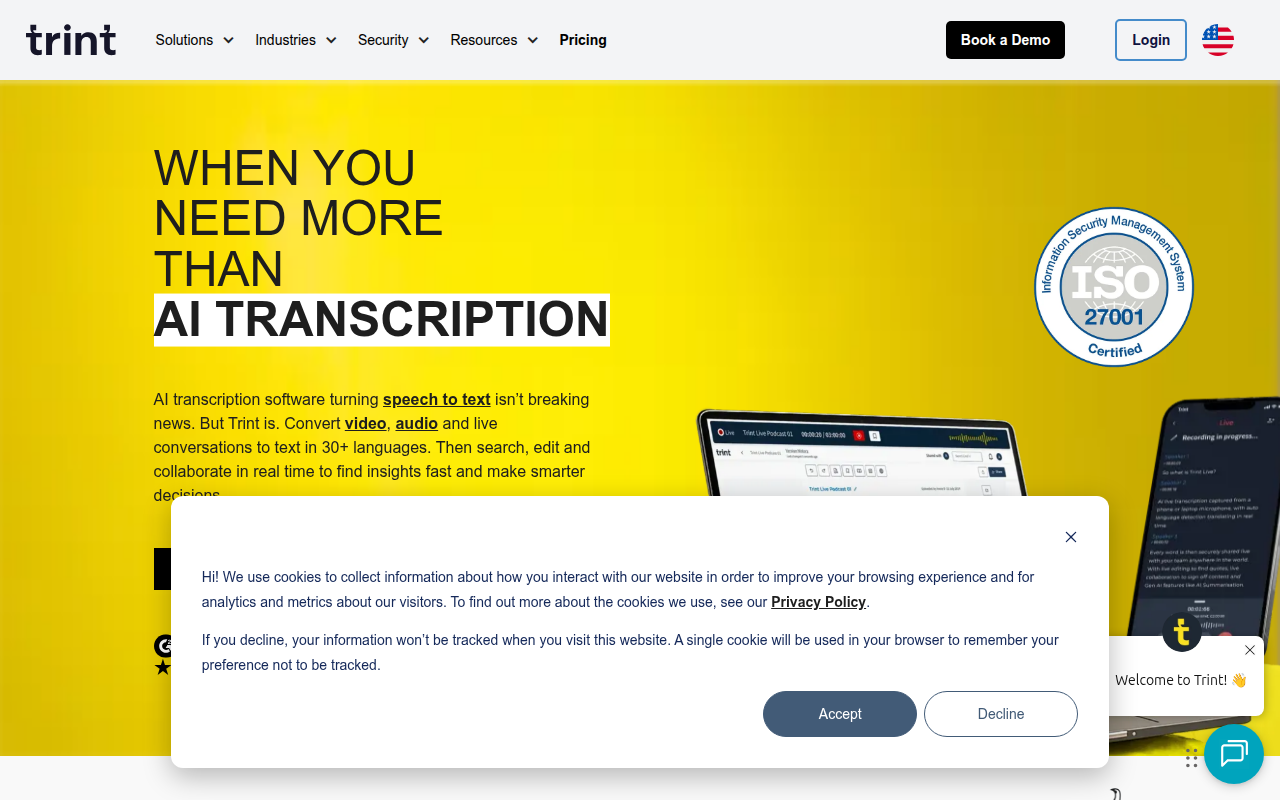
Expert Insight: "Trint's feature set is crafted to streamline the editing process, reducing friction and improving turnaround times for urgent media projects."
Media professionals will appreciate the tool's accuracy in captioning, enhanced by advanced AI algorithms. This ensures precise transcriptions even with challenging audio files containing background noise or industry-specific jargon, which are often encountered in field recordings.
In terms of real-world accessibility workflow, Trint supports stringent caption compliance needs, including speaker identification and precise timing, which are critical for accurate viewer interpretation. Furthermore, its multilingual capabilities allow teams to effortlessly cater to global audiences, making media content truly universal.
Trint's intuitive interface and robust features make it ideal for media environments that demand quick, reliable, and versatile AI captioning solutions. For those who often collaborate with multiple stakeholders, Trint offers seamless handoffs and revisions, making it easy to review, edit, and finalize captions before they go live.
In conclusion, if your team is involved in intricate media projects and requires a tool that combines caption accuracy with flexible export readiness, Trint stands out as an exceptional choice.
Check out how DeepScribe meets your captioning needs with high accuracy and export options that suit various project demands.
Accessibility Workflow Deep Dive
Navigating the world of AI-generated captions requires a keen eye for detail, especially when getting them ready for accessibility purposes. Let’s dive into the essential steps and considerations for ensuring your captions meet accessibility standards.
Reviewing AI-Generated Captions
Accuracy Matters: AI tools like DeepScribe, which boasts Whisper-powered transcription with 99% positioning, excel in delivering high-accuracy captions. However, even with top-tier accuracy, human review is non-negotiable. Check for nuances like names, technical jargon, and complex accents that AI might misinterpret. This step is crucial to ensure captions reflect the spoken content accurately and inclusively.
Timing and Segmentation: Ensure captions appear in sync with audio. Mismatched timing can disrupt comprehension. Adjust caption lengths to maintain readable segments, typically keeping lines to 32 characters for optimal viewability.
Differences Between SRT and VTT
SRT vs. VTT: Recognizing the difference between these formats is key. SRT (SubRip Subtitle) is straightforward, offering basic text with timestamps. It’s widely compatible and perfect for simple captioning needs. VTT (WebVTT), however, provides additional features like text formatting, positioning, and metadata, which enhance interactivity and styled displays.
DeepScribe enables seamless export to both formats, with SRT available on Basic plans and VTT in Pro/Business plans, adapting to varying project needs.
Platform-Specific Handoff
Tailor to Platforms: Different platforms have unique requirements. YouTube, for instance, supports both SRT and VTT but may handle styling differently than a corporate LMS. Know your platform’s nuances to ensure captions display as intended.
Integrating with Editors: When handing off captions, ensure they integrate smoothly with video editors or distribution platforms. DeepScribe’s ability to export in multiple formats means minimal rework is needed when transferring files to editors or directly to platforms like Vimeo and YouTube.
By prioritizing accuracy, understanding format differences, and tailoring outputs for platforms, you ensure AI-generated captions aren’t just functional, but truly accessible.
Choosing the Right Tool: Decision Framework
Selecting the best AI captioning tool depends on your specific needs, from delivering client-ready subtitles to creating multilingual social media clips. Let’s explore how to navigate these considerations effectively.
Client Deliverables vs. Social Clips
Start by distinguishing between client deliverables and social clips. For client projects, accuracy and format flexibility are crucial. DeepScribe stands out as a strong option for such tasks. Powered by Whisper, it boasts a 99% accuracy rate, ensuring captions are pristine and ready for boardroom presentations or compliance submissions. Plus, with formats like SRT on Basic plans and SRT/VTT on Pro/Business, you cover a wide spectrum of platform requirements. This is crucial for agencies working with diverse clients who may need subtitles ready in various forms.
For more casual outputs like social media clips, the priority often shifts to speed and ease of use. Here, a tool like Otter.ai might be adequate, though it often lacks precision in louder or more technical environments. If precision can't be compromised, DeepScribe's parallel processing of up to 10 hours ensures that even the quickest turnaround projects don't sacrifice quality.
Multilingual Needs
If your project requires multilingual subtitles, your tool’s language capabilities are paramount. DeepScribe again excels, supporting transcription in over 50 languages on Basic plans and an impressive 100+ on Pro/Business plans. This ensures seamless transitions across languages, essential for global teams or content designed to reach a diverse audience.
Managing speaker labels and timing for multilingual videos is no easy feat. Here, DeepScribe’s automatic language detection becomes invaluable, saving time and minimizing errors, critical for projects where speaker attributions matter.
For those still refining their process or working with smaller teams, experimenting with free options like DeepScribe’s 30 minutes/month offer can provide a no-cost entry to test its capabilities. Remember, the right tool not only fits your current needs but grows with your ambitions.
Key Takeaway: DeepScribe provides a comprehensive package with high accuracy and diverse export options, making it a versatile choice for both client deliverables and multilingual projects, setting creators up for success across various platforms.
Frequently Asked Questions
What is the difference between SRT and VTT?
SRT is a simpler format; VTT is more advanced with styling options.
How do I ensure my captions are accessible?
Include speaker labels and timing adjustments for clarity.
Why is DeepScribe recommended for SRT/VTT exports?
DeepScribe offers high accuracy and comprehensive export options.
Can these tools handle multiple languages?
Yes, many tools, including DeepScribe, support multilingual transcription.
What makes a captioning tool 'accessible'?
Tools that offer accurate timing, labeling, and format support enhance accessibility.
Final Thoughts
When choosing the best AI captioning tool, consider these key factors:
- Accuracy: Ensure the tool provides high precision, especially for capturing complex or accented speech.
- Export Formats: Identify if you need SRT, VTT, or other formats for your projects.
- Ease of Integration: Consider how well the tool fits into your current workflows.
- Speed: Evaluate the tool's ability to deliver quick turnarounds for your video content.
- Accessibility Features: Look for robust features that support accessibility compliance.
For those seeking the fastest path to basic SRT or comprehensive SRT/VTT formats with exceptional accuracy, DeepScribe is an excellent choice. With its precise transcription capabilities and multilingual support, it's perfect for both individual creators and business environments.
Remember, while AI tools streamline captioning processes, always perform a human review to ensure accessibility and quality standards are met.
Written by

DeepScribe Team
Content Team
The DeepScribe content team shares insights on audio transcription and AI technology.
Related Articles
Continue reading about this topic
How to Generate SRT Captions From Video (Guide)
Learn how to generate clean SRT captions from video using DeepScribe. This guide covers every step from transcription to export, ensuring high-quality captions.

DeepScribe Team
February 28, 2026 · 18 min read · 3,417 words