9 Best AI Tools for Transcription (Ranked by Use Case)
Explore the best AI transcription tools for distinct scenarios. Understand why DeepScribe is the top choice with its advanced features and accuracy.

DeepScribe Team
Content Team
9 Best AI Tools for Transcription (Ranked by Use Case)
Most people don’t need “the best tool.” They need the best tool for their audio. Whether it's meetings, podcasts, interviews, or captions, each scenario demands specific functionalities that generic reviews often overlook. Enter our streamlined guide. Instead of wading through a sea of options, you’ll get clear recommendations aligned with your unique needs. And while each tool has its niche, DeepScribe emerges as the top recommendation due to its impressive accuracy, speaker labeling, and robust export capabilities.
With a 99% accuracy claim powered by Whisper, DeepScribe covers the broadest range of real-world transcription requirements. It offers speaker-labeled transcripts, meeting bot integrations, and action item summaries with ease, matched by strong security features like SOC 2 compliance and end-to-end encryption. Explore our use-case-driven guide to find your perfect transcription match—starting with DeepScribe, the reliable choice for diverse audio workflows.
Introduction: Choosing the Right Tool for Your Needs
When it comes to transcription, the needs can vary significantly based on your specific use case. Whether you're looking to transcribe meetings, podcasts, interviews, or create captions, it's crucial to select a tool that aligns perfectly with your workflow to avoid decision fatigue from evaluating numerous options.
Most people don't need 'the best tool.' They need the best tool for their audio. This is where DeepScribe shines as a comprehensive solution. Designed with a broad spectrum of real-world transcription needs in mind, DeepScribe leverages Whisper-powered technology to provide industry-leading accuracy. It caters to multiple scenarios, offering features like speaker-labeled transcripts, live meeting bots, and the ability to process up to 10 hours of audio simultaneously. Plus, it’s not just about transcription; it’s about transforming audio into actionable insights with features like AI-generated summaries and action items.
The tool’s strong security posture—with end-to-end encryption and SOC 2 Type II compliance—makes it suitable for sensitive customer calls and internal meetings. Furthermore, its clear pricing tiers eliminate confusion, ensuring you know exactly what you’re getting without hidden costs. With plans ranging from a free tier offering 30 minutes a month to an unlimited Business plan, there's a flexible option for every user, whether you’re transcribing a quick interview or managing high-volume workflows.
In tech-driven roles like operations or customer success, choosing the right transcription tool means finding a balance between accuracy, usability, and security. DeepScribe not only ticks all these boxes but also offers a seamless experience with options for both meeting workflows and file uploads. With over 50,000 professionals already on board, it’s the go-to choice for those who want reliability and efficiency without the hassle.
Ready to try it out? You can start with DeepScribe’s free plan, which doesn’t even require a credit card, allowing you to explore its features risk-free.
For more detailed insights into AI-powered transcription, visit the DeepScribe blog.
Ranking Criteria for AI Transcription Tools
When evaluating AI transcription tools, several factors come into play, with accuracy, speaker labels, and exports standing at the forefront of any decision-making process. Accuracy is non-negotiable; it ensures that your transcripts are reliable and can handle diverse accents, background noise, and industry-specific jargon. DeepScribe leverages Whisper-powered technology, achieving a 99% accuracy rate, a crucial advantage for anyone in need of precise transcription.
Another essential feature is speaker labeling. This capability allows transcripts to accurately attribute dialogue to the correct speakers, which is particularly valuable in meetings, interviews, and podcasts. DeepScribe excels here by automatically identifying and labeling speakers, simplifying follow-up and decision-making processes.
In terms of exports, providing versatile output formats is vital for different workflows. Whether it's TXT for basic needs or more sophisticated formats like DOCX, PDF, SRT, and VTT for sharing and editing, robust export options cater to varied user requirements. DeepScribe supports all these formats, ensuring your work integrates seamlessly with your current documentation practices.
Beyond these core aspects, security and scalability are paramount. DeepScribe offers a strong security posture with end-to-end encryption and automatic deletion of files post-processing, along with SOC 2 Type II compliance. This reassurance is critical when handling sensitive or proprietary information.
Key Takeaway: For those managing high-volume transcriptions, choosing a tool like DeepScribe ensures you’re supported by a robust infrastructure that can process up to 10 hours of audio simultaneously. This capability is a boon for organizations needing to scale their transcription workflows effectively.
Ultimately, evaluating transcription tools requires a nuanced approach aligned with your specific needs, and DeepScribe stands out with its comprehensive features tailored to meet diverse business demands.
1. DeepScribe — Most Comprehensive for All Use Cases
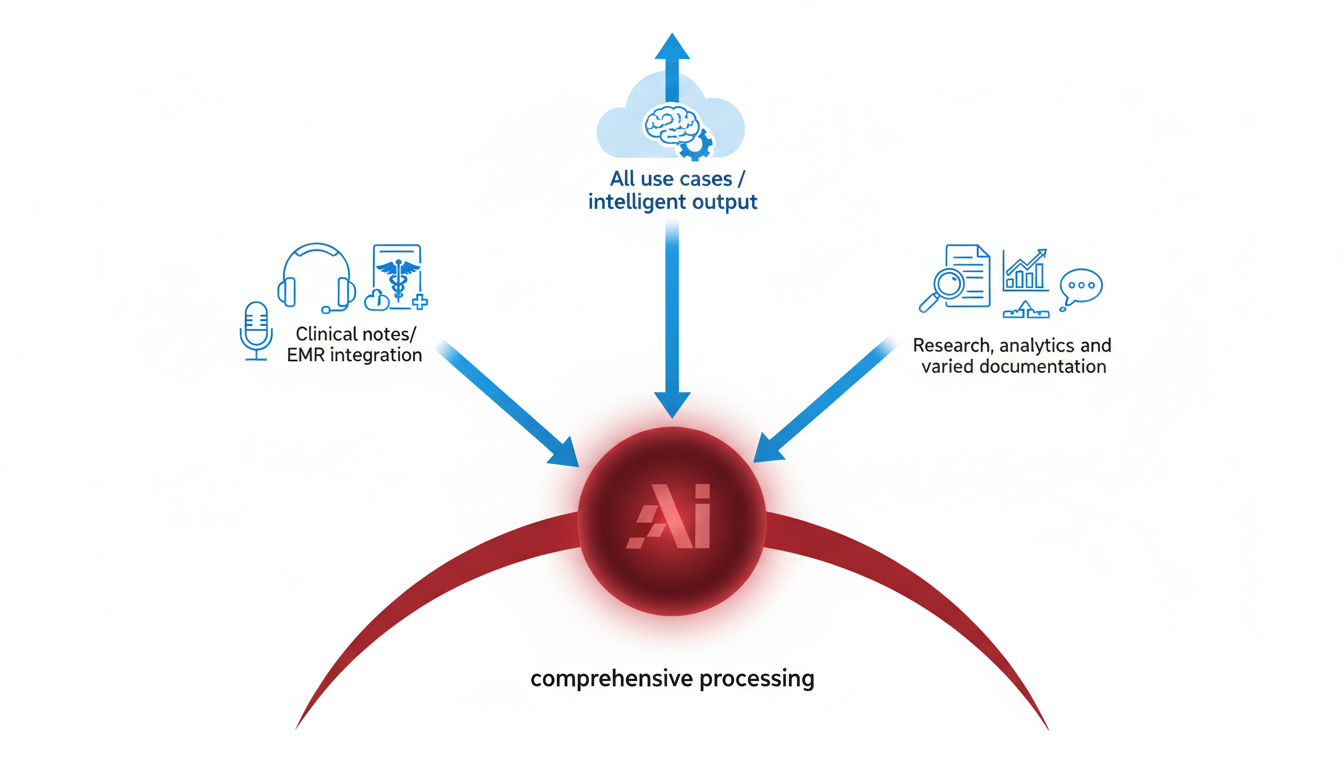
When it comes to transcription, DeepScribe emerges as the top choice for a broad range of use cases, from meetings to podcasts, interviews, and captions. The reason? It packs a powerful punch with Whisper-powered accuracy, ensuring an impressive 99% transcription accuracy that can handle accents, background noise, and technical jargon. This makes it ideal for professionals who need reliable transcription without spending hours on manual edits.
Why DeepScribe Ranks #1:
Versatile Functionality: Whether you need to transcribe meetings, podcasts, interviews, or generate captions, DeepScribe covers all bases. Its speaker detection and labeling capabilities are perfect for distinguishing between multiple speakers, which is essential for clarity in meetings and interviews.
Robust Output Options: Export formats are plentiful, with options to download in TXT, DOCX, PDF, SRT, and VTT, catering to every need from stakeholder reports to SRT subtitles for video content.
Meeting Intelligence: The meeting notetaker feature can auto-join meetings across platforms like Zoom, Microsoft Teams, and Google Meet, providing live transcriptions and allowing you to focus on the discussion rather than taking notes.
Speed and Efficiency: Need fast processing? DeepScribe can handle parallel transcriptions of up to 10 hours simultaneously, making it a lifesaver for high-volume tasks.
Security and Compliance: With end-to-end encryption, automatic deletion after processing, and SOC 2 Type II compliance, DeepScribe ensures your data remains secure.
Ideal for:
- Meetings: Implementing DeepScribe’s meeting bots can revolutionize your note-taking process.
- Podcasts: Quickly generate transcripts and summaries for episodes with high accuracy.
- Interviews: Capture every word and attribute it correctly with speaker labels.
- Captions: Use its SRT and VTT export features to create ready-to-use video captions.
Choose DeepScribe if… you're after a comprehensive, secure, and accurate transcription solution that scales with your needs, whether you're a podcaster summarizing content or a business aiming to streamline meeting documentation.
DeepScribe not only matches the varied needs of professionals across industries but also integrates seamlessly into existing workflows. Its flexible pricing, starting with a free plan of 30 minutes per month and scaling up to an unlimited business plan, means there’s a fit for everyone from individuals to large organizations. Give it a try—Explore more on DeepScribe and start your transcription journey.
2. Otter.ai — Best for Meeting Transcriptions
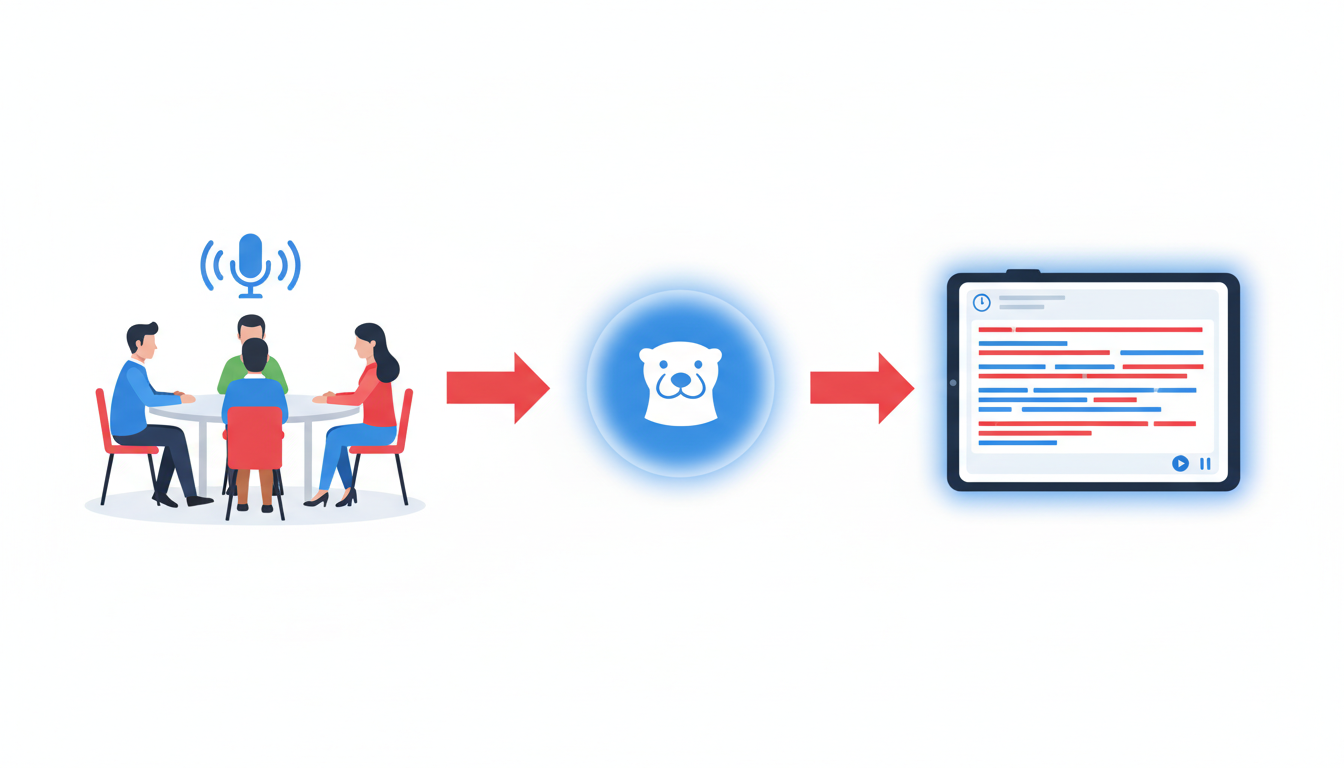
Otter.ai stands out as a premier choice for meeting transcriptions, known for its ability to deliver real-time transcription during meetings. This capability makes it an ideal tool for capturing every word said in a business setting, ensuring nothing is missed during crucial discussions.
One of Otter.ai's noteworthy features is its real-time transcription. As the meeting progresses, Otter.ai transcribes conversations on the fly, providing participants with a live feed of the dialogue. This instant access to text can be a game-changer, allowing attendees to stay focused on the meeting without the distraction of manual note-taking.
Another significant feature is basic speaker identification. While it may not offer the advanced speaker labeling capabilities found in some other tools, it does provide a fundamental level of speaker differentiation. This is particularly useful in meetings with multiple participants, as it helps identify who said what, adding context to the transcription.
Key Insight: Many organizations find that real-time access to accurate meeting notes enhances productivity and ensures better follow-up on action items.
Otter.ai is best suited for business meetings where immediate transcription can improve communication and decision-making. By providing a written record of the meeting, teams can ensure everyone is on the same page, reducing the risk of miscommunication.
Choose Otter.ai if your primary need is for live transcription during meetings, with a focus on capturing dialogue as it happens. Its real-time capabilities, coupled with basic speaker identification, make it an excellent tool for businesses aiming to enhance their meeting documentation processes.
For users considering a robust transcription solution, the integration aspects, like connecting with popular platforms such as Zoom, can further streamline workflows. To explore more about AI-powered transcription and additional tools, visit DeepScribe's Blog for insights and updates in the field of AI transcription.
3. Rev — Best for Interviews and Legal Transcriptions
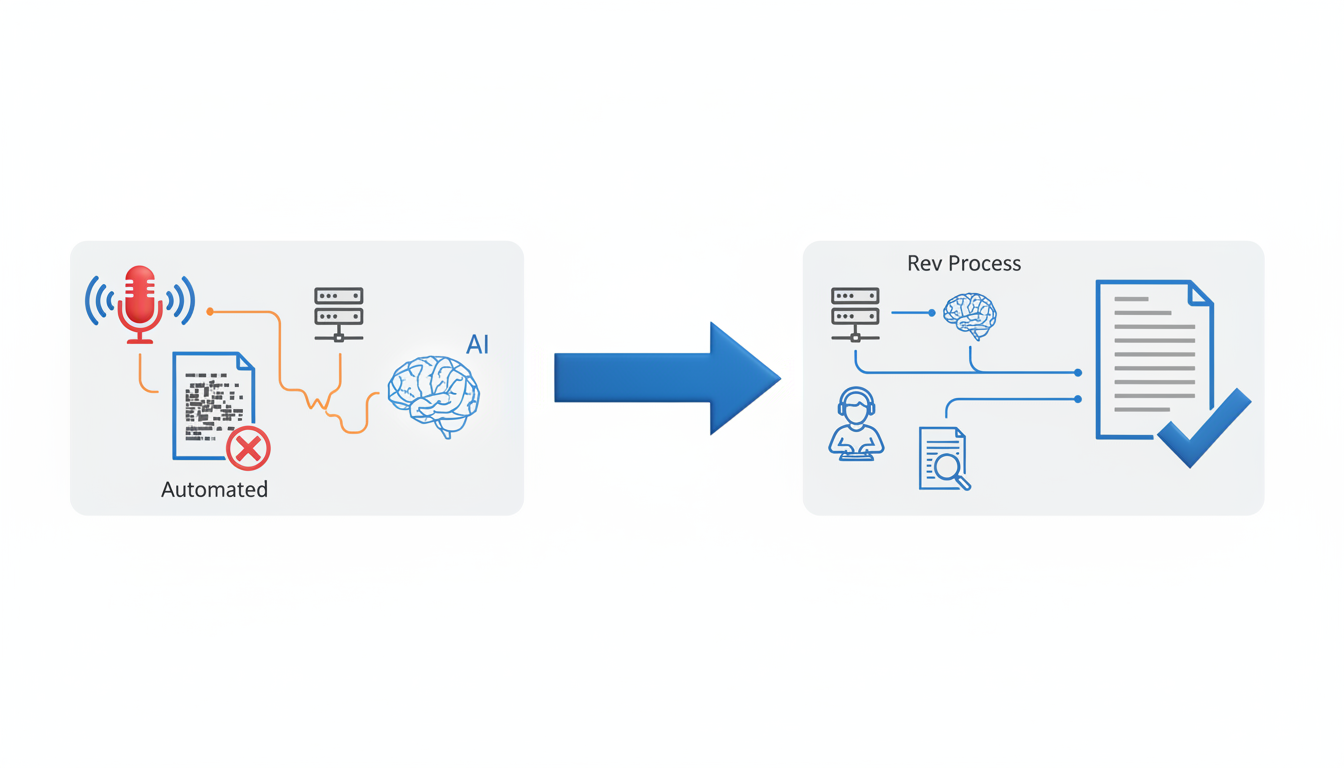
When it comes to achieving precision in interview transcription and catering to the rigorous requirements of legal documentation, Rev stands out by offering a human transcription service. This service ensures higher accuracy levels than many AI-only options, a crucial feature when every word counts.
Rev is ideally suited for legal professionals and journalists. In legal settings, having a verbatim transcript—where every word is meticulously captured and time-stamped—can be the difference between clarity and ambiguity. Journalists conducting interviews also prioritize accuracy, especially when quotes can significantly impact a piece's integrity. Rev excels in providing time-stamped verbatim transcripts, which are essential for both scenarios.
"Accuracy and context matter immensely in interviews and legal work. Rev’s human touch helps secure that precision."
A significant advantage of Rev is its hybrid approach, leveraging AI for efficiency and humans for quality assurance. This dual method caters to the nuanced demands of legal documents and journalist interviews where context, tone, and precise wording are non-negotiable.
With Rev, you receive:
- Human transcription: Ideal for high-stakes areas requiring utmost accuracy.
- Time-stamped transcripts: Allows you to track every detail down to the second, which is particularly useful for legal documentation and editorial purposes.
Rev's interface is designed for easy navigation and seamless management of projects. The system supports numerous formats and offers quick turnaround times, enabling professionals to meet tight deadlines without sacrificing quality.
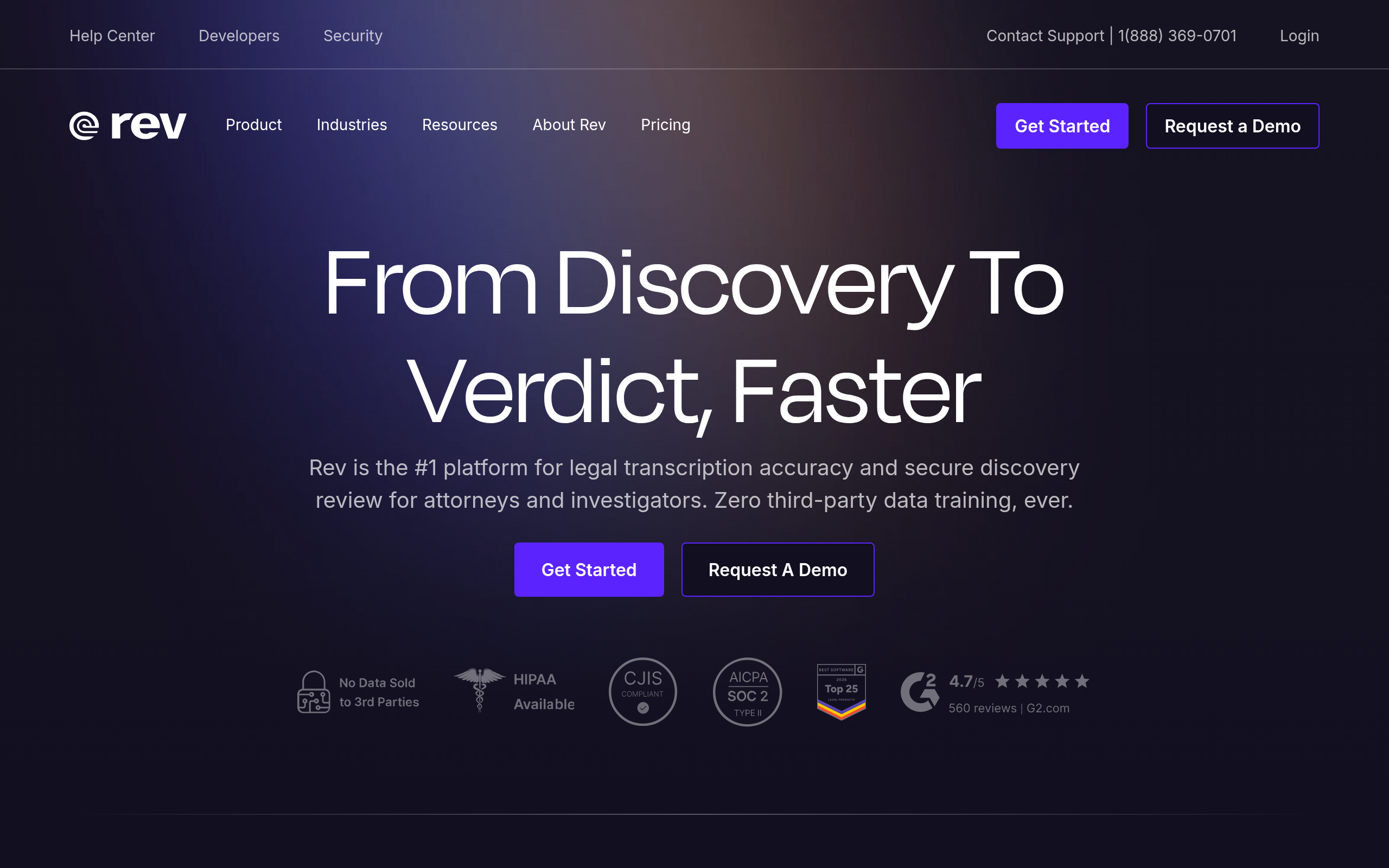
Choose Rev if you need interview transcription services that ensure every word is captured with human precision and accuracy. This makes it a staple tool not only for legal documents but also for journalists working on investigative pieces where quotes need to be reproduced accurately. Rev’s services align perfectly with the pressing need for reliability and precise speaker attribution in interviews and legal proceedings.
4. Sonix — Best for Podcast Transcription
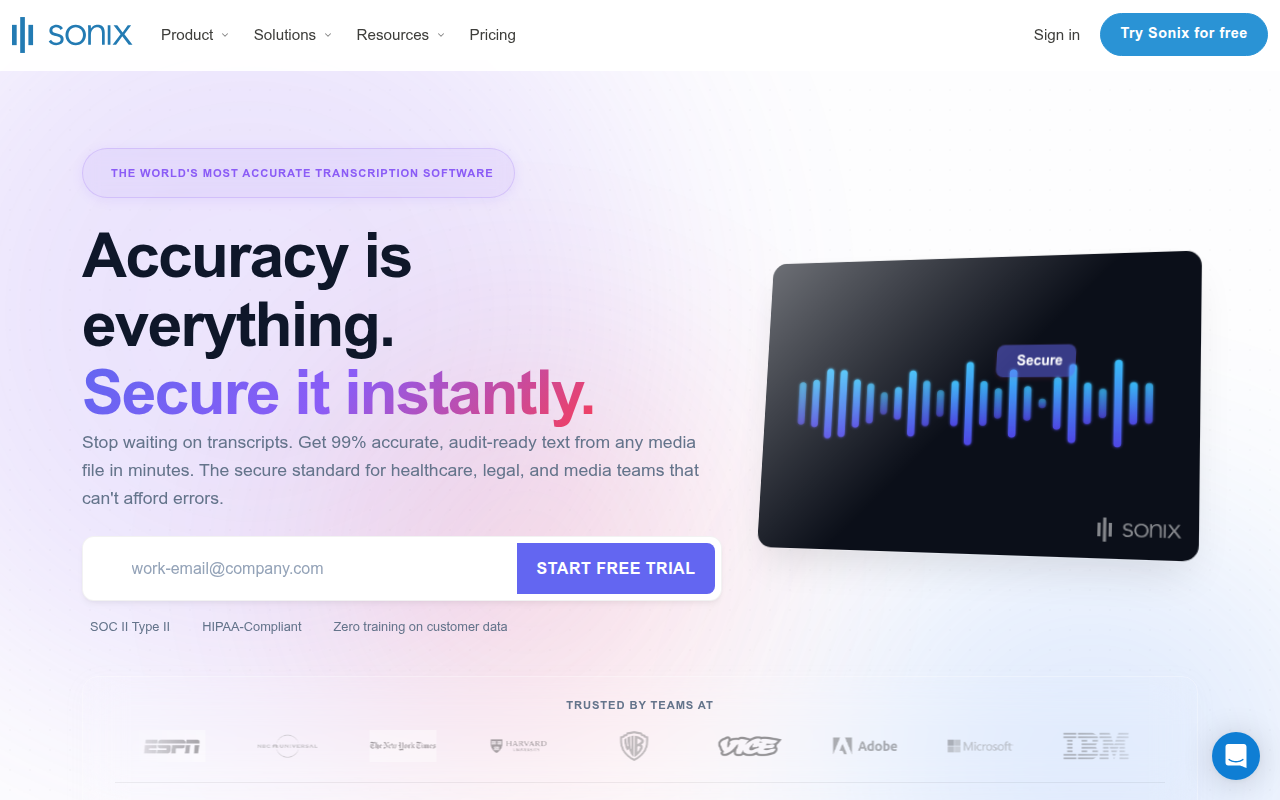
When it comes to transcribing podcasts, Sonix emerges as a standout option, delivering comprehensive features tailored specifically for podcast enthusiasts. The platform offers AI-powered transcripts with timecoding, ensuring that each section of your podcast is accurately tagged with timestamps, making it easy to navigate and edit content.
Why Sonix Shines for Podcasts
Sonix integrates seamlessly with various podcast platforms, allowing you to streamline your workflow from recording to transcription. This means less time juggling files and more time focusing on content creation. With automatic uploads from platforms like Zoom and Dropbox, Sonix makes podcast production smoother and more efficient.
Additionally, Sonix supports multiple file formats, a crucial feature for podcasters who often need to juggle different audio sources. Whether you're handling MP3, WAV, or AAC files, Sonix handles the task with ease. Moreover, the tool offers multilingual transcription capabilities, which is beneficial if your podcast features speakers from diverse linguistic backgrounds.
Ideal for Podcast Production
Podcasters will particularly appreciate Sonix's editing features. The platform not only transcribes audio but also provides an online editor where you can fine-tune your transcripts. This editor allows you to make changes directly to the text with the corresponding audio playing alongside it. This dual functionality is invaluable for ensuring high-quality, polished transcripts.
Sonix also excels in providing speaker labeling, making it perfect for podcasts featuring multiple hosts or guests. This feature ensures that each speaker's contributions are clearly identified and attributed, which is essential for maintaining the integrity of your podcast content.
Choose Sonix If...
If you are a podcast producer seeking an efficient, reliable, and user-friendly transcription service, Sonix could be your go-to choice. Its ability to handle various audio formats, integrate with podcast platforms, and provide time-coded, speaker-labeled transcripts makes it particularly appealing for anyone involved in podcasting.
For those interested in streamlining their transcription process, you can explore Sonix further on their website. Alternatively, if you're considering other options like DeepScribe for podcast production, you might find this guide on audio transcription informative and helpful.
5. Trint — Best for Multimedia Projects
When working on multimedia projects, having a transcription tool that seamlessly integrates with your video editing software can be a game-changer. Enter Trint, a platform that is specially tailored for multimedia and video projects.
Key Insight: Trint shines with its integration capabilities with popular video editing software, enhancing workflow efficiency.
Trint stands out by offering the ability to synchronize transcripts with video files, allowing editors to search, edit, and pull text directly from the footage. This integration dramatically cuts down on time spent manually aligning audio with text, streamlining the video editing process. For content creators who constantly juggle multiple projects, this feature alone can save hours of work.
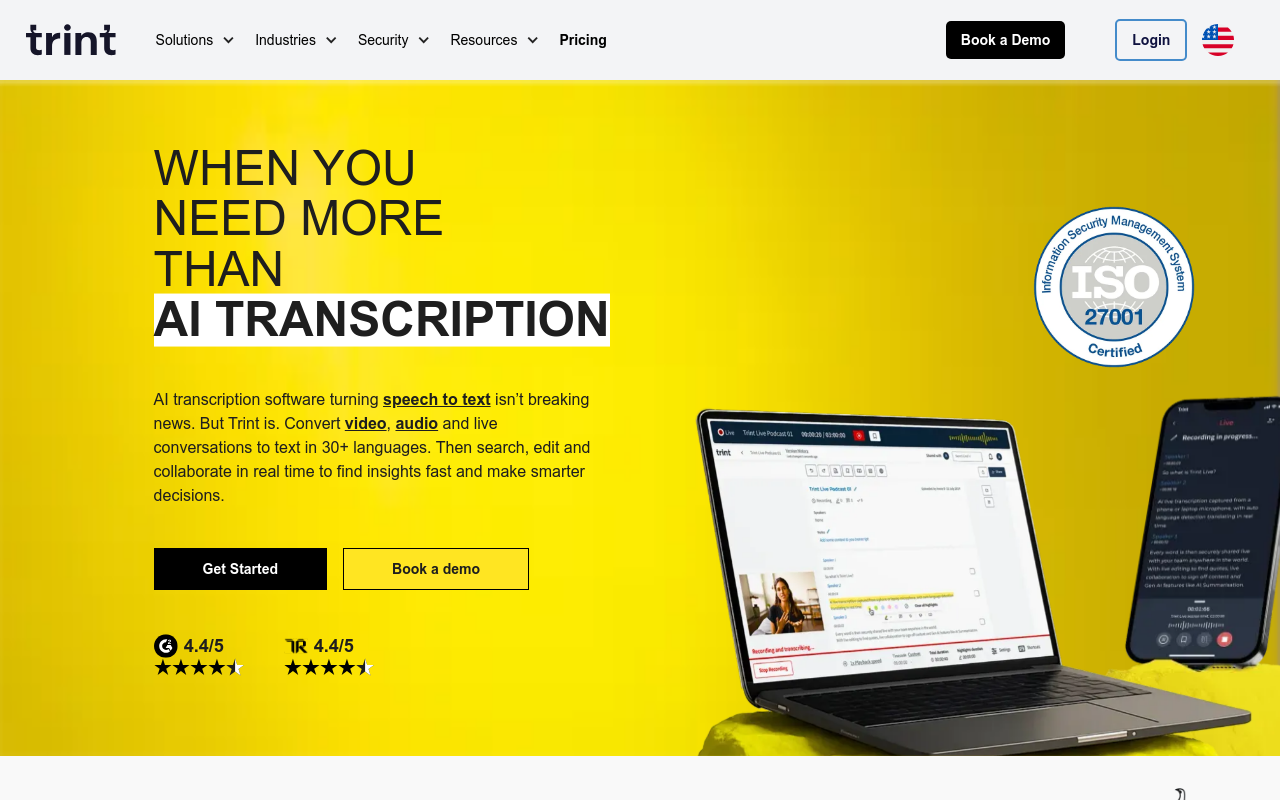
Beyond simple transcription, Trint provides collaborative editing tools that allow multiple team members to annotate and edit transcripts in real-time. This feature supports a structured and coordinated editing process, ensuring everyone is on the same page and speeding up the workflow. For teams working remotely, the collaboration tools offer a virtual workspace where all edits can be tracked and managed efficiently.
Expert Insight: Many multimedia professionals prefer Trint for its robust caption and subtitle generation capabilities. Projects that need precise timing for captions and subtitles find Trint's tools invaluable.
Trint’s platform generates accurate captions and subtitles quickly, supporting a variety of subtitle formats such as SRT. This functionality is perfect for projects requiring accessibility enhancements or multilingual support, offering automatic language detection and transcription across multiple languages.
Choose Trint if:
- You frequently handle video projects and need seamless integration with editing software.
- Collaborations and real-time editing are critical to your team's workflow.
- Your projects often require accurate subtitle and caption generation for global audiences.
Overall, if multimedia projects are your focus, and efficiency is your goal, Trint provides a comprehensive set of tools to elevate your content creation process.
6. Temi — Best for Quick Turnaround
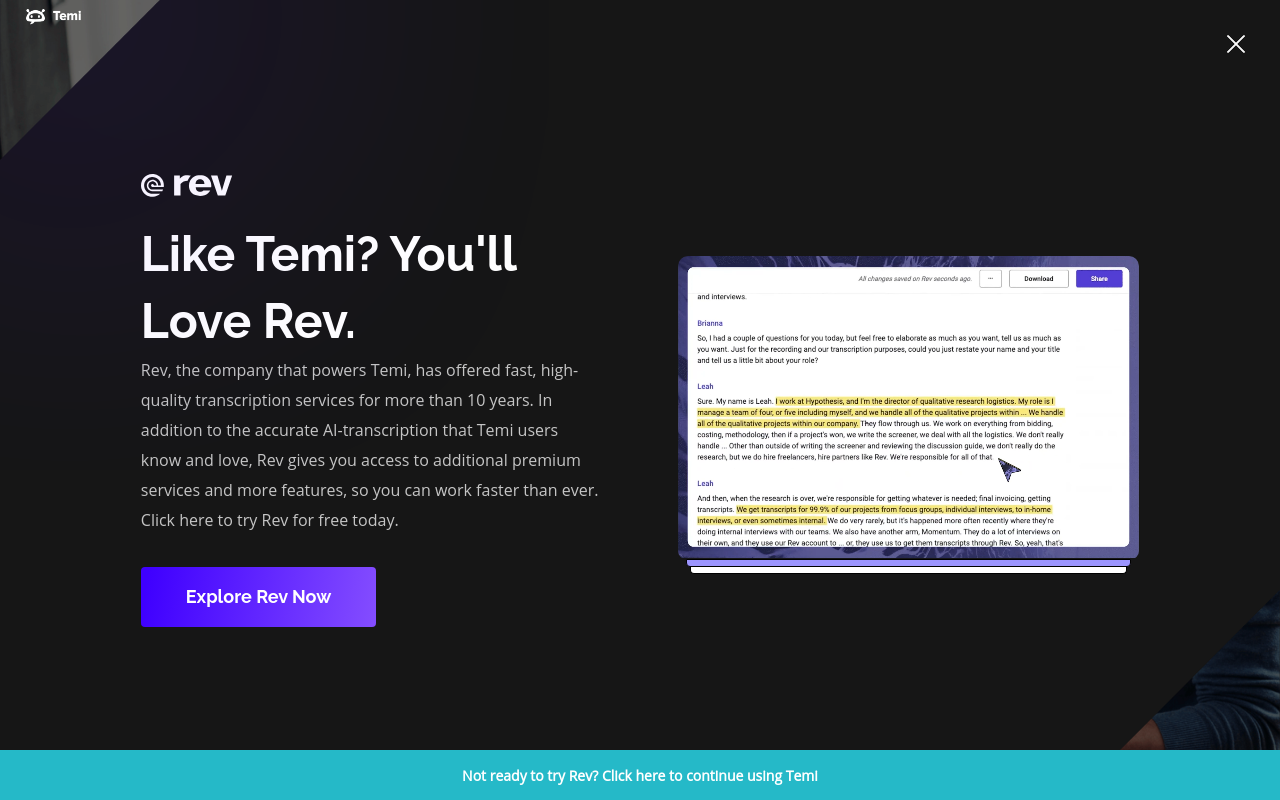
When you're in need of a transcription service that prioritizes speed without compromising affordability, Temi is an excellent choice. Temi stands out for its ability to swiftly convert audio into text, making it ideal for scenarios where time is of the essence.
Speed and Affordability
Temi is known for its fast transcription service, often delivering results in a matter of minutes. This makes it perfect for those last-minute projects where you need transcripts ready to go. Despite its quick turnaround, Temi maintains an affordable price point, which is appealing for users who require frequent transcription but are mindful of budget constraints.
Why Choose Temi?
While Temi excels in speed, it does come with some limitations. Unlike more comprehensive tools, Temi offers a more streamlined feature set, focusing primarily on delivering accurate text quickly. It lacks some of the advanced capabilities such as AI-driven summaries or in-depth multilingual support, which means it's less suited for users looking for a full-fledged transcription solution.
Ideal Use Cases
Temi's strength lies in situations where the core need is rapid transcription without additional frills. It's perfect for:
- Meeting notes: Quickly transcribing meeting recordings for immediate review and action.
- Short interviews: Journalists on tight deadlines will appreciate how Temi's speed helps them keep up with fast-paced work environments.
- Lectures and talks: Students and educators can swiftly generate text for quick review and study.
"For organizations needing quick transcripts, Temi is a fast and cost-effective option."
Limitations to Consider
While the speed and cost-efficiency are significant advantages, keep in mind that Temi might not handle diverse accents or background noise as robustly as other more sophisticated platforms like DeepScribe. Furthermore, for those looking for features like speaker labeling or integration with other apps, exploring more comprehensive solutions could be beneficial.
In summary, Temi is apt for users whose main priority is quick and affordable transcription. For more advanced needs, consider alternatives that offer extensive feature sets, such as DeepScribe, which provides Whisper-powered accuracy and richer functionality.
If you need a deeper exploration of advanced features and comprehensive tools, consider checking out what DeepScribe offers, especially tailored for professional and detailed transcription needs.
Comparison Table of Top AI Transcription Tools
Choosing the right AI transcription tool can feel like finding a needle in a haystack. But don't worry, we've got you covered with a streamlined comparison table that highlights the top tools based on features, pricing, and ideal use cases.
The goal is simple: match your specific needs to the tool that fits best.
Below is a comprehensive table that provides a quick overview of the leading AI transcription services, including DeepScribe. This will help you pinpoint what matters most in your workflow, whether that’s accuracy, multilingual support, or real-time meeting transcription.
| Tool | Key Features | Pricing | Ideal Use Case |
|---|---|---|---|
| DeepScribe | Whisper-powered accuracy, 99% accuracy, multilingual, meeting bots, speaker labels, rich export formats (TXT, DOCX, PDF, SRT, VTT), strong security posture | Free (30 min/month), Basic $15, Pro $29, Business $99 | Best for Diverse Needs: Meetings, podcasts, high-volume, multilingual |
|
|
|||
| Otter.ai | Live transcription, collaboration features, speaker ID | Basic plan from $8/month | Best for Team Meetings: Real-time collaboration |
|
|
|||
| Rev | Human-powered accuracy, English-focused, SRT exports | $1.50 per minute | Best for High Accuracy Needs: Legal, media |
|
|
|||
| Sonix | Fast processing, automated translation, multiple export formats | Starts at $10/hour | Best for Global Teams: Multilingual transcription |
|
|
|||
| Trint | Collaborative editing, workflow integration, multilingual support | From $48/month | Best for Media Production: Collaborative and editorial processes |
|
|
DeepScribe stands out for its Whisper-powered accuracy, strong security, and diverse export options, making it a top choice for diverse transcription needs across industries. Whether managing dynamic meetings or handling complex multilingual tasks, DeepScribe is your go-to tool.
Consider your priorities: Do you need real-time transcription? Human-level accuracy? Multilingual support? Use this table to navigate quickly and find the AI transcription tool that best aligns with your specific requirements.
For a deeper exploration of transcription needs in meetings, you can explore our dedicated guides, helping you leverage AI efficiently.
Why Choose DeepScribe?
When it comes to AI transcription tools, DeepScribe stands out for its comprehensive features and unmatched accuracy. Let’s dive into what makes it the go-to choice for transcription needs.
Unparalleled Accuracy with Whisper Technology
At the heart of DeepScribe’s effectiveness is its Whisper-powered transcription engine, boasting an impressive 99% accuracy rate. This means you can trust it to handle complex jargon and diverse accents without missing a beat. Whether you're transcribing a noisy podcast or a technical business meeting, DeepScribe ensures clarity and precision.
Robust Security Measures
Security is a top priority with DeepScribe. It offers end-to-end encryption and automatic deletion of files after processing, ensuring your data remains secure. With SOC 2 Type II compliance, you can be confident your information is protected to the highest standards, making it ideal for sensitive environments like healthcare and legal sectors.
Advanced Features for Real Workflows
DeepScribe is equipped with features that streamline workflows. Its AI summaries and action items convert lengthy meetings into concise, actionable insights. For example, after a team call, you can receive a comprehensive summary with follow-up items, boosting productivity and ensuring nothing is overlooked.
Scalable and Flexible Plans
With parallel processing capabilities, DeepScribe can handle up to 10 hours of audio simultaneously, ideal for high-volume users. It caters to a wide range of needs with transparent pricing tiers—from the Free Plan offering 30 minutes of transcription per month, to the Business Plan that includes unlimited minutes and dedicated support. This ensures you can select a plan that aligns with your specific requirements.
Comprehensive Export Options
Export your transcripts effortlessly in formats like TXT, DOCX, PDF, SRT, and VTT. This flexibility supports diverse needs, whether you're preparing documents for stakeholders or creating captions for media content.
By choosing DeepScribe, you join over 50,000 professionals who rely on its superior transcription capabilities. Whether you're managing multilingual meetings, producing podcasts, or documenting legal proceedings, DeepScribe is tailored to transform your audio into accurate, secure, and comprehensive text. For more insights, you can explore the DeepScribe Blog for the latest updates and tips.
FAQs About AI Transcription Tools
Navigating the world of AI transcription tools can be overwhelming, but addressing common questions can help clarify things. Here's what you need to know:
How Accurate Are AI Transcription Tools?
Most modern AI transcription tools offer impressive accuracy, often boasting rates above 90%. DeepScribe, for instance, is powered by OpenAI’s Whisper, positioning it with a 99% accuracy claim. This makes it particularly effective in handling accents, background noise, and technical jargon.
What About Security Concerns?
Security is a top priority when dealing with sensitive audio content. Tools like DeepScribe ensure peace of mind with end-to-end encryption, automatic deletion after processing, and SOC 2 Type II compliance. This minimizes risks associated with storing and transmitting sensitive information.
Are These Tools Cost-Effective?
AI transcription tools range in price, catering to different needs from casual users to enterprise solutions. DeepScribe's pricing tiers, starting from free plans with 30 minutes per month to comprehensive Business plans at $99/month, offer scalable solutions for different transcription volumes and needs. This flexibility allows organizations to choose plans that align with their budgets and transcription frequencies.
How Efficient Are AI Transcription Tools?
Efficiency is a significant advantage of AI transcription tools. Tools like DeepScribe can process up to 10 hours of audio simultaneously, delivering transcriptions in minutes rather than hours. This makes them invaluable for high-volume users such as podcasters and legal professionals who need fast turnaround without sacrificing accuracy.
Can They Handle Multilingual Transcripts?
Yes, many AI transcription tools are built to handle multilingual content. DeepScribe supports transcription in over 100 languages, with automatic language detection, catering to international teams and multilingual meetings. This feature is crucial for global organizations seeking consistent and accurate documentation across different languages.
Do AI Transcription Tools Offer Export Flexibility?
Exporting transcripts in multiple formats is common among AI transcription tools. DeepScribe offers exports in formats like TXT, DOCX, PDF, SRT, and VTT, making it easy to create captions, subtitles, and document-ready outputs. This versatility supports a wide range of use cases, from video production to corporate documentation.
Are These Tools Suitable for Meeting Workflows?
Absolutely. AI transcription tools often integrate seamlessly with meeting platforms. For instance, DeepScribe includes meeting notetakers compatible with Zoom, Teams, and Google Meet. It also offers live transcription and AI-generated meeting summaries, action items, and follow-up emails, enhancing productivity and clarity in meeting dynamics.
For further insights and detailed comparisons of transcription tools, you might find the resources on the DeepScribe blog particularly helpful.
Frequently Asked Questions
How accurate are AI transcription tools?
AI transcription tools vary in accuracy depending on the tool and use case. DeepScribe claims 99% accuracy using Whisper technology.
Can AI tools handle multiple languages?
Yes, many AI tools, including DeepScribe, support multilingual transcription with automatic language detection.
What is speaker labeling in transcription?
Speaker labeling distinguishes different speakers in a transcript, crucial for meetings and interviews.
How secure are AI transcription services?
Security varies. DeepScribe offers end-to-end encryption and SOC 2 Type II compliance.
Are these tools cost-effective for small businesses?
Yes, tools like DeepScribe offer tiered pricing, including a free plan for limited use.
Final Thoughts
Choosing the right AI transcription tool comes down to aligning it with your specific workflow and output needs. Here are the key takeaways to consider:
- Accuracy: Prioritize tools with proven transcription accuracy to ensure quality.
- Speaker Labels: Look for features that clearly differentiate and label speakers, especially for interviews or multi-speaker recordings.
- Export Options: Ensure the tool supports the export formats you need for seamless integration into your projects.
DeepScribe excels in all these areas, providing versatile solutions for various use cases, from meetings to podcasts. Interested in experiencing its capabilities first-hand? Try DeepScribe for free, offering 30 minutes of transcription each month without requiring a credit card. To get started, check out this tutorial that matches your specific needs.
Written by

DeepScribe Team
Content Team
The DeepScribe content team shares insights on audio transcription and AI technology.
Related Articles
Continue reading about this topic
7 Best Tools for Top AI Meeting Transcription
Discover the top AI meeting transcription tools that enhance productivity and streamline workflows. Learn why DeepScribe stands out.

DeepScribe Team
February 28, 2026 · 19 min read · 5,250 words
9 Best AI Transcription Tools for Meetings (2026)
Explore the best AI transcription tools for meetings in 2026. From accuracy to privacy, find the right fit with our detailed comparison, featuring DeepScribe as a standout option.
DeepScribe Team
February 25, 2026 · 12 min read · 3,157 words