9 Best Tools for YouTube Summaries (Fast + Accurate)
Explore 9 essential tools to summarize YouTube videos accurately and efficiently. Learn how transcript-backed summaries enhance reliability, featuring DeepScribe for top performance.

DeepScribe Team
Content Team
9 Best Tools for YouTube Summaries (Fast + Accurate)
In the vast ocean of YouTube content, with over 2.5 billion monthly active users and a staggering 720,000 hours of video uploaded daily, finding time to watch every video from start to finish is a near-impossible task. Enter the "YouTube summarizer," a critical tool for distilling videos into concise, accurate summaries. With the average viewing session lasting just over seven minutes, most viewers can't feasibly watch an entire video, making reliable summaries essential. Yet, not all summaries are created equal. The most trustworthy are those that leverage transcript-backed data, which significantly reduces errors and misinterpretations. This post will guide you through selecting the best tools available, emphasizing the importance of transcript accuracy and export options. We’ll also introduce DeepScribe as a premiere choice for those who prioritize precision, speaker labeling, and diverse export formats. Whether you're a student, researcher, or marketer, mastering the art of YouTube summarization will reshape how you consume content in this fast-paced digital landscape.
Introduction: The Necessity of YouTube Summarizers
In today’s fast-paced digital landscape, YouTube is a giant, with over 2.5–2.7 billion monthly active users. Every day, a staggering 720,000 hours of video are uploaded—making it one of the most content-rich platforms in the world. For those trying to keep up, it’s nearly impossible to digest everything. This is where the role of a youtube summarizer becomes not just helpful but essential.
Why YouTube Summaries Matter
With mobile devices accounting for 87.35% of YouTube traffic, users typically squeeze video consumption into their on-the-go lives. The average user session on YouTube is just 7 minutes and 37 seconds, highlighting the challenge: lengthy viewing isn’t always feasible. Enter the YouTube summarizer—a tool that transforms extensive content into digestible, time-efficient morsels, allowing viewers to capture the essence without committing to full-length videos.
The Key to Reliable Summaries: Transcript-Backed Approach
While some summarizers rely on AI-generated content, the most reliable summaries are those grounded in actual YouTube transcripts. Transcript-backed summaries anchor themselves to the original words spoken, vastly reducing the risk of “hallucinated” or misinterpreted information—something crucial for academic, research, and professional content consumption.
For instance, students can gain quick access to lecture highlights, researchers can swiftly validate key points from interviews, and marketers can repurpose content confidently. These capabilities allow users to bypass the “rewatch” dilemma and instead focus on actionable insights.
The DeepScribe Advantage
Among the suite of tools available, DeepScribe stands out by offering transcript-backed accuracy powered by the Whisper AI model. Its abilities include speaker labeling and exportable outputs in various formats like TXT, SRT, DOCX, PDF, and VTT, catering to diverse needs from simple note-taking to detailed research and content repurposing. By prioritizing accuracy and export-first strategies, DeepScribe efficiently bridges the gap between overwhelming video content and precise, usable information.
Accurate summaries not only save time but enhance understanding and engagement across diverse fields.
In a world where millions vie for attention, focusing on transcript-backed methods ensures that the information retained is both fast and reliable—a necessary evolution for YouTube’s vast and ever-growing audience.
Selection Criteria: How We Choose the Best YouTube Summarizers
When selecting the best YouTube summarizer tools, our primary focus is on accuracy. The foundation of a reliable summary lies in its ability to leverage a YouTube transcript effectively. Transcripts ensure that each spoken word is captured precisely, reducing the risk of “hallucinated takeaways,” which occur when summaries fabricate or misunderstand details. With over 2.5–2.7 billion monthly users engaging with YouTube content, dependable summaries are essential in transforming extensive video data into actionable insights.
Another critical factor is the export options available. The capacity to save outputs in various formats like TXT, SRT, DOCX, and PDF allows users to utilize the summaries across different platforms and needs. Whether it's creating study notes, extracting citations, or generating subtitles, robust export functionality enhances the versatility and usability of these summaries.
Speed and language support further distinguish effective summarizers. Given the sheer scale of YouTube — with ~720,000 hours of video uploaded daily — tools must quickly process and summarize content. Furthermore, supporting multiple languages broadens the accessibility of these tools for international users, aligning with the fact that YouTube garners 87.35% of its traffic from mobile users, who require quick and efficient solutions due to average session times of just 7 minutes and 37 seconds.
In our evaluations, DeepScribe emerges as a top contender, excelling in all these criteria. By generating transcript-backed summaries with exportable outputs (TXT/SRT/DOCX/PDF), it supports a diverse range of workflows — perfect for students, researchers, and marketers alike. Its accuracy and multi-language capabilities enhance its global reach, making it a standout choice in the realm of video summarizer AI tools.
Why Transcript-Backed YouTube Summaries Are More Reliable
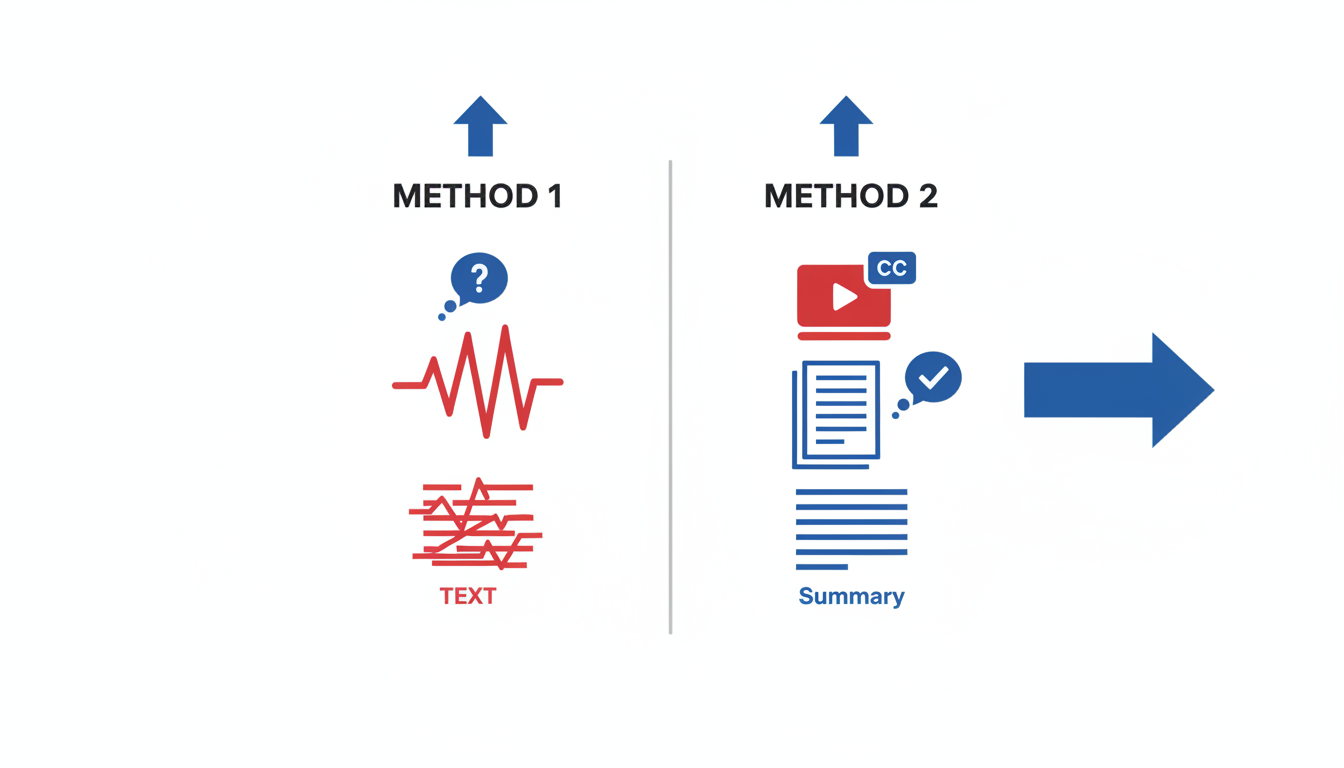
In the bustling world of YouTube, detailed accuracy matters, especially with over 720,000 hours of video uploaded every day. This is where transcript-backed YouTube summaries come into play, offering a superior alternative to AI-only summarizers that risk veering off into inaccuracies.
The Accuracy Edge
When summarizing a YouTube video, the foundation is crucial. Transcript-backed summaries leverage the original spoken text, ensuring every nuance and technical term is captured correctly. By contrast, AI-only summarizers may rely on inferential guesswork, creating summaries that can lack precision. For students needing exact lecture quotes or researchers requiring precise citations, this accuracy is non-negotiable.
Consequences of Non-Transcript-Based Summaries
Relying on non-transcript tools can lead to “hallucinated” takeaways—errors where AI fills gaps with assumptions. Imagine a student revisiting a tutorial only to find that key details have been summarized inaccurately or overlooked entirely. For marketers, misrepresented information can derail campaigns that depend on accurate video repurposing.
Improved Precision with Transcript-Backed Summaries
Let’s say you’re a researcher analyzing a complex panel discussion. Transcript-backed tools can extract speaker-specific dialogue, maintaining clarity and context, which AI-only solutions might muddle. This is vital in discerning who said what, especially in multi-speaker scenarios.
Consider tools like DeepScribe. It doesn’t just transcribe the audio accurately but can provide exportable outputs in formats such as TXT, DOCX, and PDF. This capability is essential when creating study notes or structured citations directly from YouTube content.
For anyone needing reliability, from students to marketers, transcript-backed YouTube summaries offer unmatched precision and context. By anchoring to the original transcript, these tools ensure that you’re not merely summarizing but capturing every crucial element accurately.
Use-Case Mini-Guides: Students, Researchers, and Marketers
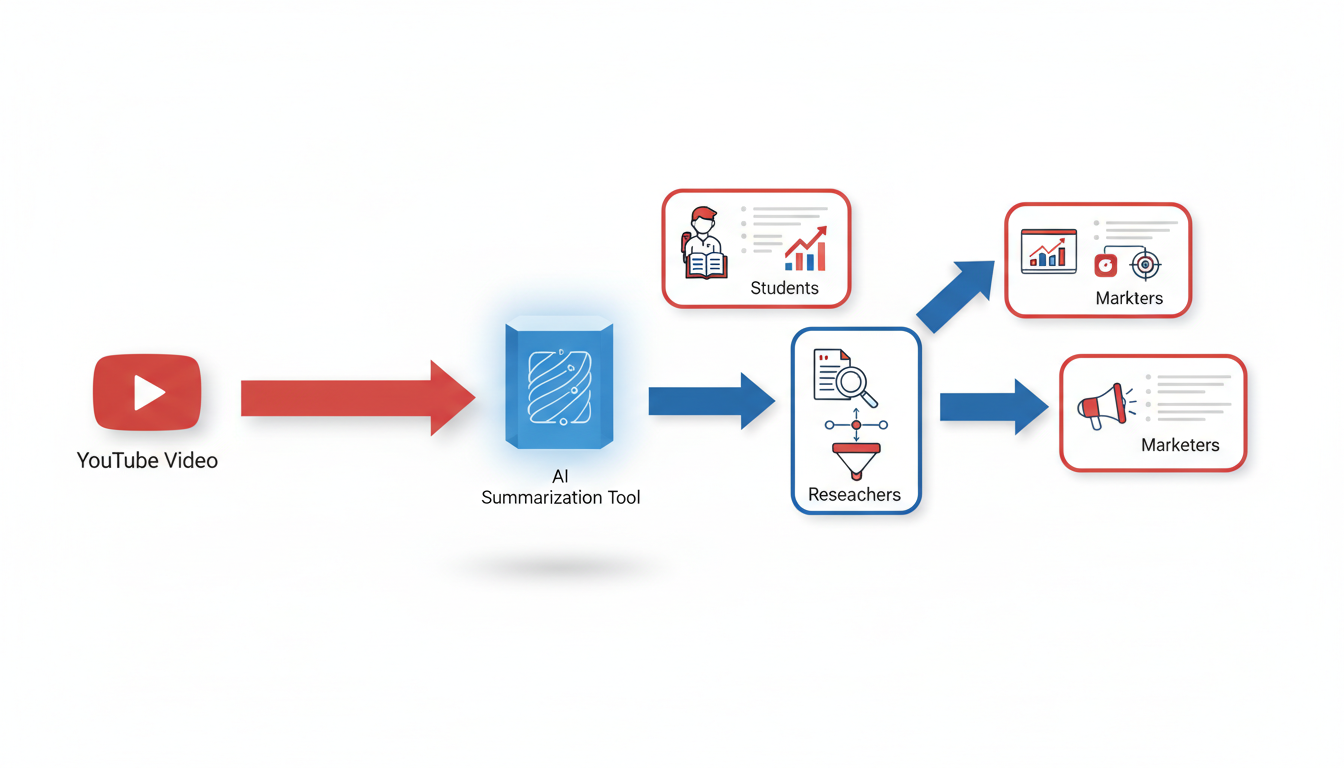
Navigating YouTube for knowledge and content can be overwhelming given the sheer volume of uploads and mobile-first viewing habits. But fret not—our mini-guides for students, researchers, and marketers will streamline turning YouTube videos into actionable insights, reliable notes, and creative content.
Students: Turning Lectures into Study Notes and Citations
For students aiming to convert lectures into comprehensive study notes, AI-powered tools like DeepScribe are indispensable. The process begins with transcribing the lecture using DeepScribe’s AI transcription capabilities, which ensure accuracy with a 99% positioning powered by Whisper.
Transcript Generation: Upload or link to the video file in DeepScribe. The AI automatically generates a speaker-labeled transcript, saving you hours of manual note-taking.
Highlight and Annotate: Use the platform’s annotation tools to highlight key points and add notes. This feature allows you to mark crucial segments, making revisiting the material effortless.
Export and Organize: Export your notes in DOCX or PDF formats, ideal for organizing your study material. DeepScribe also supports SRT export, enabling timed-caption review for those detailed lecture moments.
Key insight: Integrating transcript-backed tools significantly enhances study efficiency—students can focus on understanding concepts rather than scribbling notes.
Researchers: Organizing Talks into Searchable Excerpts
Researchers dealing with stacks of video content know the value of precise, organized information. DeepScribe simplifies this with features tailored for searchable transcripts.
Accurate Transcripts: Start by transcribing the video's audio with DeepScribe to ensure high accuracy even in technical discussions or interviews.
Speaker Labeling: The tool’s speaker detection feature helps you separate dialogues by individual speakers, crucial for maintaining the integrity of complex discussions.
Data Extraction: Utilize search and annotation features to pull out relevant excerpts. You can tag excerpts and export them for inclusion in research papers or presentations.
Key insight: For thorough research documentation, tools that simplify organizing and accessing data provide a substantial edge.
Marketers: Repurposing Videos into Content Assets
Marketers thrive on turning video content into a multitude of assets. DeepScribe empowers marketers to repurpose YouTube content seamlessly.
Transcription to Concept: Begin by transcribing a video into written content. This text acts as a foundation for developing blog posts, newsletters, or social media snippets.
Content Chunking: Use the AI-powered summaries to create concise snippets of information perfect for social media posts or short-form content like YouTube Shorts, which have seen exponential growth with over 70 billion daily views.
Export Flexibility: Export transcripts in various formats (SRT/VTT), invaluable for creating accurate subtitles and captions. This is especially beneficial given that 87.35% of YouTube traffic is mobile, necessitating accessible content.
Key insight: Efficient transcript-based repurposing enhances content reach and engagement, a critical factor when competing against vast platform uploads.
In a world where time is of the essence, leveraging tools that offer accuracy and functionality tailored to specific needs is vital. Whether you’re a student, researcher, or marketer, embracing a transcript-first approach will transform how you digest and utilize video content from platforms like YouTube.
1. DeepScribe — Best for Transcript-First Accuracy and Exports
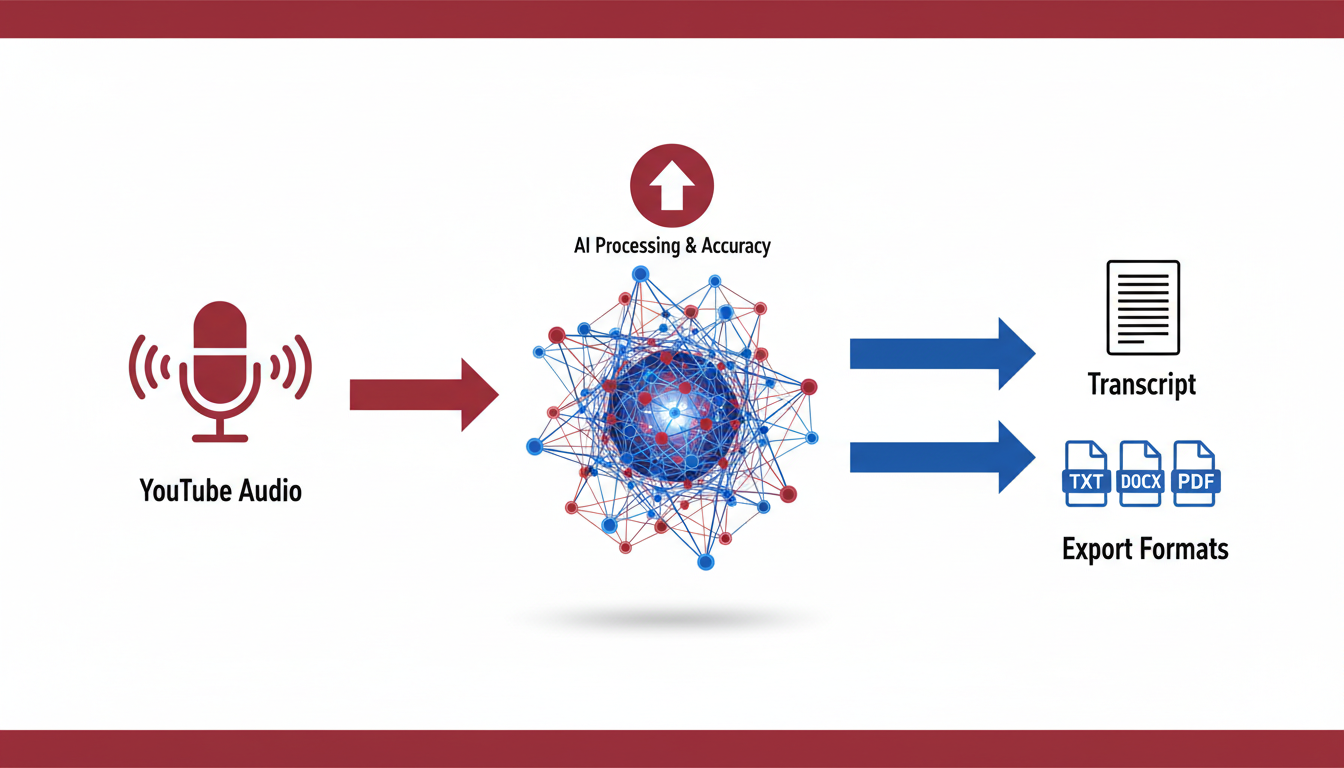
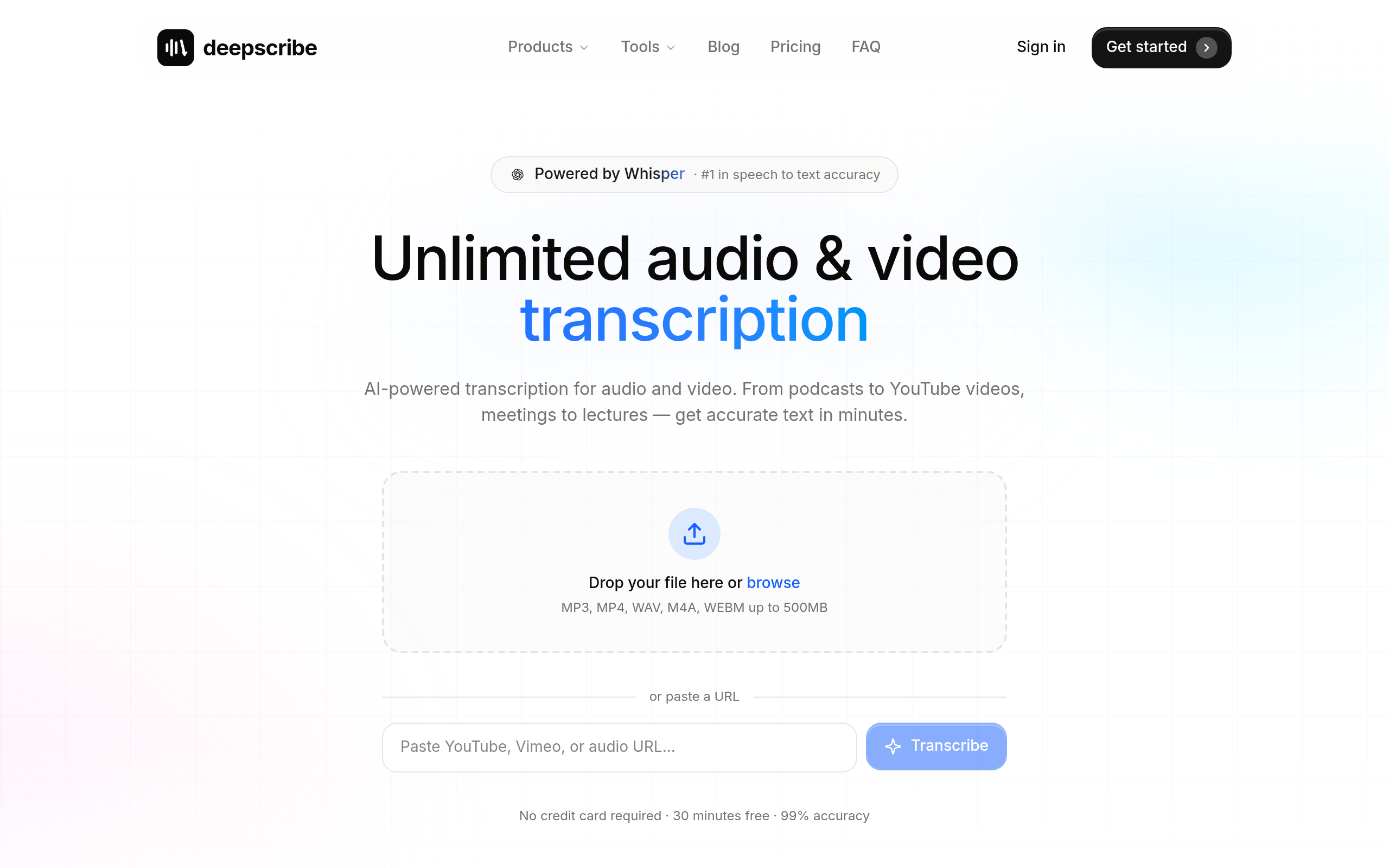
When it comes to YouTube summarizers, DeepScribe stands out as a premier option, especially if you're looking to leverage transcript-first accuracy. This tool is powered by OpenAI’s Whisper technology, ensuring an impressive 99% accuracy, handling accents, background noise, and technical jargon with ease.
DeepScribe's Capabilities
DeepScribe excels at transforming video content into precise, speaker-labeled text rapidly, which is indispensable for those seeking reliable YouTube summaries. It supports a wide array of formats, allowing users to upload directly from popular video platforms, offering comprehensive coverage for both audio and video transcription needs.
The platform’s strength lies in its diverse export options, accommodating any workflow with ease. Whether you aim to produce detailed study notes from YouTube, precise research citations, or marketing content, DeepScribe provides output formats like TXT, SRT, DOCX, PDF, and VTT (varies by plan), making it easy to convert transcripts into usable content.
Strengths and Use Cases
DeepScribe is exceptionally suited for a range of users:
- Students can quickly turn lectures and tutorials into clean, quotable notes, eliminating the need for time-consuming rewatches.
- Researchers benefit from accurate transcription coupled with speaker labeling, facilitating rigorous citation and comprehensive literature reviews.
- Marketers and content teams find immense value in its ability to transform videos into blogs or newsletters seamlessly, with structured summaries and captions ready for production.
Moreover, DeepScribe’s AI-powered summaries go further by surfacing essential points, ensuring you capture the core gist without sifting through pages of text. With DeepScribe, extracting actionable insights and creating polished deliverables is both straightforward and efficient.
Limitations and When Not to Use
While DeepScribe offers extensive functionality, it may not be ideal for those requiring instant results from short videos. Users looking for simple or cursory summarization of short-form content might opt for other tools tailored for quick overviews without detailed transcription.
In conclusion, for anyone who values accuracy and export versatility in their YouTube summarizing tool, DeepScribe is an outstanding choice. Its comprehensive suite of features, including speaker labeling and export-ready document formats, ensures your summaries are both detailed and actionable.
2. Otter.ai — Best for Real-Time Meeting Notes
Otter.ai is a popular choice for those needing real-time meeting notes with a special focus on live transcription and speaker recognition. This tool shines in collaborative environments, providing an interactive platform where team members can review and annotate the meeting transcript as it unfolds. This capability is particularly appealing to teams working across different locations or remotely, where capturing the nuances of spoken interactions is vital.
Otter.ai operates by connecting seamlessly with platforms like Zoom, allowing it to transcribe meetings in real-time. Its AI-driven engine tags speakers and offers keyword highlights, making it easier to navigate through extensive discussions. The live transcription feature ensures that no moment goes unrecorded, offering a practical solution for anyone seeking to summarize YouTube videos or capture key insights from lengthy panel discussions.
One of Otter.ai’s standout features is its emphasis on sharing and collaboration. Unlike many traditional tools, it enables real-time sharing of meeting notes with options for team members to add comments or edits. This fosters a collaborative culture, important for agile teams that rely on quick dissemination of information post-meeting.
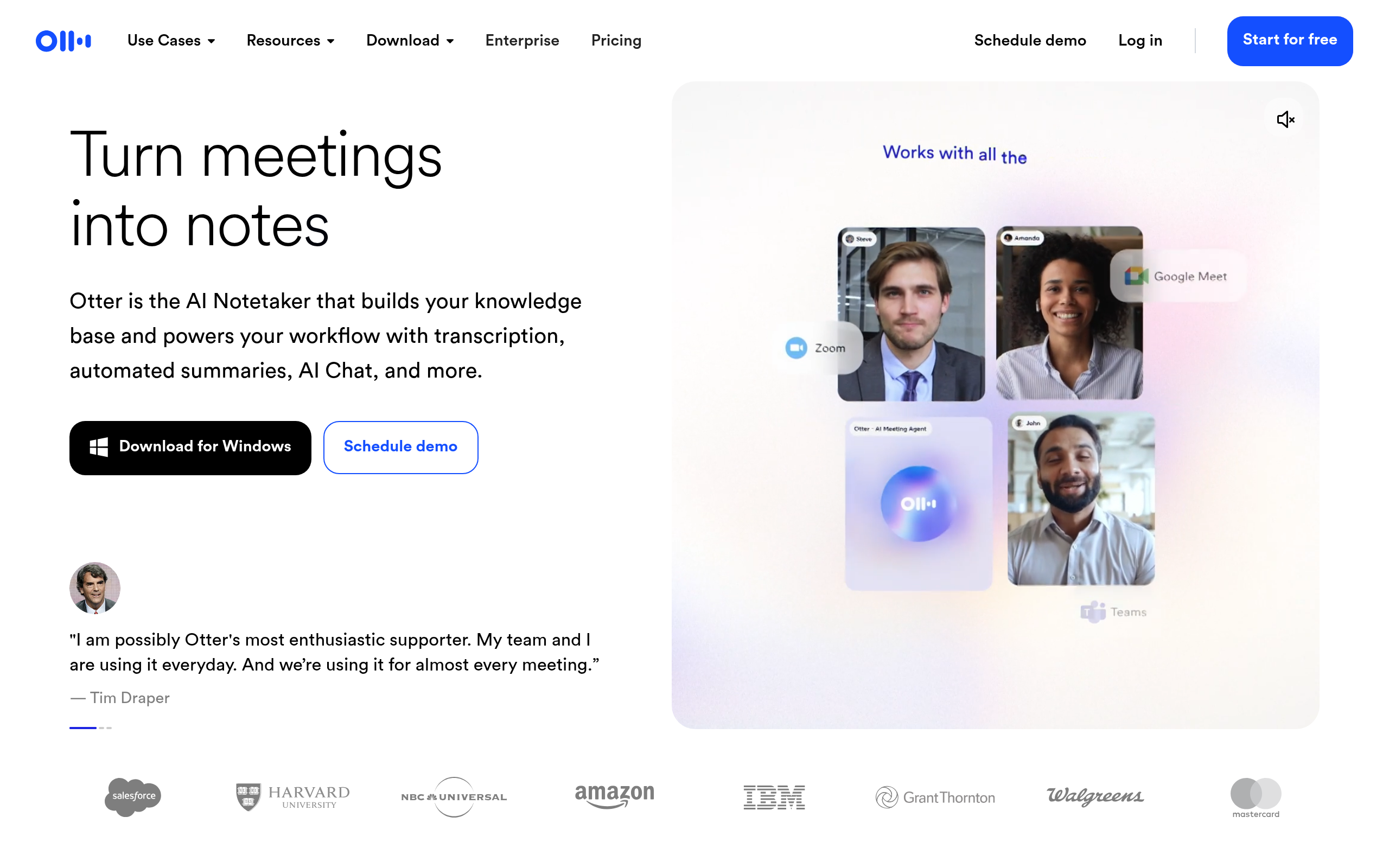
When comparing to other video summarizer AI tools like DeepScribe, Otter.ai holds its ground with these real-time transcription features. However, if accuracy and comprehensive export options such as DOCX, SRT, and more are paramount, DeepScribe might offer a more robust solution, especially for content creators and researchers who need to convert YouTube content into accessible formats. Check out DeepScribe for more details on how it enhances video summarization workflows.
3. Sonix — Best for Advanced Editing Features
When it comes to advanced transcript editing and automation, Sonix stands out, making it an invaluable tool for content creators who require detailed adjustments to their YouTube transcriptions. Unlike other solutions that might focus solely on summarization, Sonix takes transcript-based summarization to the next level by providing robust editing tools that allow for precision and customization.
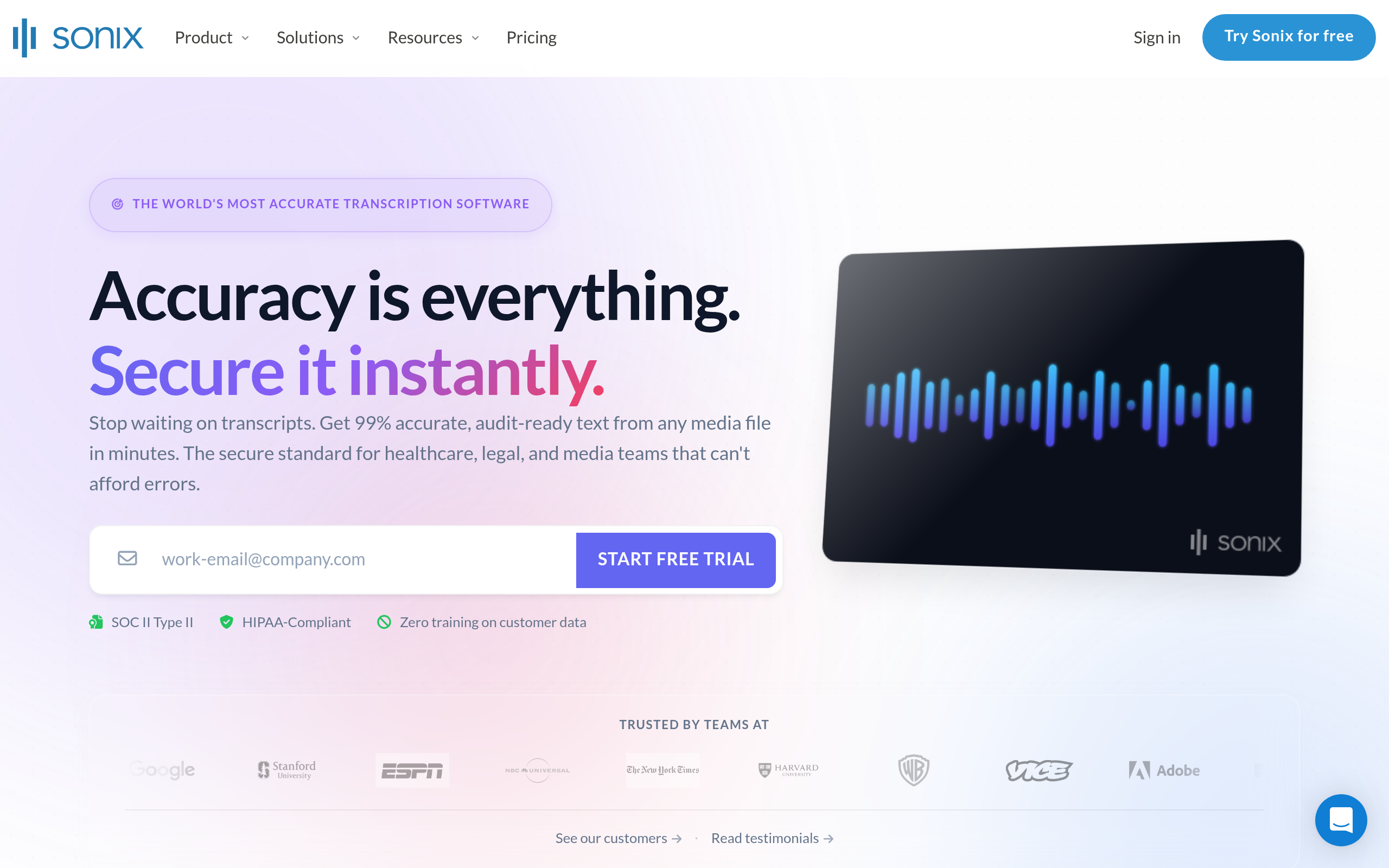
Key Insight: Sonix isn't just about generating summaries; it's about offering a comprehensive suite for managing and perfecting each transcript. This level of detail can be a game-changer for creators aiming to produce polished, repurposable content.
Transcript Editing and Automation
Sonix excels with its AI-powered editor, which allows users to make fine-grained edits directly on the transcript. This capability is particularly useful for YouTube creators who often need to adapt video content for other platforms, ensuring that the information remains accurate and audience-appropriate.
Speaker Labeling: Sonix's automatic speaker identification helps in keeping track of different voices, which is crucial for interviews or group discussions. This feature supports accuracy and clarity, ensuring every voice is rightly attributed.
Automated Features: The platform offers automated timestamp synchronization, which is especially useful when syncing transcripts with video captions, preserving the alignment between spoken words and text.
Export Capabilities and Language Support
For content creators who work with international audiences, Sonix supports multiple languages and offers diverse export options. Whether you need a quick SRT file for closed captions or a detailed DOCX for a script, Sonix has you covered.
Export Formats: Users can choose from a range of export options including TXT, SRT, DOCX, PDF, and more, making Sonix ideal for creators who need flexibility in how they distribute content.
Language Support: With over 30 languages supported, Sonix enables creators to reach diverse audiences, enhancing the global reach of their YouTube videos.
In summary, for creators who prioritize editing precision and workflow automation, Sonix provides a powerful toolset. While several platforms offer summarization, Sonix’s commitment to transcript-editing excellence makes it a compelling choice for detailed content customization.
Decision Matrix: Choosing the Right Tool Based on Needs
Choosing the right YouTube summarizer can feel overwhelming given the plethora of tools available. The key insight here is aligning your needs with the tool’s features, focusing on transcript-backed accuracy, export options, and your specific workflow.
Begin with this comparison table to quickly assess what each tool offers:
| Tool | Best For | Key Features | Limitations |
|---|---|---|---|
| DeepScribe | Comprehensive transcriptions | Transcript-backed accuracy, speaker labeling, DOCX/PDF/SRT/VTT exports | Pricing tiers, limits on free tier |
| Otter.ai | Real-time collaboration | Easy sharing, live transcriptions, cloud syncing | Export options, accuracy varies |
| Sonix | Professional-grade outputs | Supports many formats, automated timestamps | Higher cost, less suited for mobile |
| Other Tools | Niche or specific use cases | Specialized features not covered by above | Potential cost, limited integration |
Each of these tools shines in different scenarios:
Pick DeepScribe for its unparalleled accuracy in transcripts and comprehensive export options like DOCX and SRT, perfect for students and researchers requiring detailed, citation-ready notes. The speaker-labeled transcripts ensure clarity in multi-speaker videos, crucial for capturing academic or professional discussions.
Opt for Otter.ai if your focus is on real-time collaboration and cloud flexibility, making it ideal for team settings where instant sharing and updates are key. This is excellent for marketers who need to quickly draft collaborative content from webinars and meetings.
Choose Sonix if you prioritize high-quality outputs with extensive format support, great for content creators wanting to dive deep into timestamped, professional-grade transcription for long-form videos or podcasts.
Pro Tip: The sheer volume of videos uploaded—or roughly 720,000 hours daily—means finding a tool that can handle bulk processing efficiently, while maintaining accuracy, is essential. DeepScribe, powered by Whisper technology, promises high accuracy even with challenging audio conditions.
When selecting your tool, consider these factors:
- Transcript Quality: Is it backed by a reliable source like Whisper technology? This affects interpretability and reliability.
- Export Needs: Determine if you need outputs like TXT, SRT for captions, or even more detailed DOCX/PDF for drafting reports.
- User Interface & Ease of Use: With 87.35% of traffic on mobile, ensure the interface is mobile-friendly if you often work on the go.
Finally, test out a few tools if possible. Many, like DeepScribe, offer a free tier or trial, enabling you to gauge fit without commitment.
For further exploration on how DeepScribe delivers top precision and extensive features, visit their blog or check their step-by-step guides for using AI in transcription.
FAQs
What is a YouTube transcript summarizer?
A YouTube transcript summarizer is a tool that converts the full transcript of a video into a condensed summary. This can be invaluable given YouTube's staggering scale, with over 2.5–2.7 billion monthly active users and approximately 720,000 hours of video uploaded every day. Summarizers convert lengthy content into digestible notes, ideal for students, researchers, and marketers who need efficient access to core information without watching entire videos.
Why prioritize transcript-backed summaries?
Transcript-backed summaries are essential for accuracy. Unlike tools that rely solely on video metadata or description, transcript-backed solutions ensure that no content details are missed. They help prevent the “hallucination” issue some non-transcript-based summarizers face—drawing incorrect conclusions without proper context. Transcript-based methods provide confidence in the integrity of the summarized information, crucial when handling complex topics or producing quotable notes.
How do I export summaries to various formats?
Exporting summaries is a breeze with DeepScribe, which supports multiple formats like TXT, DOCX, PDF, SRT, and VTT. This versatility allows users to utilize summaries in different ways—whether creating study notes or integrating subtitles into video content. The wide range of export options ensures compatibility with diverse workflows and platforms, providing essential flexibility for users.
Can summaries include speaker identification?
Yes, using tools like DeepScribe, which incorporate speaker detection and labeling, you can create summaries that not only condense content but attribute dialogue accurately. This feature is particularly beneficial in multi-speaker settings like panel discussions or interviews, preserving the context of each speaker's contributions.
For those looking to explore all the benefits of transcript-backed summarization, DeepScribe offers comprehensive solutions tailored for precision and flexibility.
What is the best practice for summarizing YouTube videos?
Start with a transcript-first workflow. Import the video’s transcript into a reliable summarizer like DeepScribe. This ensures your summary accurately reflects the content without missing critical details. Use the export feature to format your summary as needed, making it ready for sharing or further analysis. This method not only saves time but guarantees a higher level of accuracy and reliability.
For more insights on transcription and summarization workflows, visit the DeepScribe Blog for practical guides and tips.
Frequently Asked Questions
How do YouTube summarizers work?
They use AI to create condensed versions of video content, often leveraging transcripts for accuracy.
What is the most accurate YouTube summarizer?
DeepScribe is regarded for its high accuracy due to its transcript-backed approach.
Can I export summaries to document formats?
Yes, many tools like DeepScribe offer exports in formats like TXT, DOCX, PDF.
Why choose transcript-backed summaries?
They offer higher accuracy and reliability compared to summaries using only AI.
Are these tools mobile-friendly?
Yes, with mobile traffic dominating YouTube, most tools cater to mobile users.
Final Thoughts
In a world where time is of the essence, having the right tool to summarize YouTube content can make all the difference. Here's a quick recap of our key takeaways:
- Accuracy is key: If precision is your priority, a transcript-backed workflow is essential.
- Export flexibility matters: If your focus is on output formats like PDF, DOCX, SRT, or VTT, ensure your tool supports these seamlessly.
- DeepScribe’s advantage: With its exceptional accuracy powered by OpenAI’s Whisper and extensive export options, DeepScribe stands out as a reliable choice for both accuracy and flexibility.
Now that you're informed, dive deeper into the world of transcript-based solutions by exploring DeepScribe. Additionally, check out our internal guide on transcribing YouTube videos for more insights.
Here's a simple checklist to apply today:
- Determine your summary needs (accuracy vs. export options)
- Choose a tool that aligns with your priorities
- Experiment with a few options to find your best fit
Start enhancing your YouTube workflow, and enjoy effortless, accurate summaries!
Written by

DeepScribe Team
Content Team
The DeepScribe content team shares insights on audio transcription and AI technology.
Related Articles
Continue reading about this topic
9 Best Tools for YouTube Summaries (Fast + Accurate)
Explore 9 top YouTube summarizer tools, focusing on how transcript quality impacts accuracy and usability. Discover why DeepScribe is the best choice.

DeepScribe Team
March 20, 2026 · 22 min read · 4,270 words